






Custom JavaScript in Webflow tends to scatter. Snippets end up split between site settings and page settings, with more of them buried in Code Embed elements. Vanilla scripts need query selectors to reach elements and self-invoking wrappers for async work. Tracking shared state across elements, and re-rendering content when that state changes, needs an added tool.
FlowScript adds a state system and element-level actions on top of that custom code layer. You bind element properties like textContent or backgroundColor to state variables, and dependent elements re-render when values change. Action scripts call external APIs and load content without a page reload, so static Webflow pages start behaving like interactive apps.
This integration fits designers and developers who want app-like behavior in Webflow without adopting a separate framework or build pipeline. Agencies managing custom code across many client sites get one place to keep it. The core audience is teams building dashboards and interactive forms, often on top of Airtable.
How to integrate FlowScript.dev with Webflow
What is FlowScript? FlowScript is a JavaScript code editor and plugin built specifically for Webflow. It adds reactive rendering and event actions attached to elements, backed by a key-value state system that updates elements when state changes. Scripts support async/await directly, so loops, conditional rendering and calls out to an external API all live in the same action. Its Marketplace listing ships both an OAuth application and a Designer extension, so its action interface runs inside Webflow rather than in a separate tab.
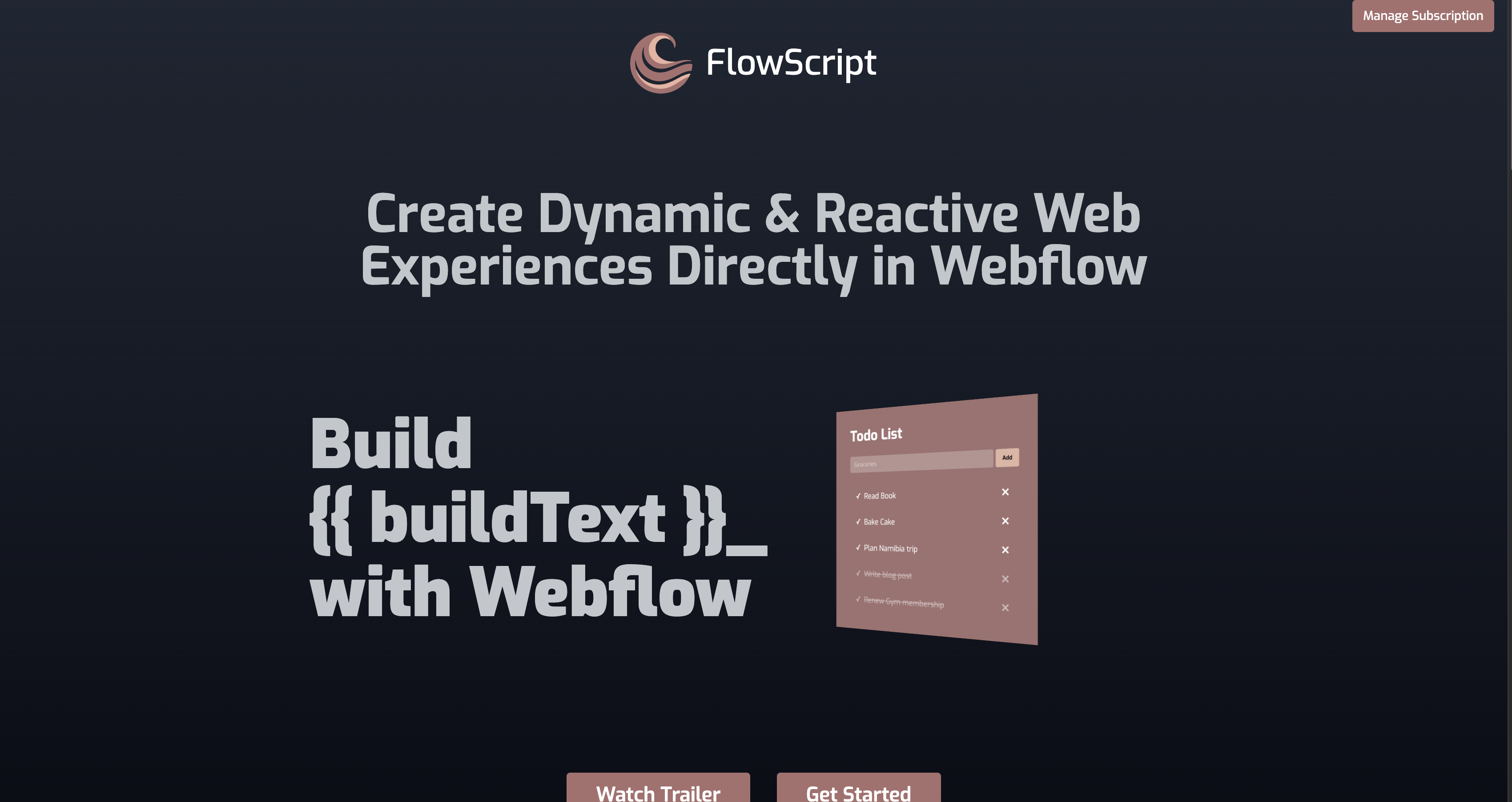
Teams reach for FlowScript when a site needs behavior that native Webflow interactions do not cover. The official demos include a calculator app, a todo app, a weather widget, and a Tiny Reddit clone backed by Airtable. Each one runs entirely inside Webflow through the custom code layer.
Most setups pair the Marketplace app with site-wide custom code, and script management at scale runs through Webflow's own tooling rather than anything FlowScript exposes:
- The FlowScript app handles installation and authorization from the Webflow Marketplace without writing code.
- Site-wide custom code activates FlowScript on every page and lets you attach actions to elements.
- Webflow's MCP server and Data API register, apply and audit the script itself across one site or many.
The first two cover almost every implementation. The third matters once you are managing script deployment across a portfolio of sites, and it is the half an AI agent can drive for you.
Install the FlowScript app
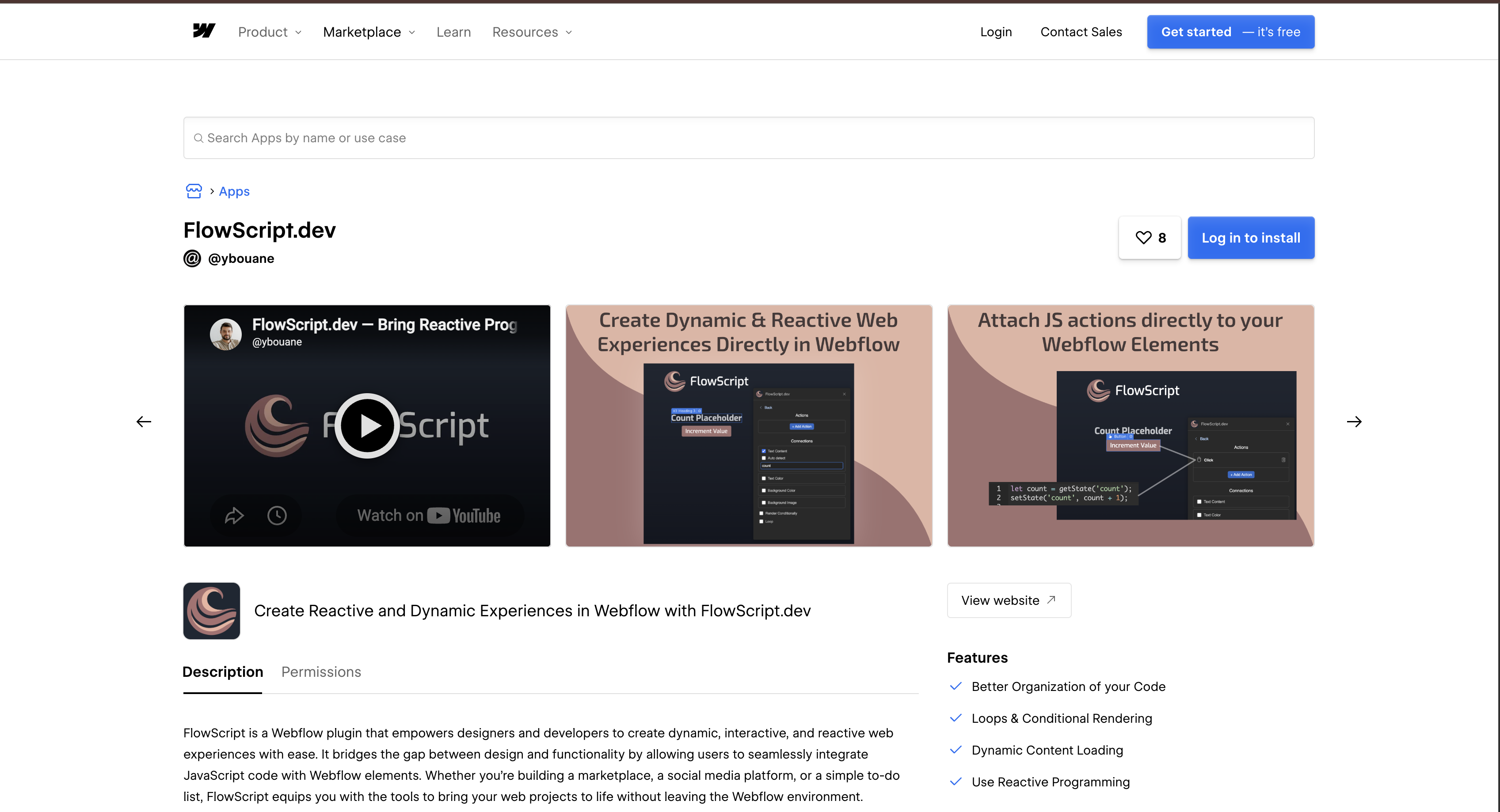
The FlowScript listing on the Webflow Marketplace is the starting point for most setups. It is marked Approved by Webflow and published by the @ybouane Workspace, the same developer behind flowscript.dev, whose site names Montreal as its home. Installation follows the standard Webflow Apps flow and takes a few minutes. You need edit access to the sites where you want it.
To set up the integration:
- Open the FlowScript listing from the app button on this page and sign in to install it.
- Select the Workspace or the sites where you want the app. FlowScript supports Workspace-level installation, so one authorization can cover several sites.
- Authorize the six scopes it requests, then open FlowScript from the confirmation Webflow shows you.
- Follow FlowScript's instructions to add its script to your site.
Once authorized, the app covers the four capabilities its listing advertises:
- Better organization of your code: every action lives against the element it belongs to instead of in a growing pile of embeds.
- Loops and conditional rendering: repeat an element over a state collection, or show and hide it based on a state value.
- Dynamic content loading: pull fresh content into the page from an external source with no reload.
- Reactive programming: bind element properties to state variables so a single
setStatecall updates everything bound to it.
Those capabilities only reach the published site once FlowScript's script is loading on it, which is the next step. Worth knowing before you authorize: the custom_code:write scope lets the app write to your site's script configuration, so treat it as you would any other write-scoped app and keep the revoke path in mind.
Activate FlowScript with site-wide custom code
FlowScript runs as a client-side script loaded from your site settings. Per its own setup guide, embedding the script at the project level enables FlowScript across every page of the site. Custom code is plan-gated, so you need an active paid Site plan or a Core, Growth, Agency, or Freelancer Workspace. After the script loads, you define behavior on individual elements directly in Webflow.
Embed the FlowScript script in site settings
The script is site-specific and comes from FlowScript's authenticated install flow, which signs you in with your Webflow account first. What it hands back is a small loader that pulls the FlowScript runtime from flowscript.dev.
To embed the script:
- Sign in through the FlowScript install flow to get the script for your site.
- In Webflow, open Site settings > Custom code.
- Paste the script into the Head code or Footer code section and click Save changes. Each section holds up to 50,000 characters.
- Publish the site. Custom code effects show in preview mode, but they do not go live until you publish.
FlowScript's documentation does not state whether the script belongs in the head or the footer, so follow whatever its install flow shows you rather than guessing. With the script live, the rest of the work happens on individual elements.
Attach actions to Webflow elements
You attach event-driven actions to elements without writing query selectors. FlowScript's workflow runs inside Webflow's canvas, and its documentation covers the state functions those actions use.
To add an action:
- Select the target element in Webflow.
- Define the event-triggered behavior in FlowScript's action interface. Documented events include
clickandsubmit. - Use
getState('variableName')to read state andsetState('variableName', 'New Value')to update it and re-render dependent elements. - Preview the page to check the interaction before you publish.
Inside every action, this refers to the element that triggered it and event exposes the JavaScript Event object. The Element Rendered action fires when an element first renders or re-renders after a state change, a lifecycle hook with no direct vanilla JavaScript equivalent. That hook is what makes the next pattern, fetching data and painting it into the page, straightforward.
Call external APIs from FlowScript actions
FlowScript actions call external REST APIs straight from the browser, with no backend of your own. The weather widget demo calls a third-party API and builds a working widget inside Webflow, and the Tiny Reddit demo uses Airtable as its data store. Because async/await works directly in action scripts, you skip the self-invoking wrappers vanilla embeds usually need.
To wire an external API into a page:
- Attach an action to an element, such as a
submitaction on a Webflow form. - Call the external API with
async/awaitinside the action script. - Store the response with
setStateso every bound element re-renders with the new data. - Loop-render the collection to list the results, the way the Tiny Reddit demo lists posts and comments.
One honest limit: the API key you use lives in client-side code, so this pattern suits public or read-scoped endpoints. Anything that needs a secret still belongs behind a server you control.
Manage the FlowScript script with MCP and the Data API
FlowScript publishes no REST API or webhooks of its own, so everything programmatic here happens on the Webflow side. Webflow's MCP server reads and writes site and page level custom code and manages registered scripts, which is exactly the surface FlowScript occupies. For an agent, that means you can ask it which sites are running the FlowScript loader and where, instead of opening each site's settings by hand.
The MCP data tools reference lists the script actions an agent gets: get_registered_scripts and get_site_scripts to audit what is registered and applied, add_site_script and remove_site_script to change it, and get_site_freeform_code to read the head and footer blocks where a pasted FlowScript loader would sit. This is the governance half of the integration: one authorized agent can report which client sites carry which scripts, without anyone touching a site's settings.
The same operations are available over the Data API v2 if you would rather build them into your own tooling. Registering a script and applying it are two separate calls, and conflating them is the usual first mistake:
- Register first: register a hosted script against the site, supplying its location, integrity hash, version and display name, then keep the id it returns.
- Apply it to the site: the site custom code endpoint takes registered script ids and attaches them site-wide, and it takes none of the fields you sent when registering.
- Or apply per page: the page custom code endpoint puts a registered script on individual pages instead of the whole site.
- Audit what is there: the registered scripts endpoint returns everything registered to a site, up to a ceiling of 800 scripts.
- Mind the inline cap: a registered inline script is limited to 2,000 characters, a separate and far smaller limit than the 50,000 the head and footer fields accept.
Both routes need a Data Client app: the custom code scopes are available to Data Client apps only, and site tokens cannot reach these endpoints. That is the same scope pair FlowScript itself asks for at install, which is a useful way to read what the app is doing on your behalf.
What you can build with the FlowScript Webflow integration
Integrating FlowScript with Webflow adds state-driven, app-like behavior to your pages without moving to a separate JavaScript framework or build pipeline. The builds below all come from FlowScript's own documented demos and guides.
- Live data dashboards: FlowScript refreshes content in place with no page reload, and its guide names live scoreboards and real-time user dashboards as target builds.
- Airtable-backed web apps: the Tiny Reddit demo pairs FlowScript with Airtable to handle post creation and threaded comments inside a Webflow site.
- Interactive forms: attach a
submitaction that triggers an animation or an API call the moment a visitor submits a Webflow form. - External API widgets: the weather widget demo fetches from a third-party API and renders the result directly in Webflow, logic included.
If Airtable is your data source, our guide on how to display Airtable data in Webflow covers the CMS-side alternative worth weighing first. And once you are running FlowScript on more than one site, connect Webflow's MCP server to your AI tool and let it apply custom code to pages for you, so script management stays auditable instead of manual.
Frequently asked questions
You need an active paid Site plan, or a Core, Growth, Agency, or Freelancer Workspace. FlowScript loads through Webflow's custom code fields, and those fields sit behind that gate, so a site on a free Starter Workspace with no Site plan cannot reach them. Custom code is listed as a plan feature on Webflow's pricing page. FlowScript bills separately from Webflow: its own plans are priced by how many Webflow sites they cover, and each tier opens with a free trial.
No. FlowScript is a third-party app published by the
@ybouaneWorkspace and reviewed through the Marketplace approval process. Its listing status is Approved, and it carries the standard disclaimer: "Webflow has reviewed this app to ensure high quality site development. We do not endorse or certify these apps."Yes. Custom code effects, FlowScript behavior included, appear in preview mode, but they do not go live until you publish the site. That holds for every custom code surface in Webflow, so build and test your actions in preview, then publish once the interaction behaves the way you want.
No. FlowScript exposes nothing for an automation platform to connect to: its documentation describes only browser-side state functions, and it publishes no webhooks or REST API for a generic HTTP module to call. There is no FlowScript connector listed on Zapier or n8n. Webflow's own Zapier integration covers Webflow-side events and operations, such as a new form submission or creating a Webflow CMS item, and none of those route into FlowScript. Every FlowScript action runs client-side in the visitor's browser.
FlowScript requests six Webflow OAuth scopes:
authorized_user:read,custom_code:read,custom_code:write,pages:read,pages:write, andsites:read, listed under Permissions on its Marketplace listing. The custom code pair is what lets the app place and manage its script for you. To audit that later, view what a site has authorized under Site settings > Integrations > Authorized apps, and revoke access from Site settings > Apps and integrations. Revoking leaves any elements the app added in place, while the custom code it added is removed at your next publish.

Description
Connecting FlowScript with Webflow adds reactive state and element-level JavaScript actions to your pages, with content that updates live from an API. Install the Marketplace app, activate it with a site-wide custom code embed, then manage the script through Webflow's MCP server or the Data API.
This integration page is provided for informational and convenience purposes only.

xAttribute

Typed.js
Connect Typed.js, a JavaScript typing animation library, with Webflow to add animated rotating headlines using Code Embed elements and CMS-driven strings.

Typed.js
Connect Typed.js, a typewriter animation JavaScript library, with Webflow to animate text that types, backspaces, and cycles through multiple strings on any page.

Sweet Text by Finsweet

Scrollbar Styler by Finsweet
Style Webflow scrollbars visually with Finsweet's free CSS generator, paste the code into your site, and add the standard properties for full browser support.

React

One2 Menu
Paste a One2 Menu snippet into Webflow and your restaurant menu stays current from the One2 dashboard.

MathJax
Connect MathJax, an open-source math display engine, with Webflow to render LaTeX equations as typeset formulas with built-in accessibility, screen reader support, and cross-browser consistency.

Listen Notes
Connect Listen Notes, a podcast search engine and API, with Webflow to embed episode players, add podcast search, and populate CMS collections with episode metadata from 3.7 million+ podcasts.
Related integrations
Get started for free
Try Webflow for as long as you like with our free Starter plan. Purchase a paid Site plan to publish, host, and unlock additional features.
