






Finsweet Class Adder
Add and remove CSS classes on Webflow elements on click, hover, scroll, or page load using a script generated by Finsweet's Visual Builder.

Swapping a whole CSS class at runtime normally takes JavaScript, and a single class can carry dozens of style rules at once. Finsweet Class Adder writes that JavaScript for you from a visual form, so a designer can toggle a class without opening a code editor. It is a legacy tool: Finsweet no longer lists it among its current products, and the demo site has not been republished since December 2023.
The script still works, because it compiles down to ordinary querySelectorAll and classList calls with no dependency on a hosted service. That is why this page is written for teams who already run it: freelancers and agencies maintaining older client sites, and in-house teams who inherited a Webflow build with the block already pasted into the footer. For anything new, reach for Webflow's native interactions first.
How to integrate Finsweet Class Adder with Webflow
What is Finsweet Class Adder? Class Adder is a code generator, not a library you load. You describe a trigger class, a target class, and the class to add or remove, and it hands back a self-contained block of JavaScript that you paste into your site's custom code. Nothing is fetched at runtime and no attributes are read off your elements.
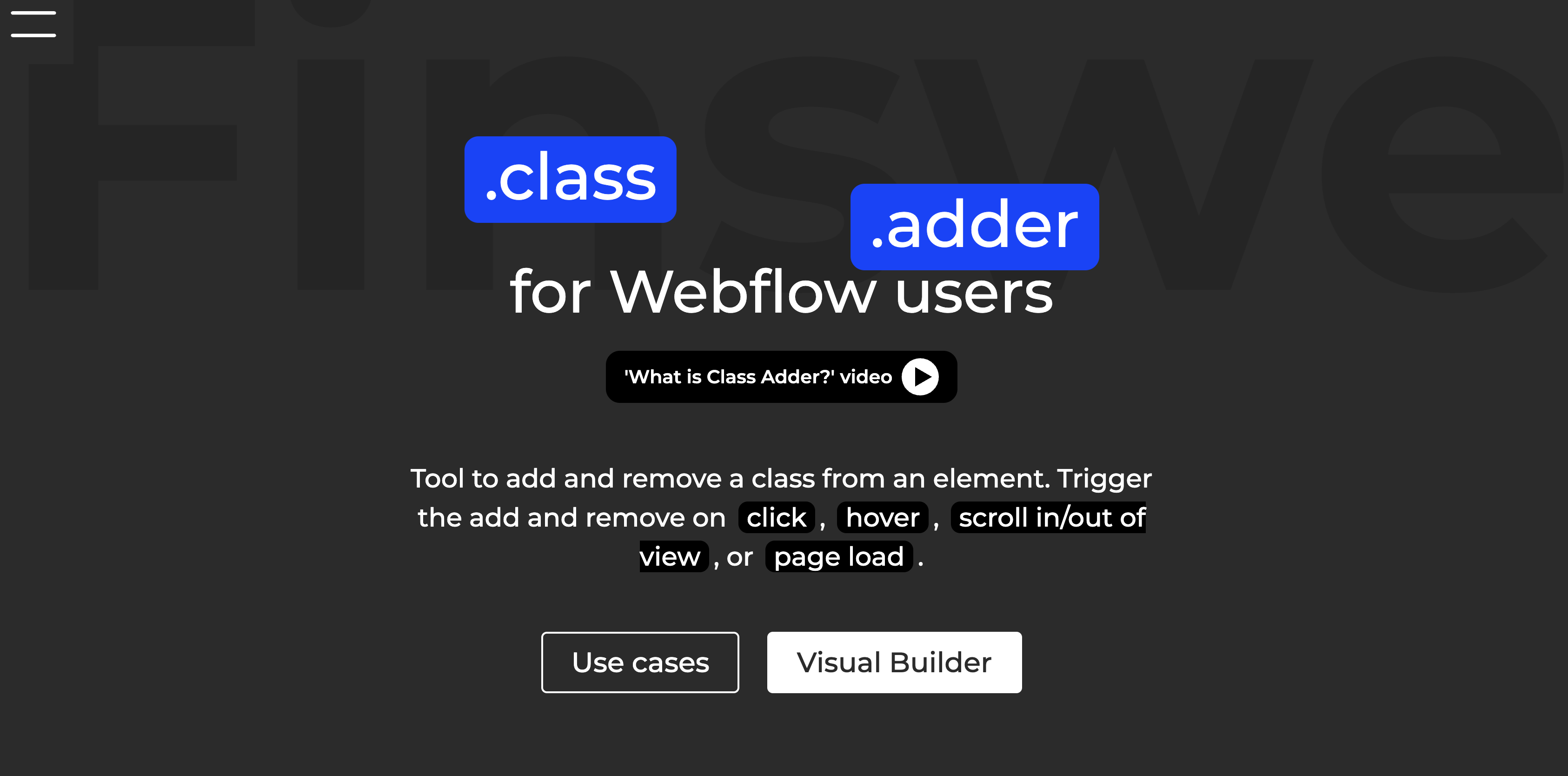
Teams reach for it when a state change touches many style properties at once, since a class can hold a large block of styling that one trigger then applies. Pinning a video after a trigger scrolls away, locking body scroll behind a modal, switching a listing from list to grid, or changing a site's theme all fit that shape. Each one is a class toggle, and the styling stays in Webflow where designers already manage it.
There are two ways to get the script onto a site. Most people paste it by hand through the Visual Builder, which is the only interface Finsweet ships for configuring it. Agencies running the same block across a fleet of client sites can instead push it with the Webflow Data API custom code endpoints, which trades the visual step for server-side development.
Paste the Visual Builder script into custom code
The Visual Builder is a form: you name a trigger class or ID, pick how it fires, then add one or more target pairs saying which class goes on or comes off which elements. The output includes commented code if you leave that option on, so a teammate can read what each block does a year later. Finsweet's demo site walks the same flow through six worked examples with a video for each. The block goes into Webflow's head and body code, not into a Code Embed on the canvas.
To set up the integration:
- Open the Visual Builder and enter the class or ID that acts as your trigger.
- Choose how it fires: click, hover, scroll into or out of view, or page load.
- Set the target class or ID, choose which matching elements it affects, and name the class to add or remove.
- Click Copy Javascript Code.
- In Webflow, go to Site settings > Custom code, paste into the Before
</body>tag field, then publish and test on the live domain.
The Visual Builder covers these configurations:
- Click: separate actions for the first click and the second click, which is what makes a two-state toggle possible.
- Hover: separate actions for hover in and hover out.
- Scroll: scroll into view and scroll out of view, with a root element and a threshold controlling how much of it must be visible.
- Page load: applies a class as soon as the page renders.
- Scope: all elements with the target class, or only the children, parents, or siblings of the trigger. Page load offers the all-elements and siblings options only.
One trigger can hold several target pairs, which is how a full dark mode swaps a list of classes across a list of elements in a single click.
Add page-level code for iOS scroll lock
Locking body scroll behind a modal needs an extra page-level snippet on mobile Safari, which Finsweet publishes on the scroll control demo rather than in the generated output.
To add the iOS code:
- Copy the page-level snippet from Finsweet's scroll control demo.
- In Webflow, open the page that holds the modal and go to Page settings > Custom code > Before
</body>tag. - Paste the snippet, save, and publish.
The snippet stays scoped to that page, so pages without a modal load only the site-wide script.
Understand what the generated script does
Reading the output matters more here than on most integrations, because the script is the whole product and it hardcodes your class names. A click rule resolves to a querySelectorAll over the trigger class, a click listener on each match, and a classList.add or classList.remove against the targets. A scroll rule uses an IntersectionObserver with the threshold you set. Everything runs once on DOMContentLoaded.
Four consequences follow from that shape, and they explain most of the questions people bring to the forum:
- Renaming a class breaks it silently. The class names live inside the pasted script, not on your elements, so Webflow will not warn you and nothing throws an error.
- Elements added after load are not covered. Listeners are bound once, so content that arrives later, including a further page of a paginated Collection List, has no listener attached.
- State does not persist. A class toggle lives in the DOM and nowhere else, so a theme switch resets on navigation unless you store it yourself, which one forum thread records without a resolution.
- It does not coexist with CMS Filter. Finsweet support has said the two libraries were not designed to run on the same page, in this thread.
None of these are bugs so much as the cost of a generator that writes static code, and they are the main reason to prefer native interactions on a new build.
Build with the Webflow Data API
Teams running Class Adder across many sites can register and apply the script through the Data API custom code endpoints instead of opening each site. Class Adder itself exposes no API, SDK, webhook, or callable global, so the API work is all on the Webflow side: you are deploying a text blob, not integrating with a vendor.
The deployment path uses the custom code endpoints. Two neighbouring endpoint groups are worth knowing about because they bracket the same workflow:
- Custom code endpoints register a script against a site and then apply it to that site or to a single page.
- Collection items endpoints cover the CMS content whose shared classes the script will later act on.
- Webflow webhooks send a
site_publishevent your backend can use to confirm a deploy actually landed. - Styles and the classes themselves stay out of reach, since the Data API does not manage them. You are deploying the behaviour, not the CSS it depends on.
Access is gated: the custom code endpoints need a bearer token from an OAuth code grant with the custom_code:write scope, so a site token will not do, and Webflow documents app development as available on Team and Enterprise plans.
Register the script and apply it site-wide
Every deployment call goes to the base URL https://api.webflow.com/v2, and registering is a separate step from applying.
To deploy the script programmatically:
- Register the generated JavaScript as an inline script with
POST /v2/sites/{site_id}/registered_scripts/inline. - Apply the registered script with
PUT /v2/sites/{site_id}/custom_code, or withPUT /v2/pages/{page_id}/custom_codefor the page-level iOS snippet. - Read back what is attached with
GET /v2/sites/{site_id}/custom_code. - Publish with
POST /v2/sites/{site_id}/publish.
A site can hold a maximum of 800 registered scripts, so one shared Class Adder block per site sits far inside that ceiling. Inline scripts are limited to 2000 characters, which a multi-trigger dark mode block can approach, so check the length before you register it.
Confirm the deploy with the site_publish webhook
The site_publish payload carries siteId, publishedOn, domains, and publishedBy. That is enough to log which client site received the update and when.
To receive the event:
- Create a webhook subscribed to
site_publishand point it at your endpoint. - Verify each
POSTusing thex-webflow-timestampandx-webflow-signatureheaders; the signature is a SHA-256 HMAC. - Match
siteIdin the payload against the site you deployed to and record the result.
A failed delivery is retried up to three more times at ten-minute intervals. After that Webflow deactivates the webhook and emails you, so a silent deploy pipeline can stop reporting without anyone noticing.
What you can build with the Finsweet Class Adder Webflow integration
Each pattern below maps to a styling state you have already defined in Webflow, which is the point of the tool:
- Sticky video player: A scroll trigger adds
.fixed-videoto.video-containerwhen.video-triggerleaves the viewport, so a product demo follows the reader down a long landing page. - Modal with body scroll lock: A click on the modal opener adds
.no-scrolltobody. The page-level iOS snippet closes the mobile Safari gap so the page behind a signup modal stays put. - Dark mode toggle: One trigger adds and removes a list of classes across several elements on first and second click, giving a documentation site a theme switch without duplicating pages.
- List and grid view switch: A click adds or removes
.grid-viewacross multiple target classes, so a portfolio built on a Collection List flips between a text list and a card grid.
All four are class toggles against styling that already lives in Webflow CMS content or static elements. If you are deploying this across a fleet of client sites rather than one, read our guide to applying custom code through the Data API, and connect the Webflow MCP server so an agent can audit which sites still carry the block.
Frequently asked questions
No. Finsweet no longer lists Class Adder among its current products, and the demo site has not been republished since December 2023. For a new build, use Webflow's native interactions, or Finsweet Attributes where an attribute-driven solution exists. Keep Class Adder only on sites where the generated script is already in place and working.
No. Class Adder has no Marketplace listing, so there is nothing to install: you paste the generated script into custom code yourself. Finsweet does publish other Webflow apps, including Finsweet Components and the Finsweet Extension, but neither carries Class Adder's features.
No, and the reason is structural rather than a gap in those catalogs. Class Adder produces a block of browser JavaScript that runs on your published page. It has no hosted service, no API, and no account, so there is nothing for an automation platform to authenticate against or call. Zapier, Make, and n8n can act on Webflow itself, creating CMS items or reacting to form submissions, and none of that touches Class Adder.
Yes, because it targets CSS classes rather than individual elements. Collection List items all carry the same classes, so one generated rule applies to every item in the list. Two limits from the Finsweet forum apply: a class-based state resets when a visitor moves to another page of a paginated Collection List, and Finsweet support has said Class Adder and CMS Filter were not designed to run on the same page. Neither thread records a fix.
Generate it in the Visual Builder linked above, and use the demo site to see six worked examples with a video walkthrough for each. You can also clone the Class Adder cloneable to inspect a finished setup inside Webflow. For questions the demos miss, Finsweet points people at the Finsweet forum. Two older addresses are dead ends:
classadder.webflow.ioandclassadder-howto.webflow.ioare blank pages that forward to hostnames which no longer resolve, and the Visual Builder still links the second one.
Description
Adds and removes CSS classes on Webflow elements on click, hover, scroll, or page load. Finsweet's Visual Builder generates a standalone JavaScript block that you paste into your site's footer custom code. Finsweet no longer lists Class Adder among its current products.
This integration page is provided for informational and convenience purposes only.

Claritee
Send approved Claritee wireframes into Webflow as editable layouts, then spend your time on styling instead of rebuilding sections.

Flowbase Boosters
Add typewriter text, count-up stats, countdowns, and image sliders to Webflow with Flowbase Boosters: free attribute-driven scripts, no JavaScript to write.

Better Shadows
Better Shadows generates layered CSS box-shadow values and applies them to Webflow classes in one click, for depth you would otherwise tune layer by layer.

gFLUO
Connect gFLUO with Webflow to apply GSAP text animations from the Apps panel, with no JavaScript required.
Flowmonk
Flowmonk syncs Webflow CMS data to Airtable, letting you manage content in Webflow while using Airtable's database features for analysis, collaboration, and automation.

Flowtrix Schema
Connect Flowtrix Schema, a no-code structured data app for JSON-LD markup, with Webflow to add Google-compliant schema to static and CMS pages without code.
Arvow
Timeline
Timeline provides chronological content infrastructure for Webflow sites without requiring custom development.

Azwedo
Install Azwedo's approved Webflow apps to add icon libraries, AI-written copy, prebuilt components, and SVG editing inside Webflow.
Related integrations
Get started for free
Try Webflow for as long as you like with our free Starter plan. Purchase a paid Site plan to publish, host, and unlock additional features.
