






Flowtrix Schema
Connect Flowtrix Schema, a no-code structured data app for JSON-LD markup, with Webflow to add Google-compliant schema to static and CMS pages without code.

Flowtrix Schema is a native Designer app that generates valid, Google-compliant JSON-LD and injects it straight into the page head. Fill in a pre-built schema form, map fields to your CMS collections, and click publish. No hand-written markup, no syntax errors, no custom code to maintain across CMS-driven pages.
That makes it a fit for technical SEO managers, marketing teams, and agencies running client work through an Enterprise Certified tool. Marketers ship structured data without developer help, and SEO managers get syntactically correct schema across blogs, product catalogs, and other CMS-heavy sites, unlocking rich results like featured snippets, star ratings, and knowledge panels.
How to integrate Flowtrix Schema with Webflow
What is Flowtrix Schema? Flowtrix Schema is a no-code structured data app that adds JSON-LD schema markup to your pages. It supports 9+ schema types, including Organization, FAQPage, Article, SoftwareApplication, Service, LocalBusiness, BreadcrumbList, Product, WebApplication, Reviews, Website, and SaaS Schema. It maps schema fields to CMS fields. Every CMS item then inherits the correct structured data automatically.

Reach for Flowtrix Schema when you want rich search results but do not want to hand-write JSON-LD. It matters most on CMS-heavy sites, where schema needs to scale across hundreds of blog posts or product pages without manual code editing per item. It also helps when the native schema field falls short, since that field does not support Reference, Multi-reference, or Multi-image Collection fields.
Most implementations use the Flowtrix Schema app, since it covers both static and CMS pages without code. The Code Embed and custom code entry points let you paste JSON-LD manually into any page or bind it to CMS Collection fields. If you prefer programmatic control, use the Data API to inject and update JSON-LD and manage CMS content, though that path requires server-side development.
Install the Flowtrix Schema app
The Flowtrix Schema app is the primary no-code method for adding structured data to your site. It works inside the Designer without an external platform or a code-editing workflow. Use it when you need valid schema without touching custom code. Agencies can follow the same workflow. The Marketplace listing shows a "Free plan available" tag and a note that the app has been reviewed for site development quality.
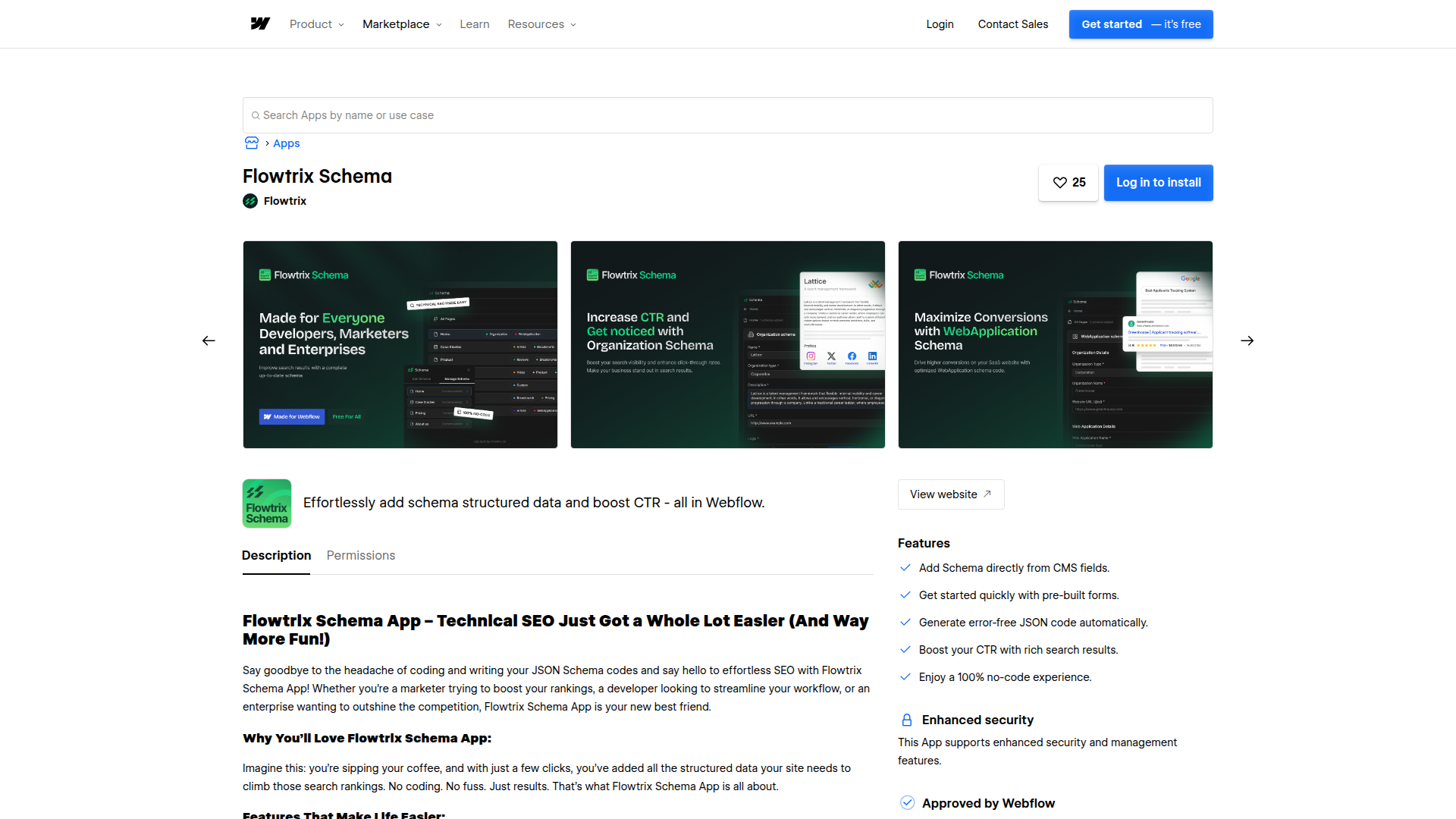
To set up the integration:
- Go to the Marketplace and search for Flowtrix Schema.
- Click Install and connect it to your project.
- Open the app panel, select a schema type, fill in the form fields, and click publish.
The app provides pre-built schema forms with fill-in-the-blank fields for each schema type and CMS field mapping that links schema fields to CMS data. On publish, it generates JSON-LD and injects it into the page head.
Installation takes less than a minute. On publish, the app generates valid JSON-LD that passes Google's Rich Results Test and injects it into the page head, so you avoid manual code injection and syntax errors.
Map schema to CMS fields
Map schema fields to CMS fields once to scale structured data across dynamic pages. Instead of filling in schema manually for each item, map the fields a single time. Every item in that collection then inherits the correct structured data. That CMS field support sets it apart from the native schema field, which does not support Reference, Multi-reference, or Multi-image Collection fields.
To map schema fields for CMS pages:
- Open the Flowtrix Schema app panel inside the Designer.
- Select a schema type such as Article or Product.
- Map each schema field to its matching CMS field.
When CMS content changes, the schema updates automatically to match. Use Google's Rich Results Test or the Schema Markup Validator to confirm the output after publishing.
Add schema manually with Code Embed and custom code
If you build alongside the app or need a manual fallback, the custom code entry points accept JSON-LD directly. Use this when you want full control over the exact markup on a single page or across the site. Do not combine this with the native schema field on the same page, since it risks duplicate structured data.
Page and site custom code
The Custom code in head and body tags settings let you paste JSON-LD into the head or before the closing body tag. Site-wide code applies everywhere, and page-level code targets a single page. Each field holds up to 50,000 characters.
To add JSON-LD manually:
- Go to Site Settings > Custom Code for site-wide markup, or Page Settings > Custom Code for a single page.
- Paste your JSON-LD inside a
<script type="application/ld+json">block in the head code field. - Save and publish the site.
If your markup exceeds 50,000 characters, host it externally and reference it with a <script src=""> tag.
Inline schema with Code Embed
The Code Embed element places JSON-LD inline on the canvas or inside Rich Text elements. It holds up to 50,000 characters per element and does not support server-side languages. You can bind Collection fields in code embeds, which lets CMS values populate schema on dynamic pages.
To add schema with Code Embed:
- Drag a Code Embed element onto a page or CMS collection template.
- Add your JSON-LD in a
<script type="application/ld+json">block. - Bind CMS Collection fields where you need dynamic values.
Adding this at the CMS collection level outputs the schema on every item page in that collection. That gives you a manual route to the same CMS-scale outcome the app handles automatically.
Build with the Webflow Data API
Flowtrix Schema operates entirely as a native app and does not expose a public API. For programmatic control over structured data, use the Data API directly. This path requires server-side development and suits teams that drive schema injection from external systems or manage CMS content at scale.
You can upsert JSON-LD site-wide with the Data API custom code endpoints using PUT /v2/sites/{site_id}/custom_code or per page with PUT /v2/pages/{page_id}/custom_code. The CMS collection items API creates and updates items that carry schema field values. Webhooks trigger real-time events between systems on CMS publish and update.
Together, these endpoints support custom schema workflows when the native app is not enough.
Inject JSON-LD via the custom code API
Reach for the custom code API when an external service needs to write JSON-LD into a page head. Use it when an external service needs to write or update structured data without opening the Designer. You can target the whole site or a single page.
To inject JSON-LD programmatically:
- Authenticate with an API token that has write access to the site.
- Send
PUT /v2/pages/{page_id}/custom_codewith your JSON-LD in the request body. - Publish the site with
POST /v2/sites/{site_id}/publishto push the change live.
That gives you a repeatable way to update page-level schema without opening the Designer.
Sync CMS items and schema data
CMS-driven schema updates when the underlying content changes. The API lets you create and update those items in bulk, then react to publish events. This is useful for large catalogs where schema field values come from an external source of truth.
To sync CMS items:
- Create items with
POST /v2/collections/{collection_id}/items. PutnameandsluginfieldData. - Batch large updates with
POST /v2/collections/{collection_id}/items/bulk, up to 100 items per request. - Register a
collection_item_publishedwebhook to trigger downstream actions when items go live.
Combine this with the app's CMS field mapping so schema inherits the values you push.
What can you build with the Flowtrix Schema Webflow integration?
Integrating Flowtrix Schema with your site lets you add valid structured data to any page without hand-writing JSON-LD or risking syntax errors.
- SaaS product pages with rich results: Add SoftwareApplication or WebApplication schema to a SaaS homepage so search engines display richer results. Flowtrix documents a general pattern where SoftwareApplication schema helps SaaS pages earn featured snippet positions in search results when paired with supporting Organization and FAQ schema.
- CMS blog schema at scale: Map Article schema to a CMS blog collection so every post inherits correct structured data. New posts publish with valid markup automatically, with no per-item code editing.
- Product catalog structured data: Apply Product and Reviews schema across an ecommerce collection so listings can show star ratings in search results. Schema updates as CMS product fields change.
- Local business and organization markup: Add LocalBusiness and Organization schema to a services site so search engines can build a knowledge panel and surface location data for local search.
If you need more control over external schema automation, the API integration path covers those cases with full flexibility.
Frequently asked questions
Install the Flowtrix Schema app in the Webflow Marketplace and connect it to your Webflow project. Installation takes less than a minute. Once installed, open the Flowtrix Schema app panel, select a schema type, fill in the form fields, and publish. The app generates and injects the JSON-LD for you.
Yes. For static pages you fill in schema fields manually, and for CMS-driven pages you map schema fields directly to your Webflow CMS fields. Schema then updates automatically when CMS content changes. This matters because Webflow's native schema field does not support Reference, Multi-reference, or Multi-image Collection fields, which Flowtrix Schema handles for CMS-heavy sites.
Do not use both on the same page. Choose either the dedicated schema markup field or a custom code approach to avoid duplicate structured data. Since Flowtrix Schema injects JSON-LD into the page head, do not also populate the native field for pages the app manages. Existing schema added through custom code continues to work as expected.
Flowtrix Schema runs only as a native Webflow app. Connector access through Zapier, Make, n8n, IFTTT, viaSocket, and public API access are unavailable. If you need external automation alongside schema, the Webflow connector is supported on those platforms for Webflow automations such as Trigger: New Webflow Form Submission and Action: Create or Update Webflow CMS Item. They automate Webflow tasks, and schema injection can run separately through Webflow's custom code API endpoints.
Use Google's Rich Results Test or the Schema Markup Validator after you publish the page. Flowtrix documents these as the verification steps for the app. Both tools parse the JSON-LD in your page head and report which schema types are valid and eligible for rich results, so you can confirm the output before relying on it in search.
Description
Flowtrix Schema is a no-code structured data app for JSON-LD markup. Map it to CMS fields once and every collection item inherits valid schema automatically.
This integration page is provided for informational and convenience purposes only.

FlowScript.dev

Cutcopy
Connect CutCopy with Webflow to transfer variable collections and element attributes between sites without rebuilding them manually.

Finsweet-table-of-contents
Connect Finsweet Table of Contents with Webflow to generate anchor link navigation automatically from the headings in your content.

MathJax
Connect MathJax, an open-source math display engine, with Webflow to render LaTeX equations as typeset formulas with built-in accessibility, screen reader support, and cross-browser consistency.

Awesome Table
Connect Awesome Table with Webflow to display filterable Google Sheets data on any page without building a custom backend.

Slater
Connect Slater with Webflow to write, test, and deploy custom JavaScript and CSS through a dedicated editor with staging environments, version history, and AI code generation.

Clean Styles
Clean Styles merges duplicate classes and bulk-renames styles inside Webflow, with no code and no external account.

Flowblock - Code AI
Connect Flowblock - Code AI, an AI-powered code editor, with Webflow to write and deploy custom JavaScript and CSS

Formly & Flowplay
Connect Formly and Flowplay with Webflow to enhance functionality without custom coding.
Related integrations
Get started for free
Try Webflow for as long as you like with our free Starter plan. Purchase a paid Site plan to publish, host, and unlock additional features.
