






Publishing SEO content to a Webflow site is manual work. The Webflow CMS stores and renders blog posts, but keyword research, article writing, internal linking, and backlink outreach happen in other tools. Agencies running SEO programs across client sites paste each finished article into a Collection by hand, then repeat the process for every client.
Adaptify SEO removes the copy-paste step. Its content engine researches, writes, and publishes articles directly to a Webflow blog Collection. Each post arrives with images, metadata, schema, and internal links already in place. Approved posts go live with one click, and backlink outreach and reporting run from the same dashboard.
More than 1,000 agencies use Adaptify SEO, including Disruptive Advertising and Cleartail Marketing. Agency SEO teams that deliver content programs on Webflow client sites get the most from this integration.
How to integrate Adaptify Seo with Webflow
What is Adaptify Seo? Adaptify SEO is an AI visibility platform for agencies that automates keyword research, content writing, link building, AI search monitoring, and reporting. Its content engine analyzes 20+ sources per article and runs 33+ quality checks before publishing. It also tracks client mentions across ChatGPT, Claude, Gemini, Perplexity, and Copilot.
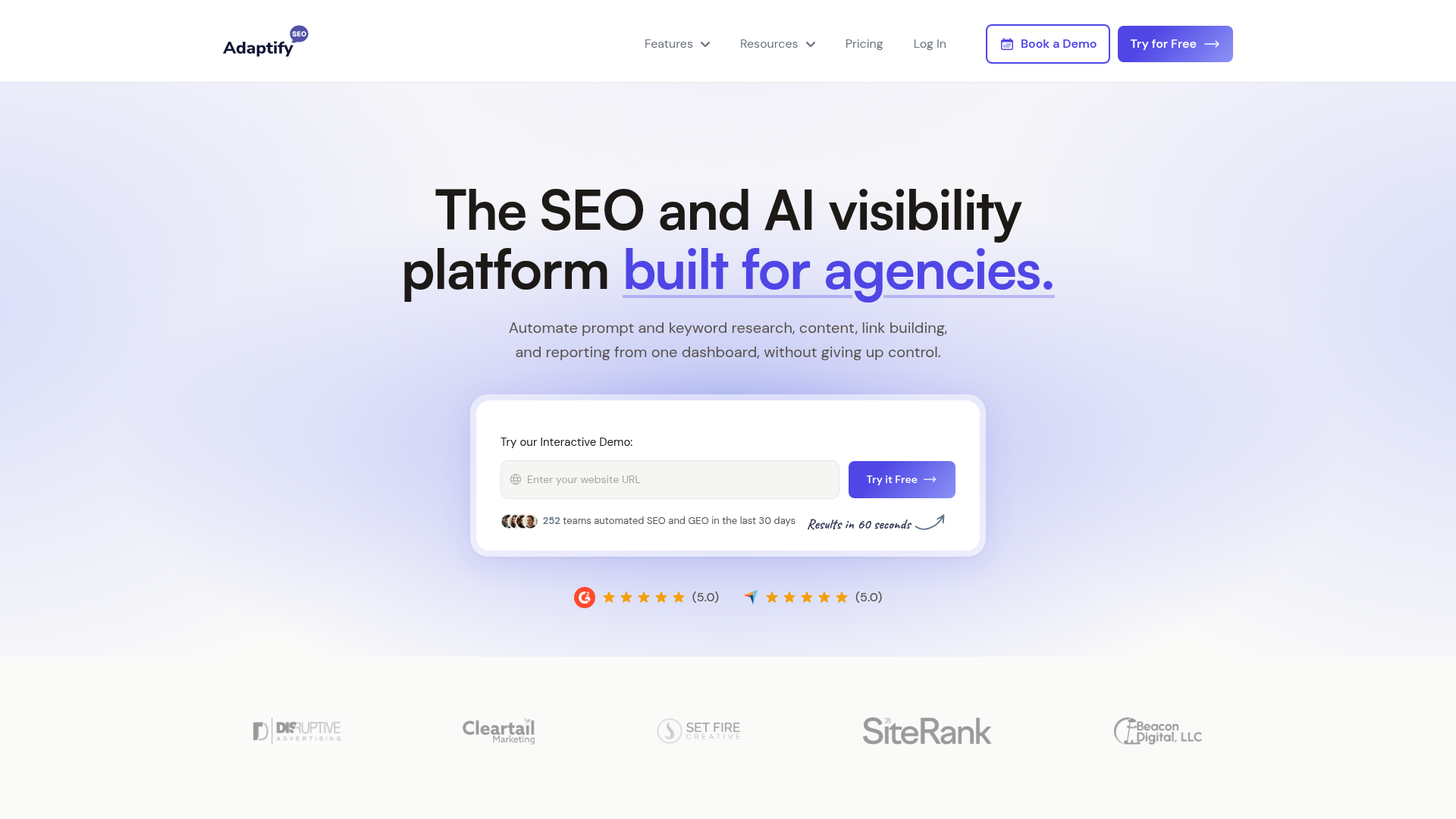
Teams pair Adaptify SEO with Webflow when content volume outgrows manual publishing. An agency shipping weekly posts across client sites approves articles in Adaptify. Each one lands in the right blog Collection with metadata and internal links set. Adaptify can also submit an article's URL to the Google Indexing API through its auto-indexing feature when a published article does not get indexed.
The Adaptify SEO-Webflow integration supports these connection paths:
- The Adaptify SEO app handles one-click publishing to the CMS through OAuth, without writing code.
- The site token connection lets you set up white-label configurations by sharing a Webflow API token with Adaptify's team.
- The Webflow Data API gives you full control over CMS publishing workflows, but requires server-side development.
Most teams use the app alone; the other two paths cover white-label and custom setups.
Install the Adaptify SEO app
The Adaptify SEO app on the Webflow Marketplace connects Adaptify to your site through OAuth. Setup runs from the Adaptify dashboard and takes a few minutes, following the steps in Adaptify's Webflow integration guide. No embed codes or scripts are involved. You need a site with a CMS Collection set up for blog posts, since Adaptify publishes into a Collection you choose.
To set up the integration:
- In Adaptify, click One-Click Publishing from your site dashboard.
- Select Webflow from the platform drop-down.
- Click Connect to Webflow.
- Authorize Adaptify to access your site.
- Select your site from the drop-down.
- Select your blog Collection from the drop-down.
- Choose your publishing setting, either
publishfor auto-publish ordraftfor an unpublished draft.
Once connected, the app covers Adaptify's full delivery workflow:
- Automated keyword strategy
- Automated content creation and publishing to Webflow
- Automated backlink building
- AI SEO performance reporting
Each site gets its own connection; Adaptify supports one platform per website. In automated content mode, Adaptify does not support publish-as-draft for Webflow, so automated articles go live immediately after approval.
Connect with a Webflow site token
Adaptify's white-label path skips OAuth and uses a Webflow site API token instead. Adaptify's team completes the connection on their side. That keeps the Adaptify brand out of the client's authorized apps. This path fits agencies that resell SEO delivery under their own name. The setup instructions require a token with minimum Read and Write permissions.
To connect with a site token:
- In Site settings, generate an API token with Read & Write permissions for Assets, CMS, and Sites.
- Email the generated token to integrations@seostats.io with the site name.
- Adaptify's team completes the connection and confirms publishing works.
The site token rules require site administrator access, limit each site to a maximum of 5 tokens, and expire tokens after 365 consecutive days of inactivity. Any API call resets that inactivity period, so an active Adaptify connection keeps the token alive.
Build with the Webflow Data API
Adaptify does not publish a public developer API. Its docs state that native REST API support exists "on selected plans" for custom workflows, and access requires contacting Adaptify directly. For everything on the Webflow side, the Data API v2 at https://api.webflow.com/v2 is fully documented and public. This path suits developers who want to extend what Adaptify publishes, and it requires server-side development.
Custom builds usually involve these APIs:
- Adaptify's REST API handles custom CMS workflows on selected plans; request access through the integrations overview
- Webflow's Data API handles CMS Collection items, sites, and pages, with bearer token authentication
- Webflow webhooks fire real-time events when Collection items change or the site publishes
Developers commonly use Webflow's Data API to publish CMS items programmatically and Webflow webhooks to track Adaptify CMS writes.
Publish articles to the CMS programmatically
If you build your own publishing pipeline instead of Adaptify's one-click flow, the Data API handles the full sequence. Items created through the API default to isDraft: true, so publishing is a separate step.
To publish an article through the API:
- Call
GET /v2/sites/{site_id}/collectionswith thecms:readscope to list collections and find your blog'scollection_id. - Call
GET /v2/collections/{collection_id}to inspect the field schema before writing items. - Create the article with
POST /v2/collections/{collection_id}/itemsusing thecms:writescope; the endpoint accepts up to 100 items per request. - Publish with
POST /v2/collections/{collection_id}/items/publish, thenPOST /v2/sites/{site_id}/publishwith thesites:writescope.
For static pages, PUT /v2/pages/{page_id} with the pages:write scope updates page-level SEO and Open Graph fields, including seo.title and seo.description.
Track Adaptify publishes with webhooks
Webflow webhooks fire whenever Adaptify writes to the CMS. Adaptify exposes no webhooks of its own. That gives you an event stream for downstream automation, such as notifying reviewers in Slack or purging an external cache. The relevant webhook events are:
collection_item_createdandcollection_item_changed(scopecms:read) deliver the item'sfieldData,lastPublishedtimestamp, anddraftstatuscollection_item_deletedandcollection_item_unpublished(scopecms:read) deliver the item, site, and collection identifierssite_publish(scopesites:read) deliverspublishedOn, the domainspublished to, andpublishedBy, the name of the user who published the site
Webflow v1 webhooks are deprecated, so register all new webhooks against the Data API v2 events above.
What can you build with the Adaptify SEO Webflow integration?
Integrating Adaptify SEO with Webflow lets you run a full SEO content program on the CMS without pasting articles in by hand.
- Automated agency blogs: Adaptify researches, writes, and publishes articles to a client's blog Collection with images, metadata, schema, and internal links. Published posts render in any Collection List bound to that Collection, so existing blog layouts need no changes.
- AI search visibility content: Adaptify tracks client mentions across ChatGPT, Claude, Gemini, Perplexity, and Copilot, then publishes articles targeting the tracked prompts. A B2B site can fill GEO visibility gaps with pages that route straight into the Webflow content plan.
- Keyword cluster hubs: Adaptify builds keyword cluster strategies with pillar pages and a 30-day content plan. Its internal linking then connects new articles to cluster URLs and older content for a connected site structure. A services site ends up with topic hubs where every new post reinforces the pillar.
- White-label client delivery: agencies connect client sites via the site-token path and deliver branded PDF reports and live dashboards showing Webflow articles, backlink activity, and ranking movement.
If you need more control over publishing workflows than one-click publishing provides, the API integration path covers those cases with full flexibility.
Frequently asked questions
Use One-Click Publishing inside Adaptify. Select Webflow from the platform drop-down, click Connect to Webflow, authorize access, then pick your site, your blog Collection, and a publishing setting. Adaptify's Webflow integration guide documents all seven steps, and the Adaptify SEO app listing on the Webflow Marketplace is the place to start.
Yes, publishing to a blog Collection requires a CMS Site plan or higher; the Basic Site plan does not support CMS features. The Choose a Site plan article covers the differences. Plan capacity matters at Adaptify's publishing pace, since the CMS plan holds 2,000 CMS items and the Business plan holds 10,000.
Only in one-click mode. The
draftpublishing setting creates an unpublished draft that you publish manually in Webflow, and draft items are not published automatically when you publish the site. Automated content mode is different. Adaptify's docs state it only supports publish-as-draft for Shopify, HubSpot, and WordPress, so automated Webflow content goes live immediately after approval.No. Adaptify's docs state that "No embed codes or scripts are required; the system connects to the CMS's API or editor interface," per the integrations documentation. You do not need a Code Embed element or any custom code in head and body tags for this integration.
Description
Publish AI-written SEO articles straight to the Webflow CMS through Adaptify SEO's one-click publishing app, with a site-token path for white-label agency setups.
This integration page is provided for informational and convenience purposes only.

Contentful
Connect Contentful, a headless CMS and composable content platform, with Webflow to manage structured content, sync entries to CMS collections, and deliver localized content across pages.

Adaptify SEO
Connect Adaptify SEO with Webflow to turn keyword research into finished articles that publish straight into your CMS, with schema markup and reporting attached.

StoryChief
Connect StoryChief with Webflow to publish and manage blog content across your site and social channels from a single content marketing workspace.

StorifyMe
Embed StorifyMe story carousels and single stories on Webflow pages with a Code Embed, then edit stories in StorifyMe without republishing your site.

Notion
Connect Notion with Webflow to sync workspace content directly into CMS collections for publishing.

Medium
Connect Medium with Webflow to sync Medium posts into your site's CMS and syndicate Webflow articles to Medium with canonical links.

Jasper
Connect Jasper, an AI content platform for marketing teams, with Webflow to generate, rewrite, and translate copy on the canvas using the Jasper app, automation platforms, and APIs.

Google Ads by Clever
Advertise on Google and grow your business with Clever Ads. Have your Google Ads Search & Display campaigns created for free.

PowerImporter Airtable Sync
Connect PowerImporter Airtable Sync, a one-way data sync tool, with Webflow to automatically push Airtable content into CMS collections without writing code.
Related integrations
Get started for free
Try Webflow for as long as you like with our free Starter plan. Purchase a paid Site plan to publish, host, and unlock additional features.
