Connect your agents to Webflow
Build and manage your sites with AI tools like Claude and Grok Build, without sacrificing the control and governance you need at scale.

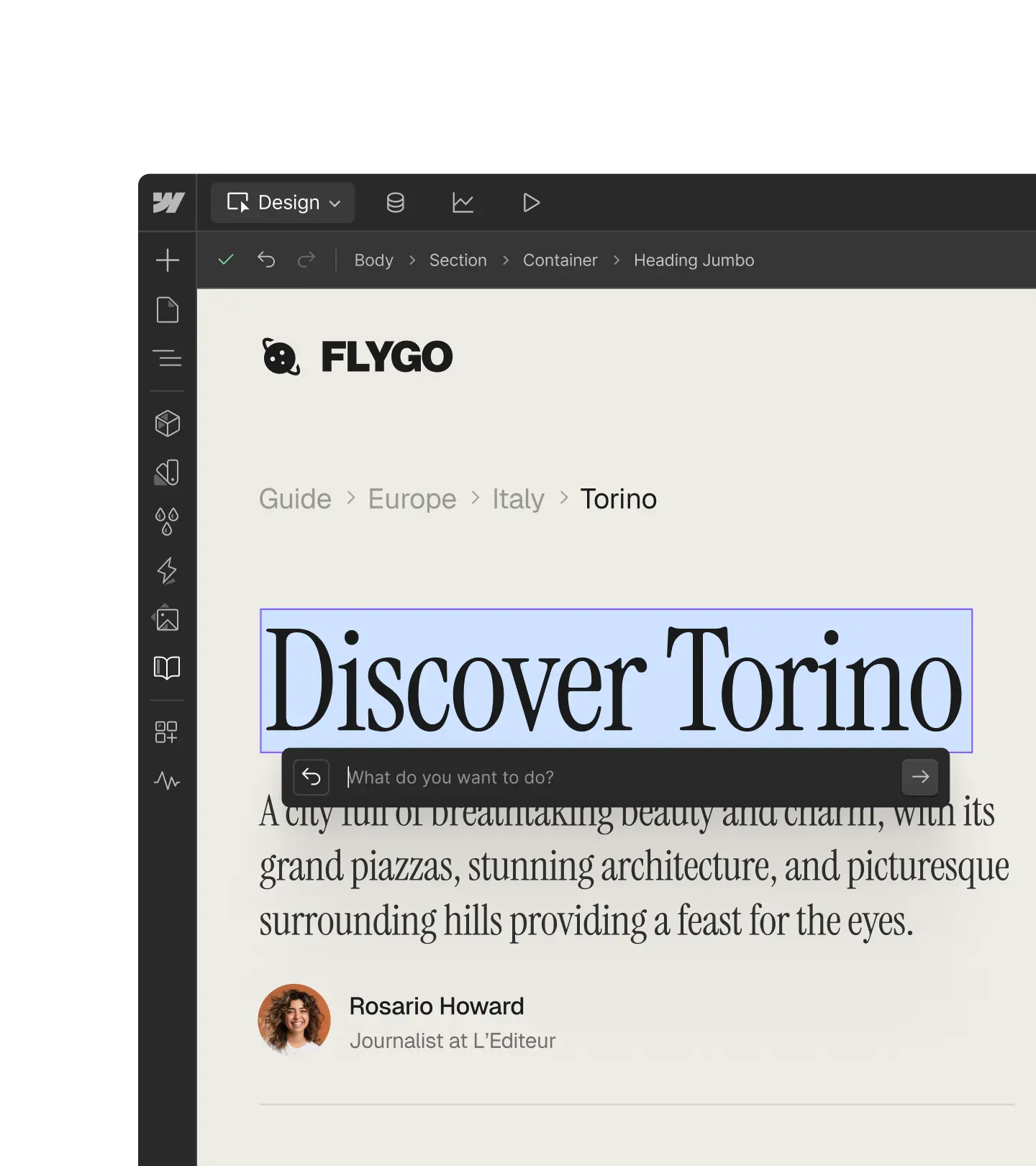
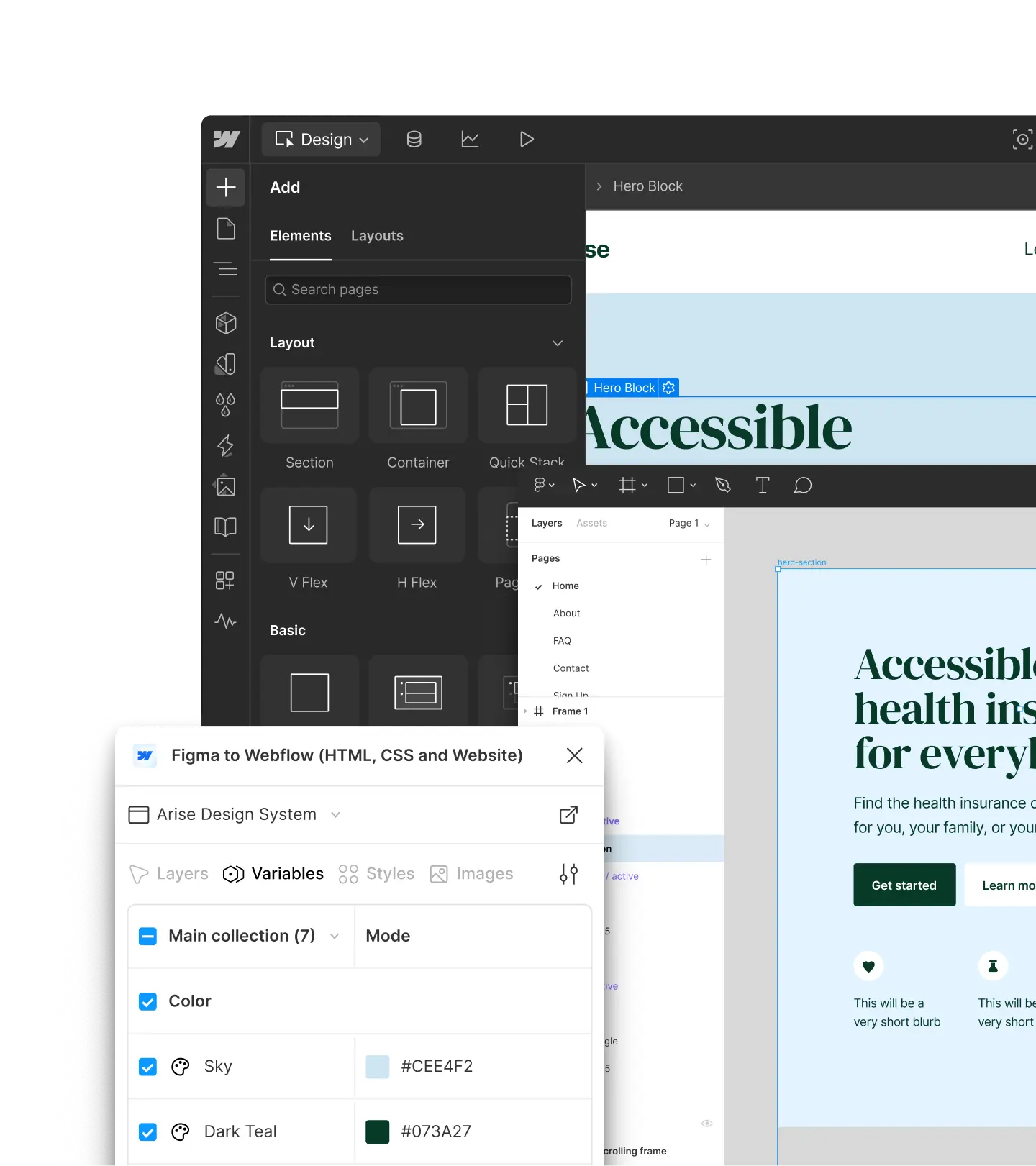
Take this Figma file and build it exactly as designed in Webflow as a CMS template.





Get started with your preferred tool





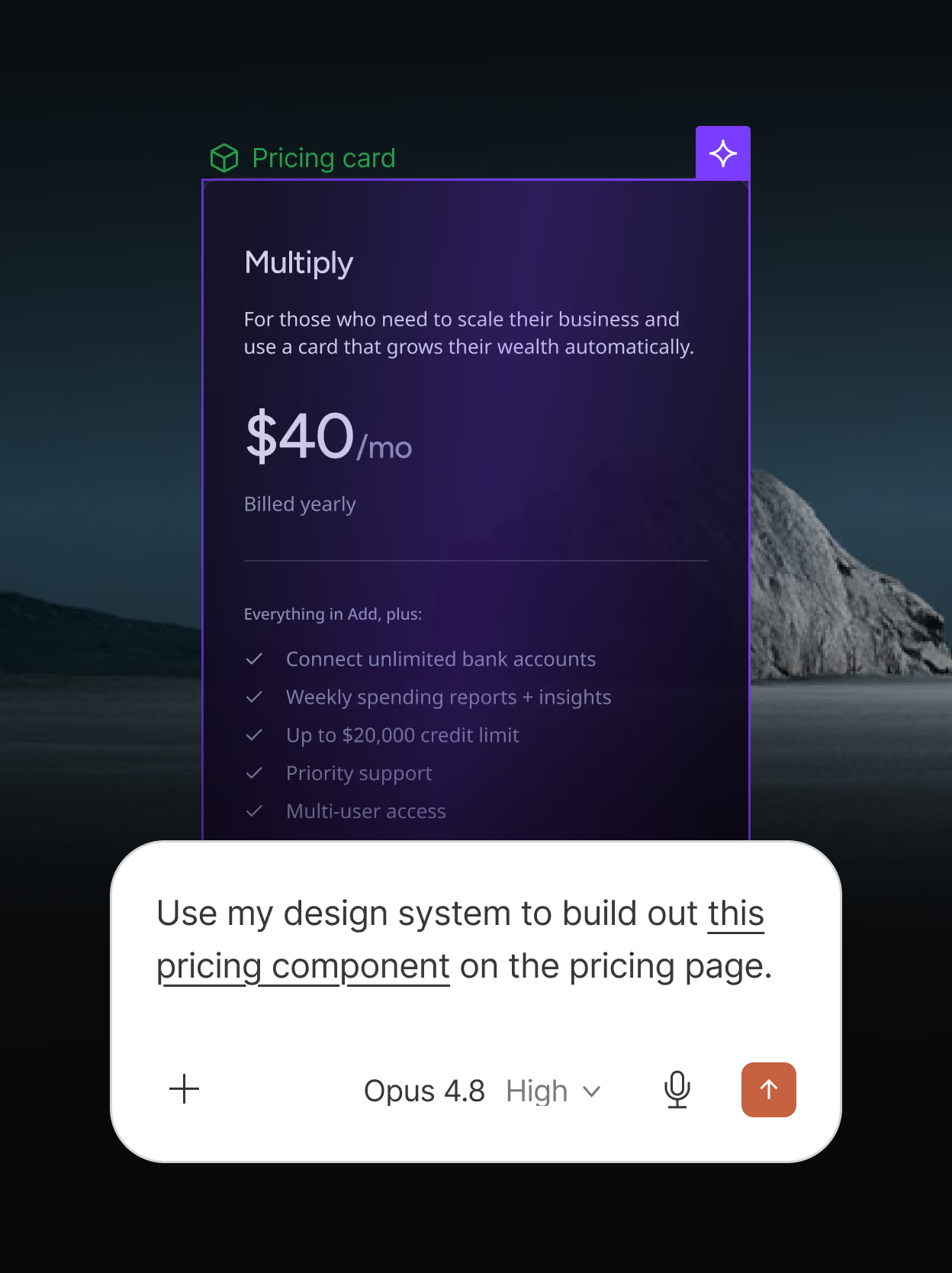
Build on-brand content faster
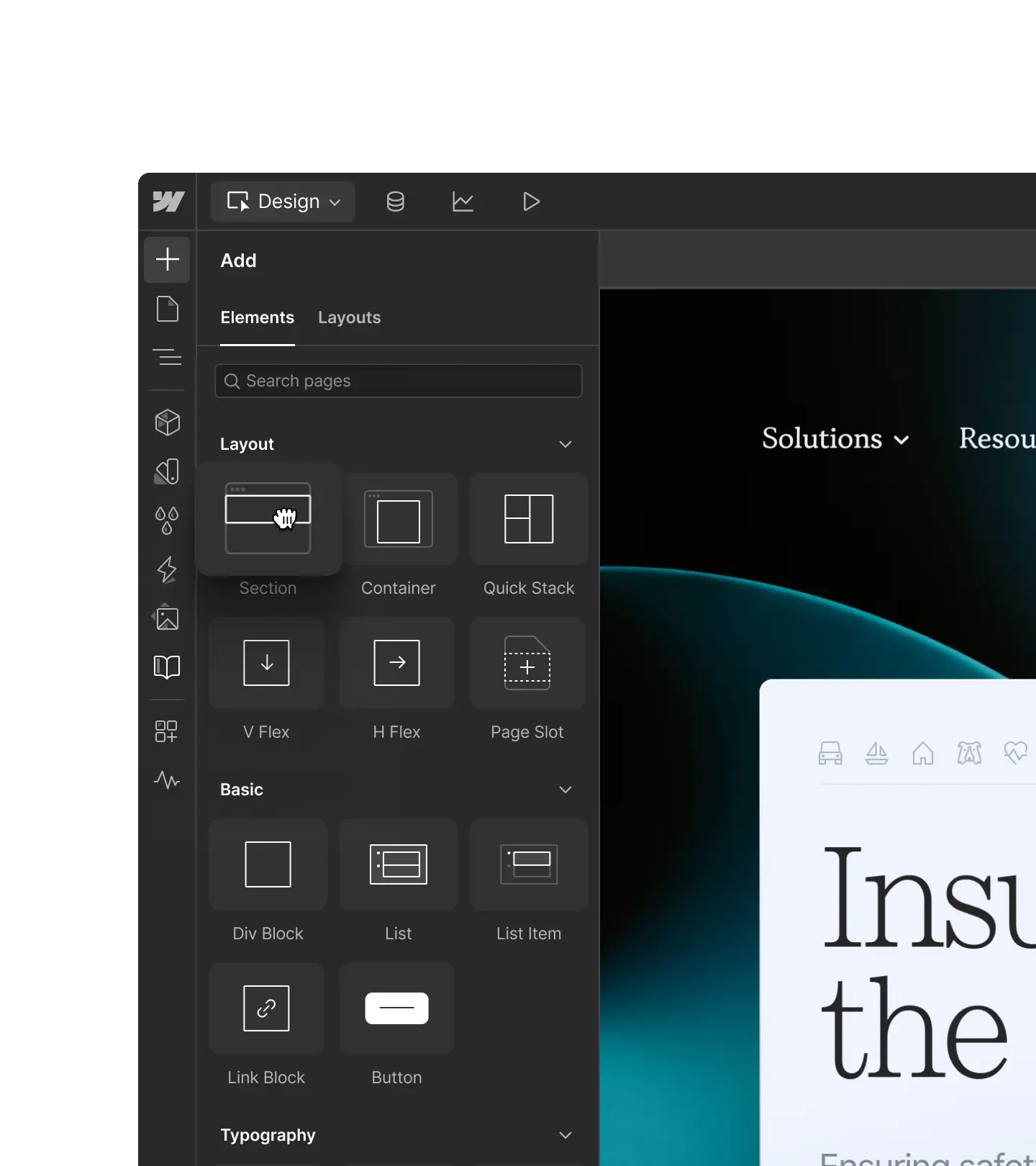
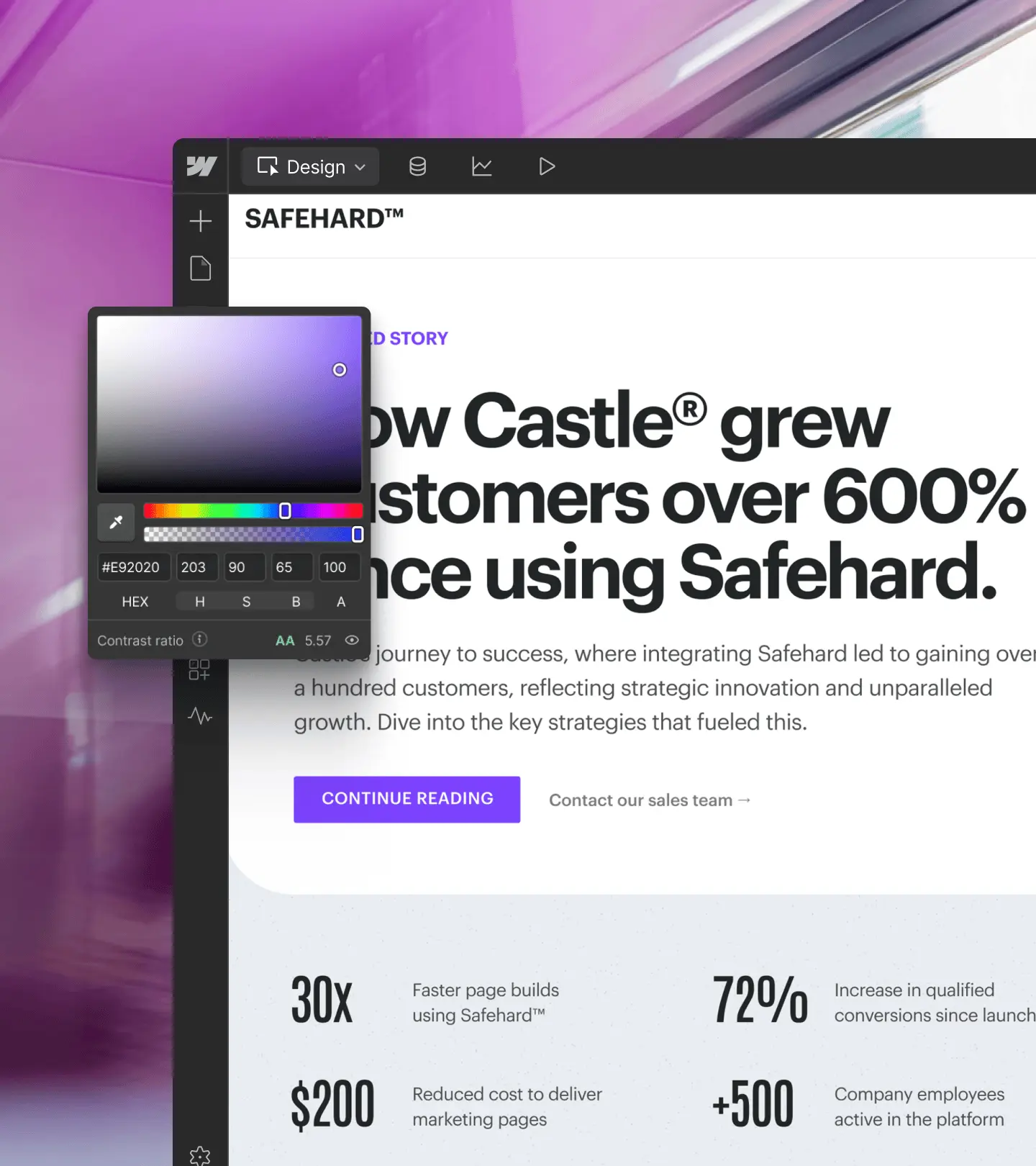
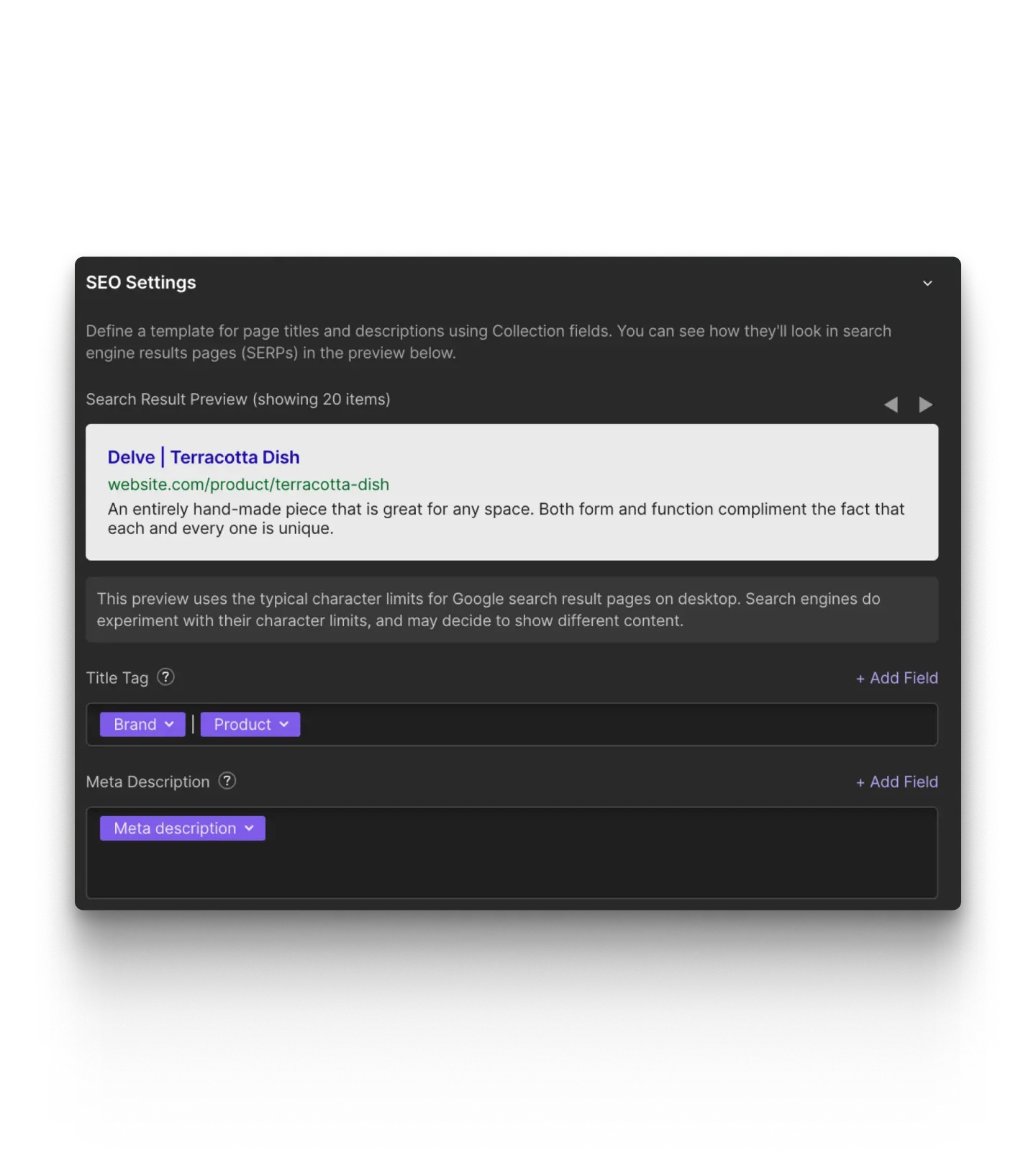
Give agents the full context of your design system so they can create on-brand webpages and CMS content in record time.
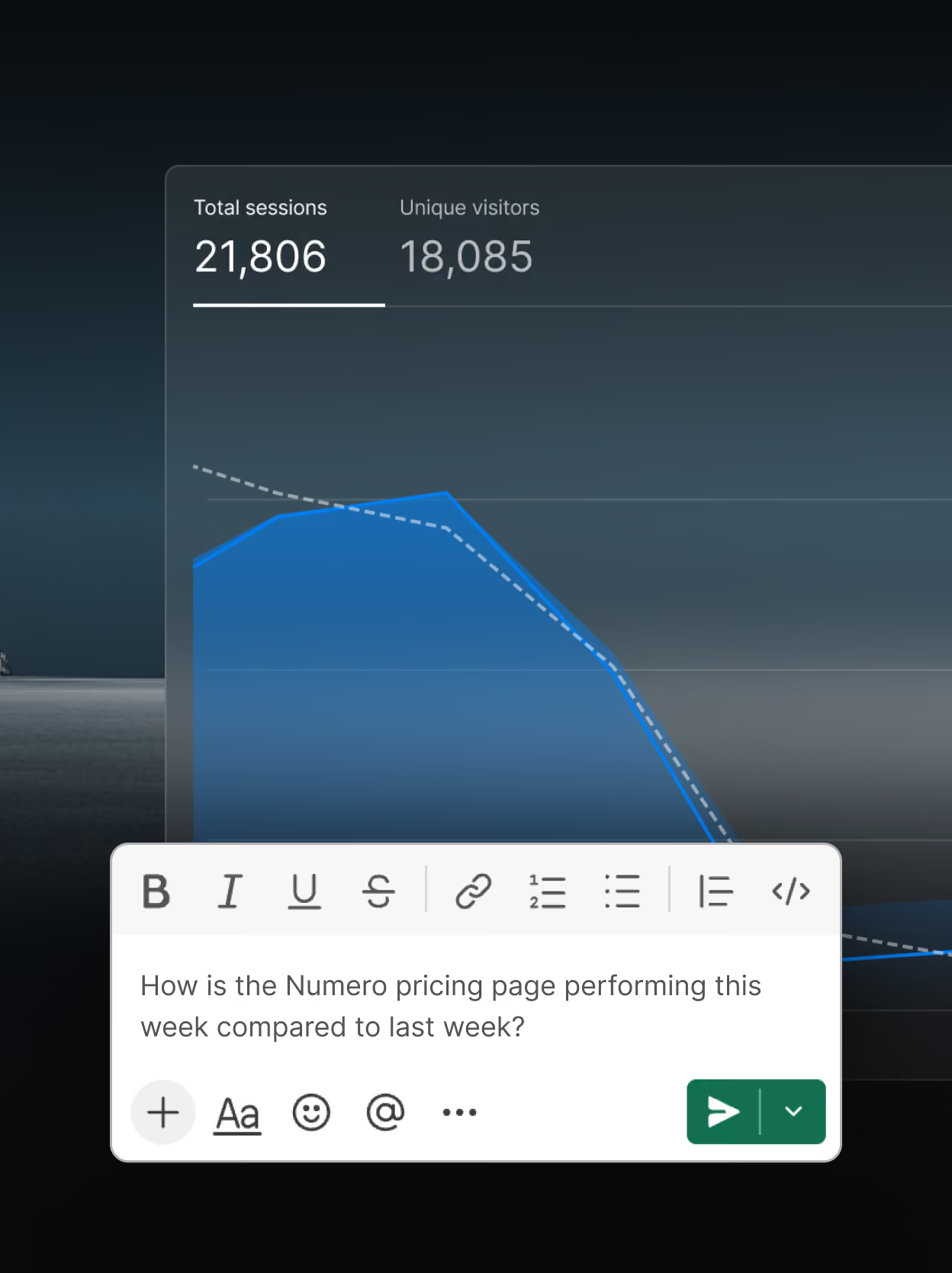
Get more out of your site data
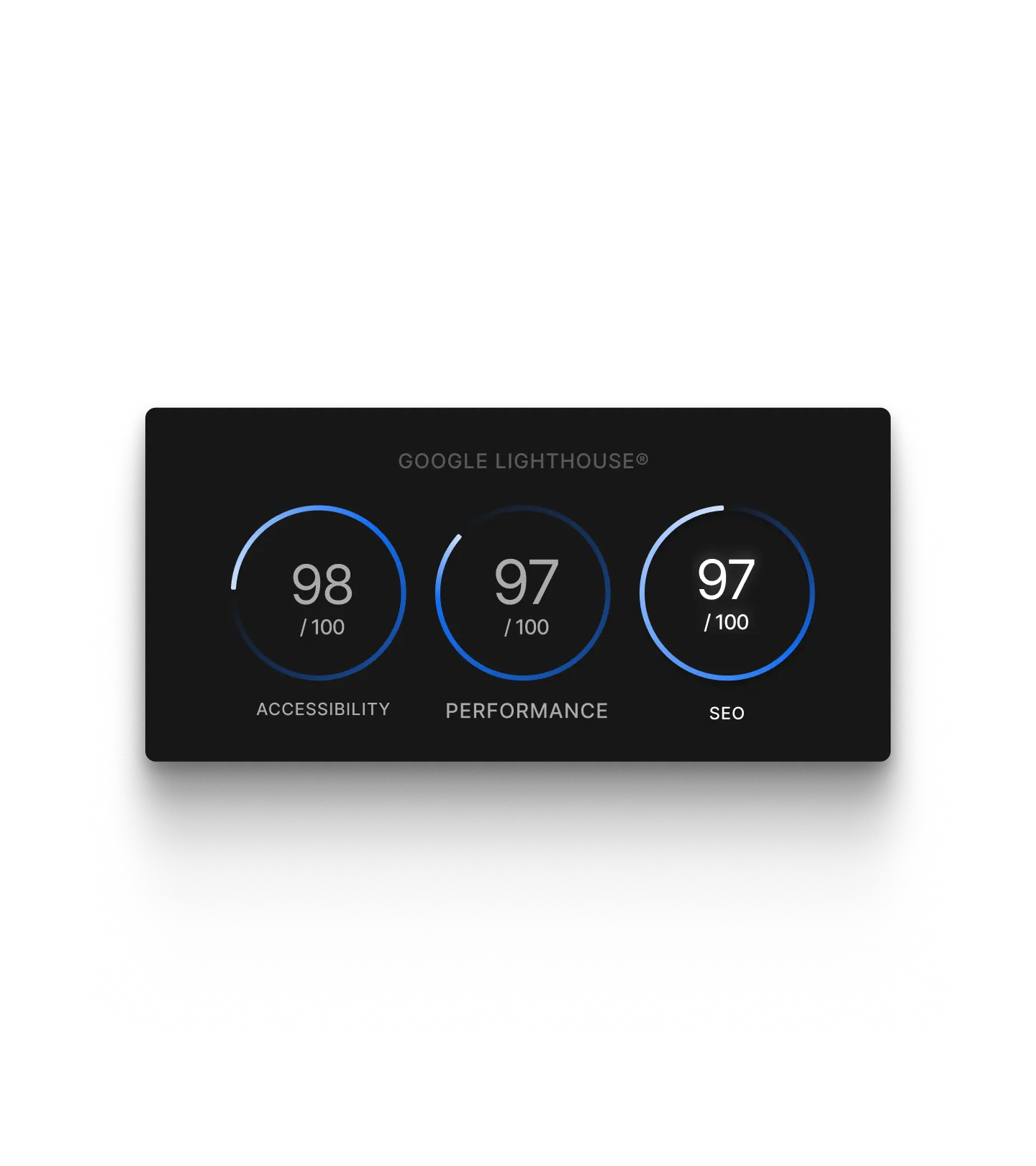
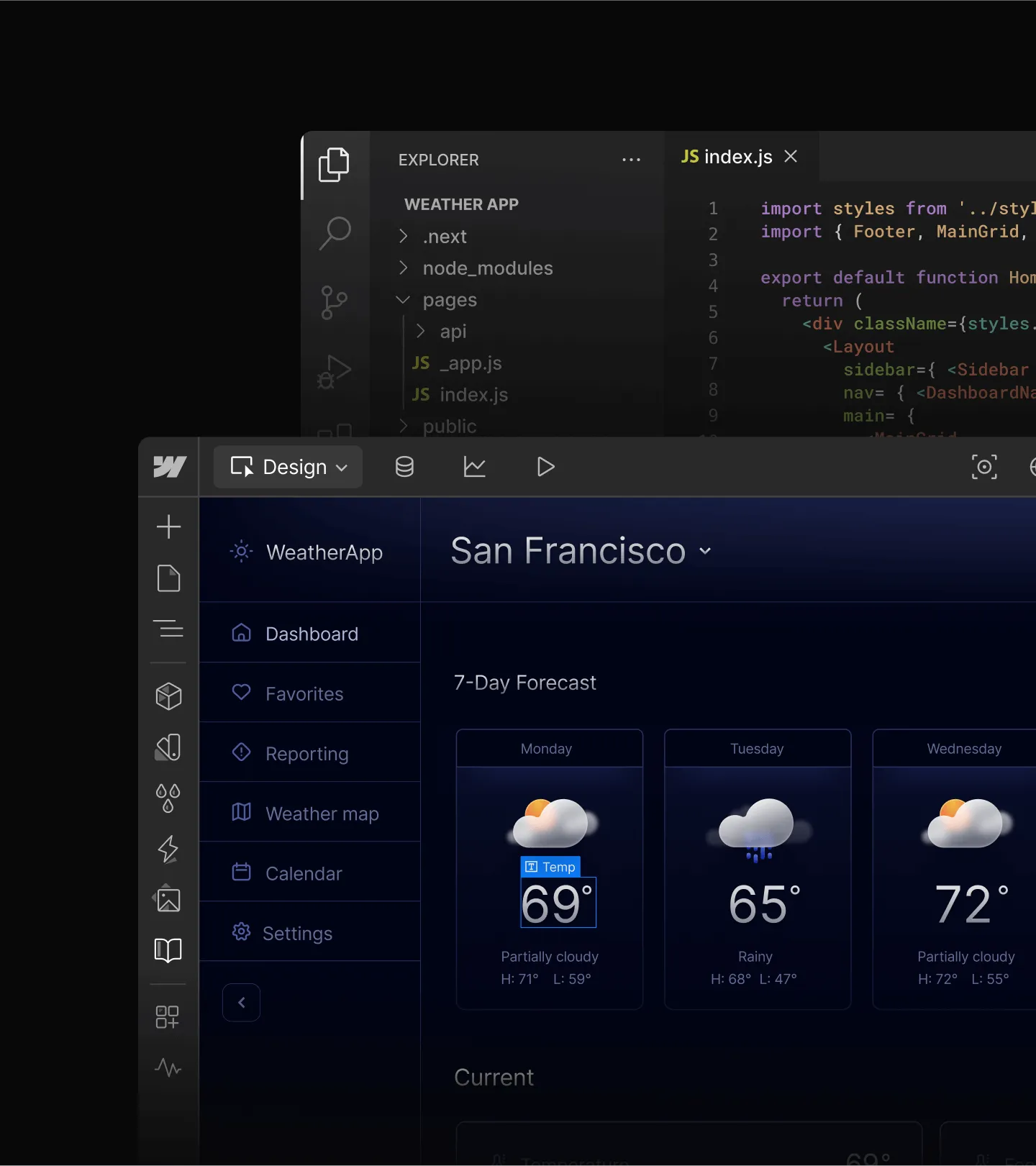
Analyze site performance through natural conversation, and share data across tools for impactful insights inside your existing AI workflows.
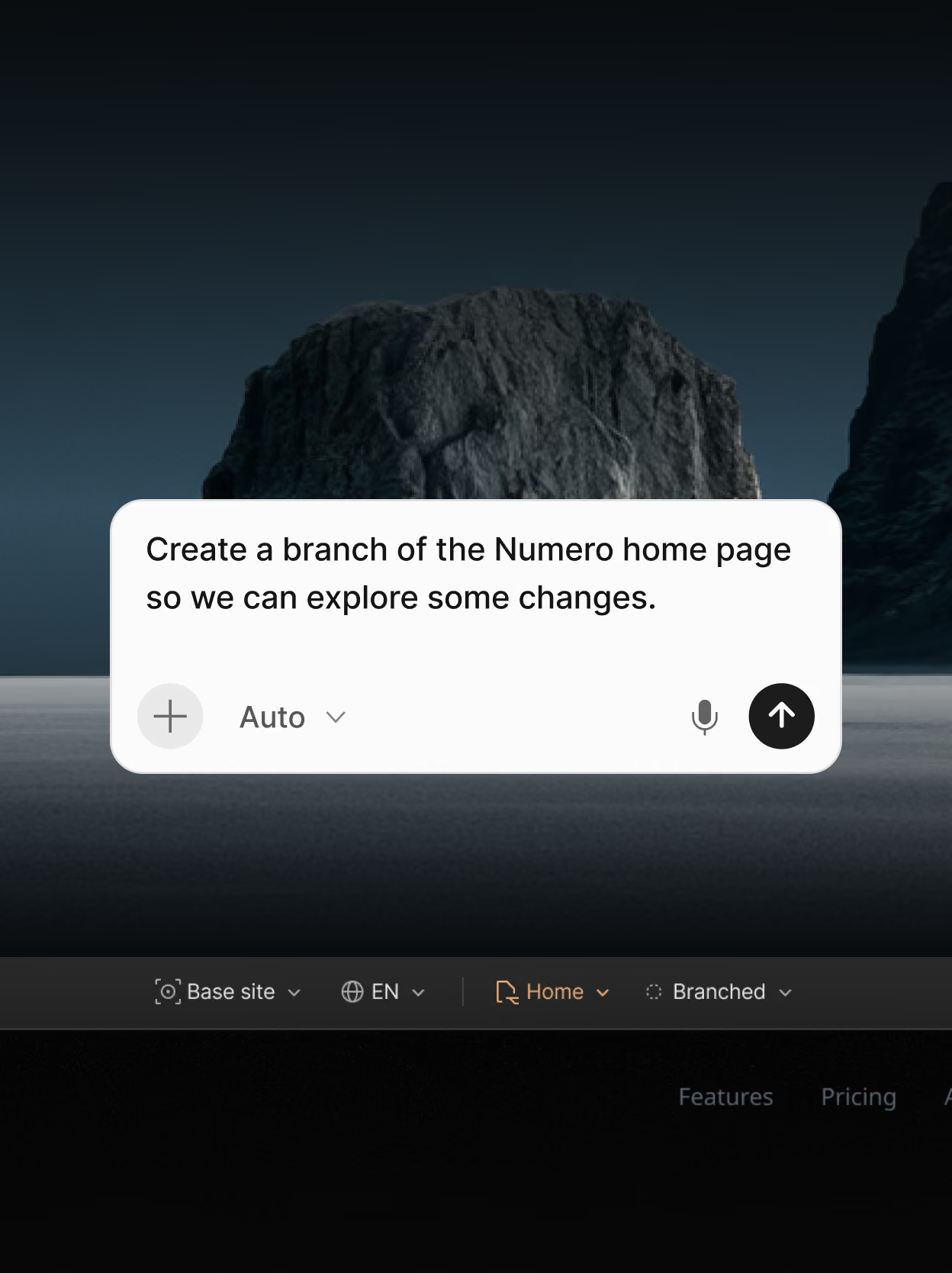
Collaborate safely at scale
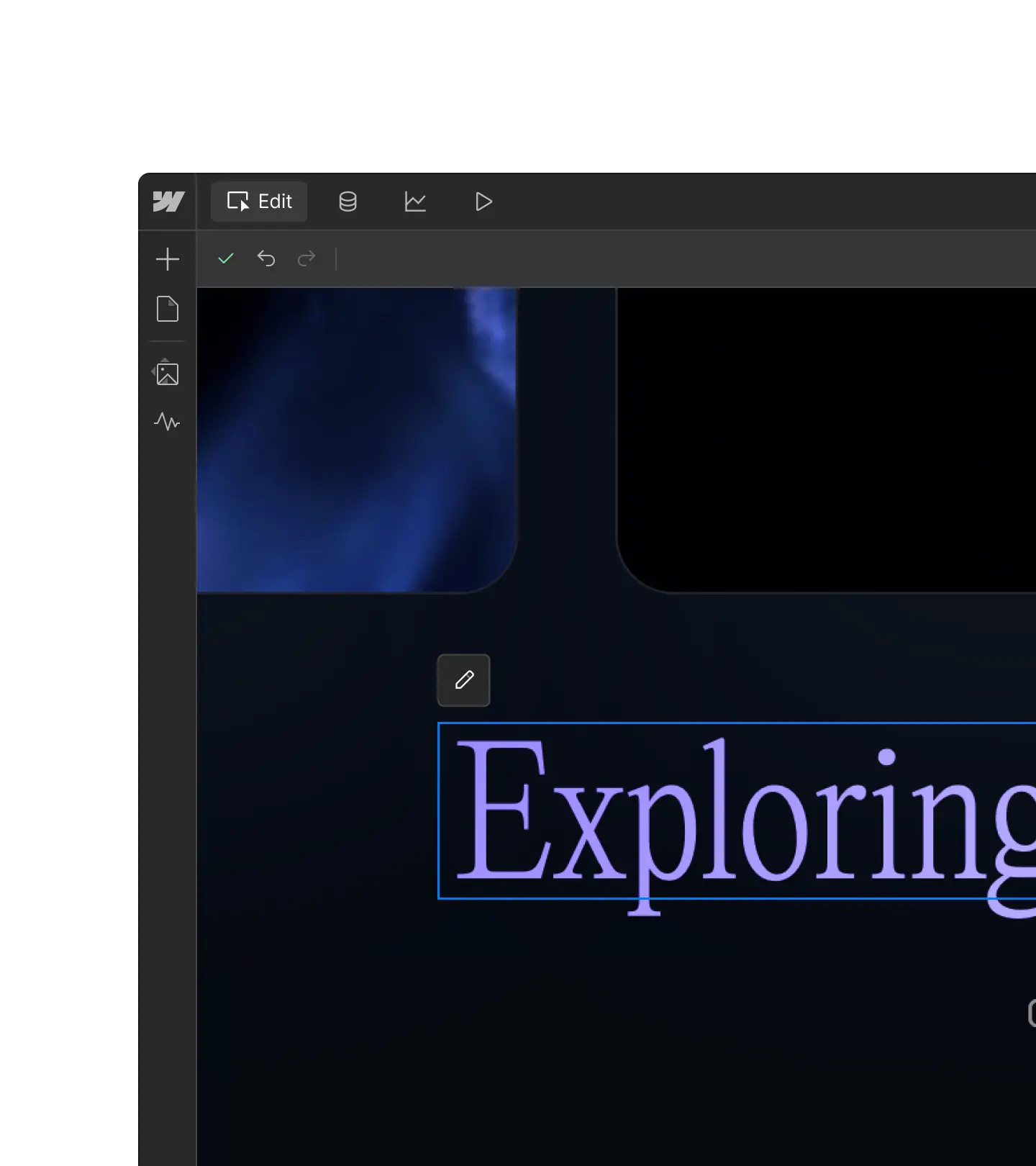
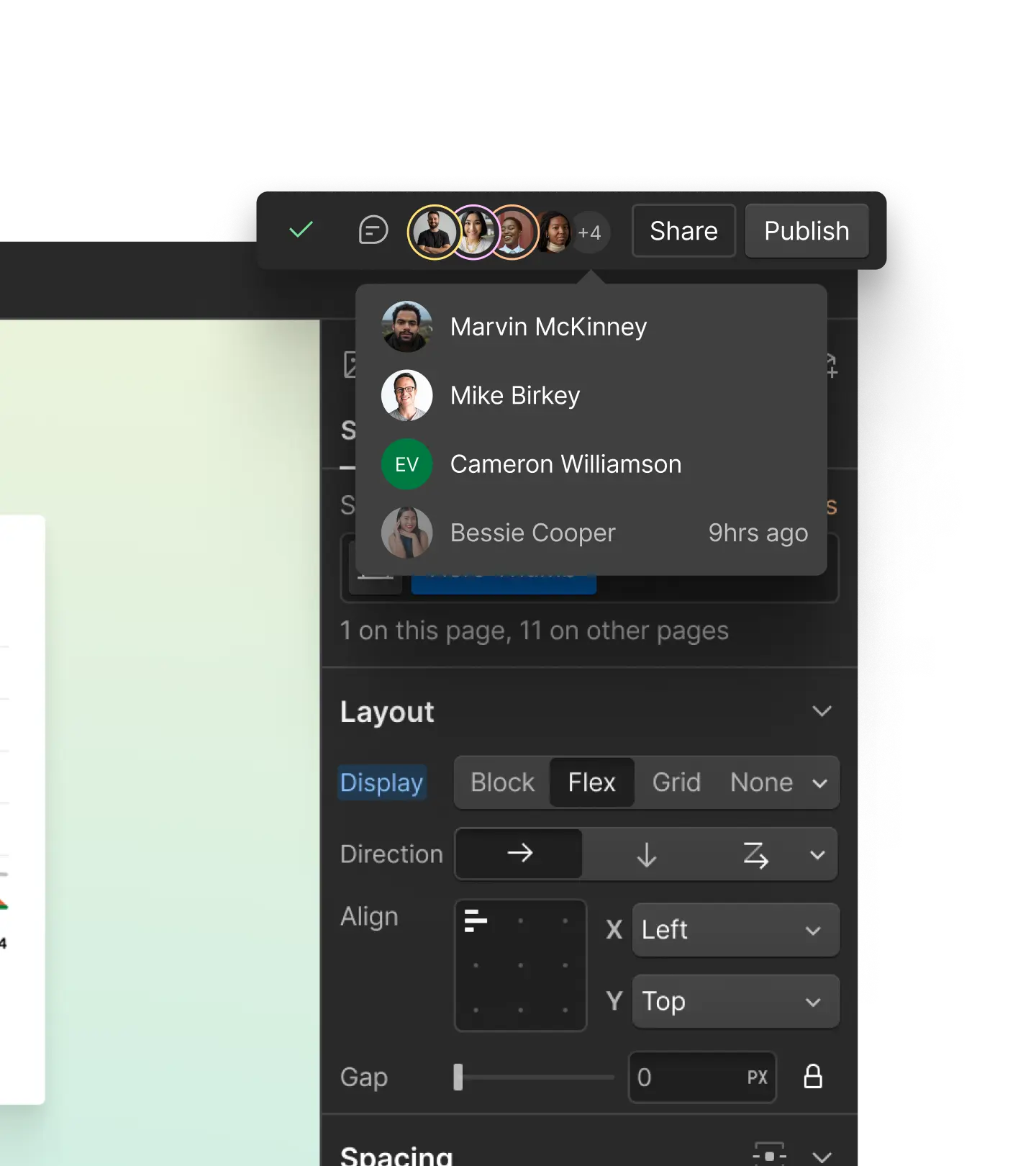
Govern agent access with roles and permissions, see agent presence live on the canvas, iteratively safely on page branches, and manage content with a built-in CMS.
Webflow's MCP gives agents more of Webflow to reach into

Interactions
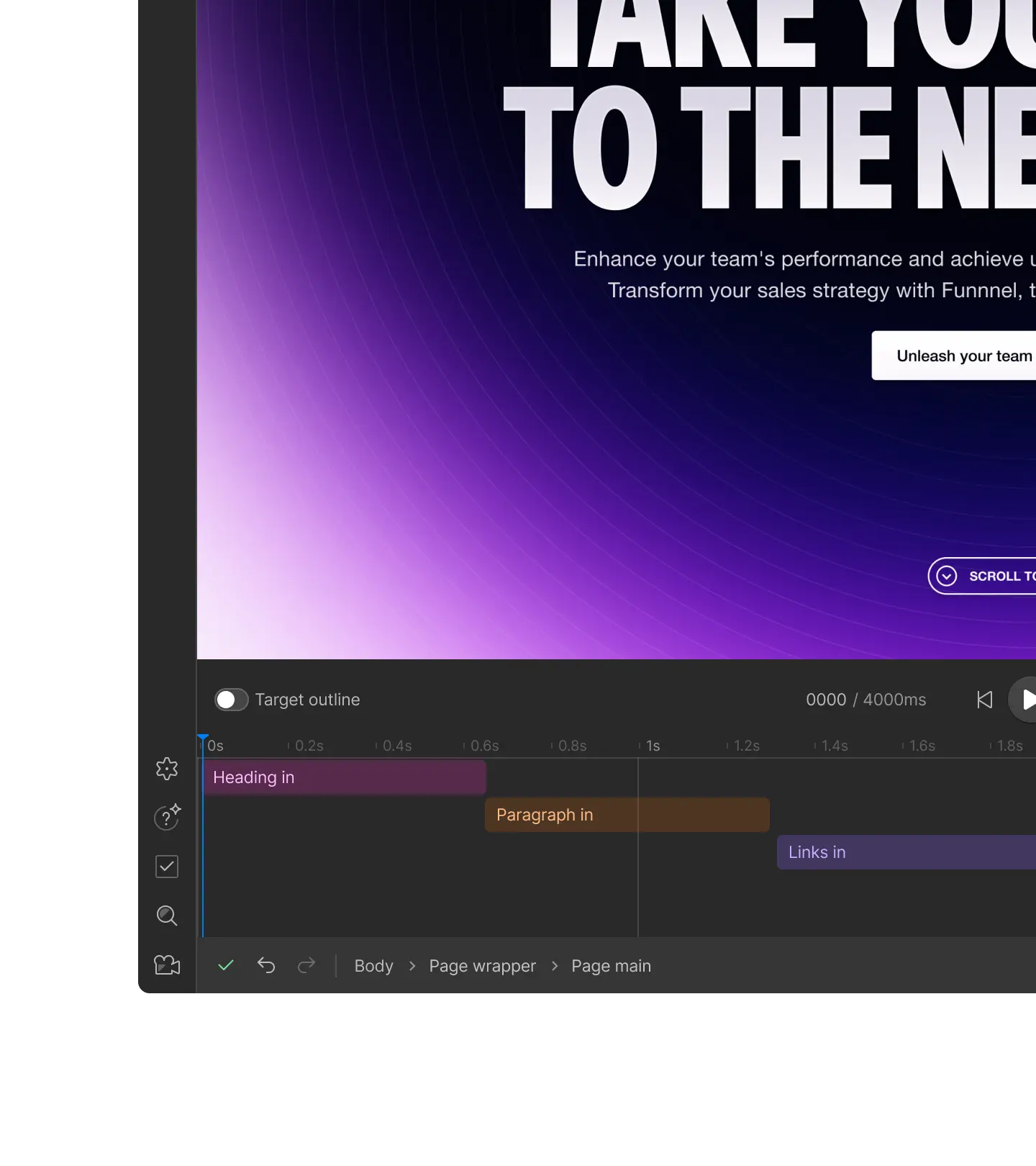
Create and edit native interactions, powered by GSAP. Agents can build scroll, hover, and load triggers the same way you would on the canvas.

CMS querying
Sort, filter, and page through CMS content in a single request, including custom and reference fields.

Webflow Cloud
Deploy, check status, and debug a Webflow Cloud app. Troubleshoot a broken deployment without leaving your MCP client.

Analyze
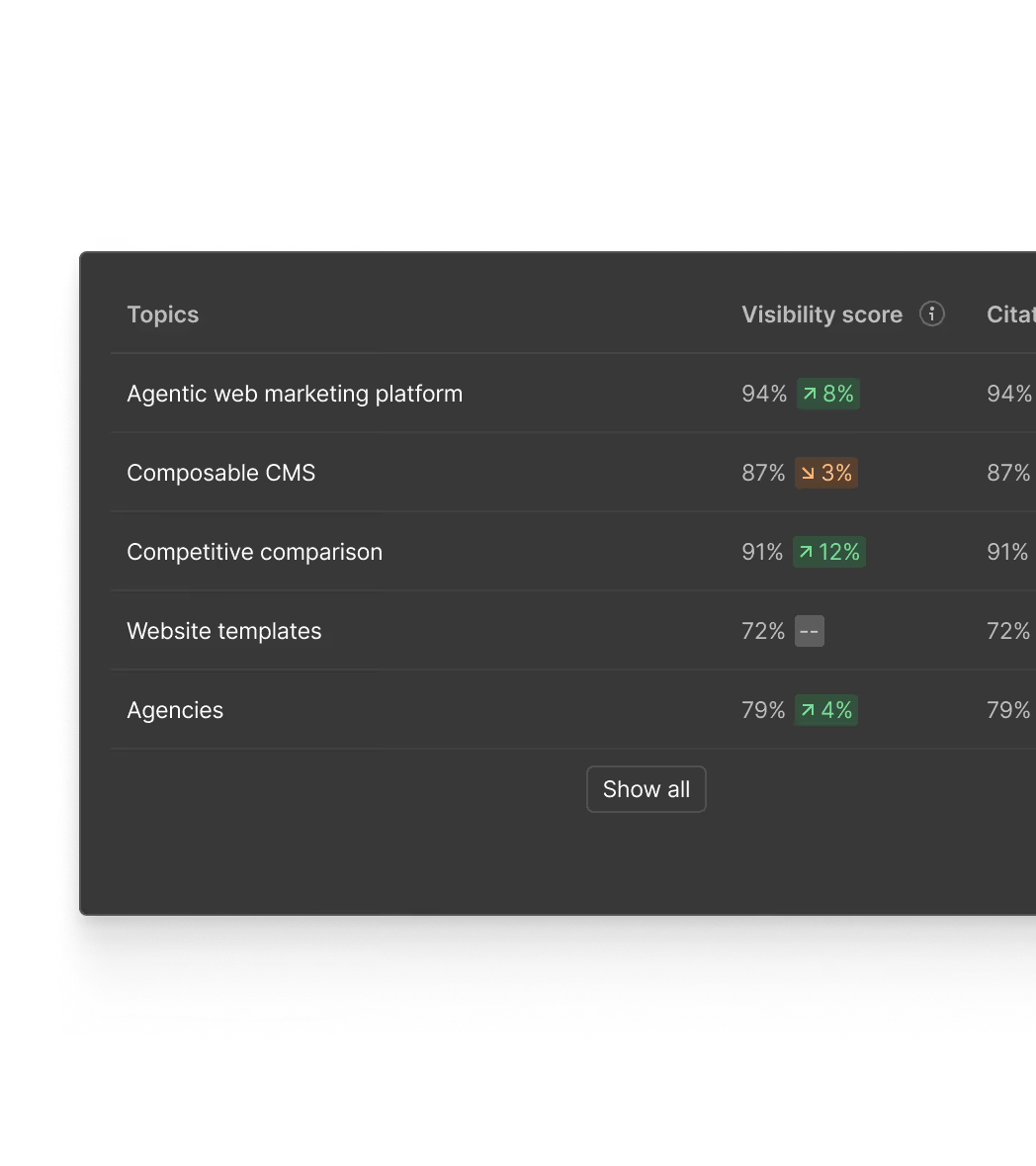
Query site traffic and engagement from your MCP client.

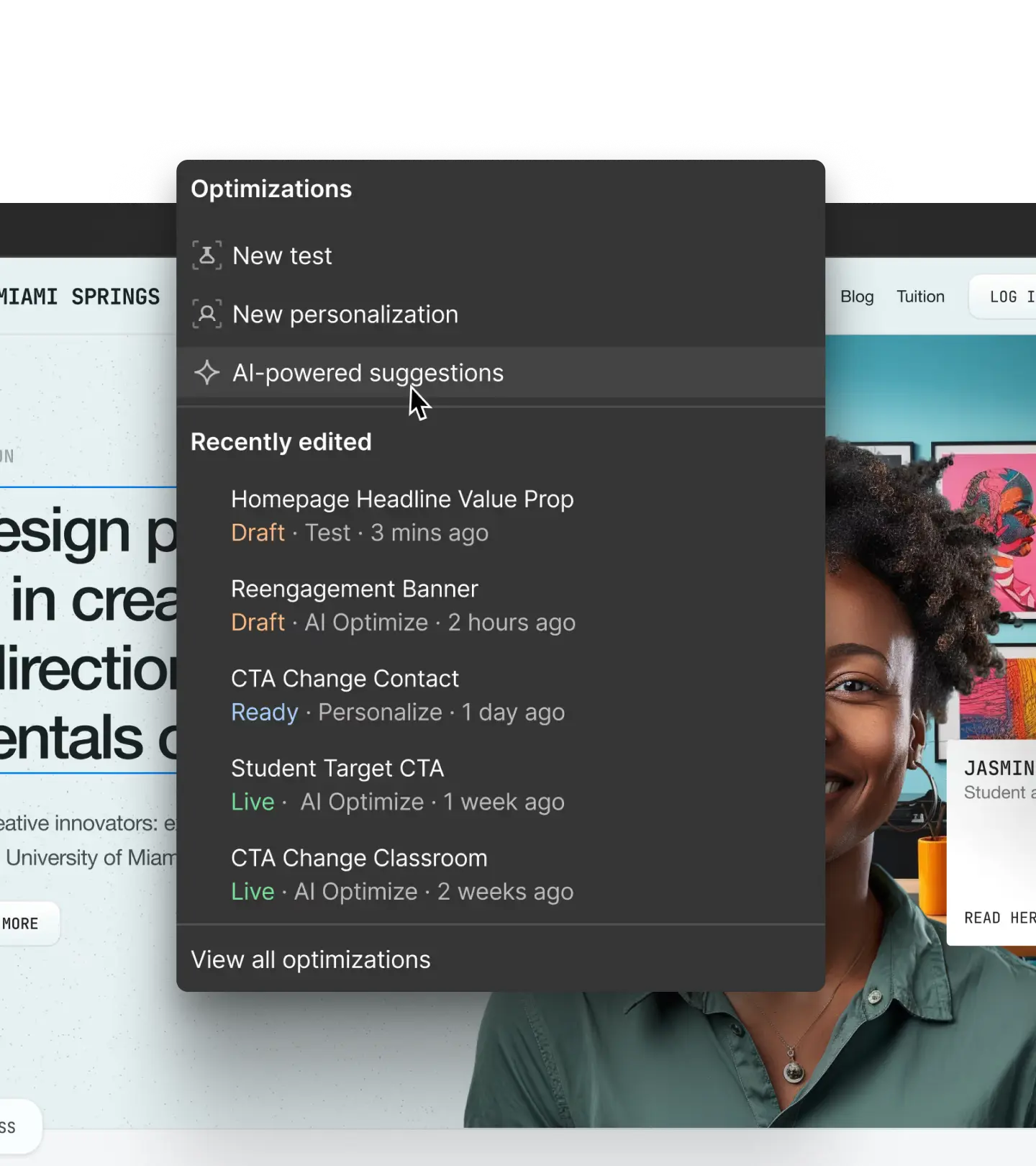
Optimize
Read Optimize tests results from your MCP client.

AEO Analytics
Read AEO analytics, including LLM crawler activity.
How it works
The Webflow MCP connects Webflow to AI tools like Claude and ChatGPT so agents can take action on your behalf.

1
Connect your tools
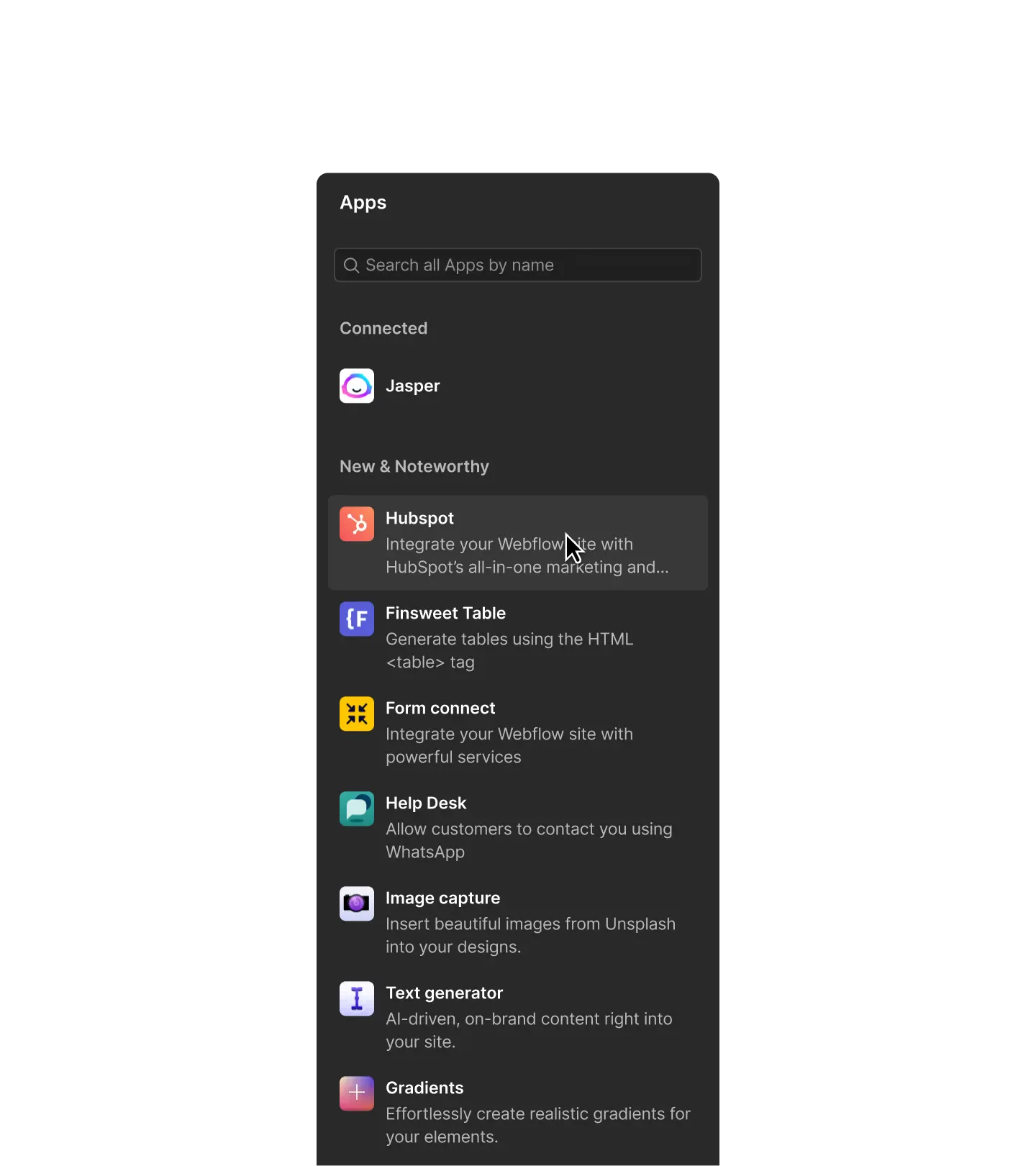
Connect Webflow to the AI tools you already use so you can manage your sites inside your existing AI workflows.
2
Define your rules
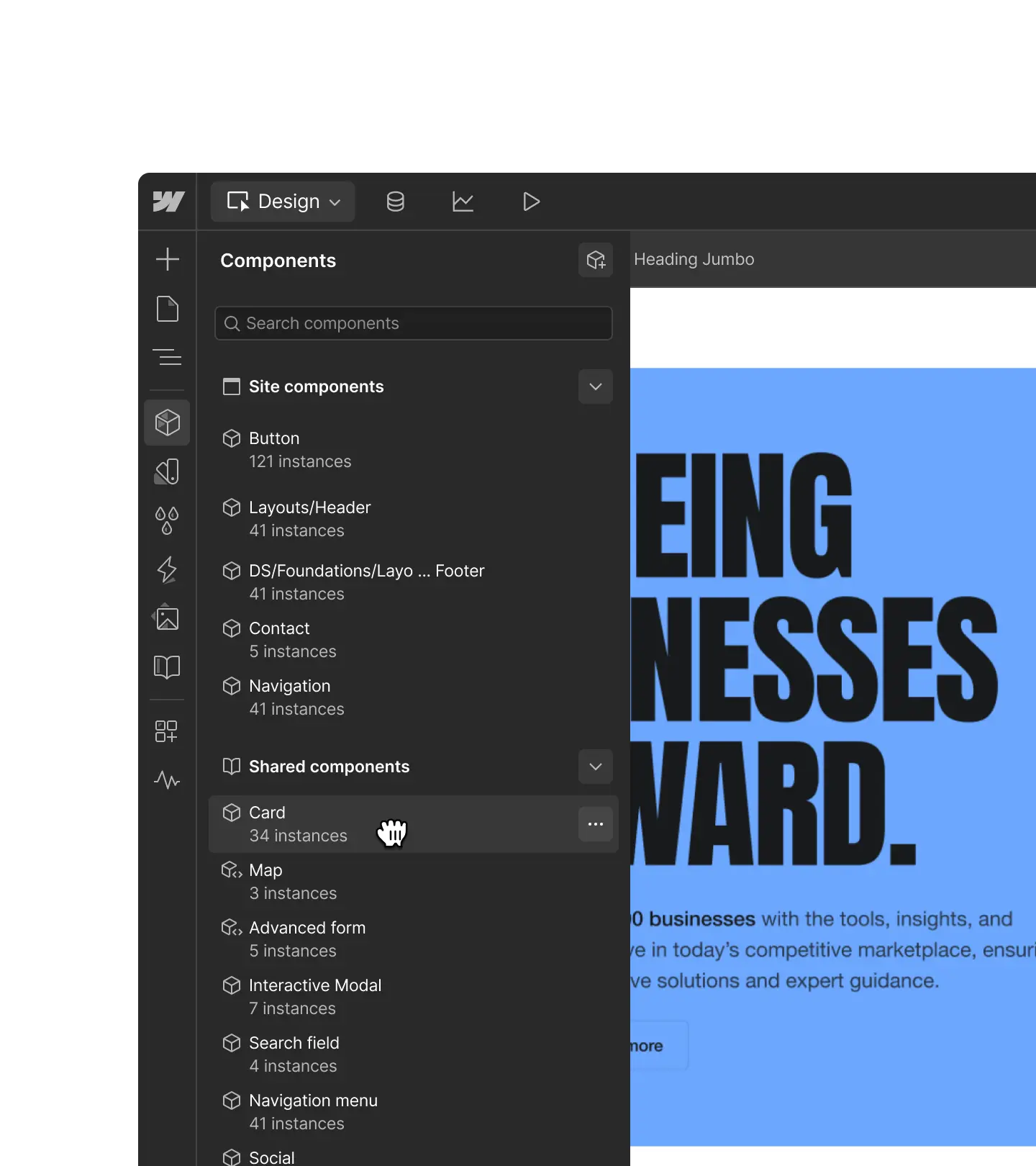
Create a unified source of context to guide your agents with skills and references like brand guidelines and legal docs.
3
Start prompting
Simply ask your agent to build new pages, manage CMS content, analyze your site traffic, and more.
4
Refine with the visual editor
Review and fine tune AI outputs on a visual canvas to ensure everything is perfect before publishing.
Webflow MCP for Enterprise
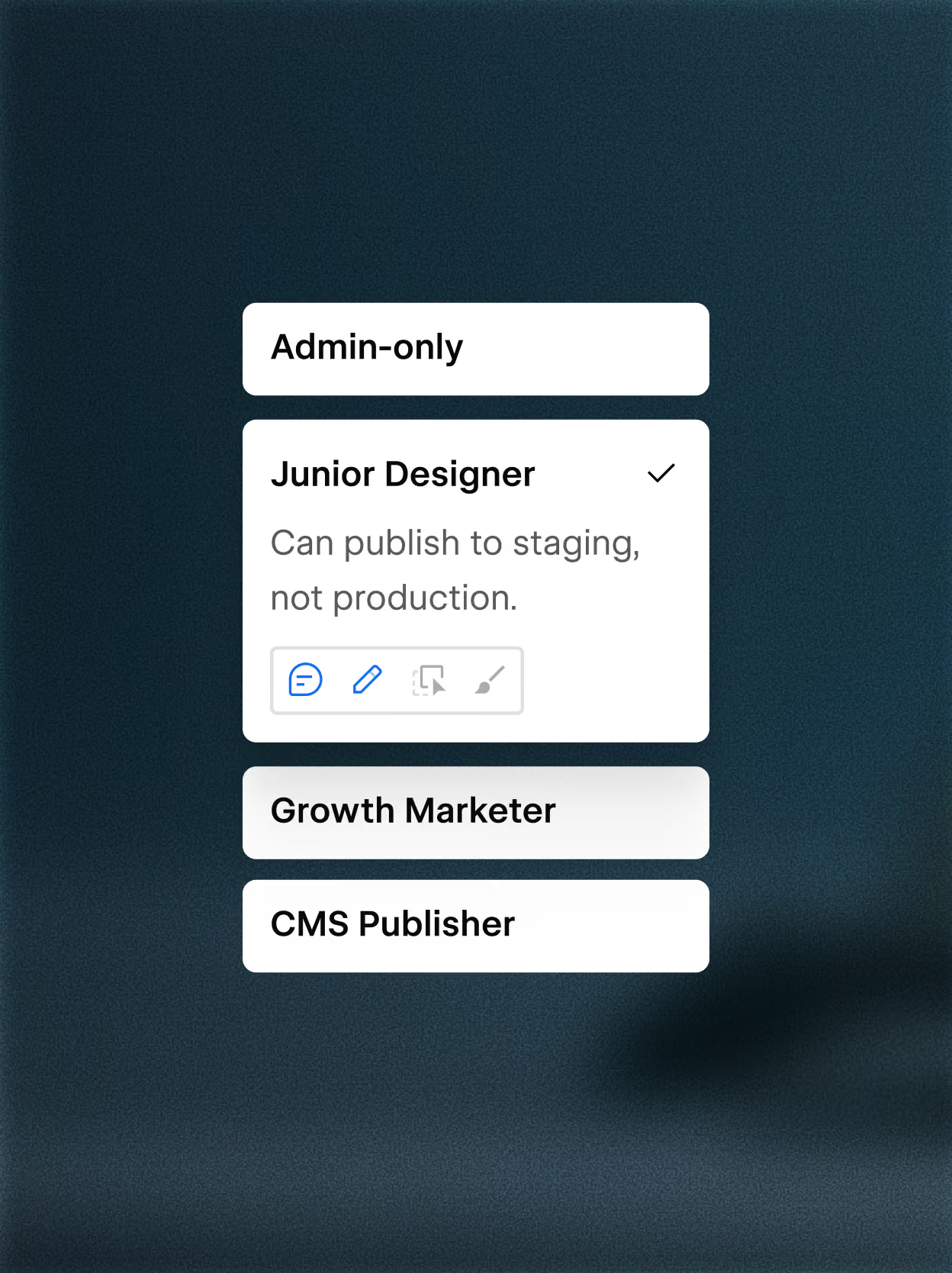
Enforce granular access control
Webflow's MCP supports custom roles and permissions and granular access per site, CMS collection, page, and locale.

Track MCP actions in site activity logs
Know exactly when the MCP made a change, who triggered it, and what was affected. Query the activity log via MCP for faster, more scalable site auditing.
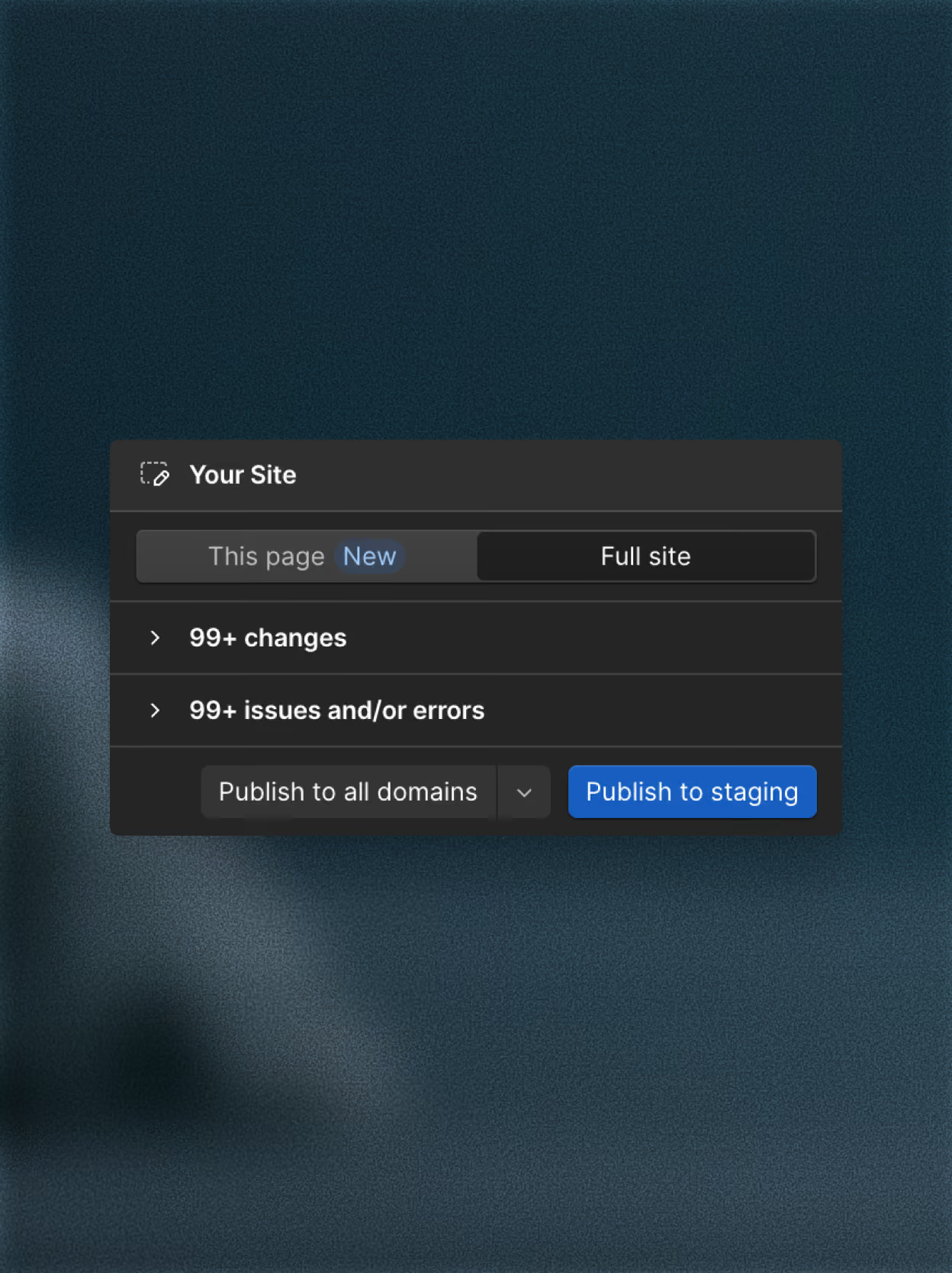
Derisk iteration with single page publishing
Publish a single page without republishing your whole site. Fixes and updates ship as soon as they’re ready, while the rest of your live site stays untouched.

“Our workflows with Figma, Claude Code, and Webflow's MCP have been an absolute game changer. I really see this as our future workflow."

Customer story
From brief to breakthrough: giving Frontify's product story a pulse with Rive
How OFF+BRAND built a scroll-driven, click-reactive interactive experience in Rive for Frontify.
18% increase in engagement
How OFF+BRAND built a scroll-driven, click-reactive interactive experience in Rive for Frontify.
18% increase in engagement
How OFF+BRAND built a scroll-driven, click-reactive interactive experience in Rive for Frontify.
Talk to an expert
Get in touch with our sales team to see how Webflow MCP works for your entire team.

FAQs
Webflow MCP (Model Context Protocol) connects AI tools like Claude, Cursor, and Windsurf directly to your Webflow projects, so you can design, build, and manage your site through natural language. Describe what you want, and your AI agent handles the implementation — no manual API calls, no custom authentication setup required.
It's built on Webflow's Data and Designer APIs, which means your AI agent works with your real site data, design system, and CMS content. Whether you're a developer looking to move faster or a marketer who wants to update content without touching the editor, Webflow MCP gives your AI agent the context it needs to take meaningful action on your site.
Webflow MCP supports design, content, governance, and performance workflows — all through natural language prompts. On the design side, you can create layouts, work with components, apply styles, manage design variables, and build across breakpoints. For content, you can create and update CMS collections and items at scale without opening the editor.
Beyond building, Webflow MCP supports governance and collaboration workflows. Create and manage page branches to iterate safely without affecting your live site, query site activity logs to see what changed and when, and enforce your team's existing roles and permissions so agents only access what they're authorized to touch. You can also analyze site performance conversationally, asking questions about traffic, top pages, and engagement trends, and share that data across your other tools.
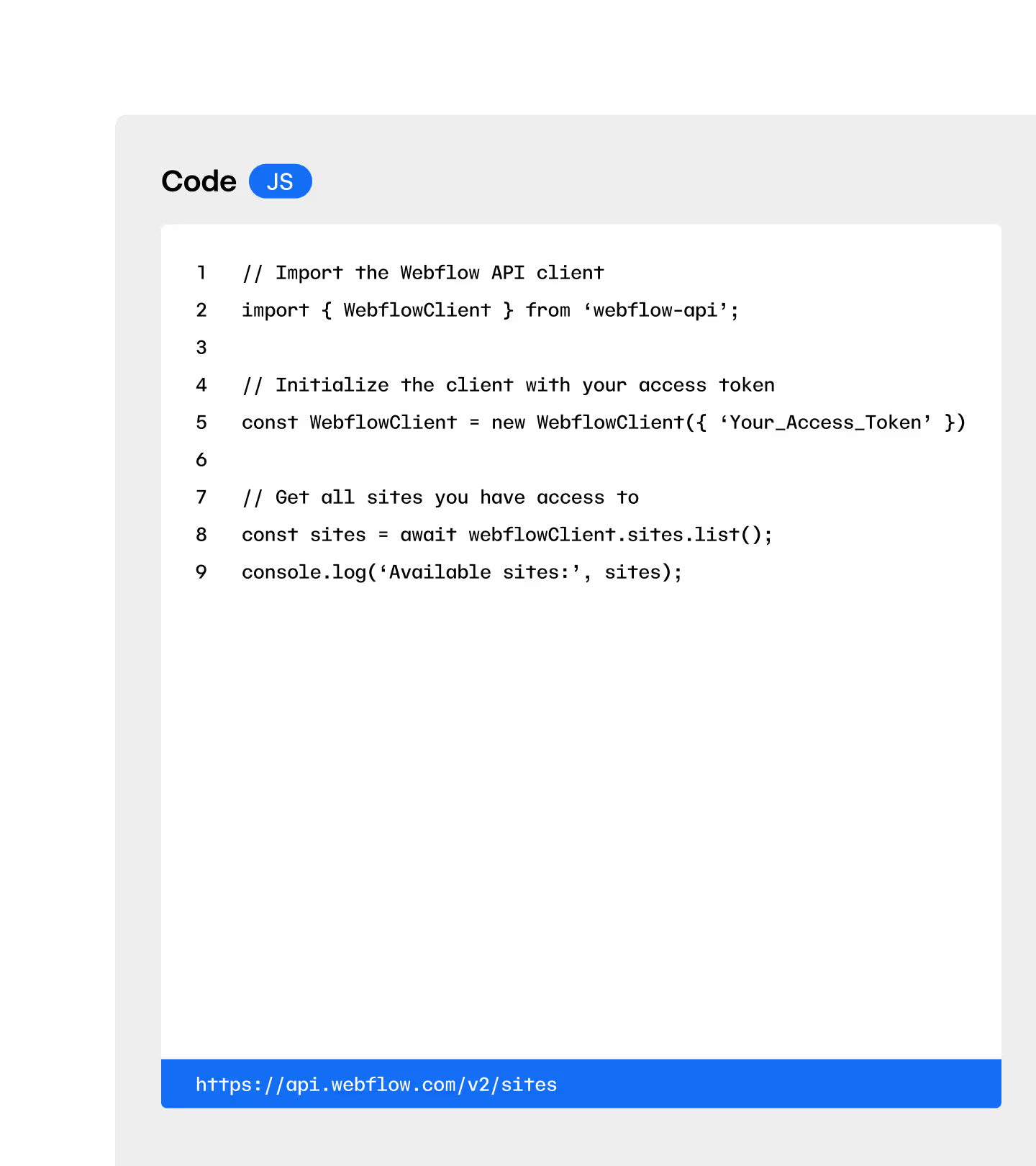
The Webflow API is a set of programmatic interfaces that developers use to interact with Webflow data by writing code. Webflow MCP is built on top of those same APIs, but exposes them as tools that an AI agent can use on your behalf — so you don't need to write code to get things done. Describe what you want in plain language, and MCP translates that into the right API calls automatically.
With Webflow MCP, anyone with access to a compatible AI tool can prompt their way through design, content, and site management tasks, while keeping the same underlying data access and security controls the API provides.
Webflow MCP supports parts of a migration or CMS structuring workflow, but it's not built for full site migrations from one platform to another. You can use it to create and manage CMS collections, add and update collection items at scale, and structure content programmatically — which makes it useful for setting up or reorganizing your CMS architecture with the help of an AI agent.
For teams moving content into Webflow or restructuring an existing site, MCP accelerates the process by letting you create collections, populate fields, and manage content through natural language prompts rather than manual data entry. Full one-shot platform migrations are outside what MCP is built for, so it works best as a tool for structured, incremental content work.
Webflow MCP doesn't yet cover every capability available, but its capabilities are actively expanding. Check the developer documentation for the latest on what's supported.
MCP Resources

Starter Kit
Tutorials, videos, and articles for every stage from beginners to experts.

Prompt library
A library of prompts to help you get more out of your agents.

Agent instructions
A set of starter skills and rules to guide your agents from the get go.
All platform features