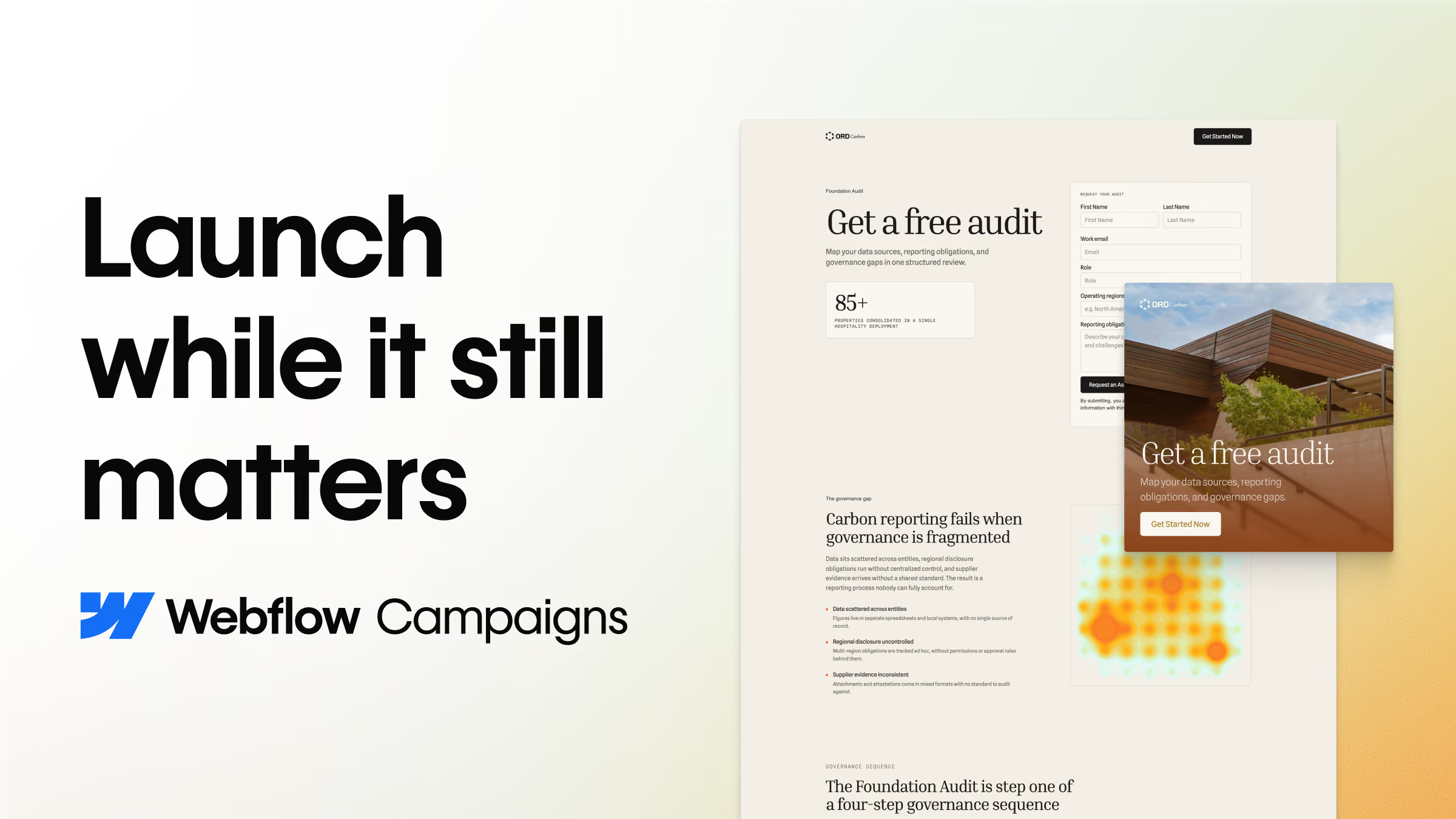
Build campaigns that grow your pipeline
Made for marketers. Create and launch on-brand campaigns on your terms, alongside any CMS.
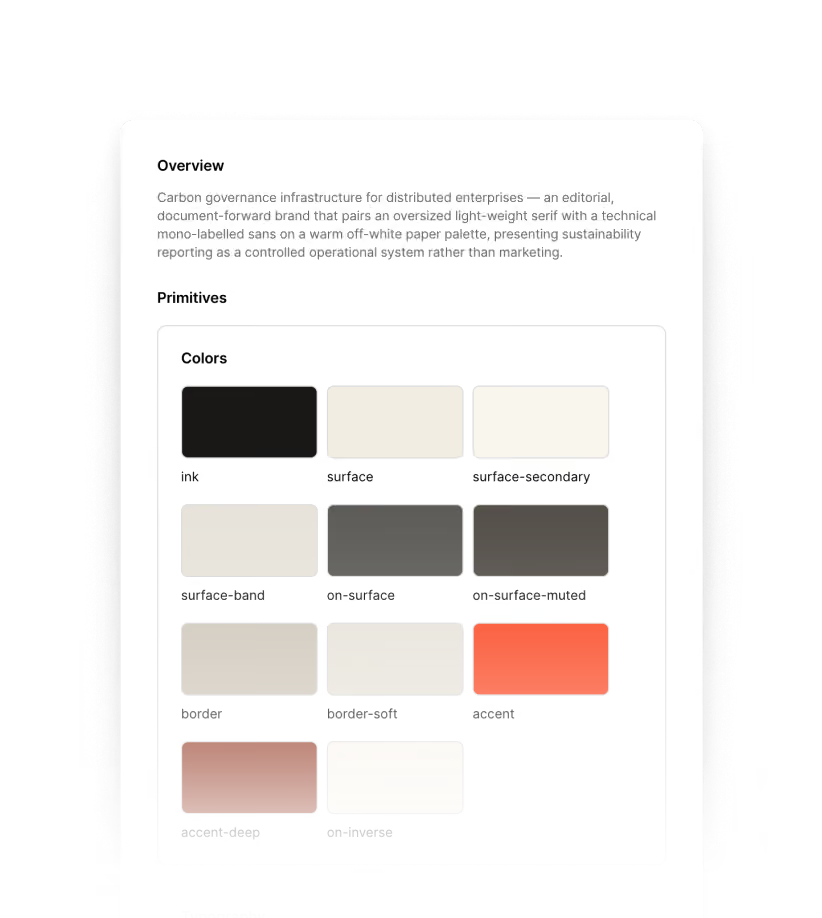
Auto-extract your brand system.
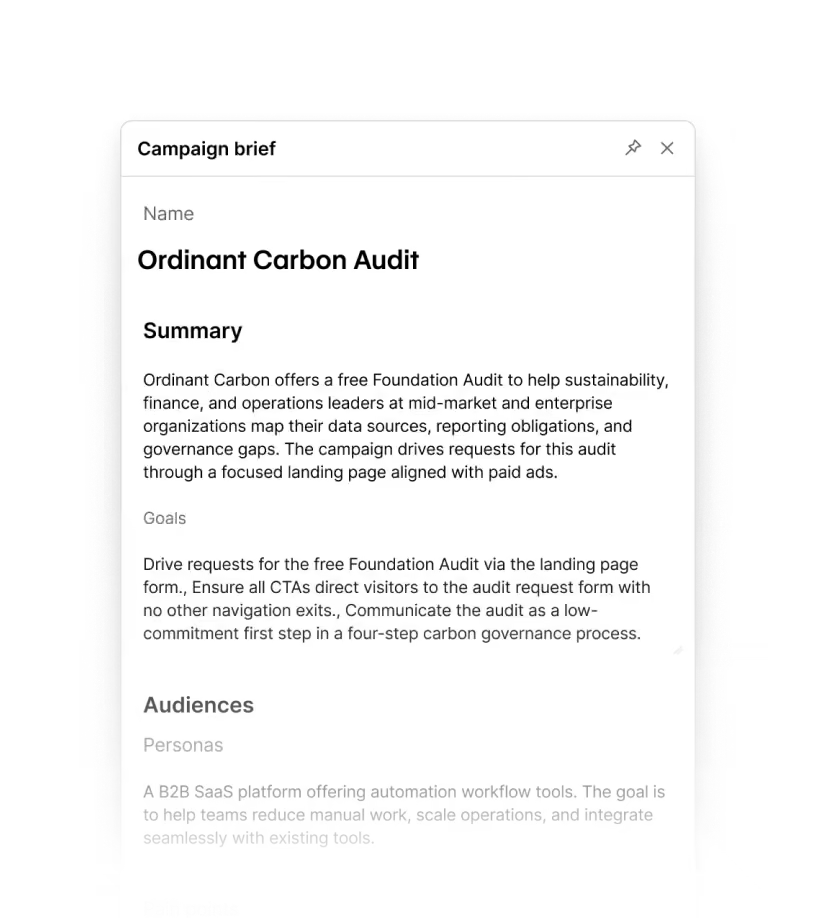
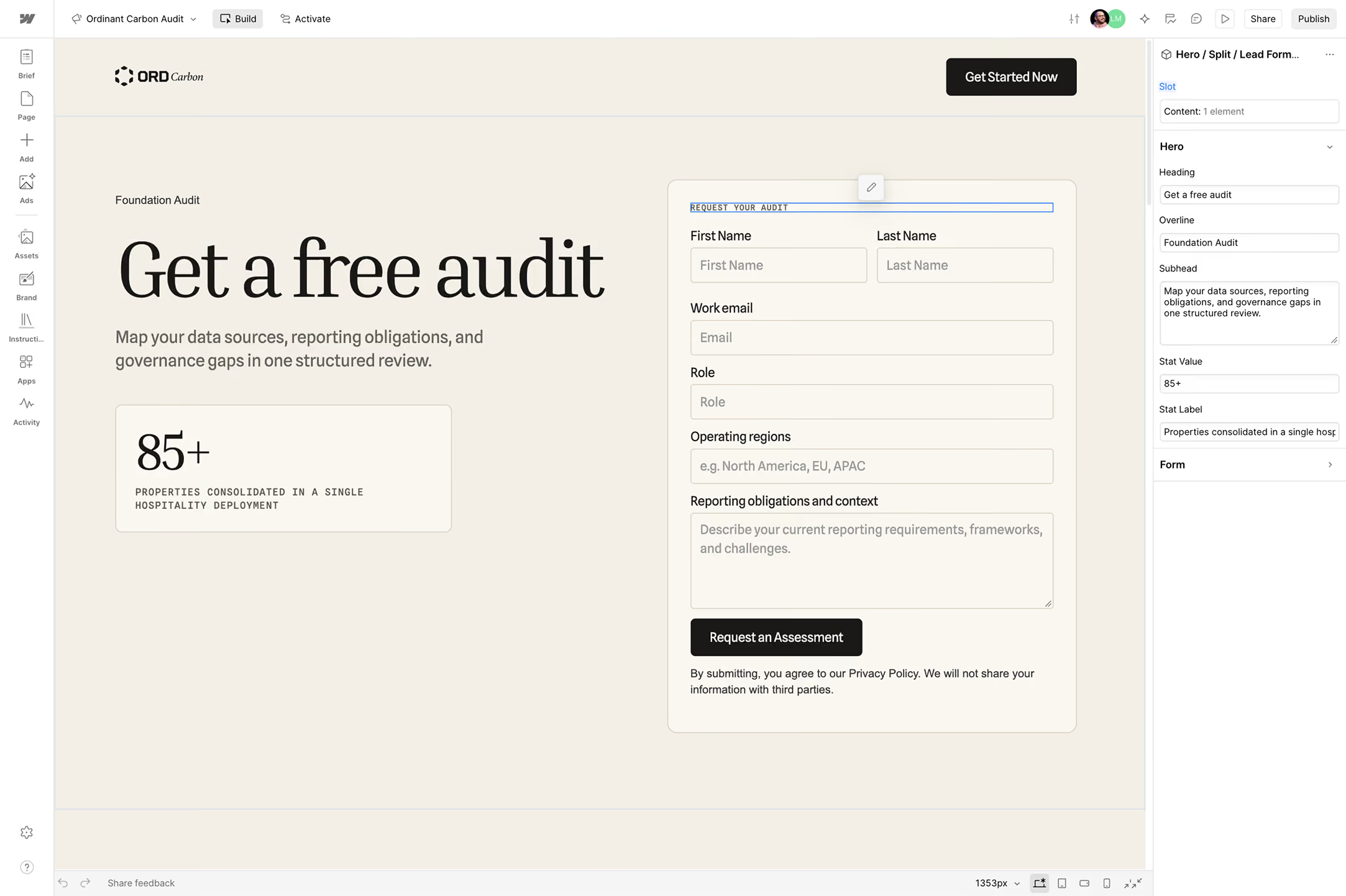
Write a campaign brief (with our agent’s help).
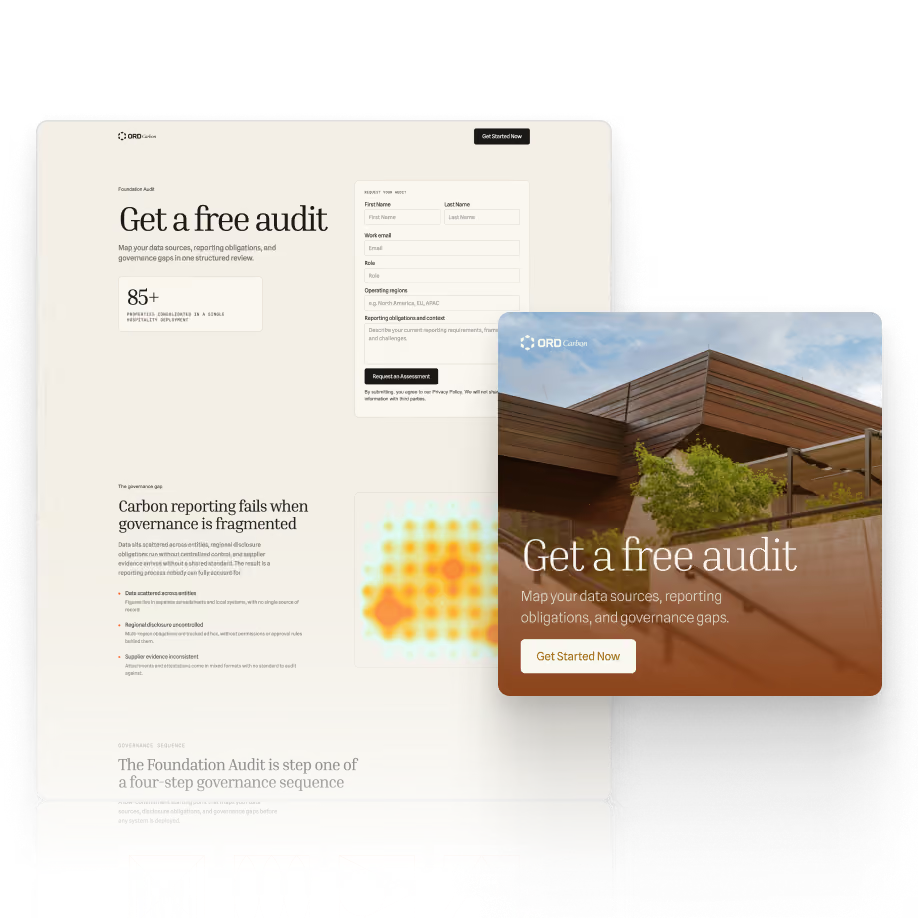
Generate on-brand landing pages and matching ads.
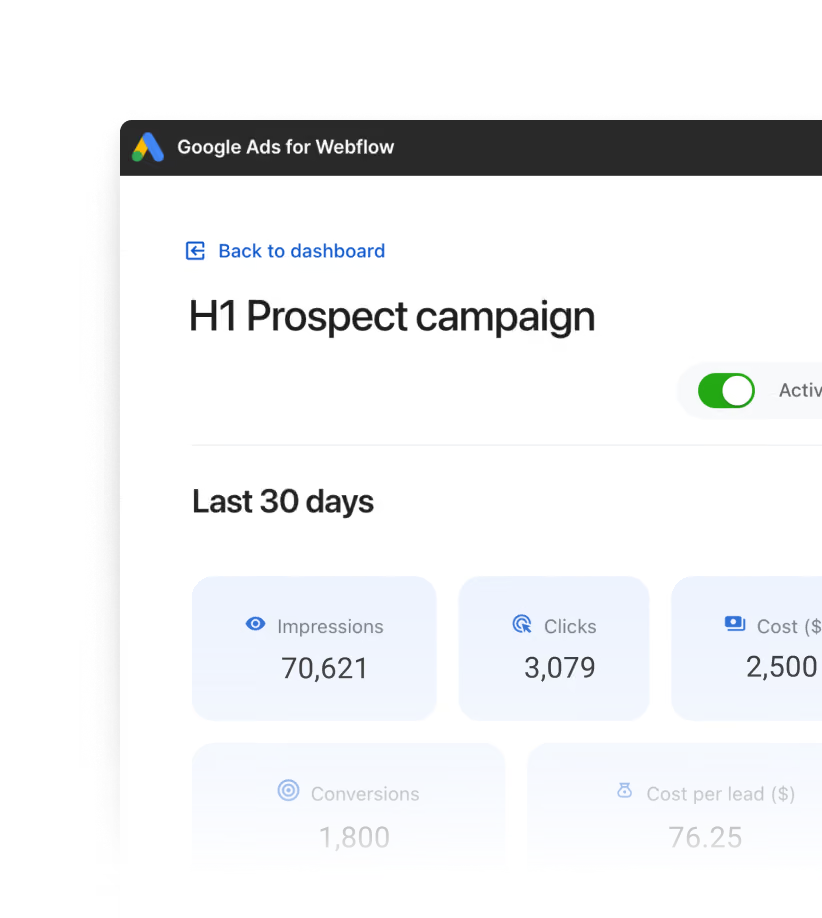
Launch and measure pipeline impact.
Contact sales

“Before using Campaigns, we’d create a mockup in Lovable, spend time prompting it to get the content and branding right, and then rebuild the page in WordPress. Campaigns is now our one-stop shop, cutting out additional prompting and the need to rebuild our designs.
Now, I can focus on perfecting the content and minor edits that take less than 30 minutes. And with campaign analytics right alongside the page, it’s easy to see the metrics our stakeholders care about without consolidating separate reports.”

Set every campaign up for success
Turn your ideas into a clear strategy, with AI agents that help refine your audience, messaging, and brand before you build.
Start with what you have
Paste in your ideas, upload a completed brief, or build on a work in progress.
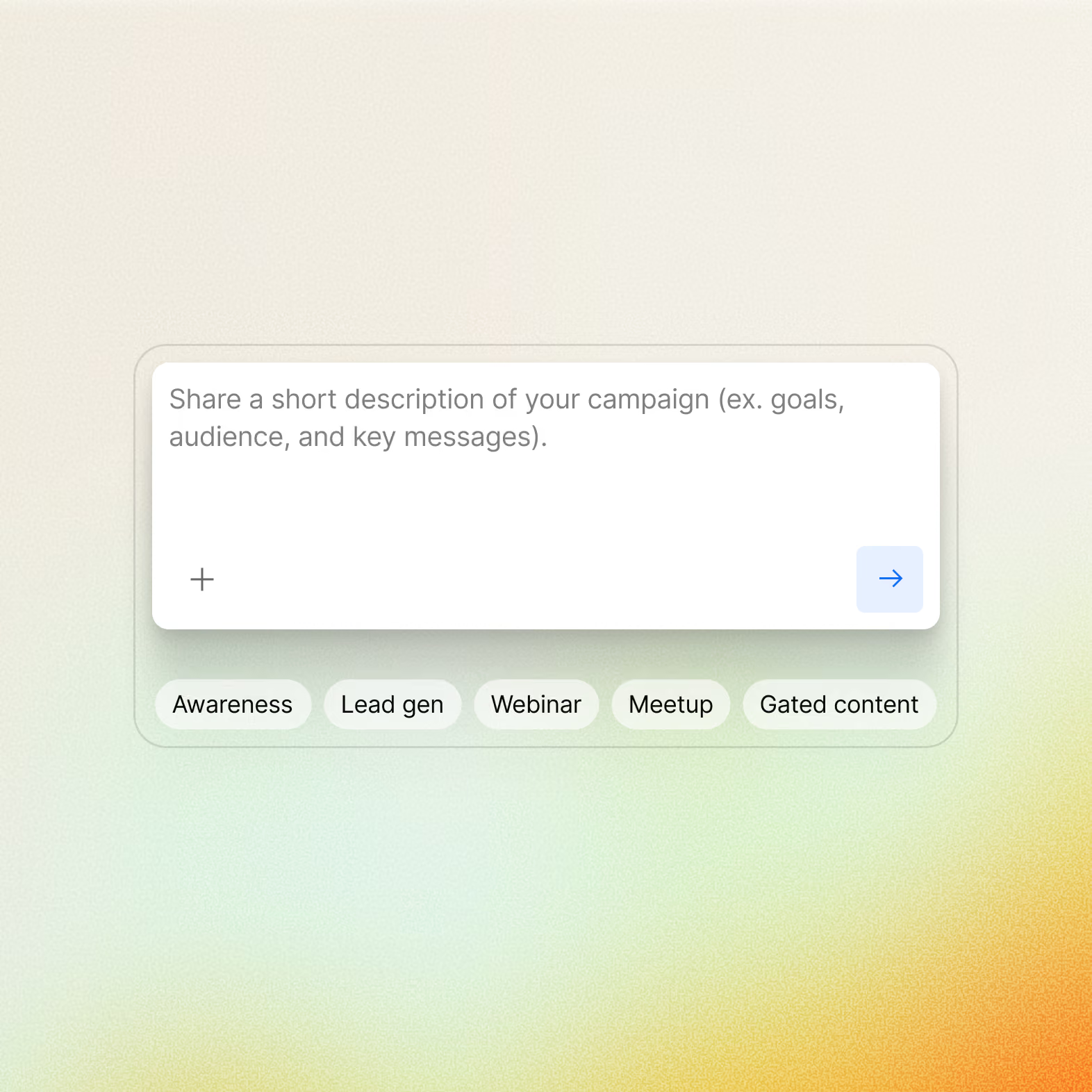
Hone your strategy
Sharpen your brief into an actionable plan that aligns your assets around a clear, consistent message.
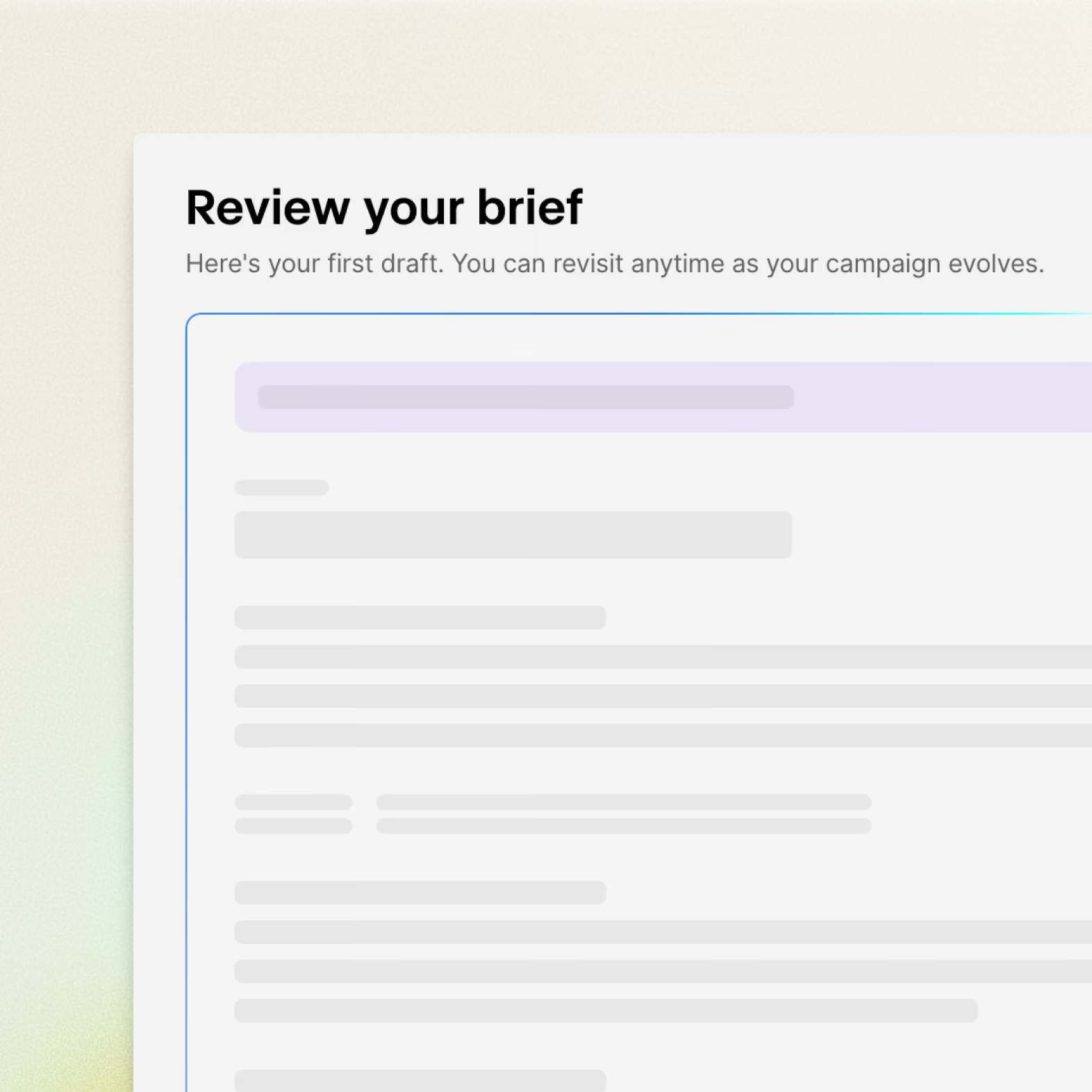
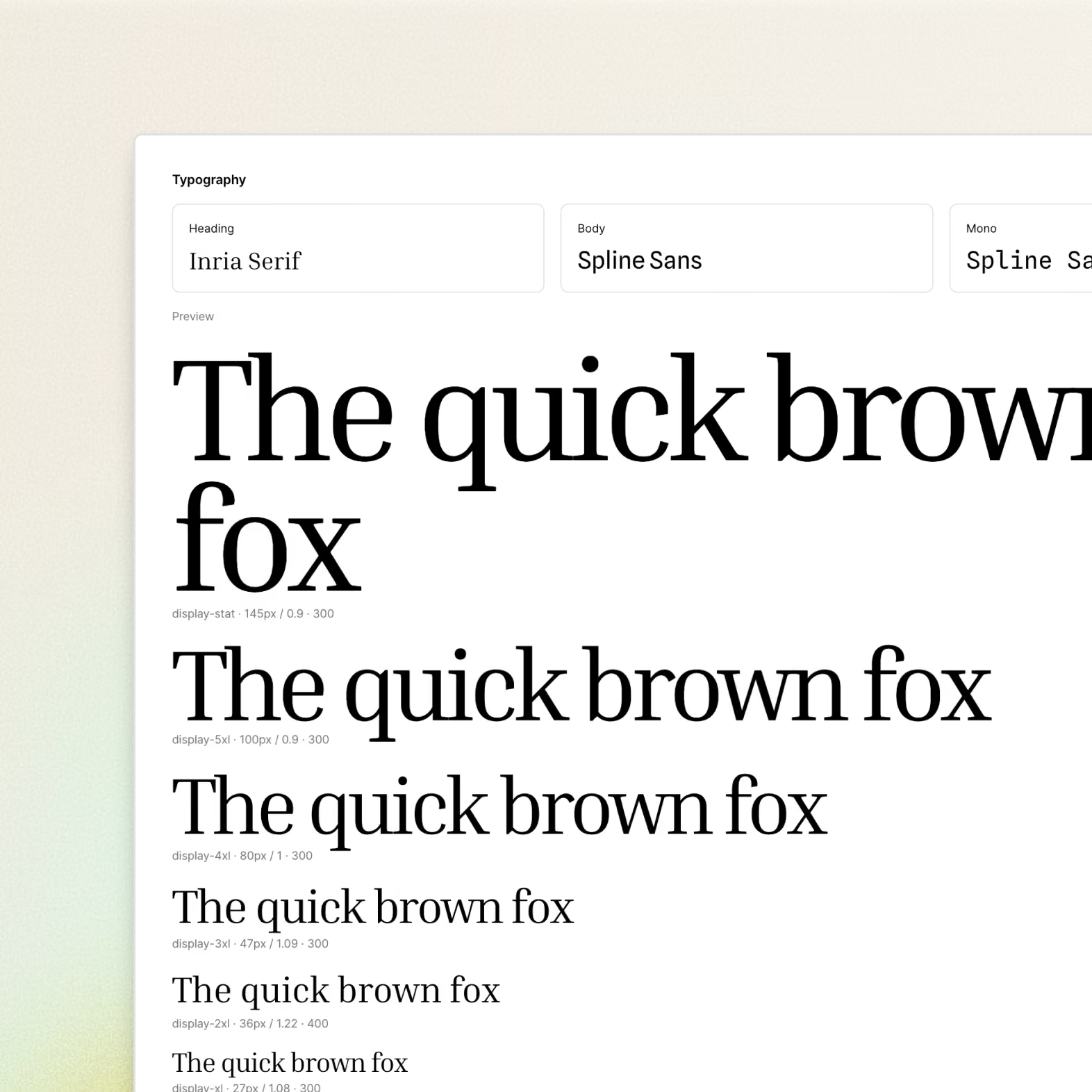
Define your brand
Automatically generate a reusable design system from your existing website to keep every page and ad on-brand.

Create your campaign with Webflow MCP
Build and edit campaign pages directly from the AI tools you already use.
Update the customer stories section to a three-column card layout.
Create unified pages and ads
One brief produces the landing page, the audience variations, and the ads together, so the message holds from first click.
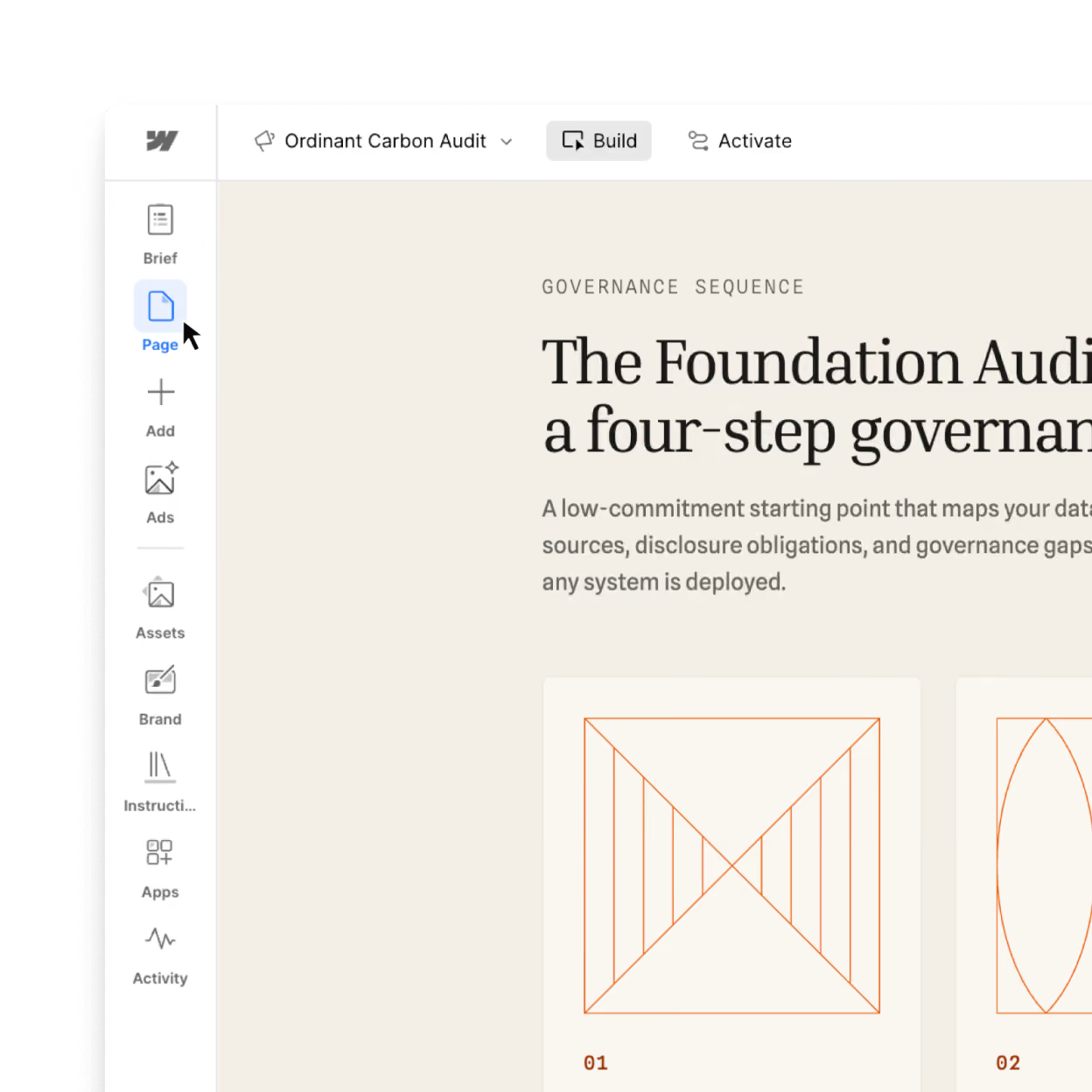
Generate pages built to convert
Landing pages come from your brief in your brand’s design system, not from a generic template.
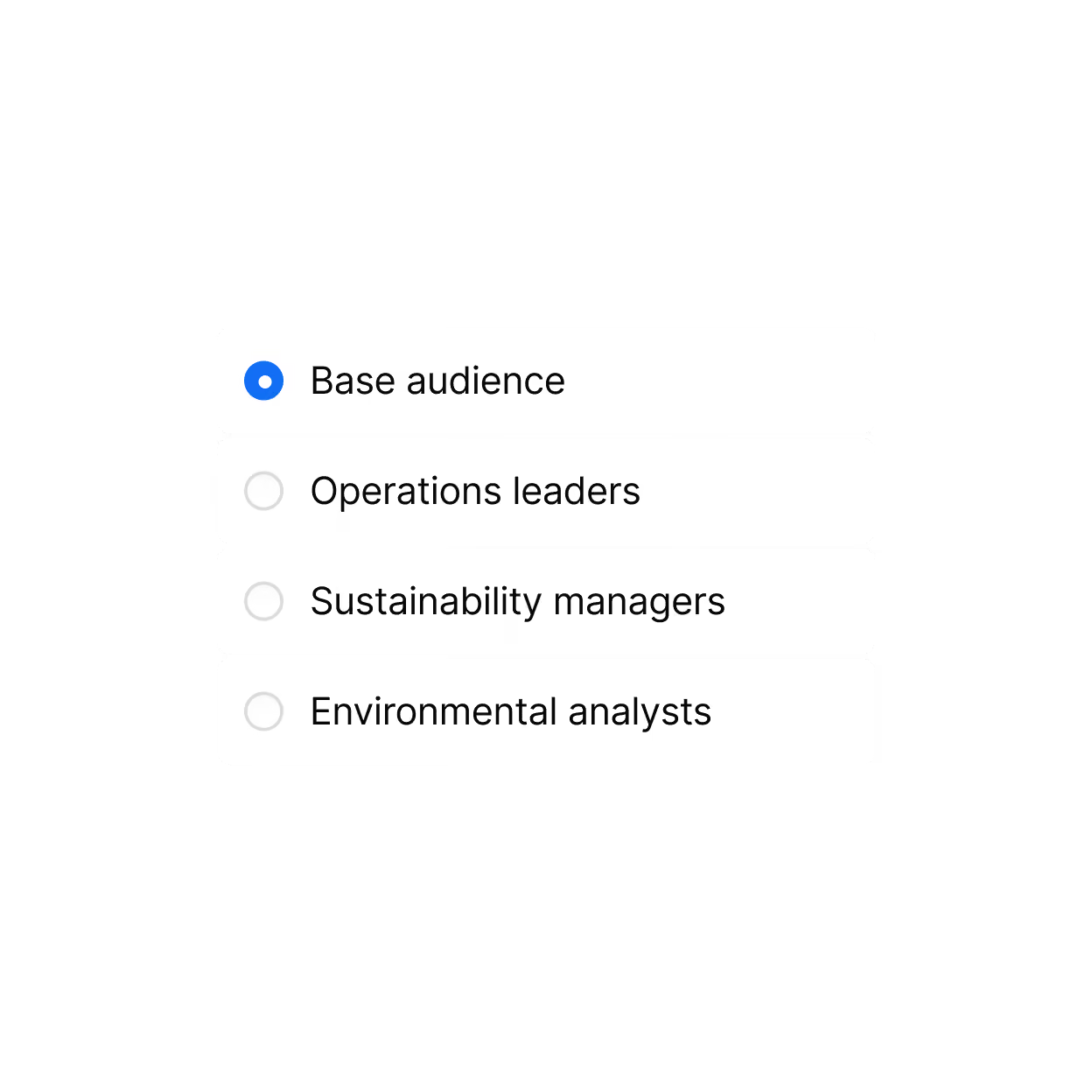
Personalize for every audience
Create tailored asset variations each persona, industry, or account, each with its own messaging and URL.
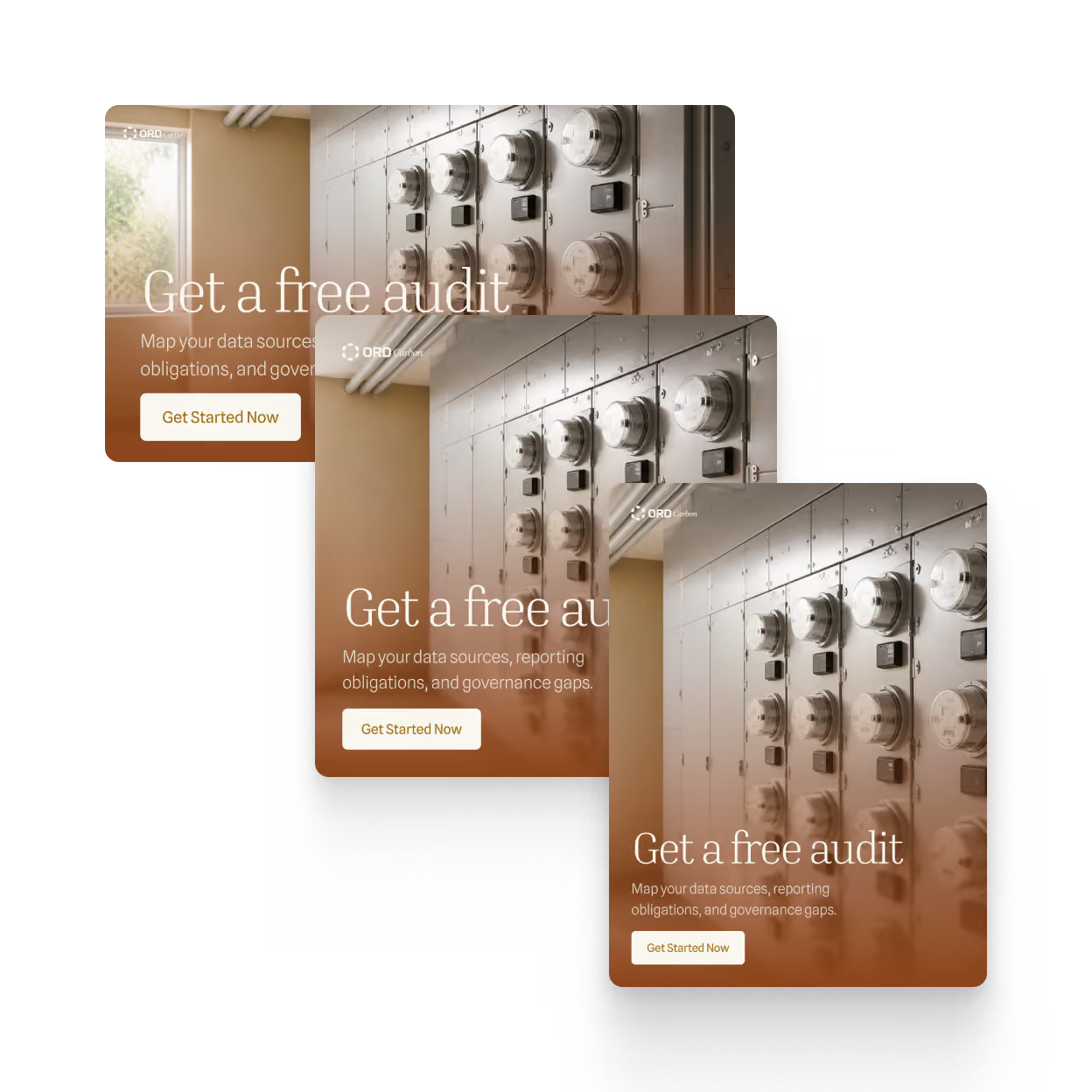
Match every ad to its page
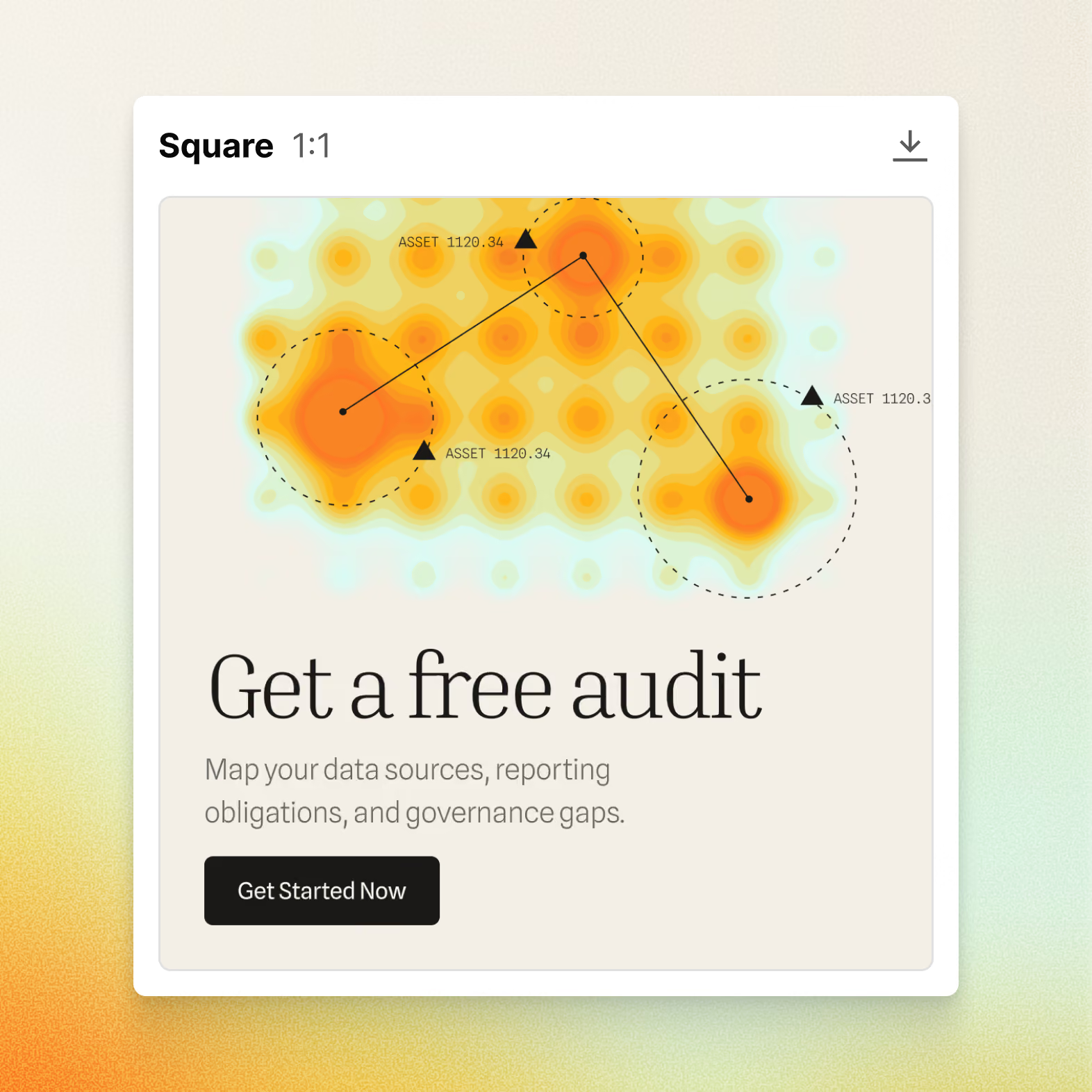
Ad creative carries your page’s message, with a range of sizes and formats to download for multi-channel campaigns.
Go live without the handoffs
Publish your pages, connect your forms, and push to Google Ads without leaving your workflow.
Link your forms
Connect Marketo and HubSpot forms so conversions are tracked from day one.
Publish your pages
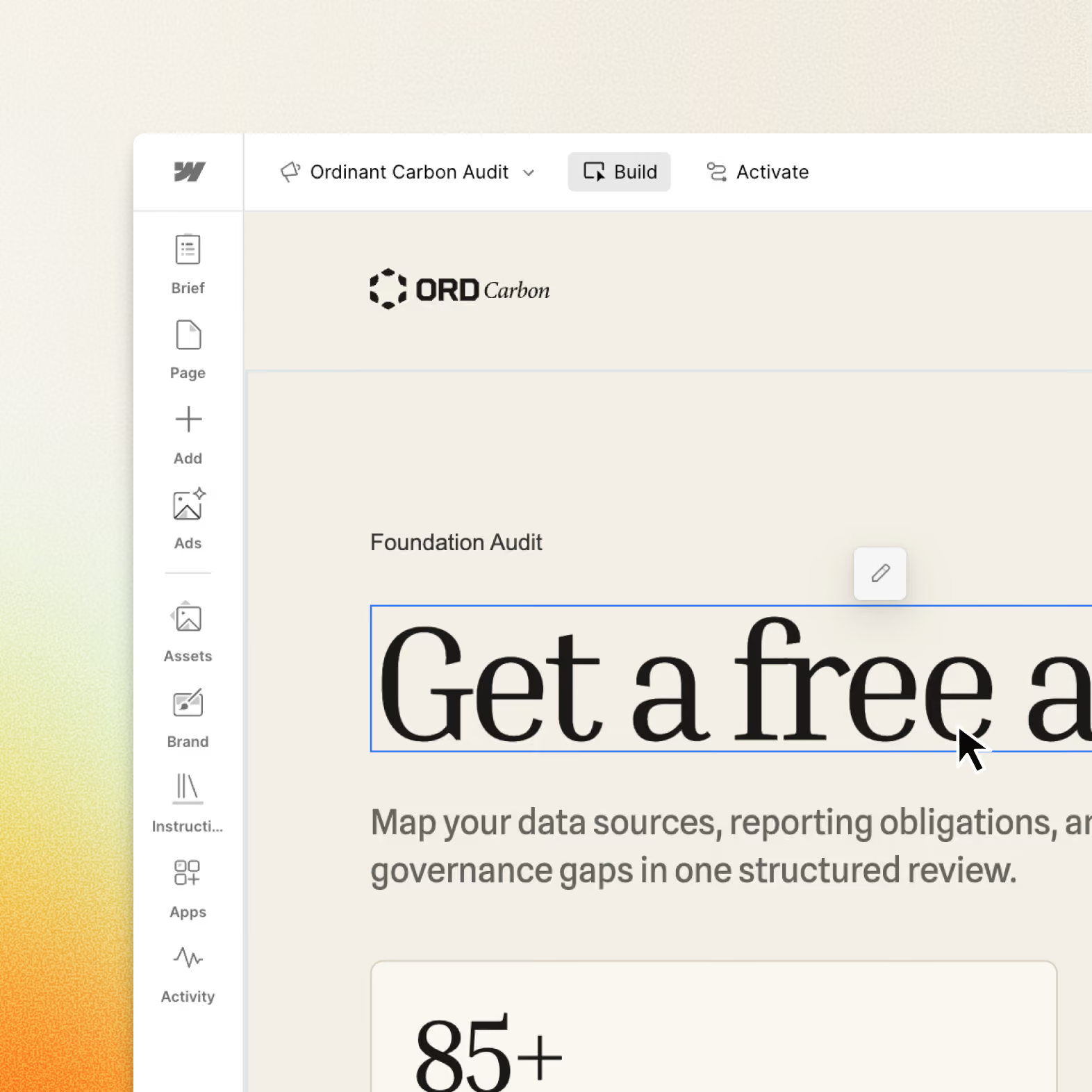
Set pages live on your chosen subdomain with a single click. Easily download links to distribute to across channels.
Send to Google Ads
Push the campaign to Google Ads for launch, with ad copy already matched to the page.
Connect performance to pipeline
See visitor engagement, account-level conversion, pipeline influence, and recommendations to improve performance.
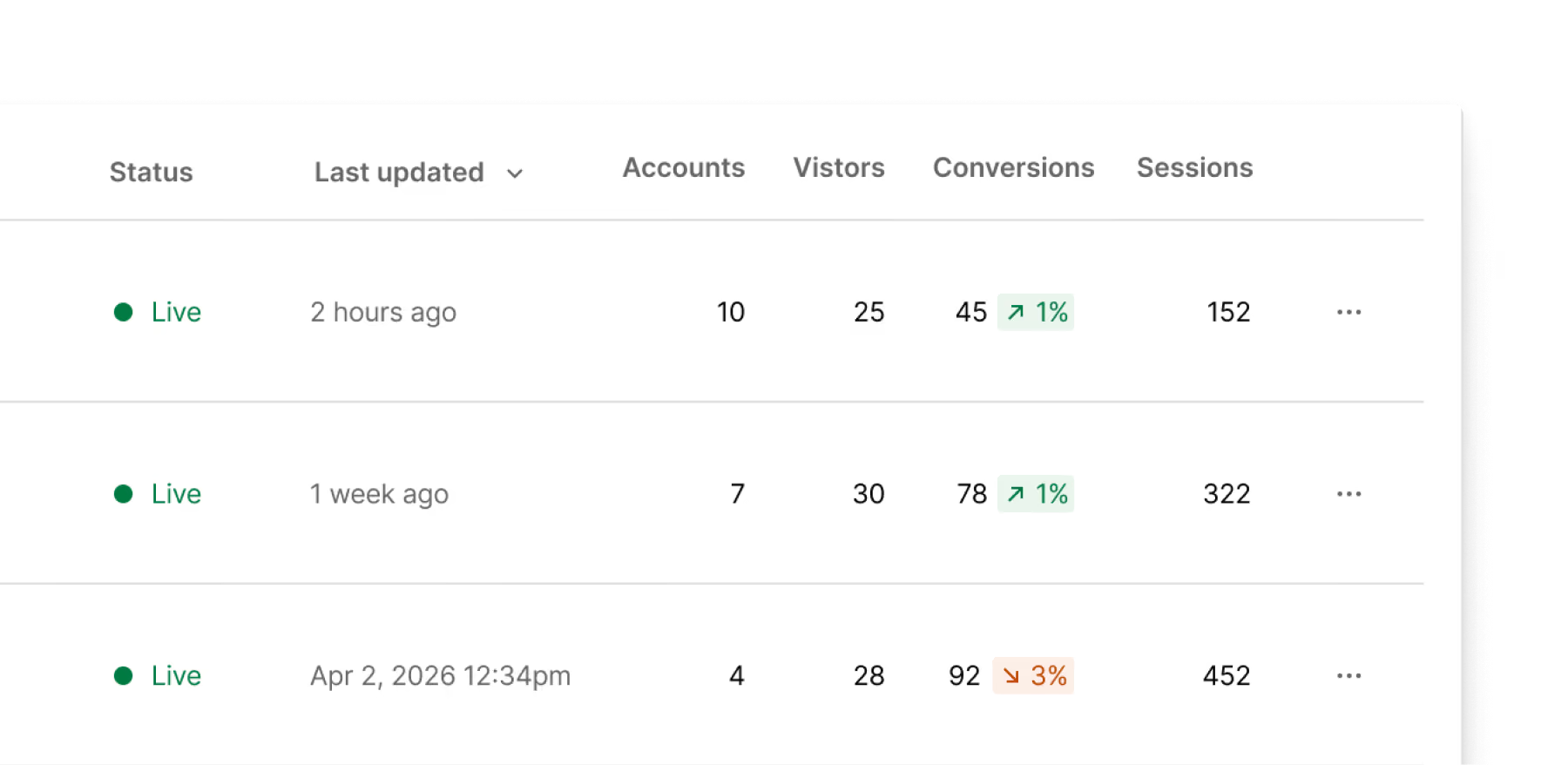
Track sessions and conversions
Understand how each campaign performs with built-in reporting.
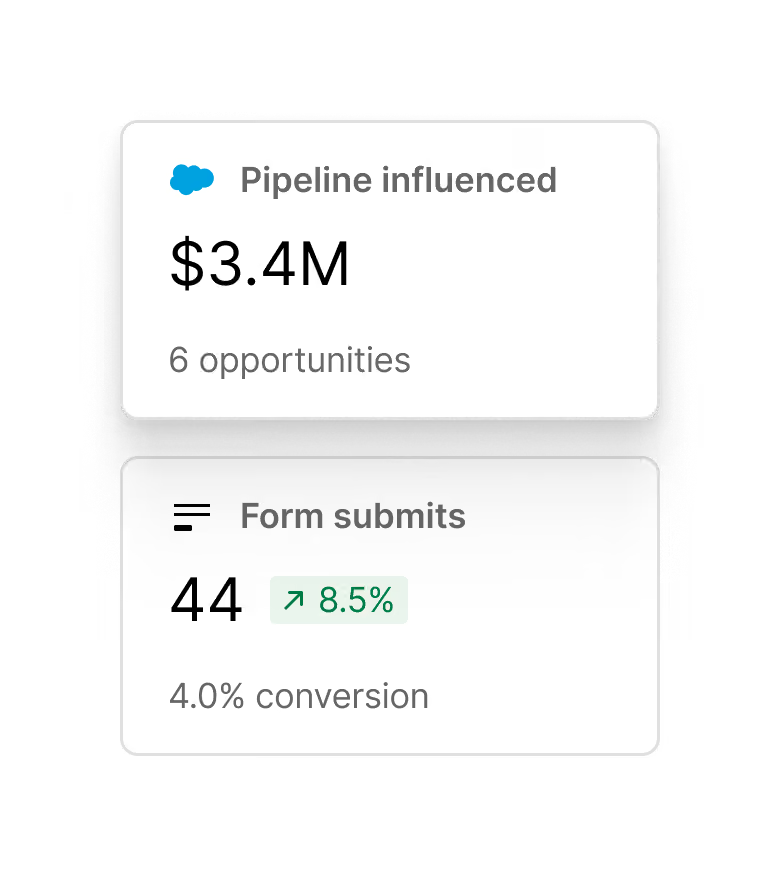
Trace results to pipeline
Salesforce and HubSpot integrations connect campaign performance to pipeline impact.
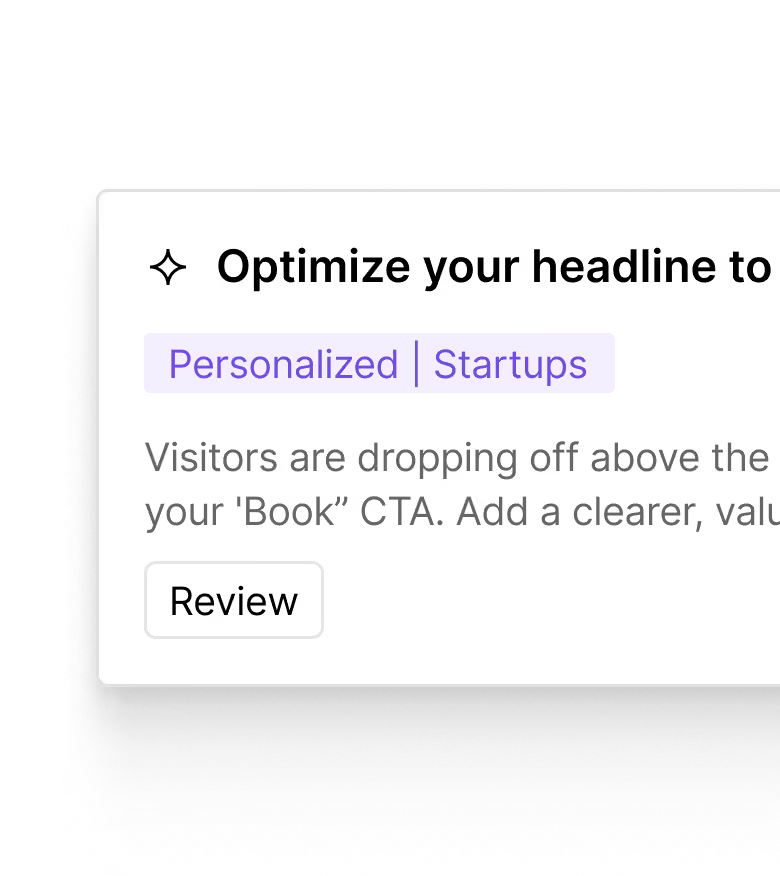
Act on AI insights
Recommendations surface opportunities for improvement based on campaign results.
FAQs
Webflow Campaigns creates a reusable design system from your existing website, capturing typography, colors, and styling to guide landing page generation. You can also provide a design.md file with your brand’s design guidelines. Pages and audience variations follow that shared foundation, with flexibility to customize copy and layouts.
Yes. With Webflow’s MCP, you can use compatible AI tools like Claude and ChatGPT to build and refine campaign landing pages. Make changes through prompts in your preferred AI tool, or edit copy and layouts directly in Campaigns’ visual editor or via the AI Assistant.
Webflow Campaigns connects to HubSpot and Marketo for forms and lead capture, as well as HubSpot and Salesforce CRM for pipeline attribution. Campaigns also integrates with Google Ads to build and launch Performance Max campaigns within Webflow.
Webflow Campaigns is built for demand generation, growth, and performance marketing teams that need to launch campaigns faster and connect results to pipeline. From paid acquisition to webinars, events, or ABM campaigns, marketers can create on-brand landing pages, personalized audience variations, and message-matched ads without waiting in web and brand team queues.
No. Webflow Campaigns is a standalone product that doesn’t have a connection to your CMS. You can build and launch campaign landing pages and ads whether your main website runs on Webflow, WordPress, or another platform.