










A website project doesn’t have to end at launch; it can be an ongoing service that keeps creating value for you and the client.
Businesses want websites they can launch fast and maintain without constant technical intervention, all while scaling smoothly as needs change. But traditional website projects tend to come with plenty of upfront costs and long-term maintenance challenges.
The website as a service (WaaS) model gives clients ongoing access to professionally managed websites through recurring subscriptions. You work with the client on their site long-term, rather than treating the project as a one-time deliverable.
In this guide, we’ll explain how the WaaS model works, and discuss how its benefits compare to traditional web design. We’ll also explore different platforms that can support WaaS workflows.
How does the website as a service model work?
WaaS replaces traditional, one-time website designs with ongoing subscriptions. Rather than charging a large upfront fee and handing the site over at launch, you provide the website along with services like hosting, maintenance, updates, and support.
Here’s how a WaaS business model differs from other approaches:
- Subscription-based pricing. You charge clients monthly or annually, and the subscription defines what the client receives. Pricing reflects the site’s scope and the level of ongoing service you’ll provide.
- Shared design systems. As a WaaS agency or provider, you can save time by building client sites with reusable design systems. Establish standardized foundations, then adapt them to each client’s brand and content requirements. For instance, the same basic structure can support completely different SaaS website designs, while still leaving room for flexibility and creativity.
- Centralized management. WaaS brings ongoing website operations under one provider, so it’s best if you can manage services like hosting and maintenance through a central hub. This helps you standardize operational tasks and keep work organized as your client base grows.
- Continuous optimization. A WaaS engagement means a launched site isn’t necessarily in its final version. You can make improvements over time as the client’s business priorities change or new integrations become available.
What are the benefits of WaaS?
WaaS is an attractive option for small or medium-sized businesses that want a professional website, but don't have the internal team or resources to manage it. That demand creates an opportunity for design freelancers and agencies to deliver sites that grow over time, while bringing in regular income.
Let’s look closer at the key advantages of offering WaaS to your clients.
Scalability
Reusable templates and standardized content management system (CMS) structures let you increase delivery capacity and take on more accounts, without increasing production effort at the same rate.
You can preserve the parts of the design process that genuinely need to be custom, while reusing the components that don’t. For example, if you’re building multiple consulting websites, the same underlying CMS structure can support recurring content types while the design and messaging stay client-specific.
Time and resource efficiency
Consistent workflows make routine tasks easier to manage, because you aren’t re-learning a different process or using separate tools for each client. When you’re managing dozens of projects, each with different preferences, you spend less time switching between bespoke setups. This leaves more space for high-value improvements, like UX or performance optimization.
Recurring revenue stream
In traditional web design models, income is tied to individual contracts that end at different times. This creates uneven cash flow between projects. WaaS subscriptions offer a recurring revenue stream that’s more stable and predictable. With better visibility into future earnings, you can also make decisions about capacity and investment that aren't dependent on when you close the next big project.
Client retention
WaaS provides more opportunities to stay involved as a client’s business changes. A startup website may begin with just a handful of core pages, but will likely need new landing pages or localized content in the future.
Since you already understand the site and the business behind it, it’s more convenient for the client to turn to you for updates, instead of looking for a new vendor. This ongoing relationship can turn a transactional engagement into a long-term partnership, where your value grows alongside the client’s needs.
What are the key differences between WaaS and traditional website design?
A standard website project focuses on a defined build, launch, and handoff workflow. WaaS keeps you and your client connected in an ongoing service relationship. Here’s what that difference means in practice.

What to look for in a web hosting service
There are tons of web hosting options out there — but how do you know what features to look for? See how Webflow Hosting could be the perfect fit.
How can you manage a WaaS model? 4 platforms
Your website design and management platform should let you reuse components, control client access, and perform ongoing maintenance, all in the same place and without adding unnecessary overhead. These four platforms each offer features that can help solve those problems.
1. Webflow
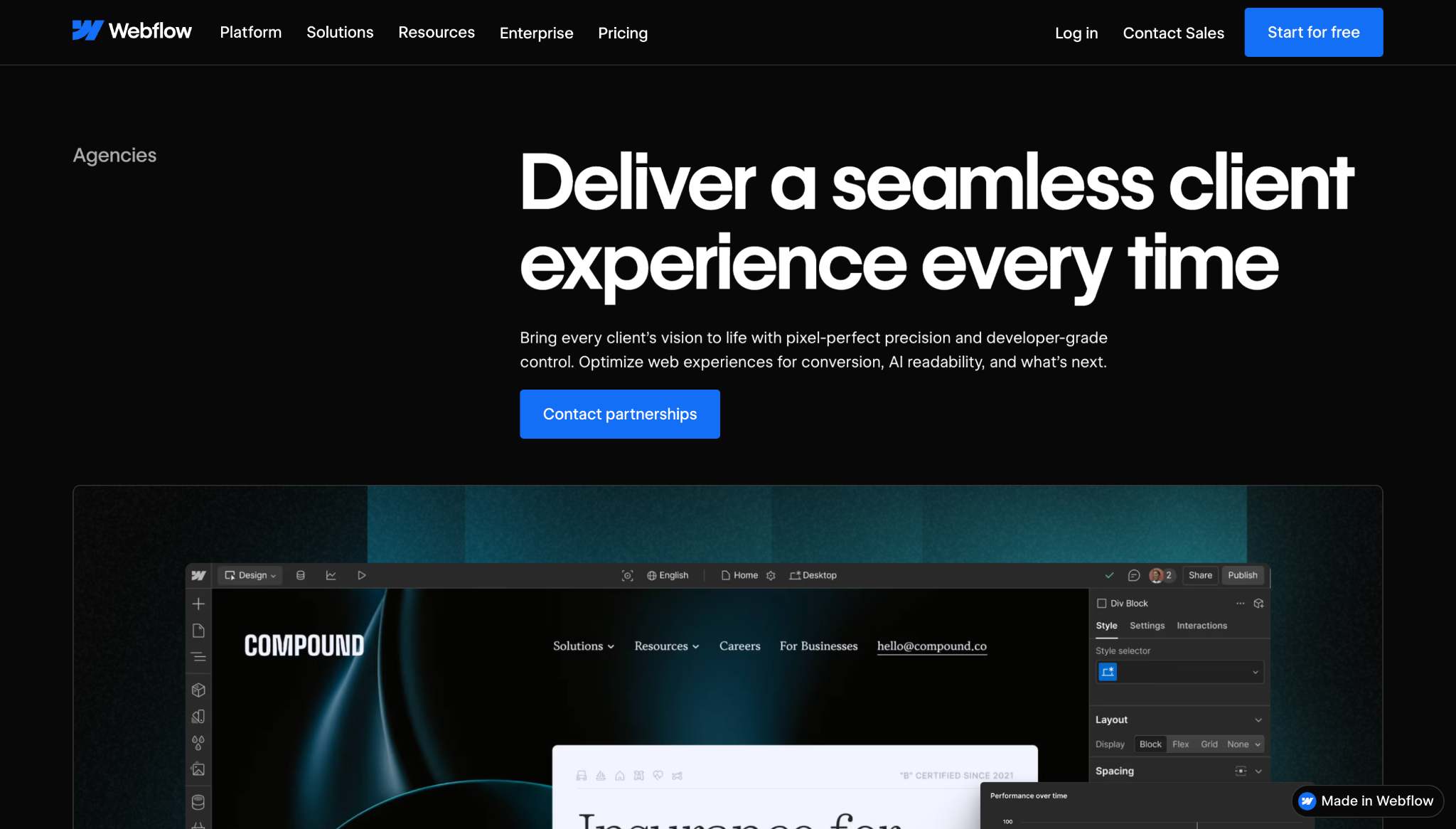
Webflow is an agentic web marketing platform that combines website design, hosting, publishing, and optimization. The Agency Workspace plan supports unlimited hosted sites and shared libraries. This lets you reuse components and assets across client builds, while centralizing design and maintenance.
With Webflow, you also get a scalable solution with predictable, usage-based pricing. Each site published to a custom domain will have its own Site plan, and client seats let you give each business controlled access to its content.
2. HubSpot
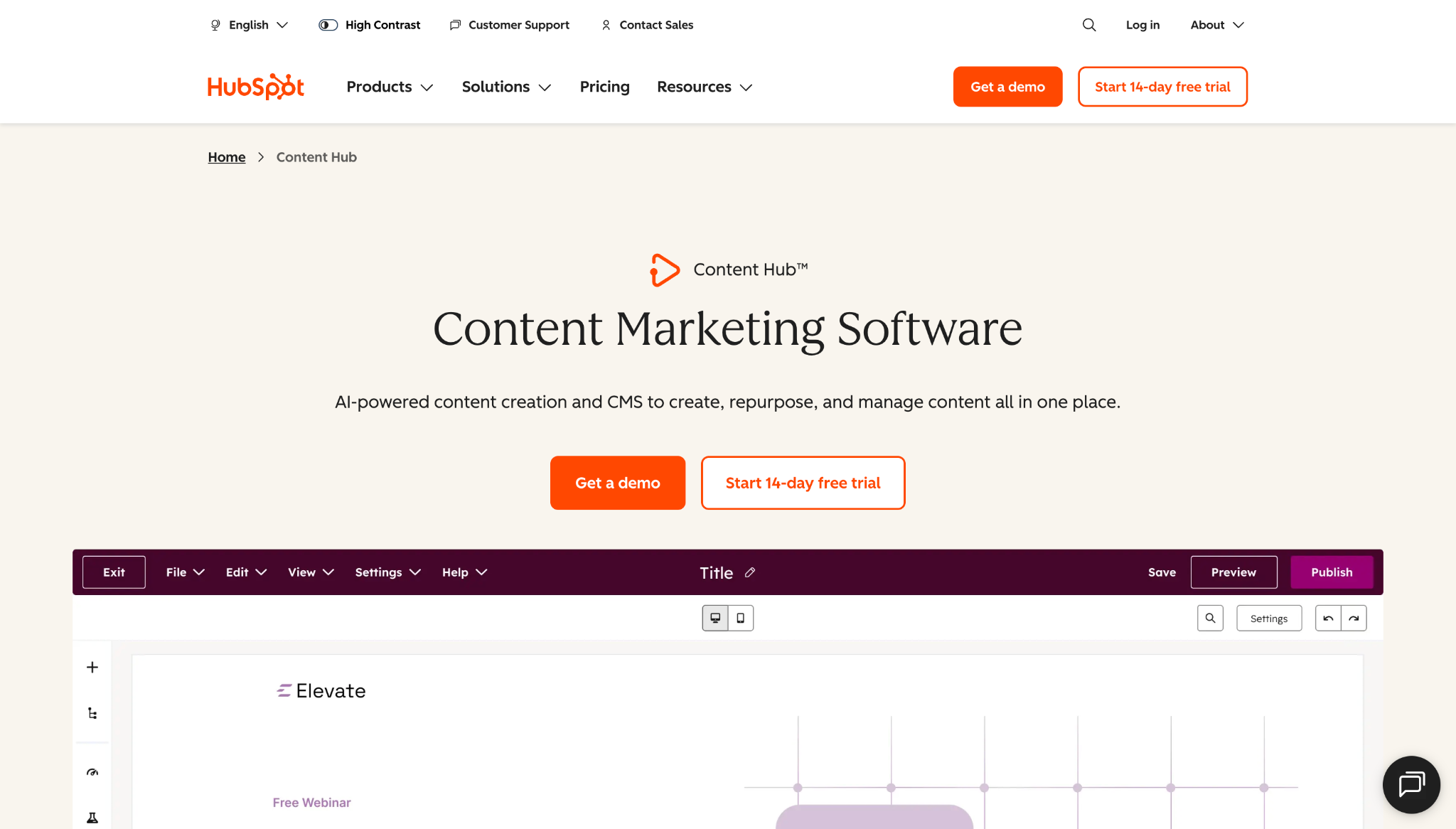
HubSpot combines website building with a CRM, and it’s a good pick for clients that already manage marketing through this platform. Themes and reusable sections offer reproducible building blocks, while the Professional and Enterprise plans add content staging environments for larger redesigns.
3. WordPress
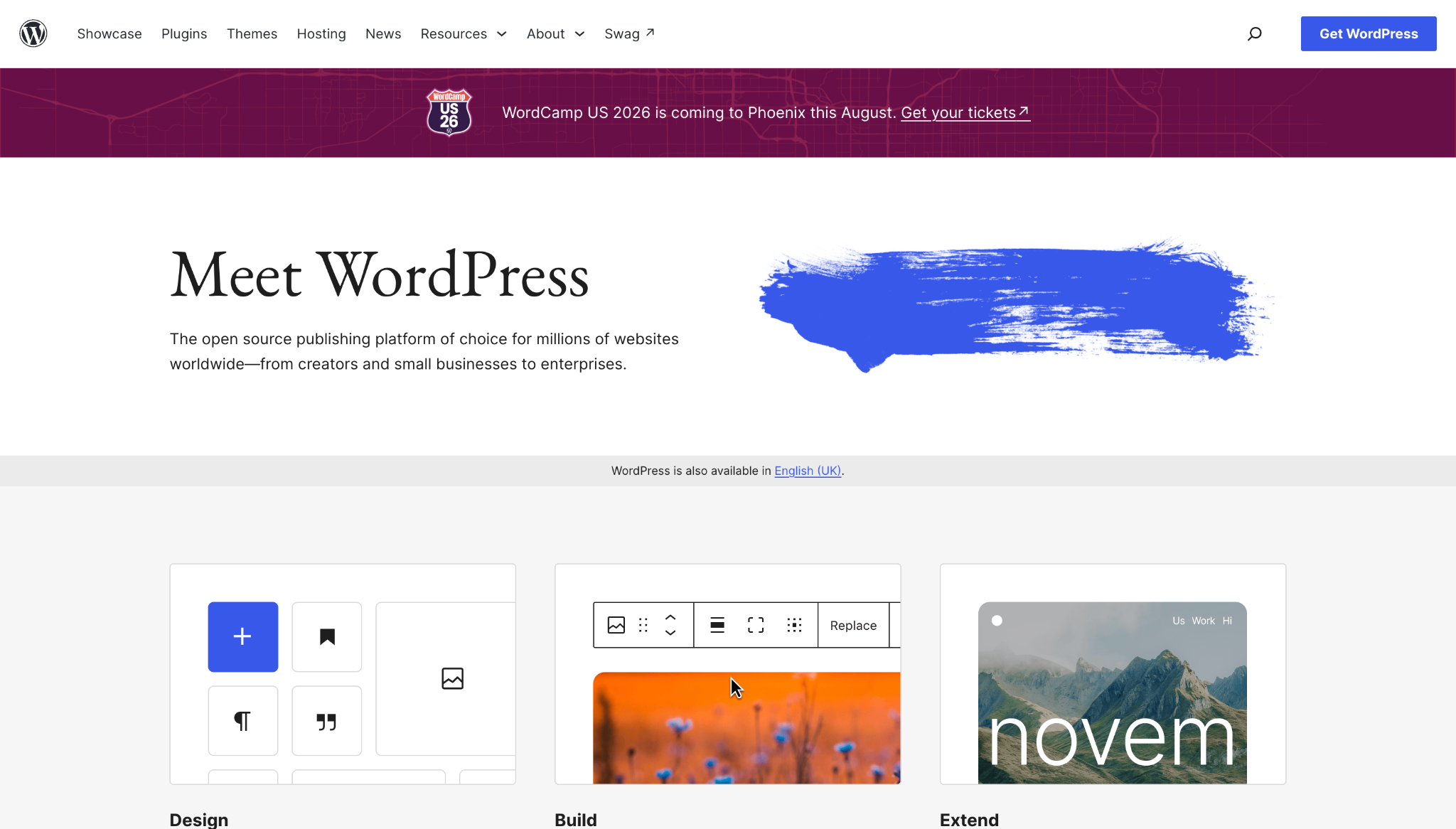
WordPress’ self-hosted platform offers plenty of flexibility, letting you choose your own hosting and development approach. Reusable templates and user-friendly page building tools make it straightforward to build unique sites on a similar foundation. And third-party plugins allow you to customize and standardize your toolset for design and maintenance.
4. Wix Studio
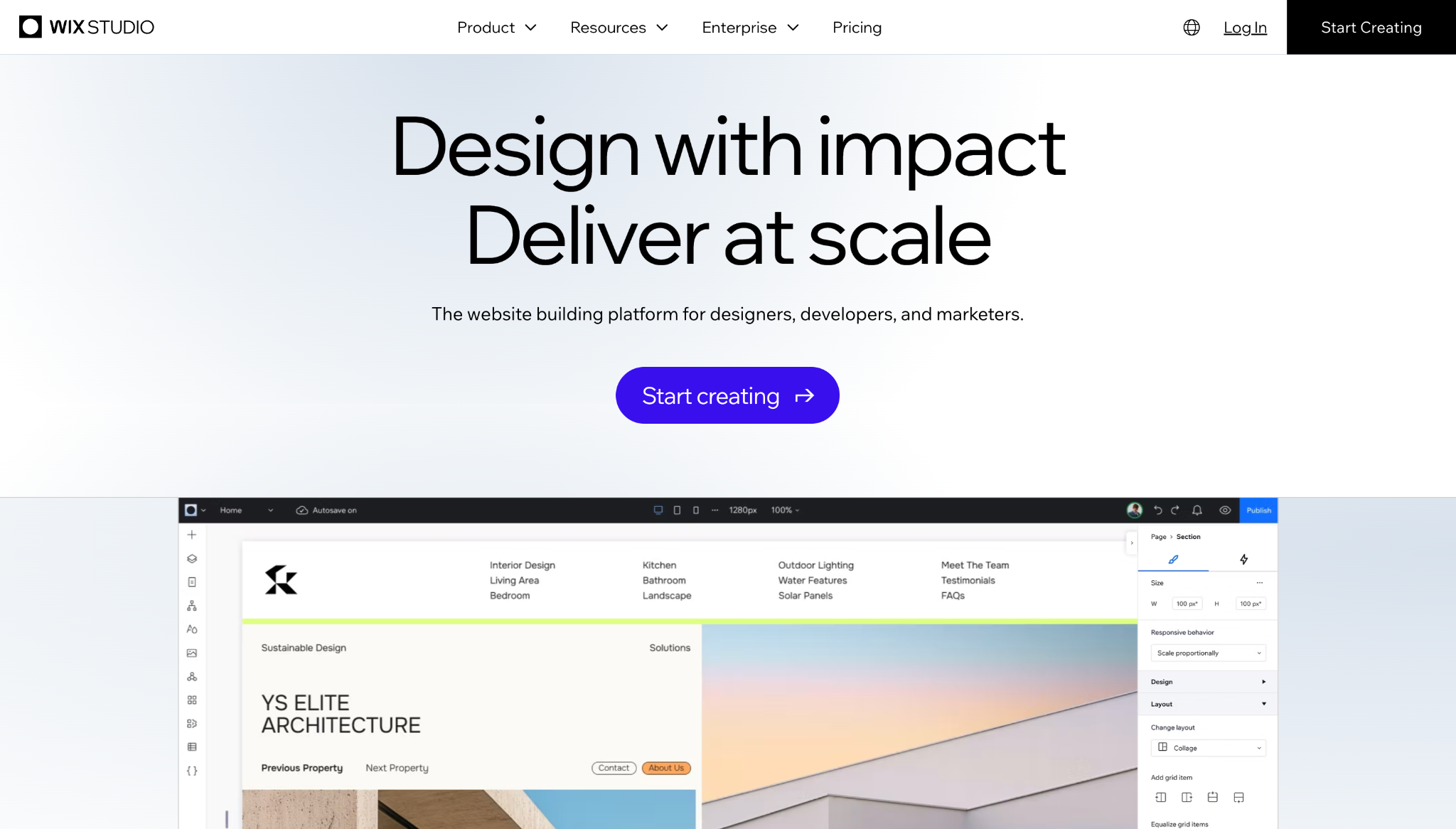
Wix Studio organizes many components inside a shared workspace, including client sites, reusable assets, subscriptions, domains, and team access. You can create custom templates and design libraries, while reusing established layouts across client builds. A Wix workspace can hold unlimited projects, but each individual site needs a Studio plan to unlock premium features.
Build scalable WaaS workflows with Webflow
WaaS works best when you can turn website delivery from a series of one-off projects into a consistent, repeatable system. You’ll also want to avoid unneeded complexity, but leave enough flexibility to meet each client’s needs.
Webflow makes that possible, with shared components and a structured CMS system that can carry across client sites while supporting in-depth customization. Managed hosting removes another layer of infrastructure from your workload. And clients can make changes without needing to access the broader production environment.
Explore how Webflow can support your WaaS workflows.
Freelance web design boot camp
Explore what a successful, fulfilling web design career can look like with this free, comprehensive course.


















