






Feature
Optimize
Site Goals in Analyze & Optimize
Define the site goals that matter most to your business.
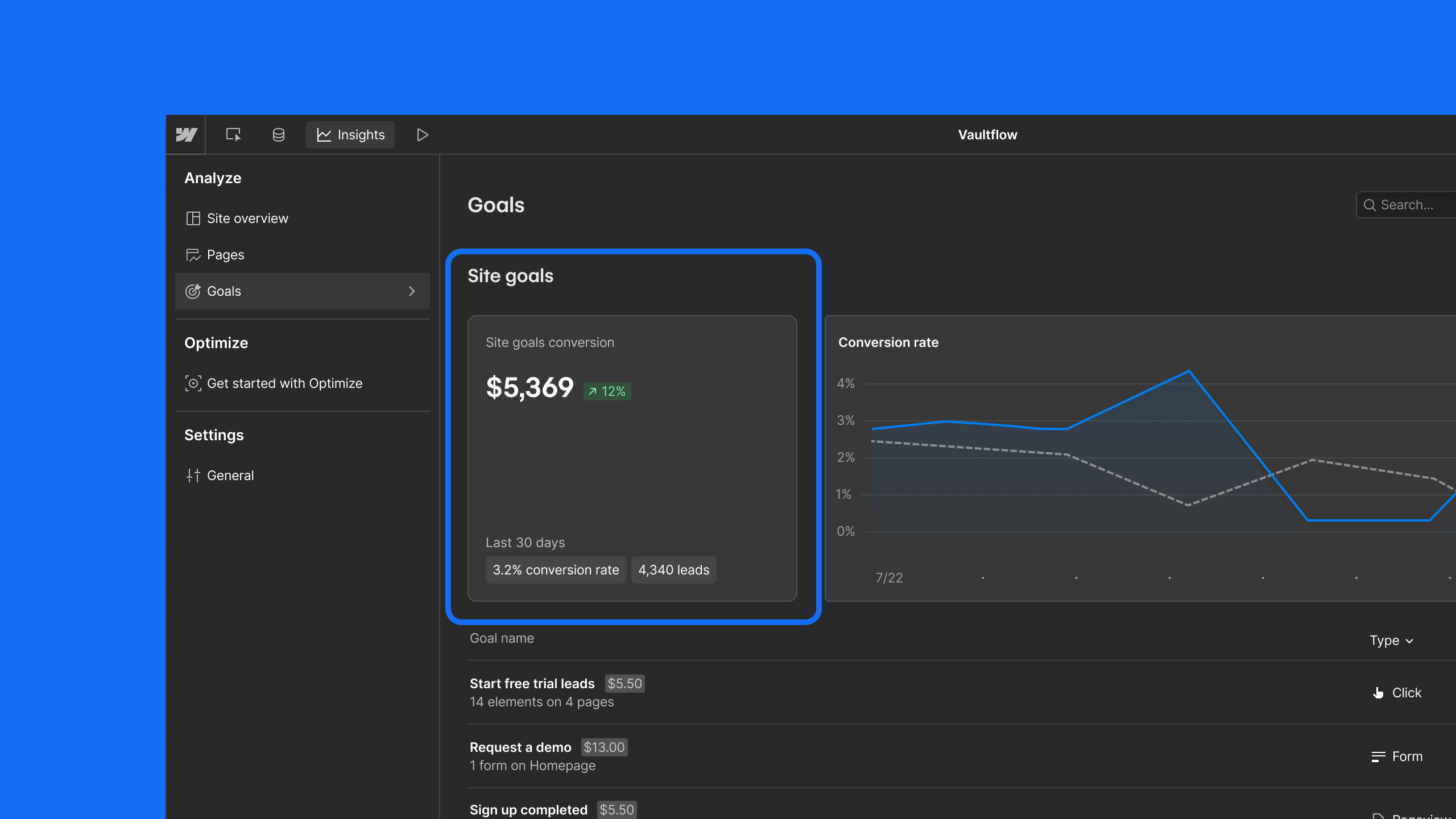
Every marketing website exists for a reason, whether it's generating leads, driving revenue, or booking demos. With Site Goals you can define the "north star" metrics for your website, allowing Webflow Analyze & Optimize to understand what matters most to your business.
Your site's north star — defined once, understood everywhere
Once you set up your Site Goals, they’re automatically available across every optimization and become the default lens through which Webflow Analyze and Optimize show how your site is performing.
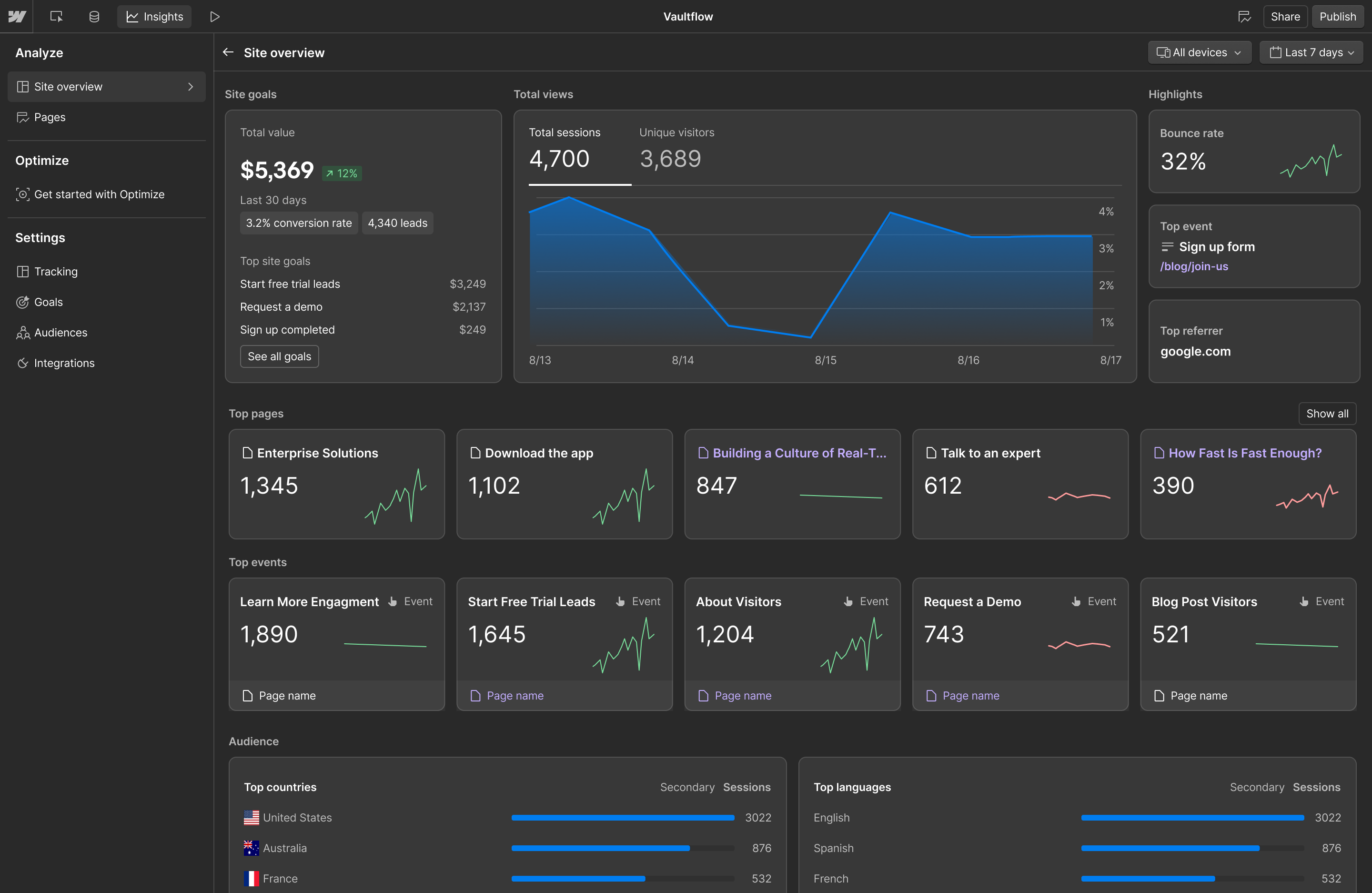
In Analyze: The Site Overview surfaces performance across all your Site Goals, showing the total conversions, leads, revenue, and more your site has driven so you can answer, “Is my site performing?” the moment you land on the page.
In Optimize: Site Goals can be set as the target for any optimization and are available on every report, giving you a consistent measure of whether your tests are moving the needle on what actually matters. When paired with AI-optimized tests, they give the system context to optimize autonomously across multiple running experiments. They also power the Optimize Overview, which shows the cumulative ROI of your CRO program.
.png)
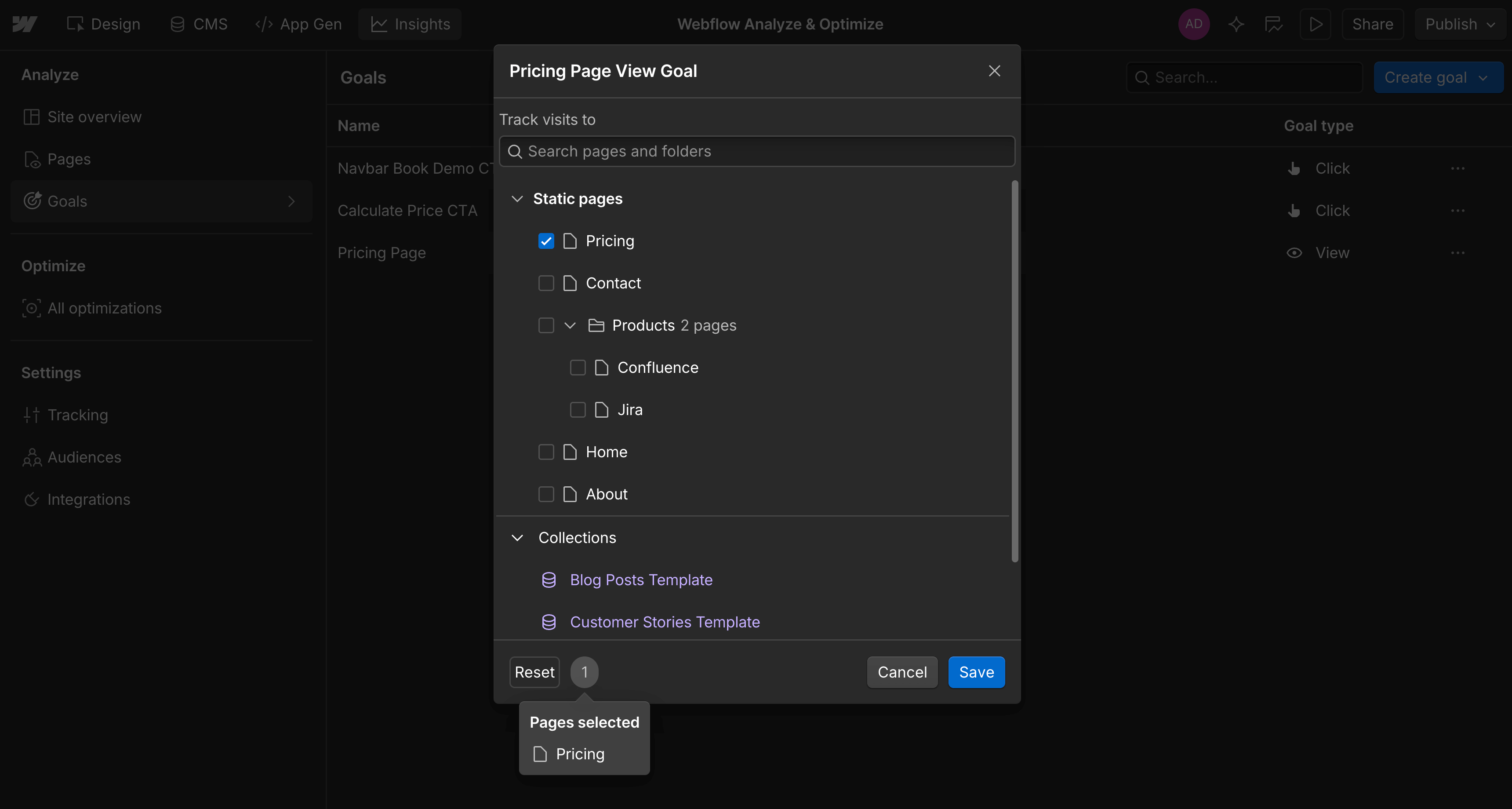
To set up your first Site Goal, you can:
- Promote any existing goal to a Site Goal
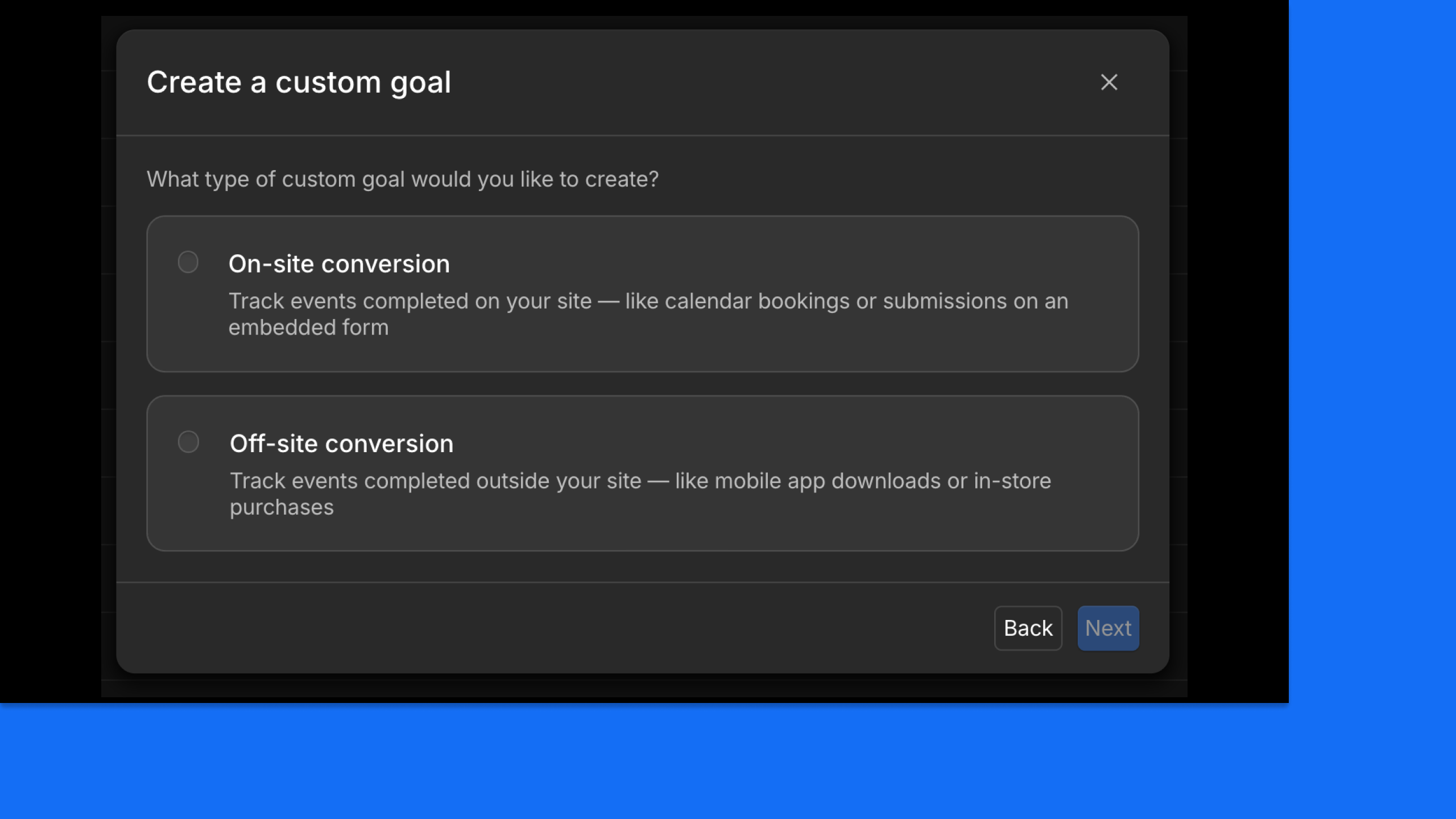
- Create new goals and track them as Site Goals
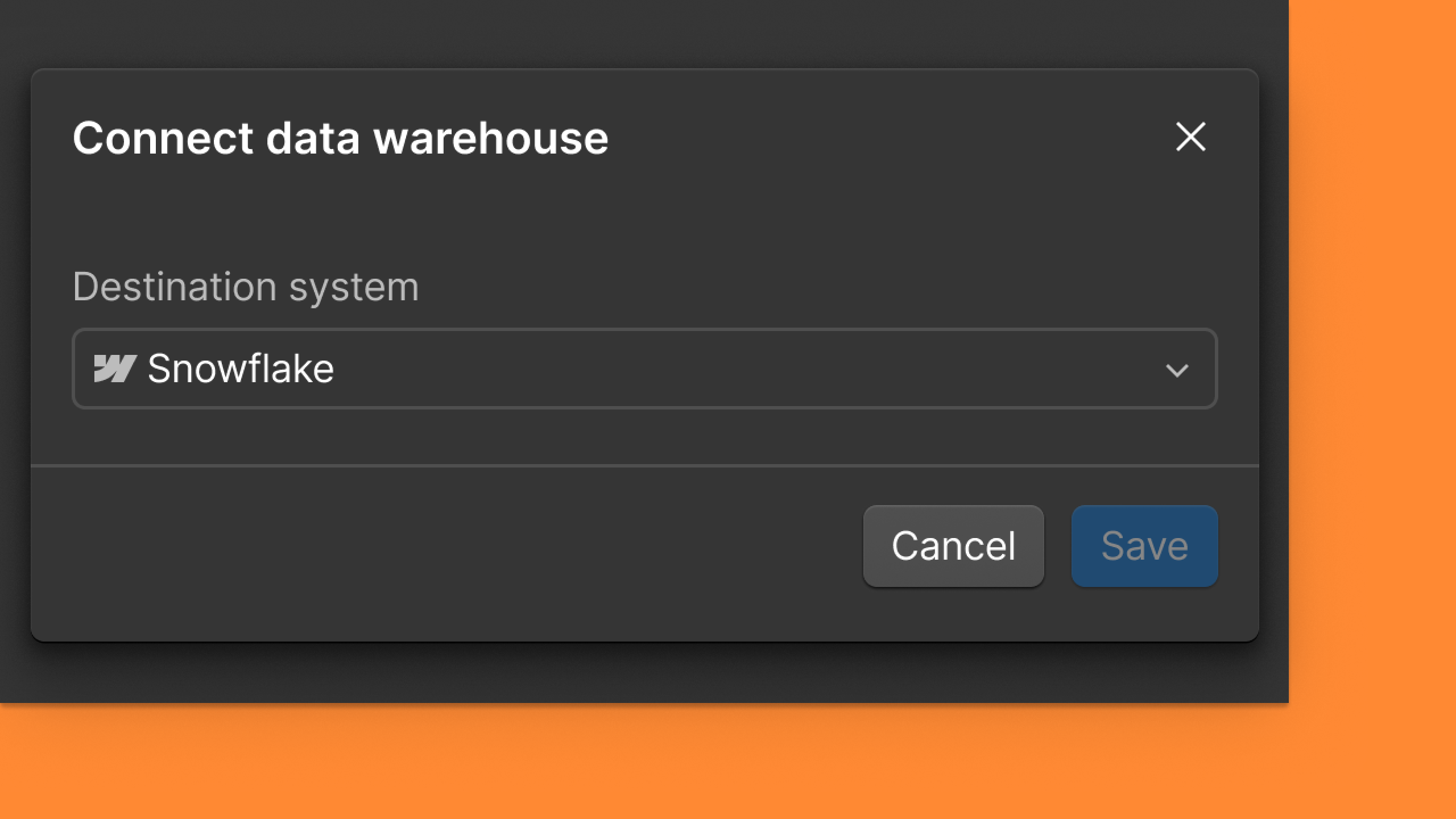
- Set up the HubSpot or Marketo integrations to track form submissions
- Only available for Enterprise plans
You can also:
- Set an optional value for each Site Goal to reflect business impact (e.g., a demo request is worth more than a newsletter signup)
- Customize your terminology to refer to your Site Goals as leads, conversions, or revenue
What's next
Site Goals lay the foundation for more intelligent, agentic optimization. By giving Webflow Analyze and Optimize a shared understanding of what matters most to your business, AI can make smarter recommendations, measure their impact, and ultimately optimize your site more autonomously toward the outcomes you care about.
These updates are now available for all Analyze and Optimize customers with both Webflow sites and non-Webflow sites. Click to learn more about Analyze and Optimize.
Help Documentation:
Related updates



















Get started for free
Try Webflow for as long as you like with our free Starter plan. Purchase a paid Site plan to publish, host, and unlock additional features.
Try Webflow for as long as you like with our free Starter plan. Purchase a paid Site plan to publish, host, and unlock additional features.