






Enhancement
AI site builder
Position AI Assistant to fit your workflow
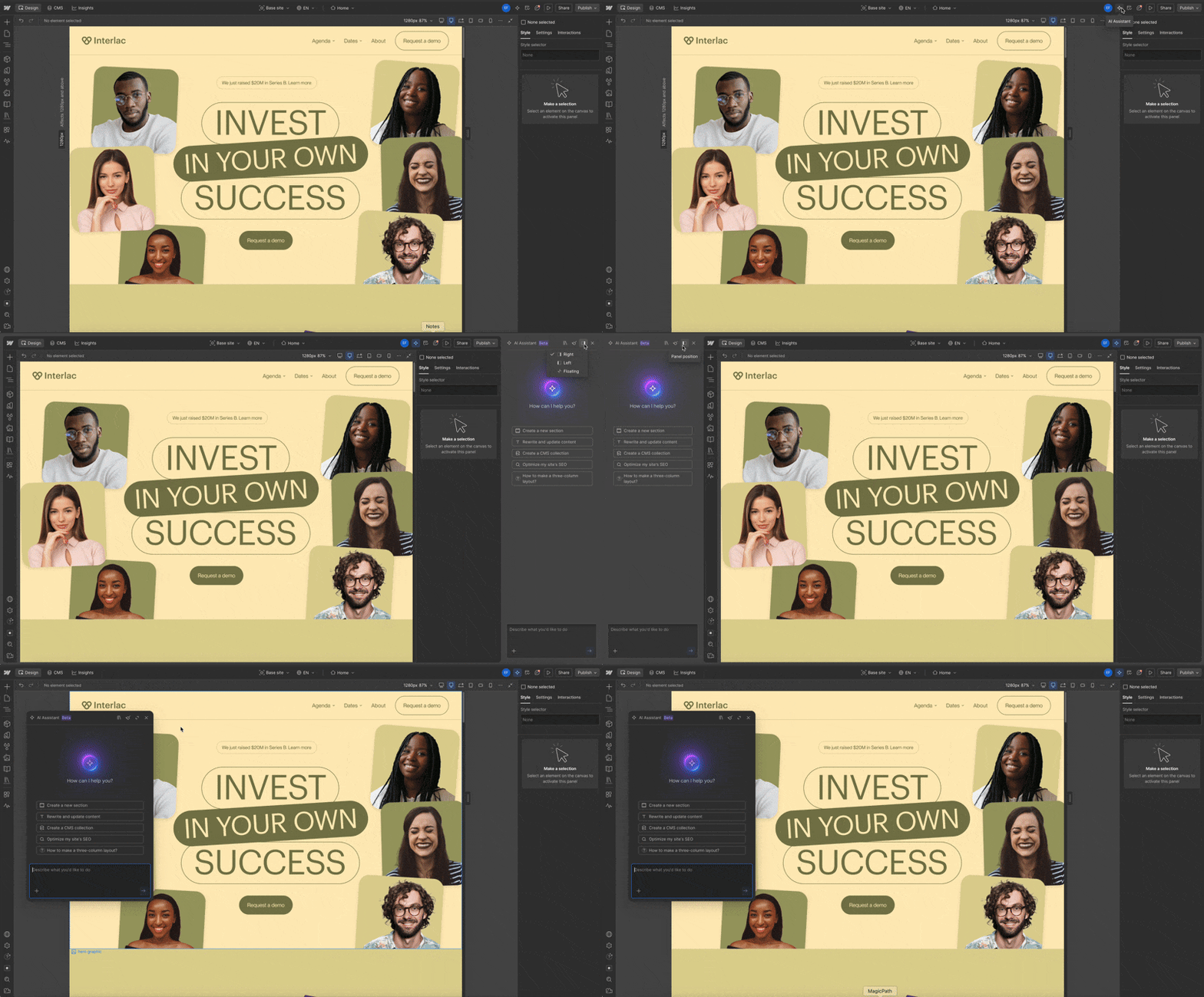
Webflow's AI Assistant panel now docks to the right, left or floats freely within the browser window — pick whatever fits your workflow.
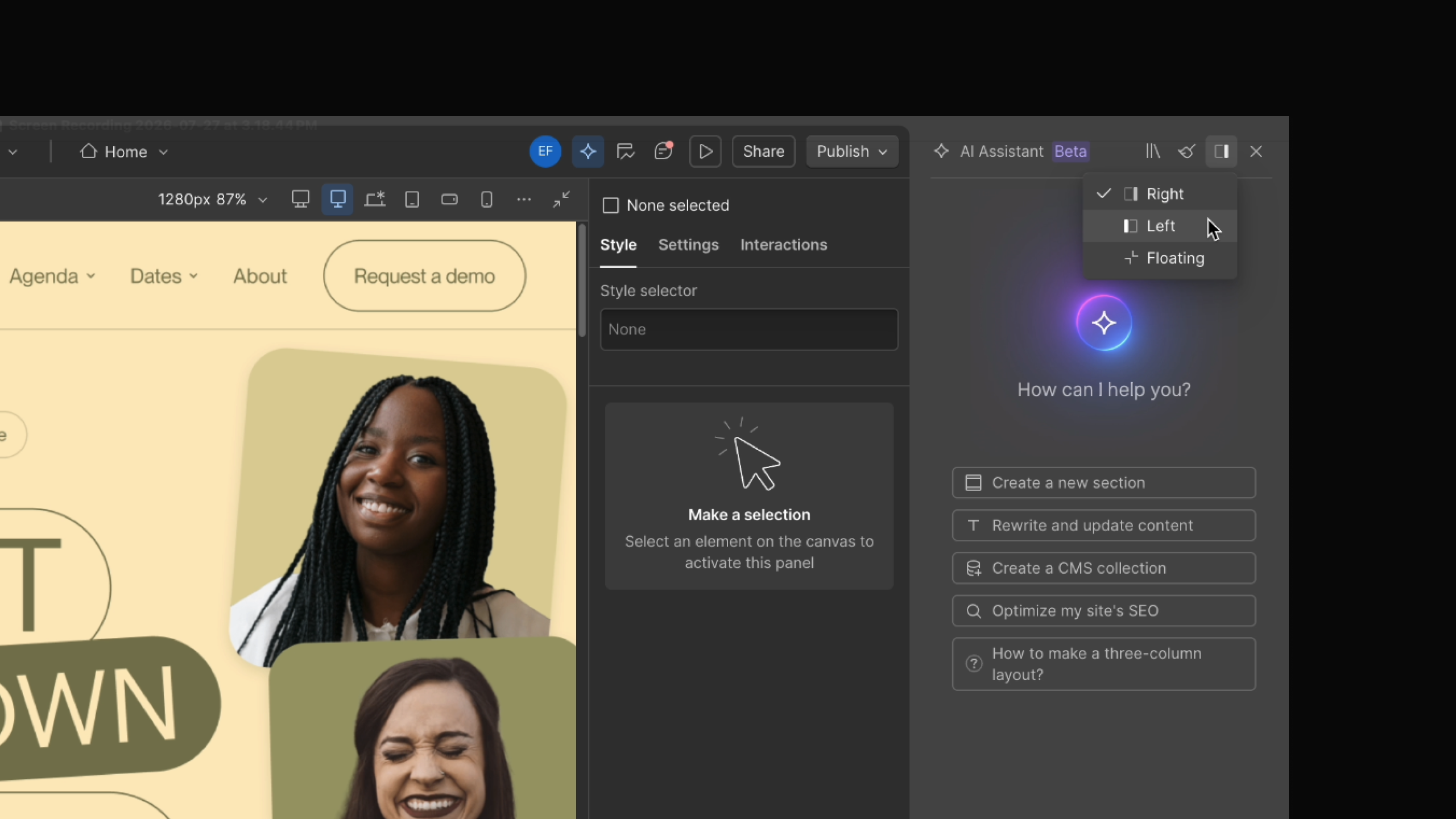
The AI Assistant panel no longer covers Styles, Settings, Props, or Interactions. It opens in its own panel so you can keep editing while you chat.
Position it to fit your workflow:
- Dock right — the default. Nothing to change if this already works for you.
- Dock left — moves the panel to the left side.
- Float — detaches the panel from either dock position so you can move it anywhere within the browser window.
Switch anytime from the AI Assistant panel menu.
Launched on
July 30, 2026
Category
AI site builder
Related updates



















Get started for free
Try Webflow for as long as you like with our free Starter plan. Purchase a paid Site plan to publish, host, and unlock additional features.
Try Webflow for as long as you like with our free Starter plan. Purchase a paid Site plan to publish, host, and unlock additional features.