






Update
MCP
Introducing MCP 2.0
Webflow MCP 2.0 gives your agents the context, control, analytics, and governance they need for high-impact work in production.
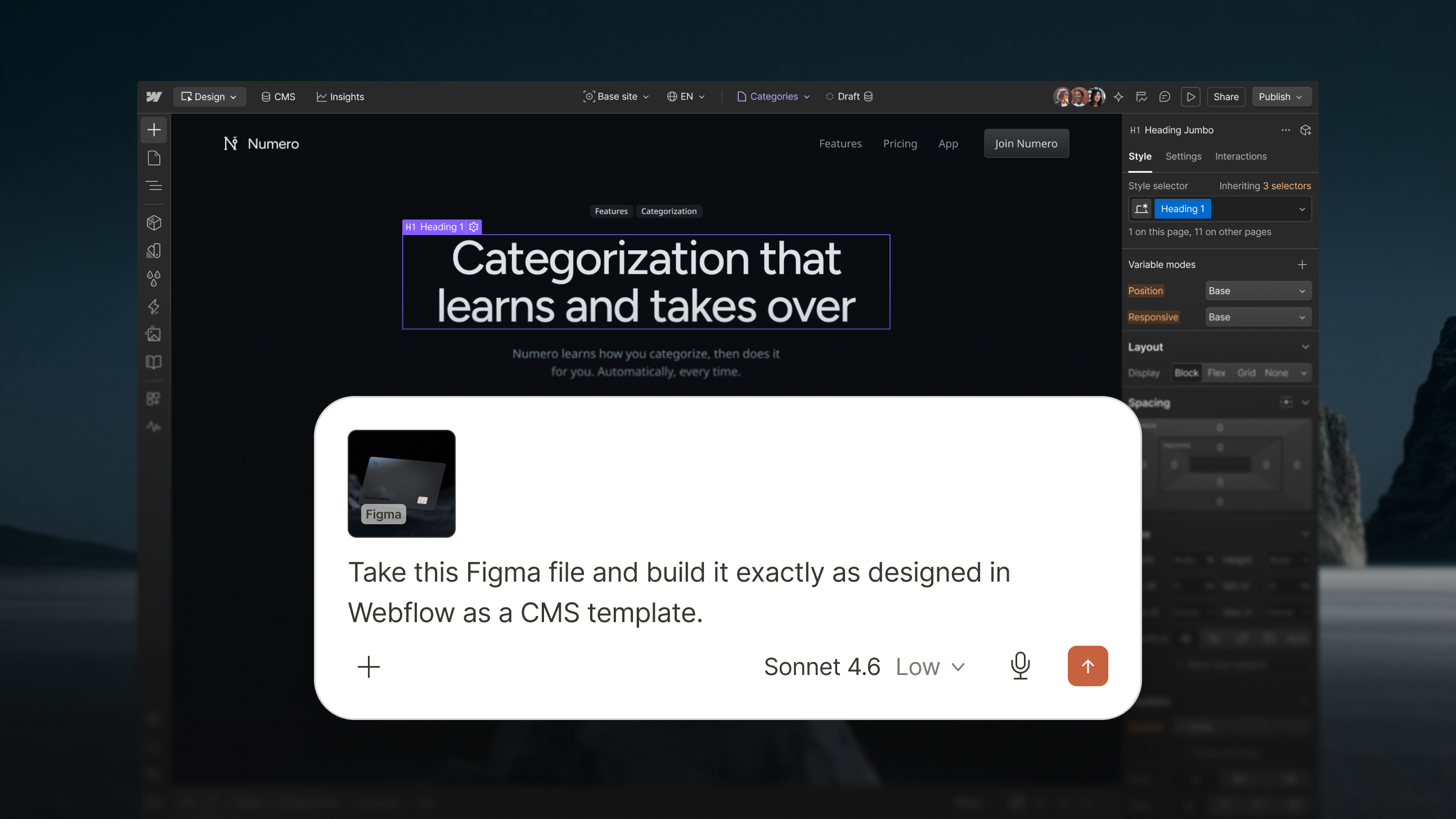
Webflow’s MCP makes it easy to connect with AI tools like Claude, ChatGPT, and Cursor, so you can design, build, and manage your Webflow sites inside your existing AI workflows.
With this major update, we’re adding deeper support for design & build workflows, site performance analysis, and governance.
Expanded design & build support
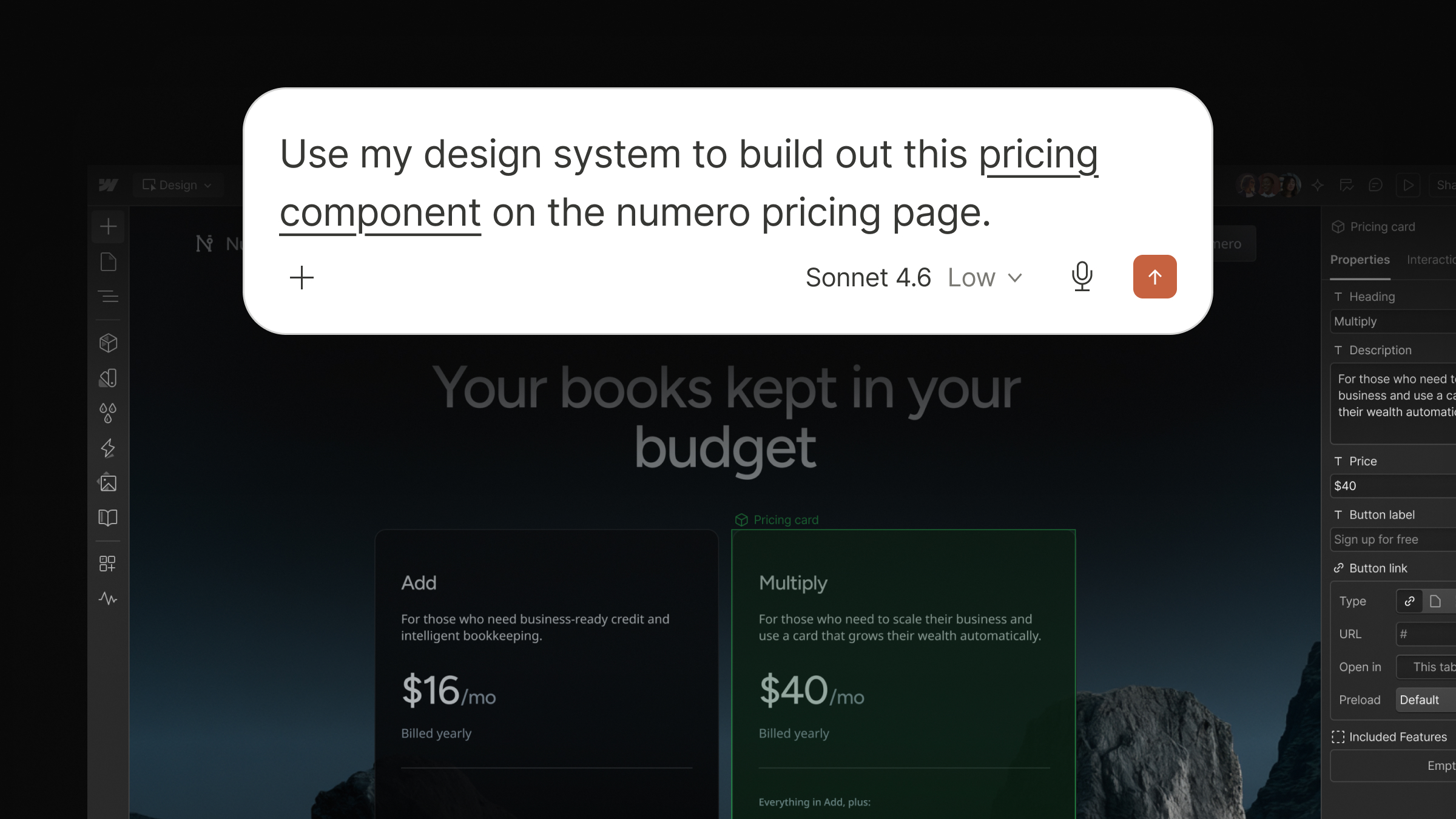
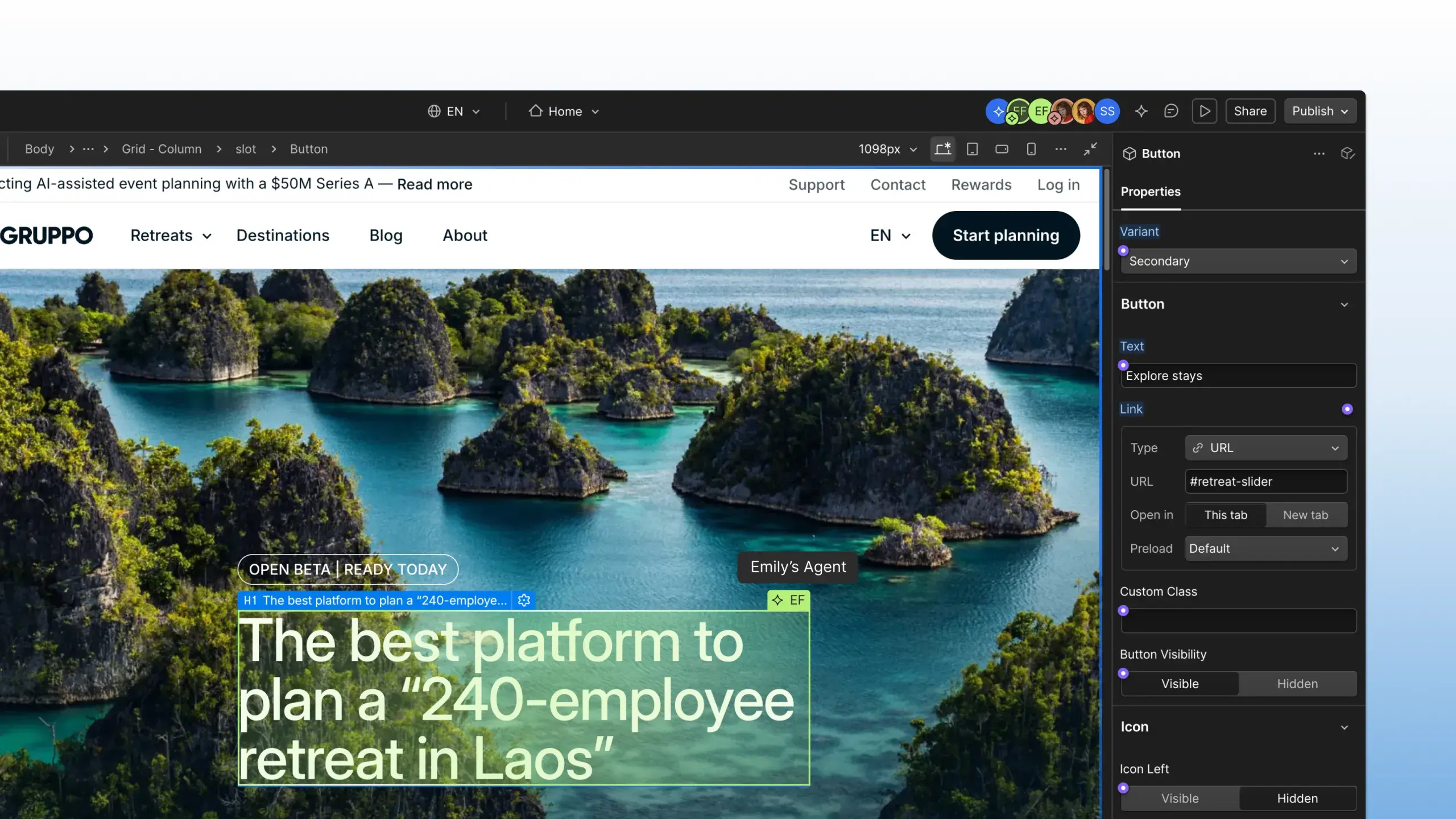
Build with your existing design system: Leverage the full power of Webflow styles, elements, and components – including props, slots, and variants – so you can create on-brand content that’s structured for efficient long-term maintenance.
Create and manage dynamic content: Connect elements and components to CMS data so every update made in the CMS is instantly reflected everywhere your content appears.
Manage custom fonts: Register, upload, list, update, and delete fonts.
Work without the bridge app: The bridge app has been eliminated for most use cases, giving you a smoother, more reliable workflow, and making it possible to build across multiple pages or sites simultaneously.
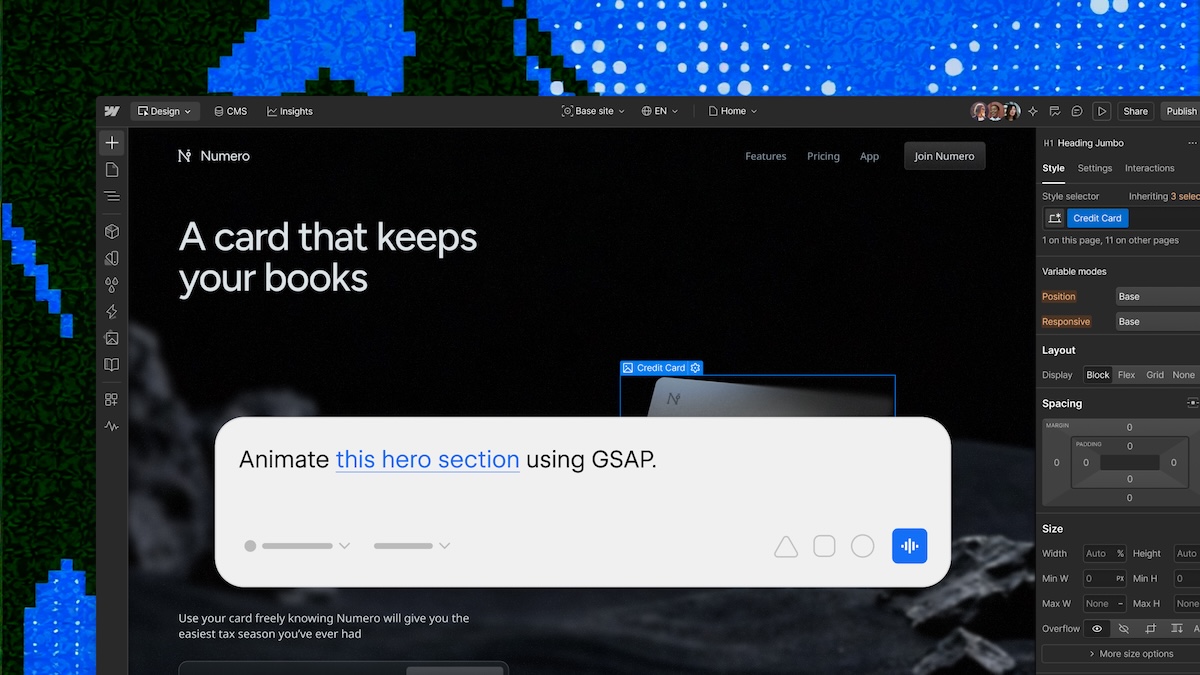
Please note: the bridge app will still be required for tasks that need live visual context including: snapshots, or prompts that reference a specific element on screen, like “change this heading.”
Agent Instructions

Centralize important context: Point agents at Webflow resources like your design system or CMS content, or add resources like legal docs and voice and tone guidelines so agents have all the context they need.
Define how your agents should work: Create skills and rules that instruct agents on how to complete tasks and leverage provided resources to get production-ready outputs faster.
Use instructions wherever you need them: Agent instructions can be used both by Webflow AI, and third-party agents via the MCP.
Site performance analysis
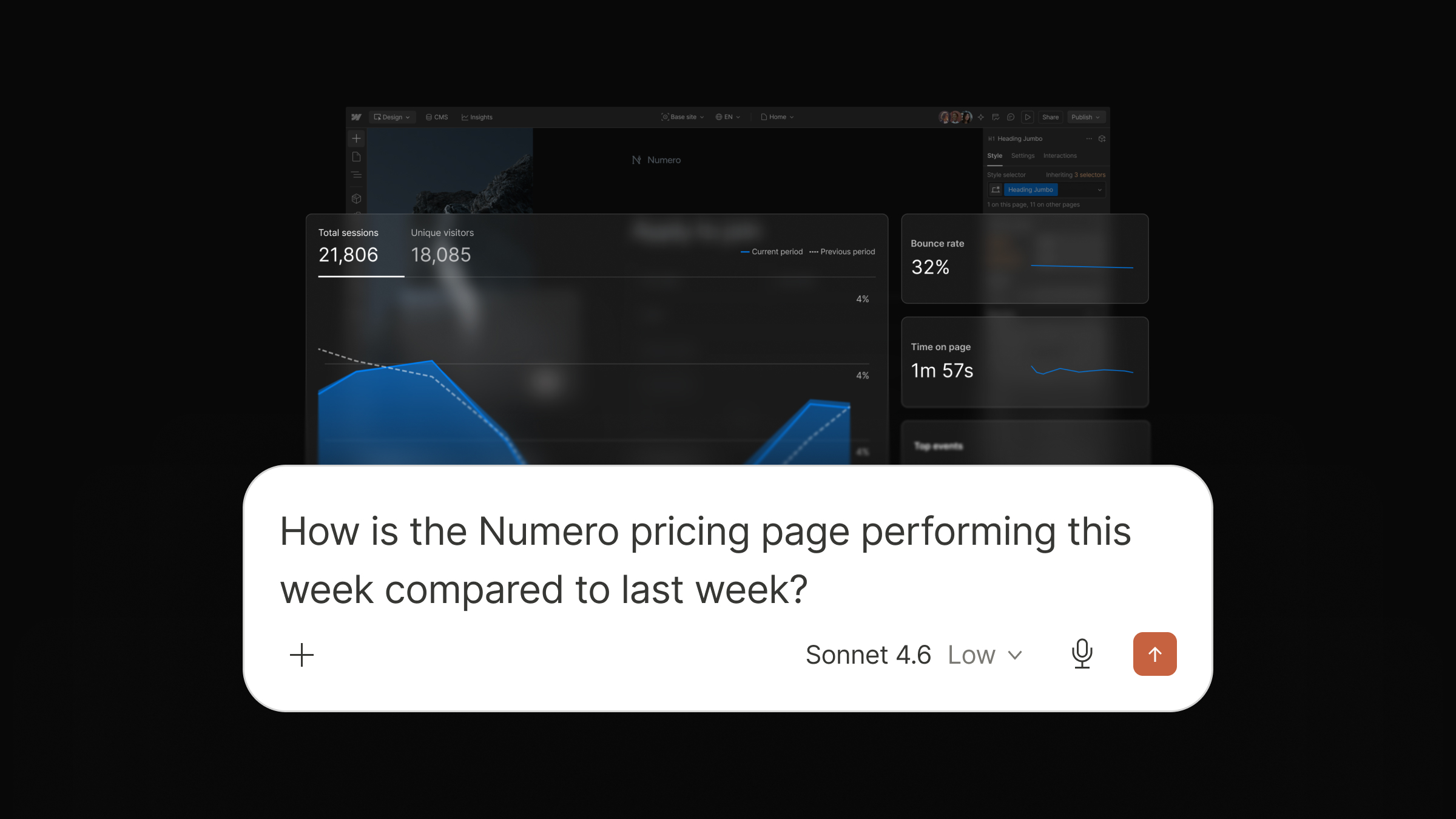
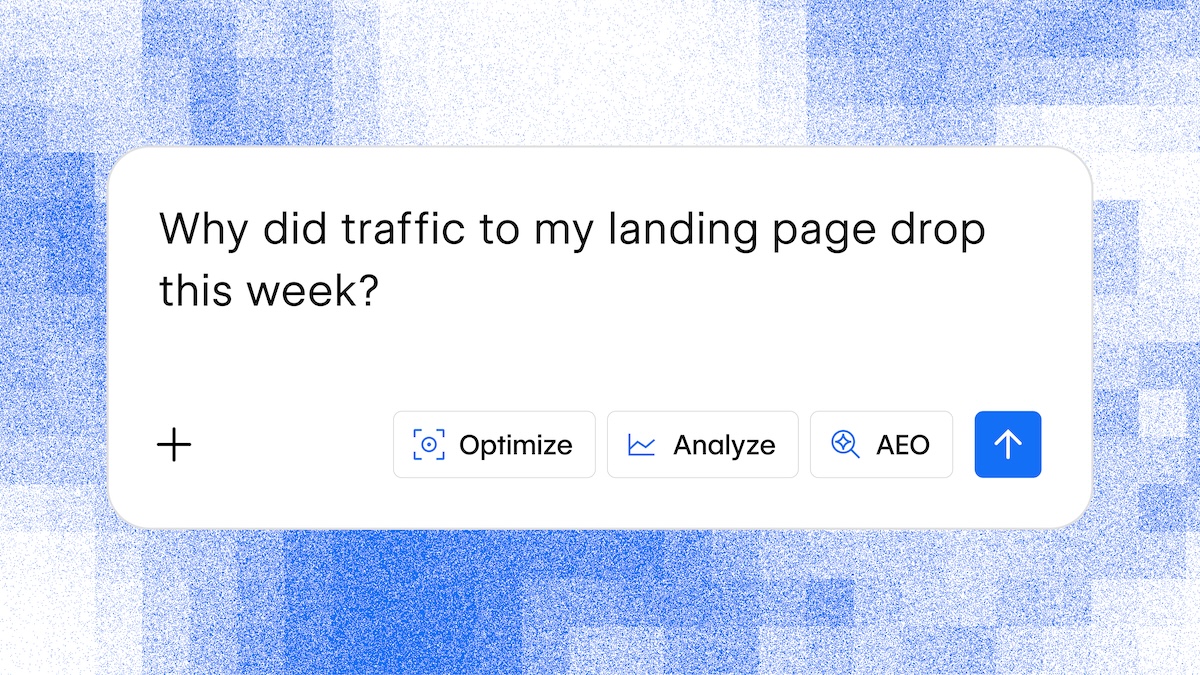
Analyze site data conversationally: Ask AI agents about traffic trends, top performing pages, engagement events, time on page, and traffic sources to get real-time insights without leaving your chat.
Share analyze data with other tools: Share site performance data with other MCP connectors in an agentic workflow, like Amplitude, Slack, Asana, and more.
Governance
Build on branches: Agents can now iterate on changes in a secure, isolated environment before pushing updates to your live site.
Enforce strict access control: Webflow’s MCP fully enforces your account roles and permissions, including custom roles, and granular access per: site, CMS collection, page, and locale.
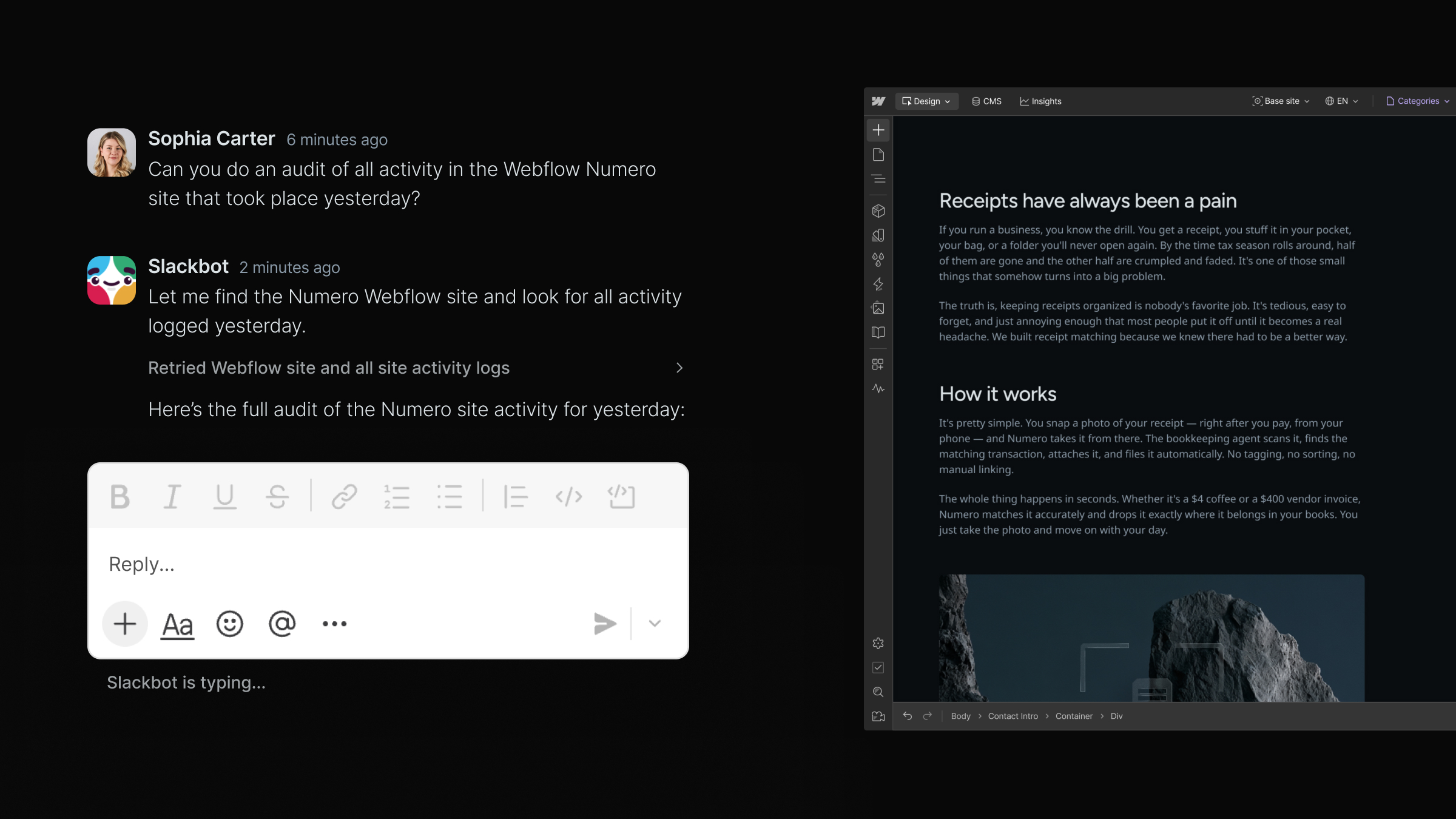
Track MCP actions in site activity logs: Know exactly when a change was made via MCP, who triggered it, and what was affected. You can also query the activity log directly via MCP for faster, more scalable site auditing.
MCP 2.0 is now available to all users at no additional cost. To learn more, check out our Help Center articles on the Webflow MCP and Agent Instructions.
Related updates



















Get started for free
Try Webflow for as long as you like with our free Starter plan. Purchase a paid Site plan to publish, host, and unlock additional features.
Try Webflow for as long as you like with our free Starter plan. Purchase a paid Site plan to publish, host, and unlock additional features.