






Native Webflow forms collect submissions from static fields on a page. Typeform adds one-question-at-a-time flows and branching logic that hides irrelevant questions, which suits conversational lead capture, product quizzes, and multi-step application flows.
Connecting Typeform with Webflow puts conversational forms and quizzes directly on your Webflow pages. The Typeform app embeds standard forms without code. Embed codes add popups, sliders, side tabs, and other layouts. Automation tools or webhooks route each response into your site's content or your team's stack. Your Webflow site handles design and delivery while Typeform handles the form logic and response collection.
This integration fits marketers running lead capture on landing pages, agencies building client funnels without code, HR teams embedding job applications on careers pages, and ecommerce brands adding product recommendation quizzes. Developers who need response data inside the Webflow CMS can extend the same setup with webhooks and the Webflow Data API.
How to integrate Typeform with Webflow
What is Typeform? Typeform is a form builder and automations platform for creating forms and surveys. It can also create quizzes that present questions one at a time. It includes a wide range of question types and branching logic that skips irrelevant questions. It also integrates with 300+ apps including HubSpot, Salesforce, Slack, and Google Sheets. Typeform serves over 150,000 businesses.

Teams pair Typeform with Webflow when a marketing site needs forms that do more than collect a name and email. Turtle, a marketplace for freelance developers, embedded Typeform application flows in its Webflow site and signed up over 70 companies and 900+ freelancers after launch. The same pattern works for quizzes, quote requests, and feedback surveys.
The Typeform-Webflow integration supports four approaches:
- The Typeform app handles standard form embedding without writing code.
- Embed codes with the Code Embed element let you add all six embed types, including popup, slider, side tab, and popover layouts.
- Zapier and IFTTT route new Typeform responses into Webflow CMS items without code.
- The Webflow and Typeform APIs give you full control over response syncing and publishing, but require server-side development.
Most implementations combine two or more of these methods depending on the complexity of the setup.
Install the Typeform app
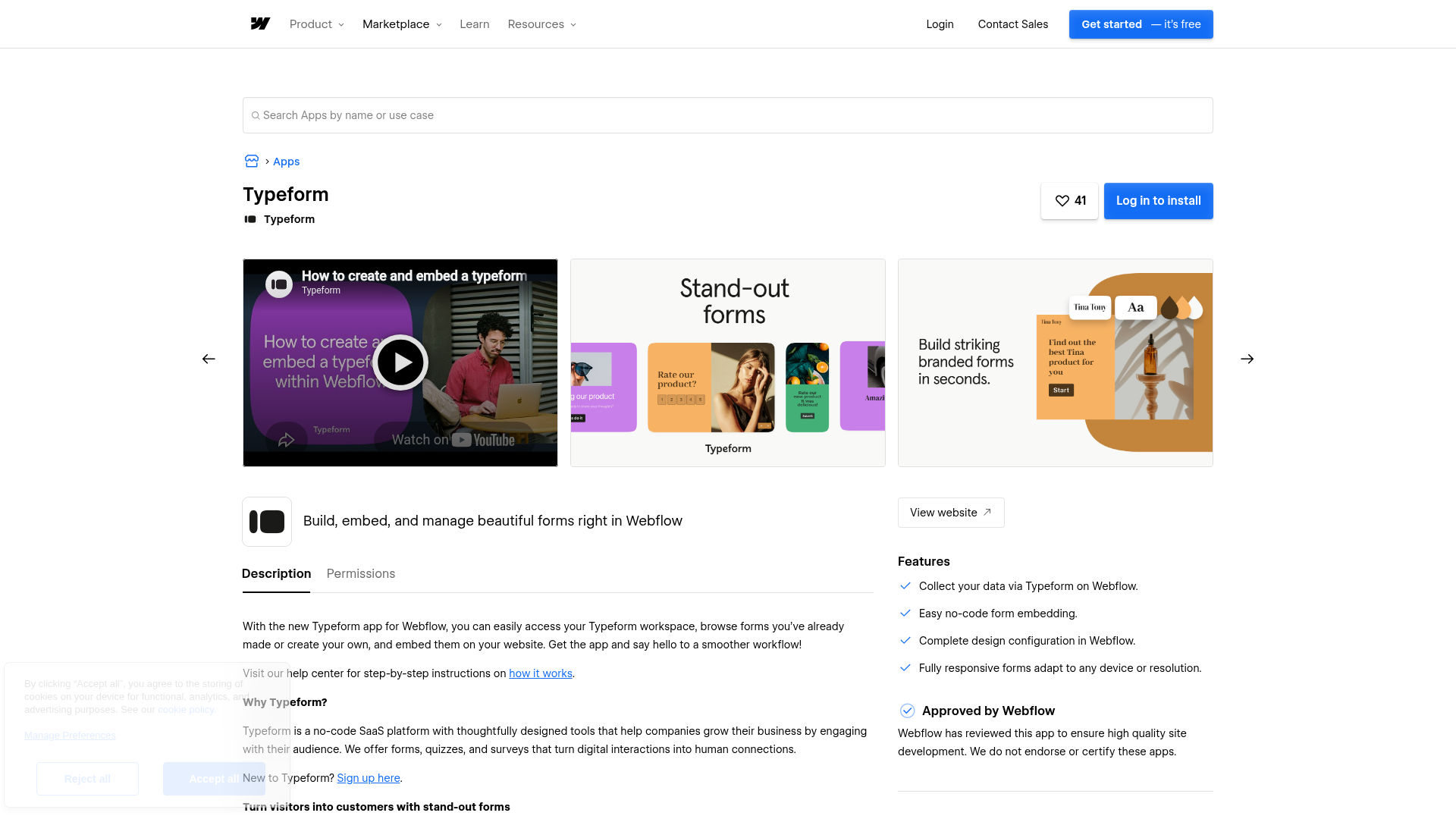
The Typeform app, built by Typeform and approved by Webflow, embeds forms on your pages without custom code. It works on a free Webflow account, so it's the fastest starting point for testing a form on a live page. You need a Typeform account with a published form before you install. The app currently supports the standard embed option only, with full page, popup, slider, popover, and side tab embeds listed as coming soon.
To set up the integration:
- Open the Typeform app listing in the Webflow Marketplace and sign in to Webflow.
- Enter your Typeform credentials and log in.
- Click + Add to site.
- Search for and select your Webflow workspaces.
- Click Authorize App.
Once installed, the app lets you:
- Embed any published Typeform as a standard inline embed
- Select and place forms directly in Webflow without leaving the canvas
- Skip copy-pasting embed scripts for standard embeds
For popup, slider, popover, or side tab embeds, copy the embed code from Typeform and add it as custom code using the next method.
Add Typeform embeds with Code Embed elements
Pasting Typeform's generated embed code into Webflow supports all six embed types, which Typeform documents in its embed guide. Standard, full page, popup, slider, popover, and side tab embeds all work this way. Custom code requires a paid Webflow account. On a free account, use a Button or Link Block element to link to your form's public URL instead.
Generate the embed code in Typeform
Your form must be live before you embed it, so click Share or Publish edits first. Typeform generates a snippet containing a <div> with a data-tf-live attribute and a <script> tag that loads //embed.typeform.com/next/embed.js.
To get the code:
- Open your form and click Share/Publish edits, then the Share tab.
- Select Embed in a web page and choose an embed style. Popup, slider, popover, and side tab styles expose extra trigger settings in the Advanced tab.
- Save your settings and click Start embedding.
- Select Webflow from the dropdown and click Copy.
Use the official generated code. Typeform states that custom embed code is not guaranteed to work.
Paste the code into Webflow
For inline and full-page forms, place the code on the page with a Code Embed element.
To add the embed:
- Open the Add panel and drag a Code Embed element onto the canvas.
- Paste the Typeform embed code.
- Save and close the modal, then publish the page.
Code Embed elements accept HTML, CSS in <style> tags, and JavaScript in <script> tags, up to a total of 50,000 characters per element. Server-side languages like PHP or Python won't run, and you should not include <html>, <head>, or <body> tags. Typeform embeds also require HTTPS, which published Webflow sites serve by default.
Load embed scripts site-wide
For popups or side tabs that should appear across multiple pages, add the script through custom code in head and body tags instead of a per-page element.
To add site-wide code:
- Go to Site settings, then the Custom code tab.
- Paste the script into the Footer code field and click Save changes.
- Publish your site.
External scripts in the <head> can slow page loads, so add async or defer attributes or place scripts before the closing </body> tag.
Connect with Zapier or IFTTT
Neither Typeform nor Webflow writes responses into the Webflow CMS natively, so automation tools fill that gap without code. Zapier offers several pre-built templates that turn Typeform entries into CMS items, and IFTTT provides a direct Typeform-to-Webflow connection.
Available triggers and actions include:
- Typeform New Entry → Webflow Create Item, which adds a draft item to a Collection (Zapier template)
- Typeform New Entry → Webflow Create Live Item, which publishes the item immediately (Zapier template)
- Typeform New Entry → Webflow Update Live Item, which edits an existing published item (Zapier template)
- IFTTT's New response in a form trigger paired with Webflow's Create collection item or Create live collection item actions (IFTTT Webflow service)
Once responses land in the Webflow CMS, you can display them anywhere on your site with a Collection List.
Build with the Webflow and Typeform APIs
When automation tools can't express your field mapping or signature verification requirements, connect the two platforms with a webhook receiver or serverless function. This path requires server-side development but gives you full control over how each Typeform answer maps to a CMS field.
The relevant APIs are:
- The Typeform Webhooks API delivers
form_responsepayloads to your endpoint in real time - The Typeform Responses API retrieves submissions on demand at
GET https://api.typeform.com/forms/{form_id}/responses - Webflow's Data API v2 creates and updates CMS items, and it can publish them
- Webflow webhooks trigger events like
form_submissionfor flows running in the other direction
Both APIs authenticate with a bearer token in the Authorization header.
Sync Typeform responses into the Webflow CMS
A webhook receiver accepts each Typeform submission, maps the answers, and writes a CMS item. In the form_response payload, the answers array holds submitted values. The definition object provides field metadata, and the token uniquely identifies the submission.
To implement the sync:
- Register a webhook with
PUT https://api.typeform.com/forms/{form_id}/webhooks/{tag}and point it to your HTTPS endpoint. HTTP receiver URLs are not supported. - Verify each delivery by computing an HMAC SHA-256 hash of the raw payload with your secret, base64-encoding it, prefixing
sha256=, and comparing against theTypeform-Signatureheader, per Typeform's webhook security guide. - Map answer values to
fieldDataand create the item withPOST https://api.webflow.com/v2/collections/{collection_id}/items(requires theCMS:writescope). IncludenameandsluginfieldData. Use the live item endpoint at/v2/collections/{collection_id}/items/liveto publish immediately. - To publish staged items later, call
POST https://api.webflow.com/v2/collections/{collection_id}/items/publish.
Match Typeform answer types to Webflow field types during mapping. Text and email answers map to plain text fields, number maps to number fields, boolean maps to switch fields, choice.id maps to option fields, and date values convert from YYYY-MM-DD to ISO 8601 strings.
What you can build with the Typeform Webflow integration
Integrating Typeform with Webflow lets you run conversational forms and quizzes on your site without building custom form logic or a backend to process submissions.
- Lead capture popups: Membership and application forms can open as a Typeform popup over a Webflow page, so visitors apply without leaving the site while the overlay inherits your page styling.
- Application and onboarding flows: Turtle embedded four Typeform flows in its Webflow site with zero coding and launched in under a month. The site signed up over 70 companies and built a network of 900+ freelancers.
- Document upload and instant quotes: Brightstone Defence, a Sydney criminal defence firm, embedded a conditional-logic Typeform in Webflow that lets visitors upload case documents and receive an instant quote.
- Product recommendation quizzes: A scent-matching quiz like Fiole's Fragrance Finder guides shoppers toward the right product, and Typeform reports its quizzes convert 6.5% above the industry average.
If you need more control over how responses map into your CMS or trigger downstream systems, the API integration path covers those cases with full flexibility. See our Typeform modal walkthrough for a step-by-step popup build.
Frequently asked questions
The Typeform app for Webflow works on a free Webflow account, per Typeform's integration page. The custom embed code method requires a paid account, since custom code needs a Core, Growth, Agency, or Freelancer Workspace, or an active Site plan, per the Code Embed documentation. On a free account, link to your form's public URL with a Button or Link Block instead.
Typeform embeds run entirely outside Webflow's native form pipeline, so responses go to Typeform's servers and count against your Typeform account's response allowance. Webflow's form submission limits do not apply. The form submissions documentation covers how native forms behave. Exported sites need a third-party tool like an embedded Typeform to collect submissions at all.
Typeform responses populate CMS Collections through a middleware layer. Webflow has no built-in connector that writes Typeform responses into CMS Collections. The fastest route is Zapier's Create items in Webflow from new Typeform entries template. Developers can instead point a Typeform webhook at a serverless function that calls Webflow's create item endpoint.
All six types work with pasted embed code, but the app supports only one. Typeform offers standard, full page, popup, slider, popover, and side tab embeds, documented in its embed guide. The Typeform app listing confirms the app handles the standard embed only for now, with the others coming soon. On mobile, embedded forms display as full-screen popups by default; add the
data-tf-inline-on-mobileattribute to keep an inline embed inline.It can, if the script loads in the
<head>. External scripts in the head of your site can slow page loads. Add anasyncordeferattribute to the script tag, or place it just before the closing</body>tag. Typeform's embed library loads asynchronously after your page content, so a slider or popup does not block the initial render.

Description
Embed Typeform forms on your Webflow site with the Typeform app or Code Embed elements, then route responses into the Webflow CMS through Zapier or webhooks.
This integration page is provided for informational and convenience purposes only.

Documentero
Connect Documentero with Webflow to generate Word, Excel, and PDF documents from templates whenever a visitor submits a form on your site.

Gravity Forms
Gravity Forms runs on WordPress, so connecting it to Webflow means embedding the hosted form or routing entries into the Webflow CMS.

Formly
Connect Formly, an attribute-driven multistep form library by VI Designs, with Webflow to add multistep flows, conditional logic, and progress indicators to native form blocks without custom JavaScript.

Google Forms
Connect Google Forms, an online form and survey builder in Google Workspace, with Webflow to embed forms and route responses using Zapier or APIs.

Form Sparrow
Connect Form Sparrow with Webflow to collect form submissions and route data without building backend infrastructure.
Enrollsy
Connect Enrollsy with Webflow to add class registration, payment processing, and enrollment management to your site.

DocuSign
Connect DocuSign, an e-signature and agreement management platform, with Webflow to turn form submissions into signed agreements using PowerForms or the API.

Wufoo
Embed a Wufoo form on a Webflow page with a Code Embed, then sync each new entry into the Webflow CMS through Zapier or a Wufoo webhook and the Data API.

User Detective
User detective makes it easy to run on-site user feedback and research questions.
Related integrations
Get started for free
Try Webflow for as long as you like with our free Starter plan. Purchase a paid Site plan to publish, host, and unlock additional features.
