






Softr
Connect Softr, a no-code app builder for portals, dashboards, and internal tools, with Webflow to layer authenticated apps on top of a public marketing site.

Softr is a no-code app builder that adds authenticated portals, role-based dashboards, and live business data to any site. The pieces native Memberships can't cover on its own. It pulls from Airtable, Google Sheets, HubSpot, SQL databases, and REST APIs, then handles login and permissions server-side.
Pair it with Webflow to keep your marketing site public and layer a logged-in app on top for clients, members, or staff. Agencies use it for client portals, SaaS founders separate the public site from the app layer, and ops teams surface live Airtable or HubSpot data inside a Webflow page.
How to integrate Softr with Webflow
What is Softr? Softr is a full-stack app builder for creating business apps, internal tools, and client portals without code. In 2025, it expanded from a front-end builder to a full-stack platform by adding native Databases and Workflows products. It connects to data sources like Airtable, Google Sheets, HubSpot, and SQL databases, and handles user authentication, permissions, and role-based visibility server-side.
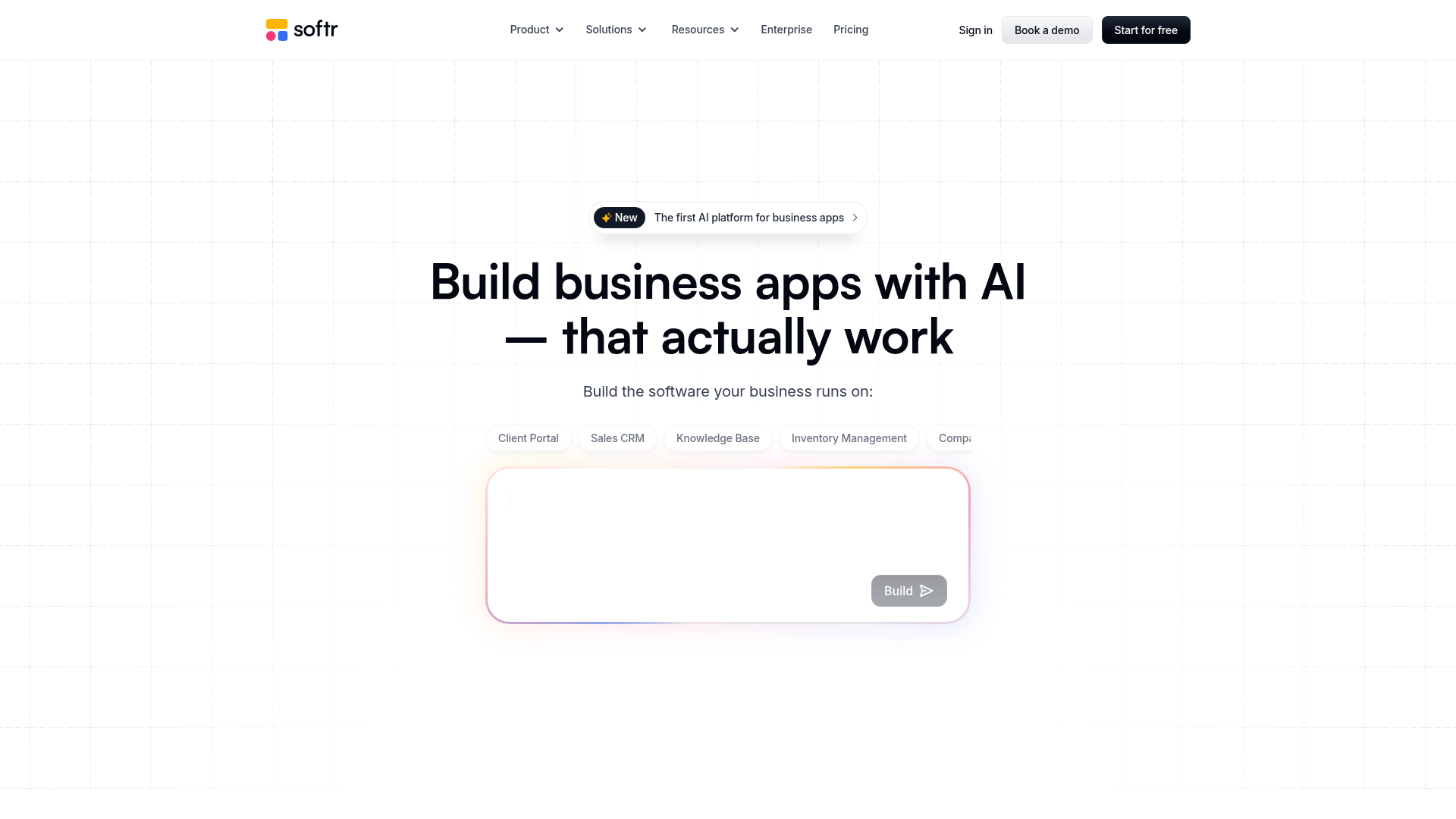
Pair Webflow for marketing pages with Softr for custom apps behind a login. A common setup keeps the public site on Webflow and embeds a Softr portal for project dashboards and gated lesson or member-directory pages. You add a members-only experience to an existing site without migrating anything.
No native integration exists between Softr and Webflow. The connection uses three approaches:
- Iframe and Code Embed displays a Softr page or block inside a Webflow page without writing code.
- Automation platforms like Zapier, Make, and n8n sync data between Softr and Webflow.
- The Webflow and Softr APIs give you full control over Webflow CMS sync and user provisioning through webhooks, but require server-side development.
Most implementations combine two or more of these methods depending on the complexity of the setup.
Embed a Softr page or block with Code Embed elements
This is the fastest way to put a Softr app on a Webflow site. Publish a Softr page, copy its iframe snippet, and paste it into a Webflow Code Embed element. Authentication and database queries run inside the iframe, so a logged-in portal works within your Webflow page. Before you start, enable iframe embedding in Softr and make sure you're on a paid Webflow plan. You need the Softr Basic plan or above for page and block embed, and a Core, Growth, Agency, or Freelancer Workspace — or an active paid Site plan — for Code Embed.
Embed a full Softr page
Use this when you want an entire Softr app or page inside a Webflow layout, like a full-screen client dashboard.
To embed a full page:
- In Softr Studio, go to Settings > Advanced Settings and turn on Allow embedding.
- Copy the published page URL or the iframe snippet from Softr.
- In Webflow, add a Code Embed element and paste a responsive iframe wrapper:
<div style="position: relative; padding-bottom: 56.25%; height: 0; overflow: hidden;">
  <iframe src="https://your-softr-app.softr.app/page-path"
    style="position: absolute; top: 0; left: 0; width: 100%; height: 100%;"
    frameborder="0" loading="lazy">
  </iframe>
</div>
Custom code shows as a placeholder in the Designer and renders on publish or preview.
Embed a single Softr block
Use this when you only want one Softr component on a page, like a list or grid that displays role-filtered data next to your existing Webflow content.
To embed a block:
- Open the block settings in Softr and go to the Features tab.
- Copy the block embed code snippet at the bottom of the Features tab.
- Paste it into a Webflow Code Embed element on the target page.
Each Code Embed element holds up to 50,000 characters and supports HTML, CSS, and JavaScript only. Interactive features like edit buttons on Softr table blocks can fail inside external iframes, so test each block after embedding. Site analytics can't measure activity inside a Softr iframe, so add Google Analytics separately in Softr's custom code settings if you need conversion tracking.
Connect with Zapier, Make, or n8n
Automation platforms sync records between Softr and Webflow without writing middleware. Softr officially supports Zapier, Make, and n8n, and viaSocket also offers a dedicated Webflow-to-Softr connection. Use these to move form leads into a Softr database or mirror CMS items into a Softr table. They can also provision Softr users from Webflow events. This path suits no-code builders who need data flowing between the two systems on a schedule or in real time.
Common triggers and actions include:
- Webflow form submission → create or update a Softr database record (Zapier, Make, n8n, viaSocket)
- Softr record added or updated → create or publish a Webflow CMS item
- Softr user created → trigger a Webflow action such as publishing a site or updating an item
- Webflow ecommerce order → create a Softr record or manage a Softr user
These platforms handle the cross-origin API calls for you, so you skip standing up your own server. IFTTT has a Webflow service but doesn't list Softr, so it isn't an option here.
Build with the Webflow and Softr APIs
Direct API integration gives you full control over data sync and user provisioning for real-time events. You need server-side development for this path because CORS restrictions block direct browser-to-browser calls between the two platforms. Run middleware on a service like Cloudflare Workers or AWS Lambda to relay data, unless you use Softr's inbound webhook trigger, which needs no middleware. Choose this route when automation platforms can't handle your logic or volume.
The available APIs are:
- The Softr Studio API handles user creation, deactivation, deletion, and magic link generation
- The Softr Database API handles reading and creating records in Softr tables
- The Webflow Data API handles Webflow CMS collections and form submissions
- Webflow webhooks trigger real-time events between systems
Authenticate Softr API requests with Softr-Api-Key and Softr-Domain headers. For Webflow Data API requests, use an Authorization: Bearer <token> header.
Provision a Softr user from a Webflow form submission
Turn a Webflow lead into a Softr portal user automatically. Register a Webflow webhook for form submissions, then call the Softr Studio API from your middleware to create the user.
To implement this:
- Register a Webflow webhook pointed at your middleware endpoint:
POST https://api.webflow.com/v2/sites/{site_id}/webhooks
Authorization: Bearer <webflow_api_token>

{
  "triggerType": "form_submission",
  "url": "https://your-middleware.com/handle-webflow-form"
}
- Verify each incoming request using the
x-webflow-signatureandx-webflow-timestampheaders with SHA-256 HMAC. - Create the Softr user from your middleware:
POST https://studio-api.softr.io/v1/api/users
Softr-Api-Key: <your-api-key>
Softr-Domain: yourdomain.softr.app

{
  "full_name": "John Richardson",
  "email": "johnr@gmail.com",
  "password": "12345678",
  "generate_magic_link": true
}
Setting generate_magic_link: true returns a magic link for passwordless onboarding. You can register up to 75 webhooks per triggerType per site.
Push Softr data into the Webflow CMS
Publish records from a Softr database as live Webflow CMS items. Use Softr's Call API action or a workflow to send data to the Webflow Data API.
To implement this:
- In Softr Workflows, add a trigger for record created, updated, or deleted, with optional field-level conditions.
- Add a Call API action that sends a POST request to the live-item endpoint:
POST https://api.webflow.com/v2/collections/{collection_id}/items/live
Authorization: Bearer <webflow_api_token>

{
  "fieldData": {
    "name": "My New Item",
    "slug": "my-new-item"
  }
}
- For large imports, batch items with
POST /v2/collections/{collection_id}/items/bulk.
Since July 2025, setting isDraft: true on a live CMS item no longer unpublishes it, so use a dedicated unpublish endpoint for that case.
Trigger a Softr workflow from a Webflow event with no middleware
This is the only API path that needs no extra platform. Softr generates a unique POST endpoint per workflow, and Webflow posts directly to it.
To implement this:
- In Softr Workflows, create a workflow with Webhook as the trigger type and copy the generated URL. This requires the Softr Professional plan or higher.
- Register that URL as a Webflow webhook:
POST https://api.webflow.com/v2/sites/{site_id}/webhooks
Authorization: Bearer <webflow_api_token>

{
  "triggerType": "form_submission",
  "url": "https://<softr-generated-webhook-url>"
}
Each matching event posts to the Softr workflow URL. Softr then exposes the raw request body, headers, and query parameters as variables in subsequent workflow steps.
What can you build with the Softr Webflow integration?
Pairing Softr with Webflow lets you add authenticated portals and live-data apps to a public site without migrating your Webflow project or building auth from scratch.
- Client portals on a marketing site: Embed a Softr portal in a Webflow page so clients log in to view projects, tasks, and invoices. A related Softr customer example is Jonathan Strupek, who built client-facing portals giving transparency into content, SEO, and social campaigns.
- Gated membership area: Keep public content in Webflow and gate premium content in an embedded Softr page using conditional visibility. A related Softr membership example is 100DaysOfNoCode, which ran a membership site with 250-plus paying members and over 10,000 learning hours.
- Community member directory: Embed Softr list and grid blocks that display member directories, opportunity boards, and event listings behind a login. A related Softr community example is The Board, which uses Softr as a branded member home base.
- Data-synced CMS content: Push records from a Softr database into the Webflow CMS through the API so a Softr table feeds published blog posts or listings. A record created in Softr fires a Call API action that creates a live CMS item.
If you need more control over role-based content gating or high-volume data sync, the API integration path covers those cases with full flexibility.
Frequently asked questions
Currently, there is no native integration between Softr and Webflow, and no Softr app appears in the Webflow Marketplace. Use the embed path for display-only setups, or an automation/API path when data needs to move between systems.
Enable embedding in Softr, then paste the iframe into a Webflow Code Embed element. Go to Settings > Advanced Settings in Softr Studio and turn on Allow embedding, then copy the page URL or block embed code and paste it into a Code Embed element. Authentication and database queries work within the iframe. This needs the Softr Basic plan and above.
Softr and Webflow remain separate systems, so you sync data through automation platforms like Zapier, Make, and n8n, or through the APIs. Softr connects natively to Airtable, Google Sheets, and SQL, while Webflow manages content through the Webflow CMS. Cross-platform API calls require server-side middleware because of CORS restrictions.
Webflow CMS does not recognize Softr authentication. Embed Softr list or grid blocks that display role-filtered content from your data source, or keep public content in a Webflow Collection List and gate premium content inside embedded Softr pages using conditional visibility.
Use a subdomain for Softr on the same top-level domain as your Webflow site. If your site is website.com, add a subdomain like portal.website.com or app.website.com to Softr. This keeps a shared top-level domain with distinct URLs by purpose. See the Softr custom domain docs to configure it.
Description
Softr is a no-code app builder for portals, dashboards, and internal tools. Embed it on a Webflow site to add login-gated apps without migrating anything.
This integration page is provided for informational and convenience purposes only.

Owwlish
Connect Owwlish with Webflow to sell and deliver gated video courses on your own pages.

Moodle
Connect Moodle, an open-source learning management system, with Webflow to sync course catalogs to CMS collections, automate student enrollment from form submissions, and display completion credentials on marketing pages.

Whop
Connect Whop, a platform for selling digital products and memberships, with Webflow to add checkout, subscription billing, and product delivery to any page without building a custom commerce backend.

Thinkific
Pair a Webflow marketing site with Thinkific's course delivery and student management.

LearnDash
Connect LearnDash with Webflow to run your marketing site and course catalog in Webflow while LearnDash handles enrollment, quizzes, and student progress on WordPress.

Circle
Connect Circle, an all-in-one community platform, with Webflow to embed discussion spaces and courses on pages, sync member data to CMS collections, and build community-driven experiences under one branded domain.

Patreon
Connect Patreon with Webflow to add membership widgets, sync patron data to your CMS, and build tier-based content access on your site.

Supabase
Connect Supabase, an open-source backend platform, with Webflow to add PostgreSQL database storage, user authentication, file uploads, and real-time subscriptions to any page.

Outseta
Connect Outseta, an all-in-one membership platform, with Webflow to add subscription billing, user authentication, content gating, and CRM management without a backend developer.
Related integrations
Get started for free
Try Webflow for as long as you like with our free Starter plan. Purchase a paid Site plan to publish, host, and unlock additional features.
