






Schema Flow
Connect Schema Flow, a no-code app that generates JSON-LD structured data, with Webflow to bind schema to CMS fields and keep rich-result markup current at scale.

Webflow builds fast, accessible pages, but it does not generate structured data for every schema type your pages need to earn rich results. You can paste JSON-LD into custom code, though that breaks the moment your content changes. Once the code and the live content no longer match, Google can disable your rich snippets and flag the site for misleading content.
Schema Flow closes that gap. It runs as a no-code app installed directly from the Webflow Marketplace and generates JSON-LD structured data through form-based inputs. Map Webflow CMS collection fields to schema properties once, and the markup updates automatically each time you edit a CMS item. No manual copy-paste, no stale code conflicts.
This integration fits Webflow agencies and independent or internal site teams that want structured data without hand-writing JSON-LD. Site owners use it to make CMS-driven pages eligible for rich results without managing JSON-LD by hand.
How to integrate Schema Flow with Webflow
What is Schema Flow? Schema Flow is a no-code structured data app built specifically for Webflow sites. It generates and manages JSON-LD markup for 45+ schema types defined by schema.org. It maps Webflow CMS collection fields to schema properties and publishes the output automatically, so structured data stays current as content changes.

Teams reach for Schema Flow when a Webflow site relies on the CMS and manual schema management stops scaling. A blog with hundreds of posts or a catalog with dozens of products needs schema on every template page, and hand-editing JSON-LD for each one is not practical. Schema Flow binds schema to CMS fields once and keeps it accurate across every item.
The Schema Flow-Webflow integration supports two approaches:
- The Schema Flow app generates and publishes JSON-LD through no-code forms, with CMS field mapping and AI-assisted schema selection.
- The Webflow Data API gives developers full control over custom code injection and CMS data for building a schema pipeline from scratch, but requires server-side development.
Most implementations use the app, since Schema Flow has no public API of its own. The API path is only relevant for teams building a custom structured data pipeline.
Install the Schema Flow app
The Schema Flow app is the primary way to add structured data to a Webflow site. It handles JSON-LD generation and publishing entirely inside Webflow, so you never touch a custom code field. The app is approved by Webflow and supports additional security features. The free Starter plan covers up to 10 schemas. After that, you move to the Pro plan. There is no Webflow paid plan requirement to use Schema Flow itself.
The app covers the full schema workflow without code:
- AI scan analyzes your site and suggests which schema types to implement
- Pre-built forms cover common types such as Article and FAQPage. Product forms are available too
- Collection mapping binds Webflow CMS fields to schema properties
- Paste from clipboard turns existing JSON-LD into an editable form
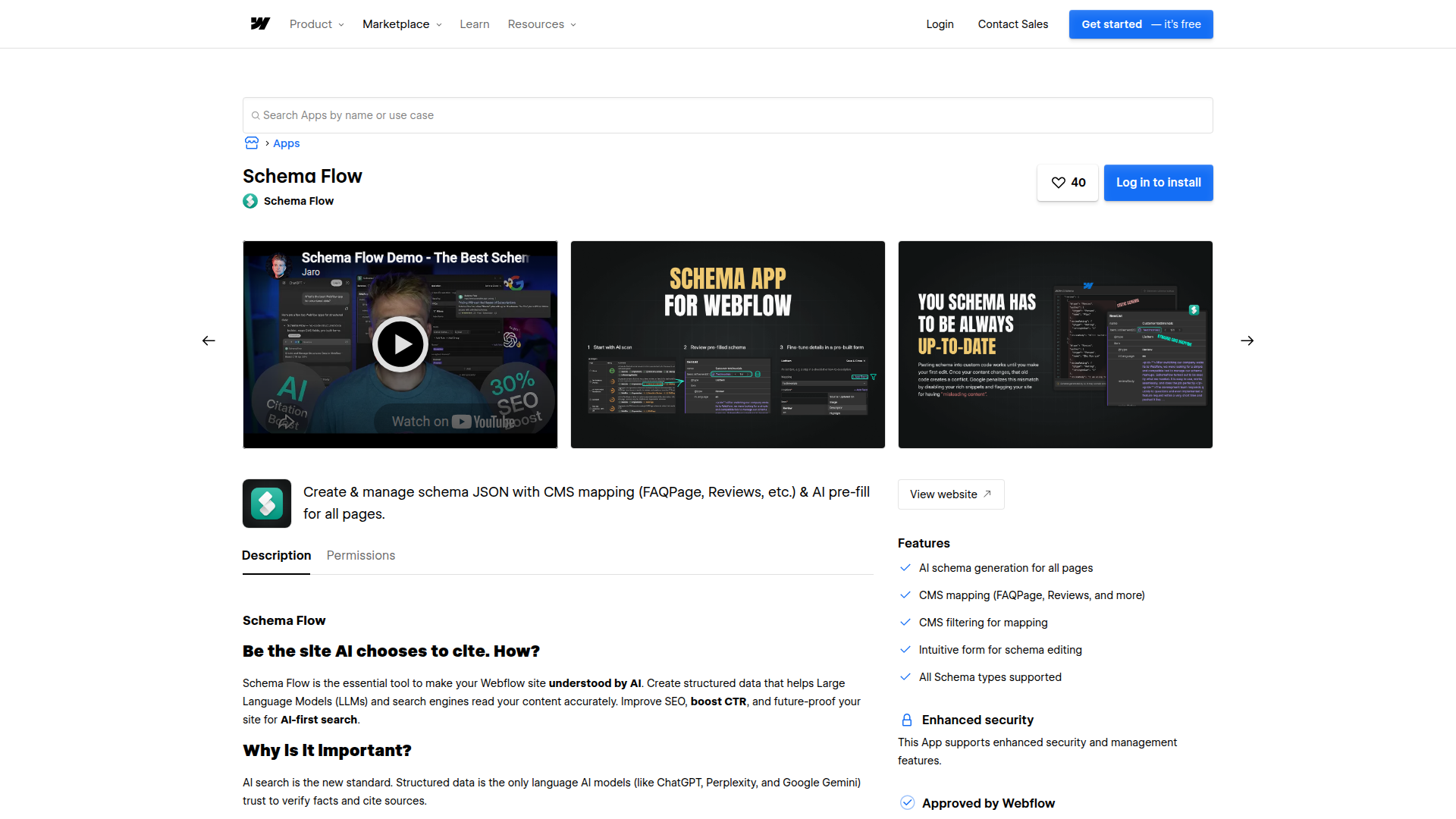
To set up the integration:
- Go to the Webflow Marketplace and search for Schema Flow, then follow the installation instructions.
- Connect Schema Flow to your Webflow project and open the app inside the project.
- Open the page list, click Add for the target page, then complete the schema form manually or click Prefill with AI and review.
- Save the schema. Schema Flow creates and publishes the JSON-LD automatically.
After setup, schema persists through site transfers between accounts, so agencies handing off a project keep the structured data intact. Validate any output with validator.schema.org or Google's Rich Results Test to confirm the markup is correct.
Add schema manually with Code Embed and custom code fields
Some teams prefer to manage schema by hand rather than through the app, especially for a single static page that rarely changes. Webflow gives you several native paths to inject JSON-LD into a page. Each path accepts up to 50,000 characters and does not run server-side languages like PHP or Python. This approach works, but manual JSON-LD breaks when content changes, so reserve it for pages you do not expect to edit often.
Page settings schema markup field
Webflow includes a native Schema markup field in Page settings for basic, AI-assisted schema on individual pages. The field also works on Collection pages. Schema added here appears in the <head> of your published page; schema added to the "Before </body> tag" section appears in the <footer>.
To add schema this way:
- Open Page settings for the target page.
- Add your JSON-LD to the Schema markup field, or generate it with Webflow AI, then save and publish the page.
Supported CMS field types for binding include Plain text, Image, Video link, Link, Email, Phone, Number, Date/Time, Switch, Color, Option, and File. Reference, Multi-reference, and Multi-image fields are not supported, and deleting a bound field breaks the connection. See Add schema markup in Webflow for the full field reference.
Code Embed and site-wide custom code
For schema that lives outside the native field, use a Code Embed element on the canvas or the site-level custom code fields. Site-wide markup like Organization schema fits well in the head of your site.
To add schema through custom code:
- Drag a Code Embed element onto the canvas, or open Site settings > Custom code.
- Paste your
<script type="application/ld+json">block into the field. For a site-wide approach, use the Head code section as described in Custom code in head and body tags, then save changes and publish.
Do not add the same schema in both the Page settings field and a custom code section, since duplicate structured data creates conflicts. Existing custom-code schema keeps working, so there is no need to migrate it if it already validates.
Build with the Webflow Data API
Schema Flow has no public API, so a fully custom or automated structured data pipeline runs entirely on the Webflow Data API v2. This path suits developers replicating what the app does programmatically, and it requires server-side development. You read CMS data and use it to generate JSON-LD before injecting the markup through the custom code endpoints.
For a custom pipeline, use Webflow's CMS collection items API to read live and staged Webflow CMS items for schema values, Webflow's custom code API to inject JSON-LD into pages and sites, and Webflow webhooks to trigger schema regeneration when CMS content changes.
Custom code endpoints require a Webflow Data Client App authorized via OAuth Code Grant Flow with custom_code:read and custom_code:write scopes. Site API tokens do not grant access to these endpoints.
Sync schema on CMS updates via webhook
To keep programmatically generated schema current, subscribe to CMS webhook events and regenerate JSON-LD when items change. This mirrors the automatic behavior of the app in a custom stack.
To implement this:
- Register a webhook with
POST /v2/sites/{site_id}/webhooksusing thecollection_item_changedorcollection_item_publishedtrigger type. Each trigger type allows up to 75 registrations per site. - On each webhook event, read the updated item with
GET /v2/collections/{collection_id}/items/live, build the JSON-LD from itsfieldData, then push the markup to the page withPUT /v2/pages/{page_id}/custom_code.
This gives you the same content-synced schema the app provides, with full control over generation logic. For most teams, the app removes the need to build and maintain this pipeline.
What can you build with the Schema Flow Webflow integration?
Integrating Schema Flow with Webflow lets you publish content-synced structured data across an entire CMS without hand-writing JSON-LD for every page.
- Blog and article rich results: Map a CMS collection's rich text body directly into Article schema on the template page. Every post gets valid structured data that updates when you edit the content.
- Product listings for e-commerce: Bind Product schema to a products collection so CMS product fields flow into the markup. New products become eligible for rich snippets as soon as they publish.
- Local business visibility: Add LocalBusiness schema to a location page so search engines resolve business details such as address and hours for local results.
- Organization schema for AI visibility: Apply Organization schema with SameAs identifiers at the site level to help AI Overviews and language models resolve your brand as a single trusted entity.
If you need more control over how schema is generated and injected, the API integration path covers those cases with full flexibility.
Frequently asked questions
Visit the Webflow Marketplace, search for Schema Flow, click the app, and follow the installation instructions to connect it to your project. Once installed, Schema Flow runs inside Webflow, scans your pages, suggests schema types, and lets you configure everything through form-based inputs.
No. Schema Flow provides a no-code interface to generate and manage structured data, and it publishes the JSON-LD automatically based on your form inputs. You never manually copy-paste code into Webflow's custom code fields.
Schema Flow has its own Starter and Pro plan limits, and there is no Webflow paid plan requirement to use Schema Flow itself. For Webflow's native Page settings schema markup field and AI generator, you need a paid Webflow Site plan or a paid Workspace, and any role above Reviewer can add schema. If you can't generate schema with Webflow's native tool, check whether the site has a paid plan first. The page also needs enough content, and the schema field must not already contain code.
Yes. Schema Flow supports CMS collection mapping and field mapping on template pages. You can map a rich text post body directly into Article schema. Webflow's native Page settings schema binding has separate field-type limits: Reference, Multi-reference, and Multi-image fields are not supported. The Collection List documentation covers how collection content is displayed, not Schema Flow-specific field support. Supported field types and the native mapping process are documented in Add schema markup in Webflow.
Yes. Site transfer does not affect schema created or managed through Schema Flow, so agencies can hand off projects without losing structured data. To confirm your markup validates after any change, run it through Google's Rich Results Test or validator.schema.org.
Description
Schema Flow is a no-code app that generates JSON-LD structured data. Bind schema to Webflow CMS fields once and the markup updates as content changes.
This integration page is provided for informational and convenience purposes only.

Ordinal
Connect Ordinal with Webflow to schedule CMS collection items and their social promotion from one calendar.

BlogSEO AI
Connect BlogSEO AI, an AI content platform that generates and publishes SEO articles, with Webflow to auto-publish keyword-targeted posts directly to the CMS.

Goaffpro Affiliate Marketing
Connect Goaffpro with Webflow to track affiliate sales, manage commissions, and build custom branded affiliate portals on your site.

Hypotenuse AI
Connect Hypotenuse AI with Webflow to publish AI-drafted blog articles directly into a CMS Collection.

Ranktune (Formerly Krastie AI)
Connect Ranktune (formerly Krastie AI) to Webflow to publish approved articles into Webflow CMS Collections and track AI referrals with a site script.

Hipa.ai
Hipa.ai's Webflow app is still listed, but the vendor rebuilt hipa.ai as a different business. Here is how to check your site and what to run instead.

Octopus.do
Plan and approve your site architecture in Octopus.do before you build the first page in Webflow.

LandingRabbit
Draft landing pages in LandingRabbit from notes and decks, then create and publish them on your Webflow site with the Webflow MCP server.
Text Wizard AI
Connect Text Wizard AI by Modulify with Webflow to add AI-powered text processing capabilities directly in the Webflow Designer through a marketplace app.
Related integrations
Get started for free
Try Webflow for as long as you like with our free Starter plan. Purchase a paid Site plan to publish, host, and unlock additional features.
