






A Webflow site has no direct line to the factory floor. Build records and quality data, including throughput figures, live inside Pico MES, which runs as an internal application on the factory network. Getting that data onto a public site means manual exports and updates that go stale between publishes.
Connecting the two automates that reporting. Middleware can push production events from Pico MES into the Webflow CMS. Traceability records and production milestones are then updated automatically. Form submissions can flow the other way and create work orders in Pico MES. Dashboards built from Pico MES exports can sit directly on your pages.
Webflow developers and agencies serving discrete manufacturers, plus the operations teams they work with, use the integration to publish production KPI and traceability content and to build request workflows. Operations managers can present production KPIs to OEM prospects, and quality engineers can provide customers and auditors with serial-number lookup pages. Marketing teams in automotive, battery, aerospace, and medical device manufacturing get proof points on their sites. Those pages refresh from live production data instead of manual updates.
How to integrate Pico MES with Webflow
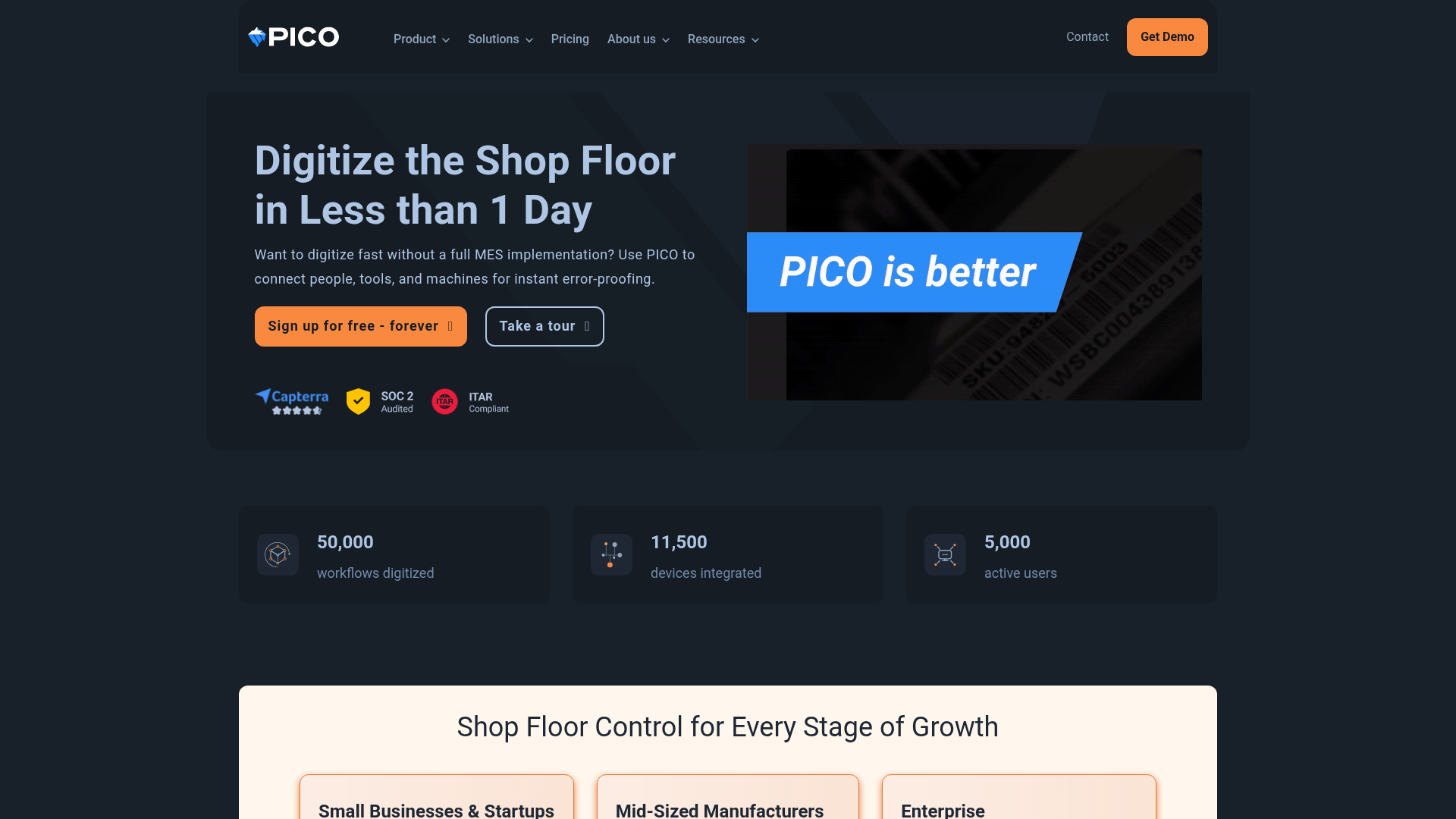
What is Pico MES? Pico MES is a modular manufacturing execution system for discrete manufacturers, with a focus on assembly operations. It digitizes work instructions, connects over 330 no-code tools and devices, and captures data for full backward traceability. Shop floor analytics cover throughput and cycle time, along with operator performance data, and support exports to Power BI, Tableau, HEX, MS Excel, and Sigma.
Manufacturers pair these platforms to put verified factory data in front of customers and auditors, plus prospects evaluating the manufacturer. Pico MES captures serial numbers and tool data with completion timestamps as parts move through production. You turn that data into public pages and client portals that marketing teams can use as proof points in Webflow.
The Pico MES-Webflow integration supports three approaches:
- Native Webflow forms capture demo and quote requests, along with build requests, without code.
- Code Embed elements display dashboards built from Pico MES data exports.
- The Webflow Data API and Pico MES APIs give you full control over data sync, but require server-side development.
Most implementations combine two or more of these methods depending on the complexity of the setup.
Use native forms and Code Embed elements
Pico MES does not provide a direct Webflow embed option. Its server hosts an internal web application for its management interface and operator interface, per the technical system guide. You cannot paste a Pico MES screen into a Webflow page. Two low-code patterns still work. Forms capture manufacturing inquiries, and Code Embed elements display BI dashboards fed by Pico MES exports. Site-wide scripts go in custom code in head and body tags.
Capture manufacturing leads with Webflow forms
Native forms collect demo and quote requests without any code, and they work without developer involvement. This is the only integration pattern that runs on the lowest plan tiers of both platforms. Manufacturers running Pico MES can route inbound requests from their marketing site into their sales process.
To add a lead capture form:
- Drag a form element onto your page.
- Add and label the fields a quote or demo request needs, then publish the site to start collecting submissions.
Form submission volume depends on your Site plan, with paid plans collecting unlimited submissions. Exported, self-hosted sites stop collecting form submissions entirely.
Embed shop floor dashboards with Code Embed
Pico MES exports shop floor analytics to Power BI, Tableau, HEX, MS Excel, and Sigma. Power BI and Tableau generate embed codes that drop into a Code Embed element. A public dashboard page shows throughput and yield without exposing Pico MES credentials in the browser.
To embed a dashboard:
- Build the dashboard in your BI tool from Pico MES exports.
- Copy the embed code or iframe snippet from the BI tool.
- Drag a Code Embed element onto the page and paste the snippet.
- Publish the site.
Code Embed requires a Core, Growth, Agency, or Freelancer Workspace, or an active paid Site plan. For anything beyond display, you need the API path below.
Build with the Webflow and Pico MES APIs
Every data integration between the two platforms runs through middleware you build and host. Neither side ships a prebuilt connector. Pico MES has no endpoint for receiving Webflow form data directly. Your middleware stores credentials for both APIs and translates between them. Target the Pico MES GraphQL API. Pico MES marketing pages describe a REST API. The developer documentation at apidocs.picomes.com shows a GraphQL API with an instance-specific endpoint. Pico MES also limits ERP and custom API integrations to its Enterprise tier.
Middleware uses the Webflow Data API for CMS Collections and form submissions. The Pico MES GraphQL API handles work order creation and ERP operation queries; production event subscriptions run through it as well. Webflow webhooks trigger real-time events between systems.
Webflow calls send a bearer token in the Authorization header, per the authentication reference. Pico MES calls send a token in the x-pico-api-org header, issued by Pico support. Your Pico administrator provides the instance-specific GraphQL endpoint URL.
Sync production data to the Webflow CMS
When a work order completes, Pico MES pushes part consumption, serial numbers, cycle time, and completion timestamps. Subscribing to those events lets middleware keep CMS items current with production status. Subscriptions run over WebSocket at wss://your-pico-api/graph/v2 or Server-Sent Events, per the subscriptions guide.
To build the sync:
- Subscribe to
operationOrderCompletesStreamin your middleware. - On each completion event, call
PATCH https://api.webflow.com/v2/collections/{collection_id}/items/{item_id}to update the matching CMS record. - Create records for new serials with
POST https://api.webflow.com/v2/collections/{collection_id}/itemsand setnameandsluginfieldData. - Publish updated items with
POST https://api.webflow.com/v2/collections/{collection_id}/items/publish.
Bulk endpoints accept up to 100 items per request for larger batches. Size collections to your plan: Webflow's May 2026 pricing update merged the CMS and Business Site plans into a new Premium plan that includes 20,000 CMS items (up from 10,000), while Enterprise can extend CMS item limits beyond standard caps.
Create Pico MES work orders from form submissions
A Webflow form can start a build. When a customer submits an order or build request, middleware can create the matching work order in Pico MES. The trigger is a form-submission webhook, which posts the payload to your endpoint in real time.
To connect forms to work orders:
- Register the webhook with
POST https://api.webflow.com/v2/sites/{site_id}/webhooksand set the trigger type toform_submission - Receive the payload in middleware and return HTTP
200to acknowledge it. - Map the request to a Pico MES operation with the operations GraphQL query.
- Create the work order with the
operationOrderSavemutation and passoperationIdandexternalOrderId.
The operationOrderCancel mutation cancels a pending order. Pico's integration guide also documents optional stationIds and stationLineIds parameters for restricting build locations, but currently marks them as an upcoming, unreleased feature.
What can you build with the Pico MES Webflow integration?
Integrating Pico MES with Webflow lets you publish serial-number traceability and production metrics such as throughput or yield on public pages without exporting spreadsheets by hand.
- Production KPI pages: Sync throughput, cycle time, and pass/fail build counts into CMS items that feed a public quality page. A Tier 1 automotive supplier can show OEM prospects its current defect-free build counts.
- Serial number traceability portals: Give each serial number a CMS item holding build history with consumed component serials and cycle time A Collection List filtered by serial number gives auditors and customers a lookup page.
- Live dashboard pages: Embed Power BI or Tableau dashboards built from Pico MES exports into client portals or enterprise demo pages. Plant managers get a shareable view of output without granting factory network access.
- Manufacturing lead capture: Collect demo and quote requests with native forms on a contract manufacturer's marketing site. Middleware can later turn approved requests into Pico MES work orders through the API path above.
If you need more control over production-event updates, the API integration path covers those cases with full flexibility.
Frequently asked questions
No. A Marketplace search for Pico MES returns no results, and the page at webflow.com/integrations/pico is informational only. Pico MES's own integrations page points to custom-code approaches using Code Embed elements and the Webflow APIs as the connection paths.
Not with prebuilt connectors. Zapier and n8n support Webflow, but neither lists a Pico MES connector. Available Webflow-side options include Zapier's Webflow New Form Submission trigger and Webflow Create Item action, plus n8n's Webflow Create, Delete, Get, Get All, and Update operations. Calling the Pico MES GraphQL API with custom configuration takes developer effort comparable to building standalone middleware.
No. Pico MES documents no direct browser embed option and no public share link, and its technical system guide describes an internal browser application for manage pages and the operator interface. To show production data publicly, sync it into CMS Collections through the API or embed a BI dashboard built from Pico MES exports.
Use GraphQL. The authentication guide documents an instance-specific GraphQL endpoint. Subscriptions are delivered over WebSocket or Server-Sent Events. Marketing pages call the surface REST. Plan your middleware around GraphQL queries and mutations, with subscriptions for events.
Pico MES lists ERP and API integrations on its Enterprise tier only. On the Webflow side, custom code needs a Core, Growth, Agency, or Freelancer Workspace or a paid Site plan, and building an OAuth app needs a Team or Enterprise Workspace. Once your plans are in place, register an app to generate OAuth credentials for the Data API.

Description
This integration page is provided for informational and convenience purposes only.
Related integrations
Get started for free
Try Webflow for as long as you like with our free Starter plan. Purchase a paid Site plan to publish, host, and unlock additional features.
