






MeldAPI
Connect MeldAPI with Webflow to sync data from external apps into CMS collections automatically, without writing code.

MeldAPI syncs external data sources directly into Webflow CMS collections, mapping fields, filtering records, and pushing updates on a schedule or in real time. It replaces the manual re-entry that bogs teams down when listings live in Guesty, content sits in Airtable, or assets are stored in Dropbox.
The integration fits agencies managing CMS content across client sites, property managers keeping listings current, content teams publishing from Airtable or SeaTable, and developers triggering syncs programmatically.
How to integrate MeldAPI with Webflow
What is MeldAPI? MeldAPI is a no-code data synchronization platform that connects third-party apps to Webflow CMS. It includes connectors for Airtable, Guesty, SeaTable, Mailchimp, Dropbox, OpenAI, and OpenWeather. A BYO (Bring Your Own) connector handles any REST API. All configuration happens in MeldAPI's dashboard, with no Code Embed codes or scripts placed on your site.
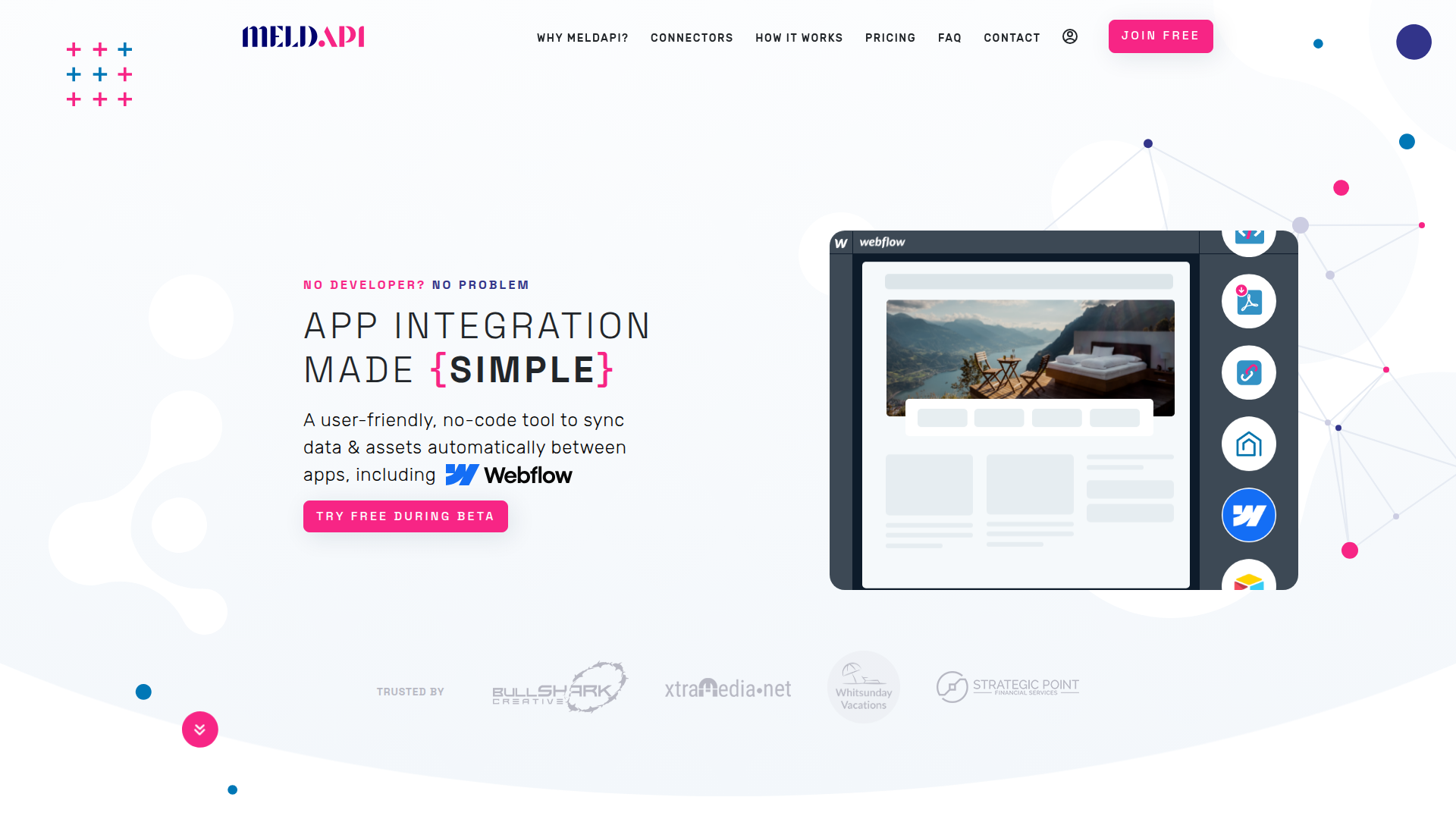
Teams use MeldAPI and Webflow together when CMS content originates in another system. A vacation rental company might manage properties in Guesty and need real-time listing updates on their Webflow site. A content team might draft posts in Airtable and publish them to a blog collection. In both cases, MeldAPI syncs the source system and the CMS.
You can use the MeldAPI-Webflow integration in 2 ways:
- The MeldAPI app handles CMS data syncing, field mapping, image compression and format conversion, and form-to-CMS routing without writing code.
- The Webflow and MeldAPI APIs give you programmatic control over sync triggers, connection monitoring, and webhook-driven automation, but require server-side development.
Most implementations start with the MeldAPI app for standard sync workflows. They add API-driven triggers only when external systems need to initiate syncs on demand.
Install the MeldAPI app
The MeldAPI app on the Webflow Marketplace connects your site's CMS to external data sources through a visual dashboard. You configure everything in MeldAPI's portal: field mapping, sync schedules, data filters, and add-ons. Add-ons include image compression, format conversion, and Markdown-to-HTML conversion. The app supports all CMS field types, including single and multi-reference fields and multi-image fields.
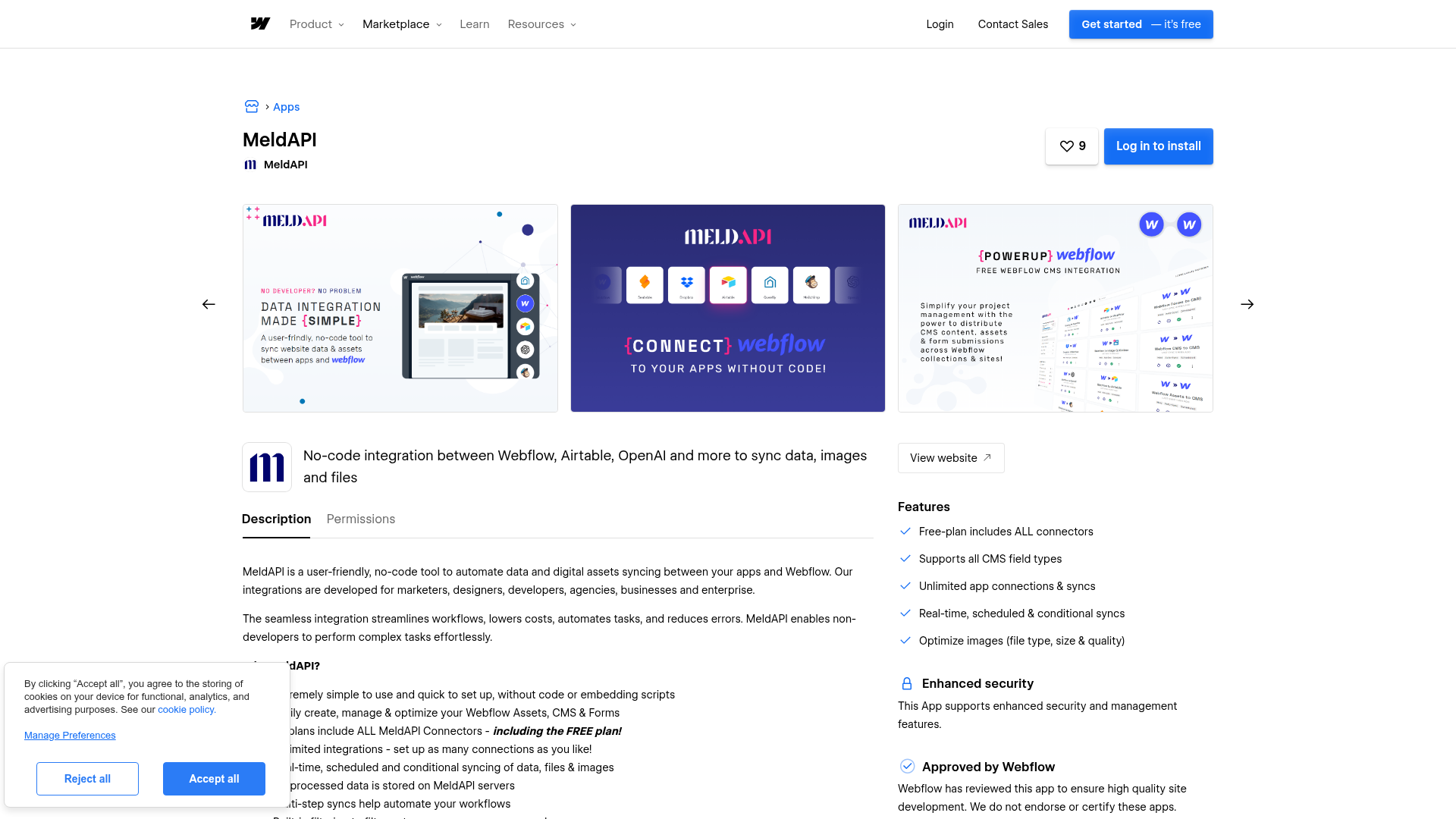
To set up the integration:
- Install the MeldAPI app from the Webflow Marketplace listing and register for a MeldAPI account at
us.meldapi.io/portal. - In the MeldAPI dashboard, click the + icon and select Create a Meld.
- Choose your source connection (Airtable, Guesty, Dropbox, or another connector) and select Webflow as the destination.
- Map source fields to your CMS collection fields. Use the AUTOMAP feature for fields that share the same name. Designate a Linking Field as the unique identifier to prevent duplicate records.
- Configure optional Data Filters to exclude records that do not meet your criteria. Use Data Setters to assign preset values to specific CMS fields.
- Under Meld Settings, choose your sync mode. Enable Auto sync updated records for real-time updates, set a Sync Schedule for timed intervals, or use manual sync.
- Run a Preview Sync to verify your configuration before triggering a live sync.
MeldAPI monitors your source app for changes after setup. It updates corresponding CMS items based on your sync settings. If you enable Auto publish updated Webflow CMS items, synced records go live automatically. Draft and Archived items are excluded from auto-publishing. Items held in those states will not appear on the live site even after a sync updates their field data.
The app includes these capabilities:
- Real-time, scheduled, and conditional syncing between source apps and CMS collections
- Visual field mapping with an AUTOMAP feature that matches fields by name
- Data filters that exclude source records not meeting specified criteria
- Data setters that assign preset values to destination fields during sync
- Flows that chain multiple Melds (sync configurations) into sequential, automated operations
- Outgoing webhook notifications to Slack or Jira Service Desk (plus email) after sync completion
- Guest access for clients to connect their own Webflow sites securely
These capabilities handle most sync workflows without requiring any code or external tools.
Optional paid add-ons extend what happens to data during sync:
- Image Optimizer converts images to AVIF or WebP format with configurable dimensions and compression before uploading to Webflow CMS
- Markdown to HTML/Text converts Markdown content into HTML for Webflow CMS Rich Text fields
- Slugify generates custom URL slugs from chosen text fields instead of relying on auto-generated slugs
- PDF Content Extractor converts PDF content to text and images for editing, search indexing, and accessibility
The Unlinked Destination Records setting in Meld configuration determines what happens to CMS items when their corresponding source records are deleted. The options are keep, archive, or delete. Review this setting carefully before running production syncs. Misconfiguring it can cause unintended mass deletion of CMS content.
Build with the Webflow and MeldAPI APIs
External systems sometimes need to trigger syncs on demand. For on-demand syncs and programmatic sync health monitoring, both MeldAPI and Webflow expose REST APIs. This approach requires server-side development and a backend function host such as Vercel Functions, Netlify Functions, or Cloudflare Workers. API credentials must never be placed in client-side code or Custom code in head and body tags. Any key in a browser-executed script is visible to anyone inspecting the page source.
The APIs handle different parts of the integration:
- The MeldAPI API (base URL:
https://api.meldapi.io/api/public/v1/) handles sync triggering, connection health checks, and processing status monitoring - The Webflow Data API handles CMS collections, form submissions, and site publishing
- Webflow webhooks trigger real-time events when CMS items are created, updated, deleted, or published
All MeldAPI API requests require a Bearer token in the Authorization header. Generate tokens under your Profile in the MeldAPI portal. Webflow API v2 requires its own Bearer token, either a site token or an OAuth token depending on your use case.
Trigger syncs from external systems
A record update in a CRM or other external app can trigger a sync. Your backend calls MeldAPI's trigger endpoint to push that change into a CMS collection. This is the primary developer use case for the API.
To trigger a sync from an external system:
- Create a Meld in the MeldAPI dashboard with your source system and Webflow as the destination. Note the Meld ID from the dashboard URL.
- Validate your API token by calling
GET https://api.meldapi.io/api/public/v1/auth/checkwith theAuthorization: Bearer <API_TOKEN>header. - From your backend, call
GET https://api.meldapi.io/api/public/v1/meldsyncs/add/:meld_idto trigger the configured sync. - Monitor progress by polling
GET https://api.meldapi.io/api/public/v1/meldsyncs/processinguntil no active syncs remain.
Run a Preview Sync from the MeldAPI dashboard before triggering your first live sync via the API. The preview emulates a sync without altering destination records.
Monitor connection health
Connections between MeldAPI and external apps can enter EXPIRED, RECONNECT_REQUIRED, or DEGRADED states that cause silent sync failures. Checking connection status before triggering syncs prevents data from going stale without any visible error.
To check a connection's health:
- Locate the Connection ID in the MeldAPI dashboard.
- Call
GET https://api.meldapi.io/api/public/v1/connections/:idwith your Bearer token. - Parse the connection state from the response. Only trigger syncs when the connection is healthy.
If a connection is in an EXPIRED or RECONNECT_REQUIRED state, re-authenticate through the MeldAPI dashboard before attempting further syncs.
React to Webflow CMS changes with webhooks
Some workflows run in reverse: a Webflow CMS change triggers a sync back to another system. Register Webflow webhooks to notify your backend when CMS items change.
To set up a Webflow-to-MeldAPI webhook flow:
- Register a webhook via
POST /v2/sites/{site_id}/webhookswith a trigger type such ascollection_item_created,collection_item_changed, orcollection_item_deleted. This endpoint requires an OAuth token. - On your receiving server, validate the
x-webflow-signatureHMAC-SHA256 header on every incoming payload. Reject payloads with timestamps older than 5 minutes. - Extract
payload.collectionIdandpayload.idfrom the Webflow event to identify the changed item. - Call MeldAPI's trigger endpoint (
GET /api/public/v1/meldsyncs/add/:meld_id) to sync the change to the destination system.
Webflow retries failed webhook deliveries on non-200 responses. After all retries fail, the webhook is deactivated and the registered email receives a notification.
What can you build with the MeldAPI Webflow integration?
Integrating MeldAPI with Webflow lets you keep CMS content current across multiple data sources without manual re-entry or custom middleware.
- Connect Guesty to a CMS collection so that property details, pricing, and availability update on your Webflow site. Changes sync whenever they happen in the property management system. A vacation rental site can display dozens of listings that stay accurate without anyone touching the CMS directly.
- Sync blog posts, team profiles, or product catalog data from Airtable into CMS collections. Content teams draft and edit in Airtable while the Webflow site publishes updates automatically. The Slugify add-on generates custom URL slugs. The Markdown to HTML add-on converts formatted content into Rich Text fields.
- Route Webflow form submissions into CMS collections. This approach works for user-submitted directories, testimonial pages, or community content feeds. MeldAPI's Data Filters determine which submissions qualify. Flows can route the same submission to both a CMS collection and a Mailchimp list simultaneously.
- Connect OpenAI as a source to generate or enrich text. Sync that content into CMS Rich Text fields using the Markdown to HTML add-on. A product catalog page could auto-generate descriptions for new items. The Image Optimizer add-on converts any associated images to WebP or AVIF before they reach the CMS.
If you need more control over sync timing or webhook-driven updates, the API integration path covers those cases with full flexibility.
Frequently asked questions
If you're connecting Webflow to MeldAPI using a Webflow site API token, you'll need a paid Webflow site plan to generate that token via Apps & Integrations. MeldAPI plan details and record processing limits are available on the MeldAPI site. CMS item limits vary by plan tier: the CMS plan supports 2,000 items and the Business plan supports 10,000 items. If your source dataset exceeds your plan's item cap, syncs will hit that ceiling. Review the Webflow plan details to confirm your plan fits your dataset size.
No. MeldAPI operates entirely as a backend data synchronization platform. All configuration and sync operations happen within the MeldAPI dashboard, not in Webflow. There are no embed codes, script tags, or iframes to place on your pages. The only exception is the Meld Sync Trigger method. That method requires a developer to call MeldAPI's API from a server-side function.
Not instantly. Content delivery caching can delay changes to CMS items on the published site. If you use MeldAPI's auto-publish feature, Webflow's publish endpoint has rate limits that affect how quickly large syncs go live. Plan your sync schedules accordingly for large datasets. Review the Webflow rate limits documentation for current limits.
You can find MeldAPI documentation in its Getting Started guide and developer API reference, and support via
support@meldapi.ioand the MeldAPI Community Slack. You can also join the MeldAPI Community Slack through the JOIN COMMUNITY button in your MeldAPI user profile. MeldAPI is currently in beta. The official integration page recommends using test data during initial setup. Monitor sync results before relying on the integration for production workflows.
Description
Sync data from Airtable, Guesty, Dropbox, and other sources into Webflow CMS Collection List collections with MeldAPI's no-code dashboard or REST API.
This integration page is provided for informational and convenience purposes only.

ClickUp
Turn Webflow form submissions, orders, and publish events into ClickUp tasks. Embed ClickUp Forms on your pages or sync task status back to the CMS.

Claude
Connect Claude to Webflow through the MCP server to design, manage content, read traffic data, and automate site work.

Monday.com
Connect monday.com with Webflow through Zapier, Make, or the APIs to turn form submissions into board items and publish board items to the Webflow CMS.

Trello
Connect Trello with Webflow to turn site activity into tracked cards and keep your CMS in step with the board.

Sage Accounting
Connect Sage Accounting, a cloud accounting product for small businesses, with Webflow to turn form submissions and orders into contacts and sales invoices.

PostgreSQL
Connect PostgreSQL with Webflow to sync database records to CMS collections and build data-driven websites.

Wrk
Connect Wrk with Webflow to automate workflows triggered by website events, form submissions, and CMS updates.

PostgreSQL
Connect PostgreSQL with Webflow to sync database rows into CMS items and store form submissions in your own tables.

Clay
Connect Clay with Webflow to enrich lead data, generate hundreds of personalized landing pages, and keep CMS content current with live company intelligence.
Related integrations
Get started for free
Try Webflow for as long as you like with our free Starter plan. Purchase a paid Site plan to publish, host, and unlock additional features.
