






HyperSEO
Connect HyperSEO with Webflow to generate SEO blog articles and publish them straight into your site's Webflow CMS as Collection items.

The Webflow CMS stores, structures, and renders blog articles. Keyword research and drafting happen somewhere else. Teams running an SEO blog usually write in another tool and move the result into Collection items by hand, one post at a time. That handoff is the gap this pairing closes.
HyperSEO researches topics, writes the articles, and publishes them into the CMS as Collection items over an authorized app connection. Posts can carry AI images, internal links and a custom call to action.
It fits teams whose acquisition channel is organic search and whose bottleneck is writing capacity. HyperSEO aims its output at bottom-of-funnel queries, competitor comparisons and alternatives pages. That is the vendor's own positioning rather than a measured result, and no published data accompanies it.
How to integrate HyperSEO with Webflow
What is HyperSEO? HyperSEO is an AI writing tool for SEO blog content. It researches keywords and reports monthly search volume, scans a connected site to suggest topics, and generates articles with AI images, internal links and custom CTAs. Its pricing page lists output in 15+ languages.
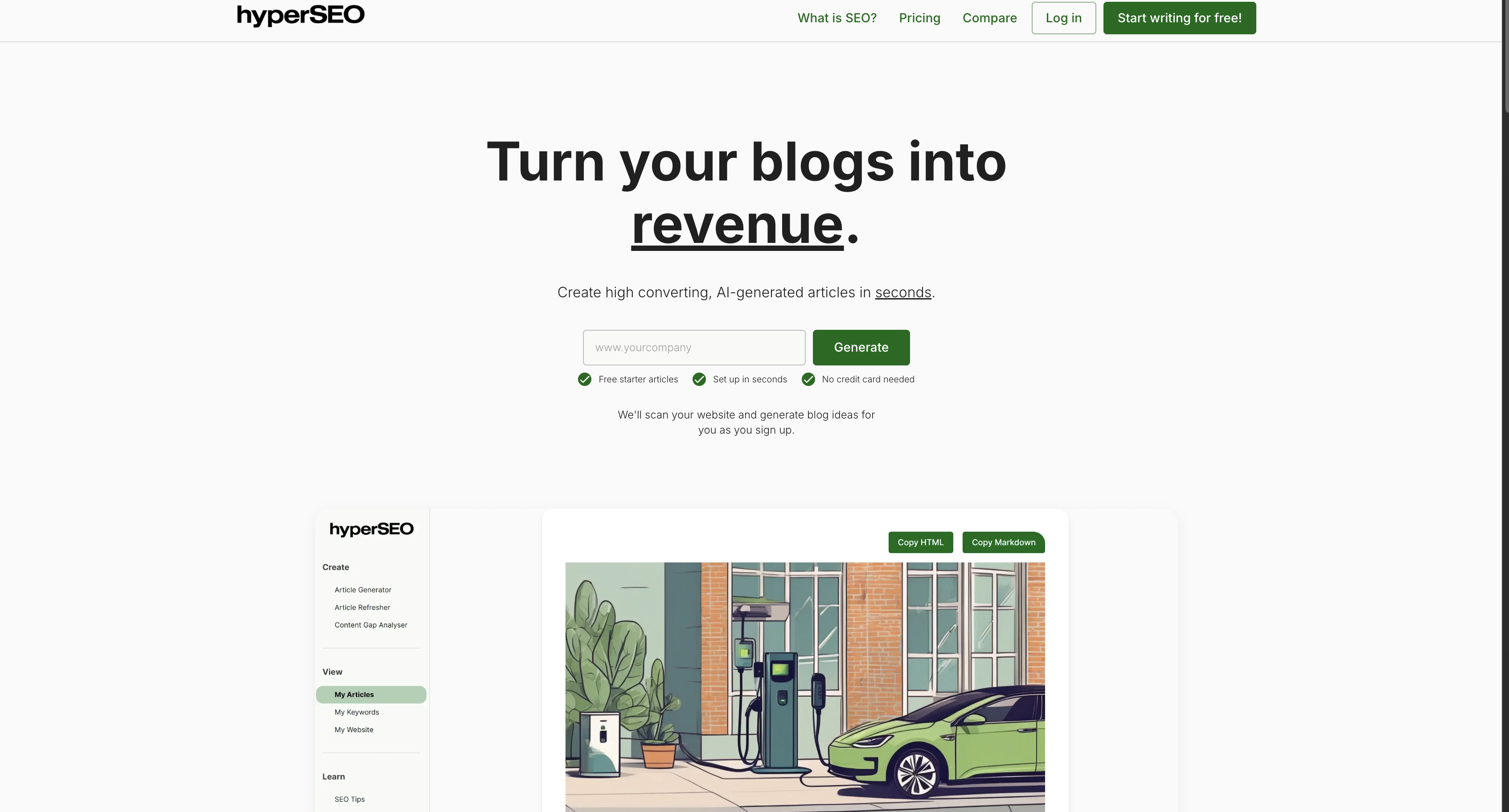
Article generation and publishing both run inside HyperSEO's dashboard, so nothing gets moved into the CMS by hand and you never configure API keys or OAuth flows yourself. The connection is authorized once through the Webflow Marketplace.
There are three ways to work this pairing. The HyperSEO app is the only connection the vendor documents, and it handles topic research and article generation, then publishes to the CMS without code. Alongside it, the Webflow MCP server lets an AI agent inspect and correct what gets published, page metadata included. For custom systems, the Webflow Data API reads and changes the Collection items HyperSEO creates, which needs development work.
HyperSEO's documentation names no Code Embed or script path, so there is nothing to paste into a page.
Install the HyperSEO app
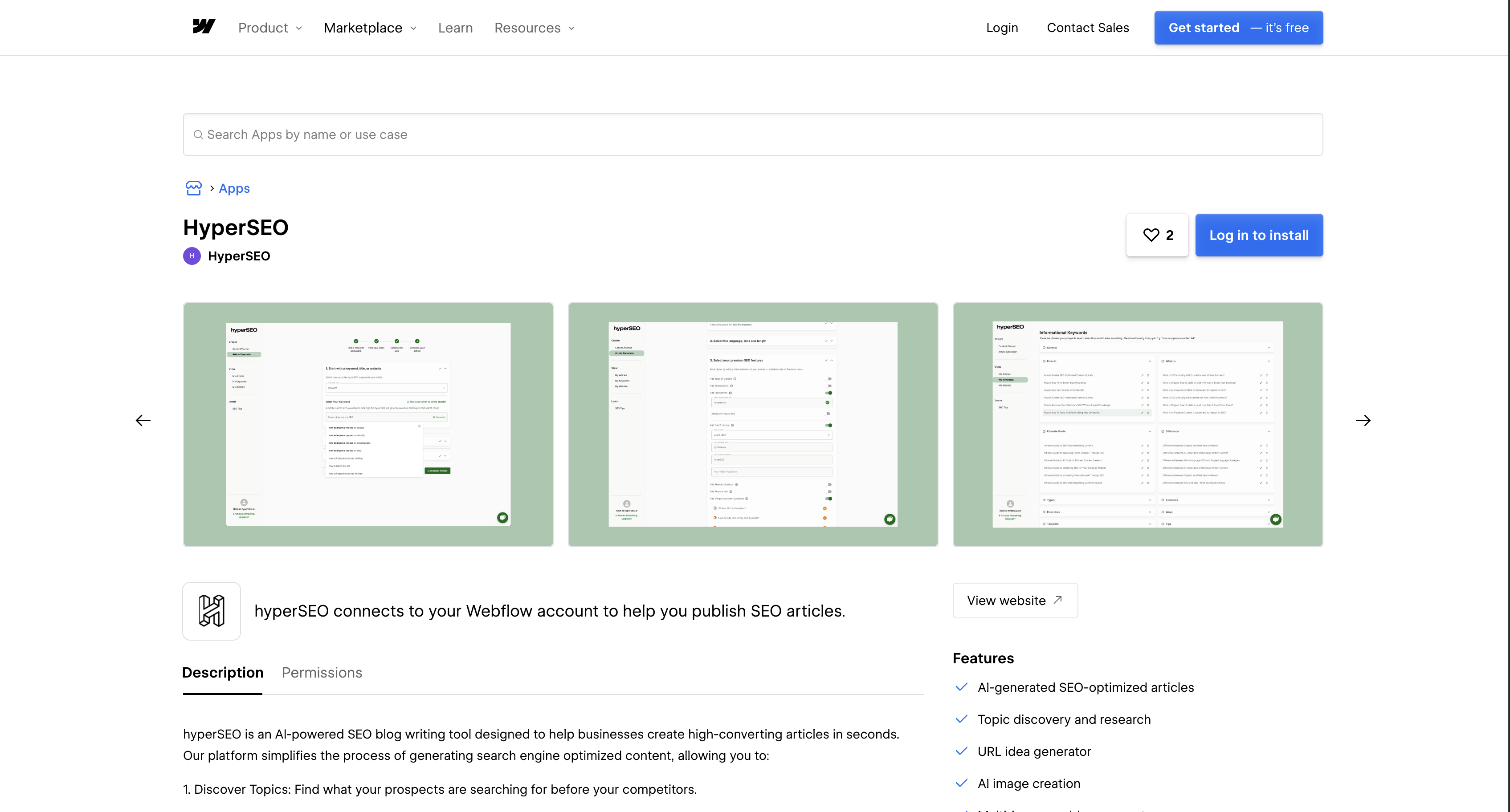
The HyperSEO listing on the Marketplace is the only documented way to connect the two platforms. It carries the Approved by Webflow label, which the listing itself qualifies in the same panel: Webflow reviews an app for high quality site development and does not endorse or certify it. Installation runs through the standard Marketplace flow, so you authorize with OAuth rather than pasting API keys.
To set up the integration:
- Open the HyperSEO listing on the Marketplace and click Add to site.
- Select the Workspaces and sites you want the app to reach.
- Click Authorize app to grant the requested permissions.
- Click Go to "hyperSEO" on the banner that appears.
- Follow the app's instructions to finish setup.
After that, the rest of the workflow runs in HyperSEO's dashboard. You find topics, check monthly search volume before committing to one, and generate ideas from a scan of your connected site. Finished articles publish into a Collection from there.
Viewing and revoking an app happen on different tabs. To see which apps hold access to a site, go to Site settings > Integrations > Authorized apps. To remove one, go to Site settings > Apps & integrations and click Revoke, as the Webflow Apps overview sets out. Two governance details are worth knowing before you install: an app's permissions are fixed by its developer and you cannot edit them, and revoking access leaves any elements the app added on the page while custom code it added is stripped at your next publish.
HyperSEO publishes no setup guide, no field-mapping documentation and no public API. Which Collection it writes to, and whether items arrive as drafts, are questions for the support address on its Marketplace listing.
Audit published articles with the Webflow MCP server
Once articles are in the CMS, the Webflow MCP server gives an AI agent a direct route to the same content, which is the layer HyperSEO does not reach. Webflow documents it as updating meta titles, descriptions and Open Graph tags across pages, managing CMS items in bulk, controlling sitemap inclusion for pages and CMS items, and scanning for broken links, missing alt text and outdated information.
That last capability is the one worth pointing at on a page about machine-written content, because it is the check an AI writer does not run on its own output. Agents work inside your existing Webflow permissions and roles, each site can carry its own Agent Instructions, and the changes an agent makes are recorded in the site activity log. The MCP server is listed on the free Starter plan as well as the paid Site plans, so trying it costs nothing.
Build on HyperSEO's output with the Webflow Data API
Custom development uses the Webflow Data API v2, because HyperSEO exposes no public API of its own. Every article it publishes is an ordinary CMS item that your code can read and change. Migrate legacy v1 scripts first: the v1 deprecation notice gives March 31, 2025 as the deprecation date and says the v1 API may keep functioning after it without maintenance, updates or support.
HyperSEO's OAuth grant cannot be reused by your own code. Create a separate Webflow app or API token and authorize the scopes you need, such as sites:read, cms:read and cms:write.
Four references cover almost everything you will do against HyperSEO's output:
- CMS item endpoints: These handle staged items, live items and publishing, which is where every article HyperSEO writes ends up sitting.
- Pages endpoints: These update SEO titles, meta descriptions and Open Graph fields on static pages and on Collection template pages.
- Events reference: This documents every webhook trigger type and the exact payload each one sends, so you can parse without guessing.
- Scope requirements: Each event type names its own scope, so
collection_item_createdneedscms:readwhilesite_publishneedssites:read.
Between them they cover reading what HyperSEO wrote, correcting it, publishing it and being told when it changes.
Read, update and publish the articles HyperSEO creates
This is the workflow for auditing machine-written content, correcting metadata, or batch-editing posts after publication.
To work with published articles:
- Retrieve your
site_idwithGET /v2/sites(List sites, scopesites:read). - Find the blog Collection's
collection_idwithGET /v2/sites/{site_id}/collections(List Collections). - List staged articles with
GET /v2/collections/{collection_id}/items, or published ones with the live items endpoint. - Send corrections with
PATCH /v2/collections/{collection_id}/items(Update items), which the reference caps at 100 items per request. - Create articles in batches with the bulk create endpoint at
/v2/collections/{collection_id}/items/bulk, which accepts items across locales.
Item creation requires name and slug. Updating a slug breaks every link that referenced the old one, which is a real risk when you are correcting machine-written titles in bulk.
Register webhooks for new HyperSEO articles
Webhooks tell your systems when an article appears, so nothing has to poll the Collection. Common patterns push new posts into a search index, or drop them into an editorial channel for review.
To set up event handling:
- Register a webhook with
POST /v2/sites/{site_id}/webhooks(Create webhook). - Choose a trigger type such as
collection_item_createdorcollection_item_changed. - Parse the payload, which carries
collectionId,fieldData.name,fieldData.slug,isDraftandlastPublished.
One trap here: Webflow documents no collection_item_published trigger. The CMS events are collection_item_created, collection_item_changed, collection_item_unpublished and collection_item_deleted. To catch a post actually going live, subscribe to site_publish or read lastPublished and isDraft off the item.
Where Webflow's own SEO tools already cover this
The overlap between this app and what Webflow already ships is substantial, and knowing where it sits changes what you should buy HyperSEO for.
Webflow sets the SEO title and description per page, and Webflow AI generates both from the page's content on a paid Site plan or a paid Workspace. The Audit panel scans a single page or a whole site for missing alt text, meta titles, meta descriptions and schema markup, framed by Webflow as SEO and AEO work, then generates content for the gaps. Sitemaps are auto-generated on publish, and robots.txt rules are edited in Site settings. On Team and Enterprise Platform plans, AEO agents go further again: they surface prioritized technical fixes, and on Enterprise with the Analyze add-on they generate a content brief and a draft CMS item for topics where competitor domains are being cited and yours are not.
So metadata is not where a third-party SEO app earns its place on a Webflow site. Webflow writes those fields itself, an agent on MCP writes them across pages, and neither charges per article. What HyperSEO adds is keyword research and finished article production on sites well below a Platform plan, where AEO agents are not available at all. If you already run Team or Enterprise, compare the two before you buy, because the content-generation overlap is direct.
What no tool on either side of this can promise is a ranking outcome, or that an AI assistant will cite the result. Search engines and AI answer engines do not document that relationship, so treat any figure that claims to quantify it as marketing until someone shows you the method behind it.
What you can build with the HyperSEO Webflow integration
Integrating HyperSEO with Webflow lets you run a publishing program where articles land in a Collection and Webflow's own tools take over from there.
The combination supports four patterns worth building deliberately:
- Competitor comparison posts: A set of "[Your tool] vs [Competitor]" Collection items, each carrying an AI hero image, internal links and a demo CTA.
- Multilingual blog Collections: Articles generated per target language and rendered through your Collection pages, as covered in our multilingual site guide.
- An editorial review queue: A
collection_item_createdwebhook that posts each new article into your review channel before an editor lets it go live. - Post-publication metadata cleanup: A scheduled pass that reads recent items, fixes titles and meta descriptions through the Pages endpoints, then republishes them.
Each pattern starts in the same place, with articles arriving in a Collection you then control with Webflow's own tooling. To build the read-and-correct half yourself, start with our guide to the Webflow CMS API, and connect the MCP server first if you would rather have an agent do the auditing than write the code.
Frequently asked questions
Yes. The listing shows the label and qualifies it in the same panel: Webflow reviews an app to ensure high quality site development, and does not endorse or certify it. Read it as a review, not a recommendation.
Read and write access across CMS items, pages, site data and publishing, users and access groups, and Workspace resources, plus read access to authorized user information. In Data API terms that is
cms:read,cms:write,pages:read,pages:write,sites:read,sites:write,users:read,users:write,workspace:read,workspace:writeandauthorized_user:read. The scopes reference explains each one. You cannot edit an app's permissions, but you can scope the install to a single site.The Marketplace listing names no required plan. The free Starter plan includes a limited CMS on a webflow.io domain, and Basic is sold for sites that do not need a CMS, so a real blog program lands on Premium or above. Compare tiers in Choose a Site plan.
Not documented. HyperSEO publishes nothing about its draft versus live behavior, so check the Collection after your first run. You can push a single item live without publishing the whole site using the publish item endpoint.
Not documented. HyperSEO describes article generation, AI images, internal links, CTAs and multi-language output, and says nothing about page metadata, although the app does request write access to pages. Webflow sets those fields itself and Webflow AI can generate them, so plan to handle metadata on the Webflow side.
Description
Publish AI-generated SEO articles into the Webflow CMS through HyperSEO's Marketplace app. Topic research, AI images, multi-language output and custom CTAs run in HyperSEO's dashboard, and the Webflow Data API adds programmatic control over what lands in your Collections.
This integration page is provided for informational and convenience purposes only.

Ordinal
Connect Ordinal with Webflow to schedule CMS collection items and their social promotion from one calendar.

BlogSEO AI
Connect BlogSEO AI, an AI content platform that generates and publishes SEO articles, with Webflow to auto-publish keyword-targeted posts directly to the CMS.

Goaffpro Affiliate Marketing
Connect Goaffpro with Webflow to track affiliate sales, manage commissions, and build custom branded affiliate portals on your site.
Hypotenuse AI
Connect Hypotenuse AI to Webflow for one-click blog content export with automatic field mapping.
Krastie AI
Connect Krastie AI, an AI-powered content creation platform, with Webflow to transfer AI-generated content to your CMS through Make, Zapier, CSV imports, or custom API scripts.

Hipa.ai
Hipa.ai's Webflow app is still listed, but the vendor rebuilt hipa.ai as a different business. Here is how to check your site and what to run instead.

Octopus.do
Plan and approve your site architecture in Octopus.do before you build the first page in Webflow.

LandingRabbit
Draft landing pages in LandingRabbit from notes and decks, then create and publish them on your Webflow site with the Webflow MCP server.
Text Wizard AI
Connect Text Wizard AI by Modulify with Webflow to add AI-powered text processing capabilities directly in the Webflow Designer through a marketplace app.
Related integrations
Get started for free
Try Webflow for as long as you like with our free Starter plan. Purchase a paid Site plan to publish, host, and unlock additional features.
