






gFLUO
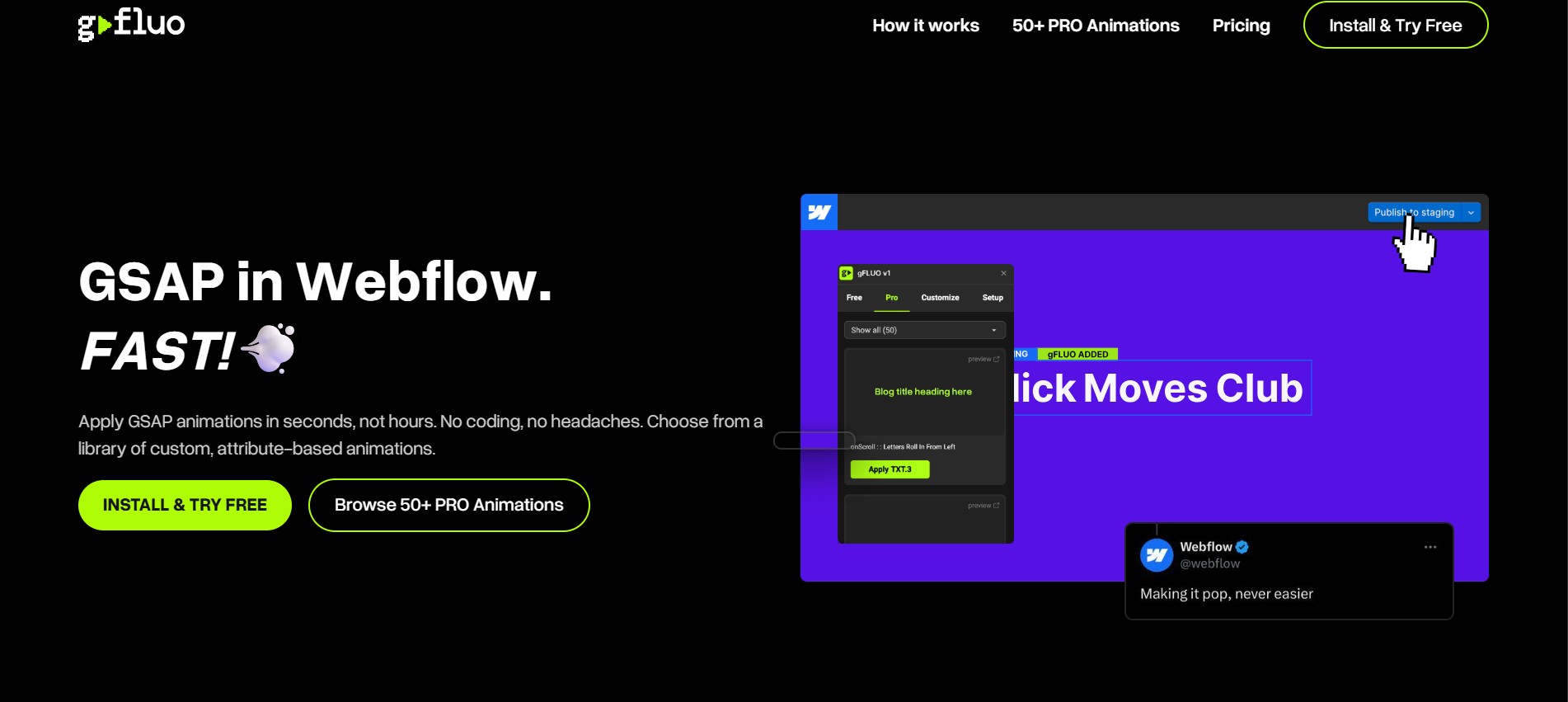
Connect gFLUO with Webflow to apply GSAP text animations from the Apps panel, with no JavaScript required.

Webflow interactions cover most everyday animation needs. GSAP-quality text motion is where that stops: a staggered word reveal or a typewriter effect means writing the GSAP timeline by hand, then debugging when each line fires.
gFLUO closes that gap by putting a GSAP animation library in the Apps panel. Select a text element, pick an animation, apply it, and publish. The app holds read and write access to your site's custom code and page data, so the GSAP code and the attributes each effect needs land on the page without you opening an editor.
The fit is client work on a deadline: the Friday-afternoon animation request that has to ship before the weekend. It also suits designers who want GSAP output without first learning GSAP.
How to integrate gFLUO with Webflow
What is gFLUO? gFLUO is a Webflow Marketplace app, built by the studio tonik, that applies GSAP (GreenSock Animation Platform) animations without JavaScript. The free tier ships three onScroll text animations: "onScroll: Words Slide Up," "onScroll: Words Rotate In," and "onScroll: Fade In Random." The paid tier adds a PRO animation library reaching headings, paragraphs, buttons, images and whole elements, with onHover and onLoad triggers alongside onScroll.
Teams reach for this when a client asks for scroll-triggered text motion and the deadline rules out a custom build. It does not replace native interactions either: gFLUO's own cloneable starts from a plain Webflow interaction and works up to GSAP.
Two paths put gFLUO animations on a Webflow site. The gFLUO app applies animations from the Apps panel and writes the GSAP code for you. Writing the GSAP attributes and code by hand through a Code Embed covers what the app does not reach: per-item CMS variation, and element types outside the tier you pay for. Most sites need only the app, and the hand-written path is the fallback for the last few cases.
gFLUO documents no public API and no webhooks, so every part of the setup happens inside Webflow.
Install the gFLUO app
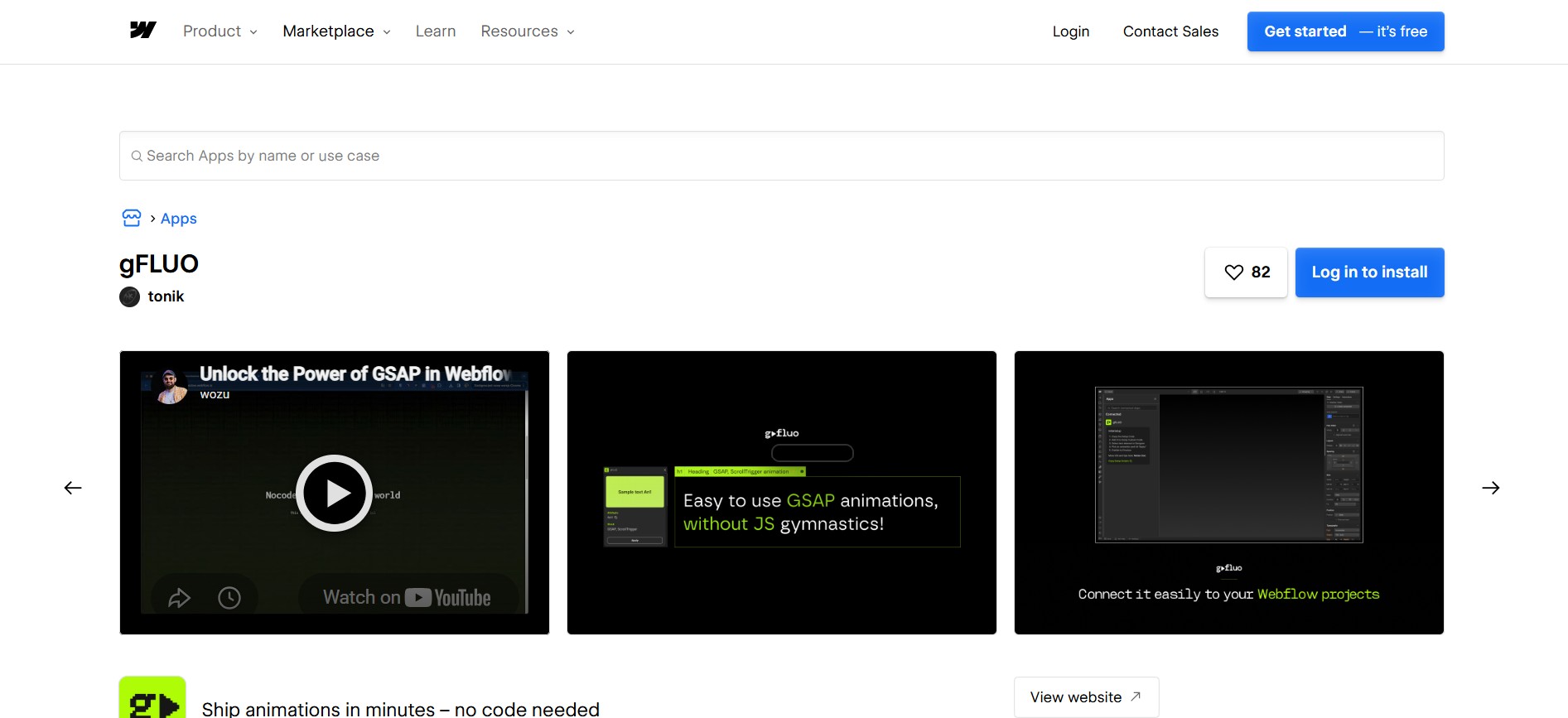
The Marketplace listing is the no-code path, and it carries the Approved by Webflow badge, which Webflow defines as a quality review and explicitly not an endorsement or certification. You can install and test on any plan, the free Starter plan included. Publishing to a custom domain needs a paid Site plan, per Webflow pricing, while a Starter site publishes to a webflow.io subdomain.
To set up the integration:
- Open the gFLUO listing in the Marketplace, click Add to site, and select the Workspace or the sites you want it on.
- Click Authorize app to grant the permissions it requests.
- In Webflow, open the Apps panel, hover over gFLUO, and click Launch.
- Select a text element on the canvas and choose an animation from the library.
- Publish the site, and the GSAP code and attributes go out with it.
Workspace-level authorization covers every current and future site in that Workspace, so choose site-level access when you only want gFLUO on one project. The listing spells out what the app can touch:
- Custom code: The app reads and writes your site's custom code, which is how the GSAP library and animation code reach the page.
- Page data: It reads and writes page data to set the attributes each animation depends on.
- Site data and publishing: It reads and writes site data and can publish, so it can push its own changes live.
- Authorized users: It reads information about the users who authorized it on the site or Workspace.
Read that list before authorizing at the Workspace level, because the same scopes then apply to every site the authorization covers.
Watch element scope before you promise anything to a client. The free tier is text on scroll and nothing else, and the PRO library is where buttons, images and arbitrary elements arrive, so test a paid animation on the element type you actually need. Per-item CMS variation is not something the app exposes at all.
Write the GSAP code yourself with Code Embed elements
Write the GSAP yourself when you need per-item CMS variation, or an element the app does not cover. tonik publishes a free Webflow cloneable that builds one button hover animation four ways: a basic Webflow interaction, the same effect using symbols, an introduction to GSAP, then an advanced GSAP version. It teaches the GSAP approach rather than gFLUO's own attributes, so treat it as a reference and not as a copy of what the app emits. Custom code needs a Core, Growth, Agency, or Freelancer Workspace plan. An active Site plan also works.
gFLUO publishes no snippet for a manual install, so follow the standard Webflow custom-code path:
- Clone the project into your Workspace.
- Read through all four levels to see how each version of the effect is built.
- Add your GSAP include and your animation code to a Code Embed element on the page that needs it.
- For code that every page needs, use Site settings > Custom code (head and body tags).
- Publish, then test the animation on the live domain rather than in preview.
A Code Embed accepts HTML, CSS and JavaScript. An animation applied to an element inside a Collection List sits on the template element, so every item in the collection renders it identically, and per-item variation has to come from the code you write. This path trades the app's speed for control over timing, triggers and which elements animate.
If an agent does that work instead, the Webflow MCP server reads and writes site-level and page-level custom code, which covers both the GSAP include and the animation code. It is available on every Site plan, the free Starter plan included, so this is not a paid add-on.
Remove the app's access to your site
Removing gFLUO takes two steps: revoke the access, then check the pages it touched. Find the authorization under Site settings > Integrations > Authorized apps, then revoke it under Site settings > Apps and integrations. Those are two different tabs. Revoking is the only exit, because Webflow app tokens cannot be refreshed or re-scoped once issued, so an app you stop using keeps the read and write access you granted until you take it back. gFLUO documents no uninstall behavior, so after revoking, open the pages that carried animations and confirm the attributes and injected code are gone before your next publish.
What you can build with the gFLUO Webflow integration
gFLUO covers animations that fire on scroll, on hover, or on page load, none of which require JavaScript or a trip outside Webflow. It reaches Webflow CMS content too, at collection level rather than per item.
- Marketing landing pages: Headings and value propositions animate on scroll, so a hero headline and its CTA text arrive as the visitor lands.
- Portfolio text reveals: Project titles and case study copy trigger on scroll, revealing lines in sequence as visitors move through the work.
- Editorial reading flow: Headings and pull quotes animate as the reader arrives at them, which paces a long article without new layout work.
- Interactive buttons and images: The PRO onHover effects handle button glows, animated borders and mouse-following motion, plus mask reveals on images.
- Multi-section homepages: Service blocks animate section by section, and a count-up effect handles a statistic that should land as the reader reaches it.
For per-item CMS variation, apply custom code to individual pages through the Webflow Data API, and keep gFLUO for the elements it does cover.
Frequently asked questions
No. Select a text element, pick an animation, apply it, then publish. The app has read and write access to your site's custom code and page data, so it adds the GSAP code and the attributes for you. The Marketplace listing describes the workflow as staying inside Webflow with no VS Code and no custom code. Writing GSAP by hand only comes up for per-item CMS variation, or for element types the app does not cover.
Any plan installs and tests the app, the free Starter plan included. Publishing to a custom domain needs a paid Site plan, while a Starter site publishes to a webflow.io subdomain. gFLUO's own PRO access is a separate subscription from tonik, so a paid Webflow plan does not include the paid animation library.
An animation applied to an element inside a Collection List sits on the template element, so every item in the collection renders the same animation. gFLUO's documentation does not cover CMS content, so test the behavior on a staging site before publishing. Per-item variation needs custom code.
Revoke the app's access under Site settings > Apps and integrations, following the Webflow Apps overview. Webflow app access tokens cannot be refreshed or re-scoped once issued, so revoking is the only way to end an app's read and write access to your custom code, page data and publishing. gFLUO documents no uninstall behavior, so check the pages that carried animations afterwards and republish once the injected code is gone.
The free tier animates text on scroll, through three named onScroll animations. The PRO library extends to headings, paragraphs, buttons, images and arbitrary elements, and adds onHover and onLoad triggers alongside onScroll. The library is organized by element type, so test a paid animation on the element you need before committing to it in a client build.
Description
Apply GSAP animations that fire on scroll, on hover, or on page load, straight from the gFLUO app in the Apps panel. The app reads and writes your site's custom code, so you never open a code editor.
This integration page is provided for informational and convenience purposes only.

CMS Library: Nest
Simulate multiple nested Collections on a single page, with Finsweet's CMS Library!
CMS Library: Slider
Create CMS slider with dynamic number of slides, with Finsweet's CMS Library!
Webflow Tabs
Connect Webflow Tabs with CMS collections, Finsweet Attributes, and custom JavaScript to build dynamic tabbed interfaces with CMS-generated content, deep linking, and auto-rotation.
CMS Library: Anchor
Create CMS anchor links and sections, with Finsweet's CMS Library!
CMS Library: Combine
Combine multiple CMS Dynamic Lists into one single Collection List, with Finsweet's CMS Library!
CMS Library: Add Classes
Give unique add-on classes to elements inside your Collection List, with Finsweet's CMS Library!

Class Adder for Webflow Interactions
Class Adder is a tool to add/remove a class from an element. You can trigger the add/remove on click, hover, scroll in/out of view, or page load. This is an add-on to Webflow Interactions.

Awesome Table
Connect Awesome Table with Webflow to display filterable Google Sheets data on any page without building a custom backend.

3D and AR with Vectary
Connect Vectary, a browser-based 3D and AR design platform, with Webflow to embed interactive 3D models and app-free AR directly on your site.
Related integrations
Get started for free
Try Webflow for as long as you like with our free Starter plan. Purchase a paid Site plan to publish, host, and unlock additional features.
