






Flowstar Form Connectors
Flowstar Form Connectors syncs Webflow form submissions to Mailchimp, SendGrid, MailerLite, or GetResponse. Check current app availability and the native webhook route before you build.

A Webflow form handles capture and notification on its own: the submission lands in your site's form data and an email goes out. Pushing that same contact straight into an email marketing audience is a separate job, and so is showing the form as a behavior-triggered popup or splitting it across several steps.
Flowstar Form Connectors was built for exactly that gap. It adds Flowstar-managed form templates to a Webflow site, including popups and multi-step booking and order forms, then syncs each submission into a connected email marketing account with your fields mapped across. No export step sits in between, and no code is required on your side.
Marketing teams growing a subscriber list are the core fit. Service businesses taking bookings and stores collecting pre-orders use the same form types for a different outcome. One thing to settle before you plan around the app: as of July 2026 we cannot find a Form Connectors listing on the Webflow Marketplace, and the app detail URL Flowstar links from its own site returns a 404. Read the second method below, because it reaches the same email platforms and works today.
How to integrate Flowstar Form Connectors with Webflow
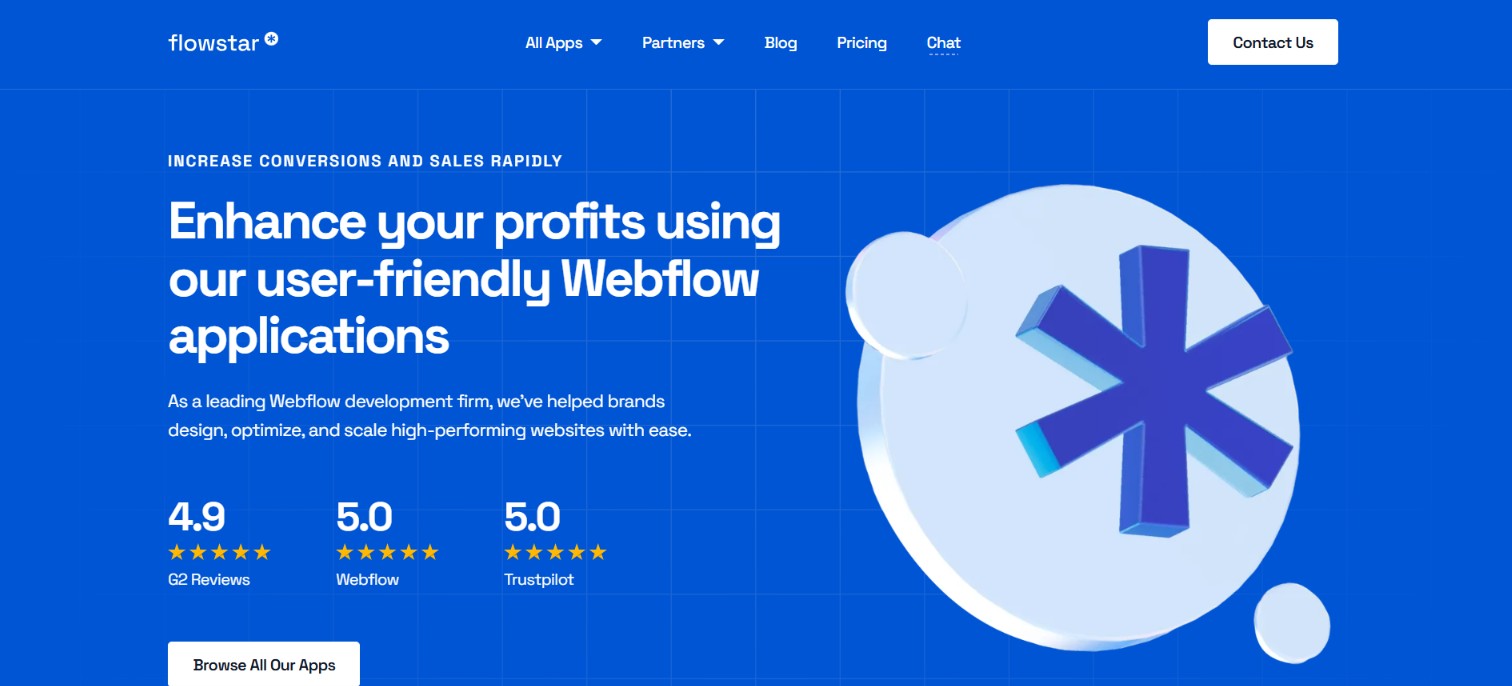
What is Flowstar Form Connectors? Flowstar Form Connectors is a Webflow app from Flowstar, in the forms and surveys category, that collects leads from a Webflow site and sends them to a connected email marketing account. It covers four destinations: Mailchimp, SendGrid, MailerLite, and GetResponse. Form templates, display rules, and field mapping are all configured inside the app rather than in your site's markup.
Teams reach for a form app like this when a site needs to grow a mailing list without an automation platform in the middle. A newsletter popup on a blog, a booking flow on a services page and a pre-order form on a launch page all finish in the same place, which is a new contact in the connected email account.
Two paths matter here. The Flowstar app install is the no-code route Flowstar documents, and it depends entirely on the app being listed. The native Webflow forms and Data API route reaches those four platforms plus anything else you can POST to, and it is the one we would build on right now.
Install the Flowstar Form Connectors app
Flowstar designed Form Connectors as an app you install from the Apps panel and configure inside its own interface, with nothing to write yourself. Check the listing before you commit to that plan. The Webflow app marketplace carries a number of Flowstar apps, but we find no Form Connectors entry among them, and the detail URL Flowstar itself links to no longer resolves. Flowstar publishes no Form Connectors setup guide either, so no vendor walkthrough exists to fall back on.
Flowstar's Contact Form Builder app is the form app the company keeps listed today. It builds contact, order, booking, registration and RSVP forms with conditional logic and ready-made templates, so it covers the form-building half of this job. Its listing does not advertise email-platform syncing, so treat the Mailchimp and GetResponse connections as specific to Form Connectors rather than something the other app inherits.
If Flowstar relists the app, the install follows the standard Webflow app flow:
- Open your site in Webflow and open the Apps panel in the left sidebar.
- Search for the app by name and click Install.
- Sign in or create a Flowstar account, select the site you want, then click Authorize App.
- Read the permissions Webflow shows on the authorization screen, since that screen is the only current record of what the app can touch.
- Hover over the app in the Apps panel and click Launch.
- Inside the app, connect your email marketing account, map your form fields, pick a template, set your display rules, then publish the site.
Forms created this way run separately from native Webflow form blocks, so existing native forms on the same site stay outside the email sync. That separation is the honest tradeoff of any app-managed form: you gain popup targeting and direct syncing, and you give up one shared place where every submission on the site lives.
Route Webflow form submissions with the Data API
This route does not depend on any Flowstar listing, and it is where we would start. Native Webflow forms already capture and store the submission, so all you add is a webhook that hands each one to code you control, which writes the contact into whichever platform you use.
A form submission webhook sends a POST request to your endpoint carrying the form name, the submitted data, the field schema, the submission timestamp and the form, site and locale identifiers. Register one through the Create Webhook endpoint with POST /v2/sites/{site_id}/webhooks, passing a triggerType of form_submission and your receiving url. That call needs the sites:write scope, and Webflow allows up to 75 webhook registrations per trigger type on a site, which is far more headroom than a single form flow needs.
Hosting an endpoint is not the only option. Zapier, Make and n8n all ship Webflow connectors that listen for new form submissions and write to email platforms, which puts a configuration screen where your code would have gone. The order of setup matters more than people expect: create and verify the webhook or automation first, then publish the form, or your earliest real submissions arrive with nothing listening.
All of this runs on the Webflow API, so the same credentials also let you read stored submissions back out later for auditing or a backfill.
What you can build with the Flowstar Form Connectors Webflow integration
The point of this pairing is lead capture that lands in an email audience without a manual export. Each build below works through the app when it is available, and each one is reproducible with native Webflow forms plus a webhook when it is not.
Here is what teams put together with this combination:
- Newsletter signup with popup targeting: Popup forms on content pages capture an email address and add it to a Mailchimp audience, with display rules deciding when each popup appears.
- Multi-step booking intake: A booking flow collects date and service choices before contact details, so a service business runs its whole intake on one Webflow page.
- Mapped lead capture for agencies: Form fields map to matching fields in your email platform, so project and contact details arrive structured instead of buried in a notification email.
- Pre-order and waitlist forms: An order form gathers product preferences while the contact record syncs across, ready for the launch announcement to go out on schedule.
See how to add an editable Mailchimp newsletter in Webflow for the native version of that first build, notification emails and all.
Once submissions are flowing, automate the reading and cleanup side too. Connect the Webflow MCP server to your AI client and an agent can read your forms and their schemas, list submissions, and update or delete them from the same place it manages the rest of your site.
Frequently asked questions
No. Flowstar's forms are its own elements and widgets, and they run separately from native Webflow form blocks. Native forms on the same site keep their standard submission handling, including notification emails and stored submission data.
No. Flowstar publishes no public API or webhook documentation for its form apps, so the app's own email-platform connections are the only supported destinations. To send form data anywhere else, use native Webflow forms with a form submission webhook instead.
No documented path exists. The Code Embed element accepts HTML, CSS inside
<style>tags and JavaScript inside<script>tags, but Flowstar publishes no embed snippet for Form Connectors. The app was designed as an install, not an embed.Any Webflow plan that lets you install Marketplace apps can run a Flowstar app. Form features that inject custom code need a paid Site plan, because custom code only publishes on paid Site plans. Webflow's current Site plans are Starter, Basic, Premium, Team and Enterprise.
Use native Webflow forms with the Data API. Register a form submission webhook and every submission arrives at your endpoint as a POST request carrying the form name, submitted data, field schema and timestamp, which you can forward anywhere. An automation platform covers the same job without hosting code yourself.
Description
Flowstar Form Connectors adds popup and multi-step form templates to a Webflow site and sends each submission to Mailchimp, SendGrid, MailerLite, or GetResponse. The app is not listed on the Webflow Marketplace as of July 2026, so this page also covers the native Data API route to the same platforms.
This integration page is provided for informational and convenience purposes only.
Form Sparrow
Point a Webflow form's action URL at Form Sparrow to process submissions and deliver them by email, exported sites included.
FormToEmail
Connect FormToEmail, a hosted form-to-email backend, with Webflow to route form submissions to specific inboxes, send autoresponder emails, and filter spam with reCAPTCHA and IP blocking.

FormBucket
Route Webflow form submissions through FormBucket to get spam filtering, email notifications, webhooks, and API access without server infrastructure.

Formstack
Connect Formstack, a data capture and workflow automation platform, with Webflow to embed advanced forms and sync submissions using Code Embed, Zapier, or APIs.

Formcarry
Connect Formcarry, a form endpoint service, with Webflow to collect submissions with file uploads, send auto-reply emails, filter spam, and restore form processing on exported sites.

Formspree
Connect Formspree with Webflow to handle form submissions, file uploads, and spam filtering without a backend.

Form Data
Connect Form Data, a form backend service, with Webflow to add spam filtering, auto-response emails, file uploads, and webhook-driven workflows to any form.

Elfsight-Contact-Form
Connect Elfsight Contact Form with Webflow to embed a hosted form with a Code Embed element and route submissions to email, Google Sheets, or Zapier.

Basin
Connect Basin with Webflow to route form submissions through a dedicated backend that handles spam filtering, file uploads, notifications, and webhook delivery.
Related integrations
Get started for free
Try Webflow for as long as you like with our free Starter plan. Purchase a paid Site plan to publish, host, and unlock additional features.
