






Flowstar: Contact Form Builder
Connect Flowstar: Contact Form Builder with Webflow to add multi-step booking, order, registration, and pre-order forms with embedded, popup, and targeted widget display modes.

Webflow's native forms handle simple contact and lead capture well. What they do not do is support multi-step layouts, booking flows, pre-order configurations, or popup display modes — and building those from scratch requires custom development. That is the gap Flowstar: Contact Form Builder fills.
When you add Flowstar to your Webflow site, you get a no-code form builder that lives inside Webflow and supports the form types and display patterns that native Webflow forms do not cover. For teams that also need to route submissions into email platforms, the companion Flowstar: Form Connectors app connects form data to Mailchimp, SendGrid, MailerLite, and GetResponse.
This integration is most useful for marketing teams and freelancers building campaign landing pages, service sites, and event registration pages that need more form flexibility than native Webflow provides.
How to integrate Flowstar: Contact Form Builder with Webflow
What is Flowstar: Contact Form Builder? Flowstar: Contact Form Builder is an all-in-one form application built for Webflow. It adds multi-step booking, order, registration, pre-order, and contact forms directly inside Webflow with multiple display modes, ready-made templates, and custom styling — without writing code. A companion app, Flowstar: Form Connectors, handles submission routing to email marketing platforms.
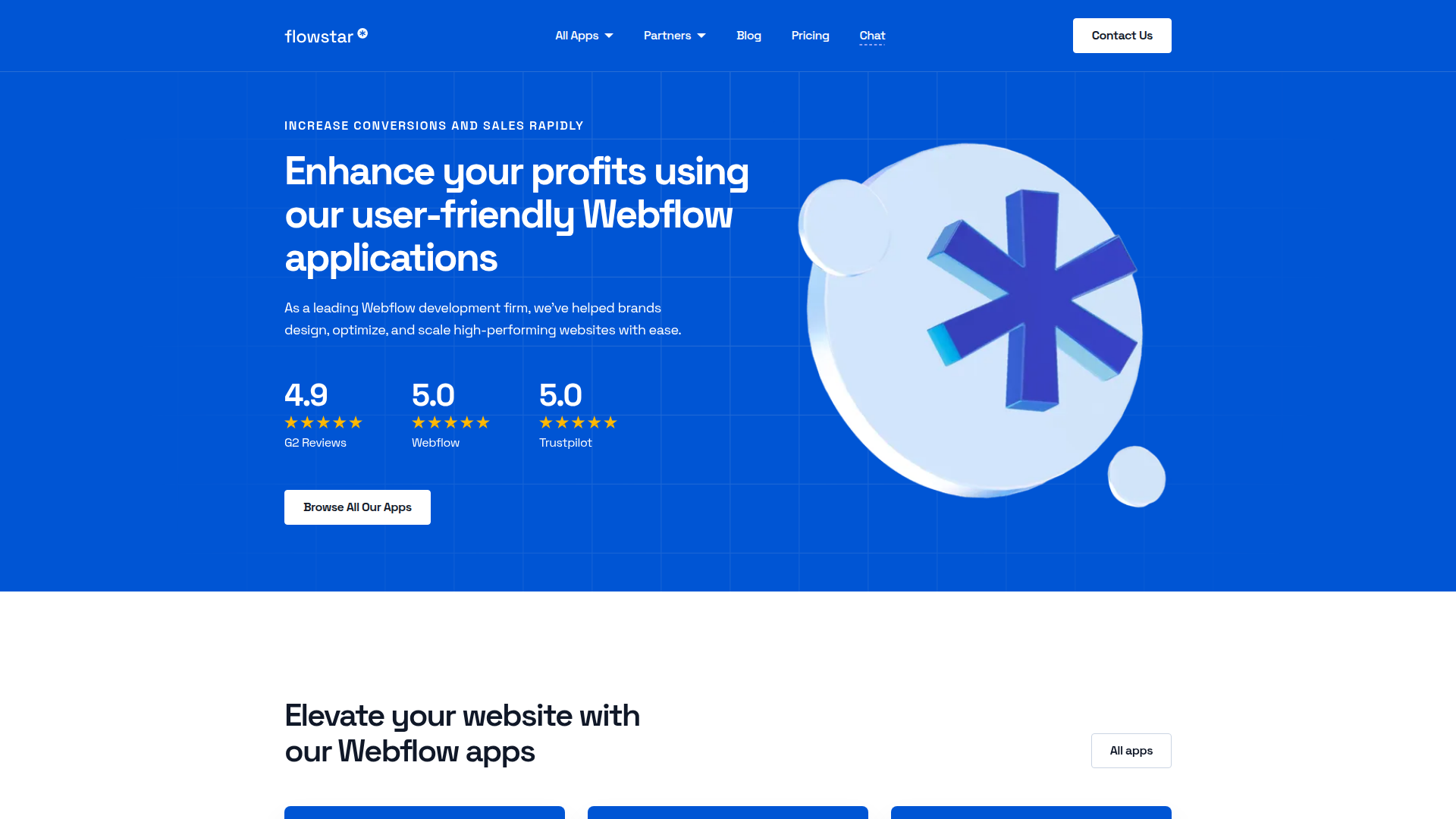
Teams use Flowstar and Webflow together when they need form types or display patterns that Webflow's native forms do not support — particularly multi-step flows, popup modals, and targeted widget placements on product, collection, and campaign pages.
The Flowstar: Contact Form Builder Webflow integration supports two approaches:
- The Flowstar: Contact Form Builder app lets you build and configure forms inside Webflow, choosing form types, display modes, and styling without any custom code.
- The Flowstar: Form Connectors app routes form submissions to Mailchimp, SendGrid, MailerLite, and GetResponse. It is a separate app installed alongside the Form Builder.
Most implementations use the Form Builder app on its own for straightforward form publishing, then add Form Connectors when email platform sync is required.
Install the Flowstar: Contact Form Builder app
The Flowstar: Contact Form Builder app is available in the Webflow Apps Marketplace. It installs directly into Webflow and requires no embed codes or manual script setup.
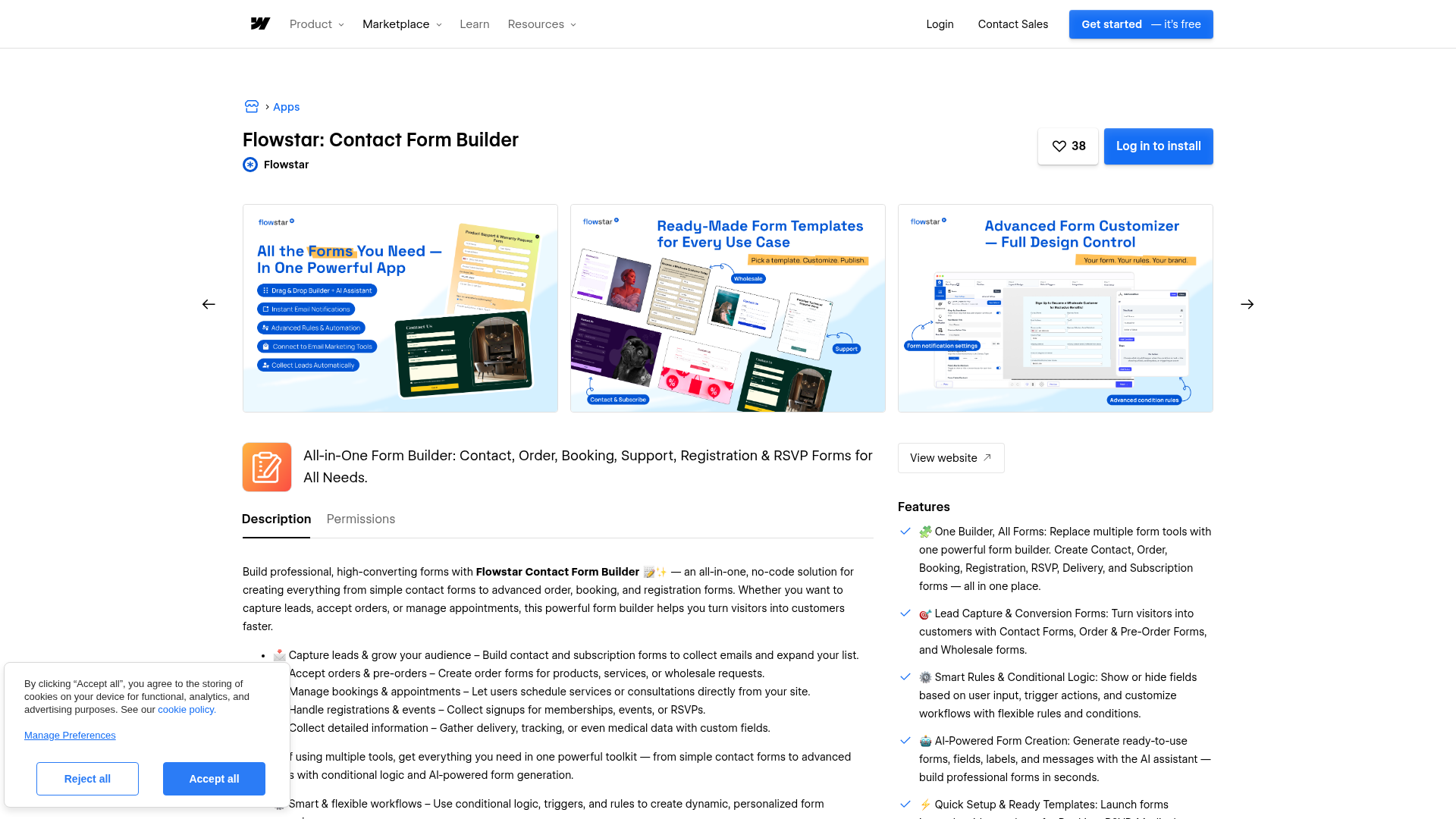
To set up the integration:
- Open your site in Webflow and go to the Apps panel in the left sidebar
- Search for "Flowstar: Contact Form Builder" and click Add app
- Configure your form type, choose a display mode, and style the form to match your site
- Publish your site to make the form live
Official step-by-step documentation is limited. Contact Flowstar support at hi@flowstar.co for detailed setup guidance.
The app covers the following form types and display options:
- Form types: Booking, order, registration, pre-order, and contact forms, with multi-step layouts available for many form types
- Display modes: Embedded on the page or as a popup modal; targeted widget placement is also available depending on your configuration
- Ready-made templates: Pre-built starting points for common use cases, with AI-assisted form creation for fields, labels, and messages
- Custom styling: Match your site's design without writing CSS
- Page placement: Forms can appear on product pages, collection pages, cart pages, and home pages
Flowstar operates as a closed integration system with no public APIs or webhooks. If you need form submissions to trigger custom workflows — such as writing to the Webflow CMS or connecting to automation platforms like Zapier or Make — use Webflow's native forms with the Webflow Data API and webhook system instead.
Connect email platforms with Flowstar: Form Connectors
Flowstar: Form Connectors is a separate app that syncs form submissions to email marketing platforms. Install it alongside the Form Builder app when you need submission data routed automatically to a mailing list or nurture sequence.
To set up email platform sync:
- Install Flowstar: Form Connectors from the Webflow Apps Marketplace
- Connect your email platform account within the app
- Map the form you built in Flowstar: Contact Form Builder to the relevant list or audience
- Publish your site to activate the sync
Form Connectors currently supports four platforms: Mailchimp, SendGrid, MailerLite, and GetResponse. These are the only supported platforms; there is no connection to Zapier, Make, or other automation tools.
What you can build with Flowstar: Contact Form Builder Webflow integration
Integrating Flowstar: Contact Form Builder with Webflow lets you add multi-step form workflows, flexible display modes, and email platform submission routing to any Webflow site without writing code.
- Service booking pages: Build a multi-step booking form with date selection and service options, then embed it directly on a scheduling page for a consulting, salon, or appointments-based business.
- Product pre-order landing pages: Create a pre-order form that collects product preferences or configurations before launch, and display it as a popup modal triggered by a CTA button on your campaign page.
- Event registration sites: Add a multi-step registration form with attendee details and custom fields, displayed as an embedded form or popup on an event landing page.
- Lead generation pages with email automation: Place a popup lead capture form on a marketing site and connect it through Form Connectors to sync new contacts to Mailchimp, SendGrid, MailerLite, or GetResponse automatically.
For form submissions that need to trigger custom workflows or write data into Webflow CMS, use Webflow's native forms with the Webflow API and webhook system.
Frequently asked questions
Open your site in Webflow, navigate to the Apps panel in the left sidebar, and search for "Flowstar: Contact Form Builder." Click Add app, configure your form type and display mode inside the app, then publish your site. No custom code or embed codes are required. For detailed setup guidance, contact Flowstar support at hi@flowstar.co.
Yes, through the separate Flowstar: Form Connectors app. Install it alongside the Form Builder to sync submissions to Mailchimp, SendGrid, MailerLite, and GetResponse. These are the only four platforms currently supported.
No. Flowstar does not integrate with automation platforms and does not provide webhooks or a public API. If you need form submissions to trigger automated workflows (routing data to a CRM, updating a spreadsheet, or firing a Slack notification), use Webflow's native forms with the Webflow webhook system to send submissions to your own endpoint.
The app supports booking, order, registration, pre-order, and contact forms, with multi-step layouts available for many form types. Forms display as embedded elements on the page or as popup modals; targeted widget configurations are also available. For dedicated contact form use cases, Flowstar also offers a separate Contact Form Builder app.
Description
Flowstar: Contact Form Builder is a native Webflow app that lets you build and publish multi-step forms (booking, order, registration, and pre-order) without writing code.
This integration page is provided for informational and convenience purposes only.

Typeform

SurveyMonkey
Connect SurveyMonkey with Webflow to collect structured feedback for lead qualification and on-site survey displays.

POWr
Embed POWr forms, popups, countdown timers, and much more. No coding necessary!

Paperform
Connect Paperform, a design-first form builder, with Webflow to embed payment forms, conditional intake flows, and booking pages directly on any page with inline, popup, or full-screen layouts.

MightyForms
Connect MightyForms, a no-code form builder with conditional logic and payments, with Webflow to embed advanced forms on any page using a Code Embed element.

Mailchimp Forms
Connect Mailchimp Forms with Webflow to capture leads and grow your email list through native form integration.

Jotform
Connect Jotform, an online form builder with conditional logic, payments, and e-signatures, with Webflow to embed advanced forms and sync submissions to the CMS.

Jinglebell
Jinglebell brings you an intuitive module to fully integrate your Webflow-designed forms.

Forminit
Connect Forminit, a headless form backend, with Webflow to handle file uploads, spam filtering, UTM tracking, and submission routing to tools like Slack, HubSpot, and Salesforce.
Related integrations
Get started for free
Try Webflow for as long as you like with our free Starter plan. Purchase a paid Site plan to publish, host, and unlock additional features.
