






Bookla
Connect Bookla with Webflow to take appointment, class, and ticket bookings directly on your site.

Connect Bookla with Webflow to take appointment, class, and ticket bookings directly on your site.
Webflow's native tools collect booking requests; availability checks, slot holds, class attendance caps, and deposits require a booking system. Salons, sports clubs, and museums that publish on Webflow still end up confirming bookings by phone or email. Each manual confirmation costs staff time and gives the customer a reason to leave.
Bookla adds that scheduling layer to a Webflow page. Its widget renders live availability inside your layout. Visitors pick a slot, fill in any custom form fields, and start the booking flow from the embedded widget. Depending on the payment provider, payment may redirect the visitor before returning to Webflow. For custom builds, Bookla's REST API and webhooks let you create bookings from Webflow form submissions or push services into the Webflow CMS.
Freelancers use it for round-the-clock self-service appointments on salon and clinic sites. Consultant sites use the same setup. Agencies can manage recurring classes and capacity-limited group slots for fitness studios and padel clubs. Escape rooms can use it for capacity-limited slots too. Multi-location and enterprise booking experiences use the API path to keep the booking UI fully on brand.
How to integrate Bookla with Webflow
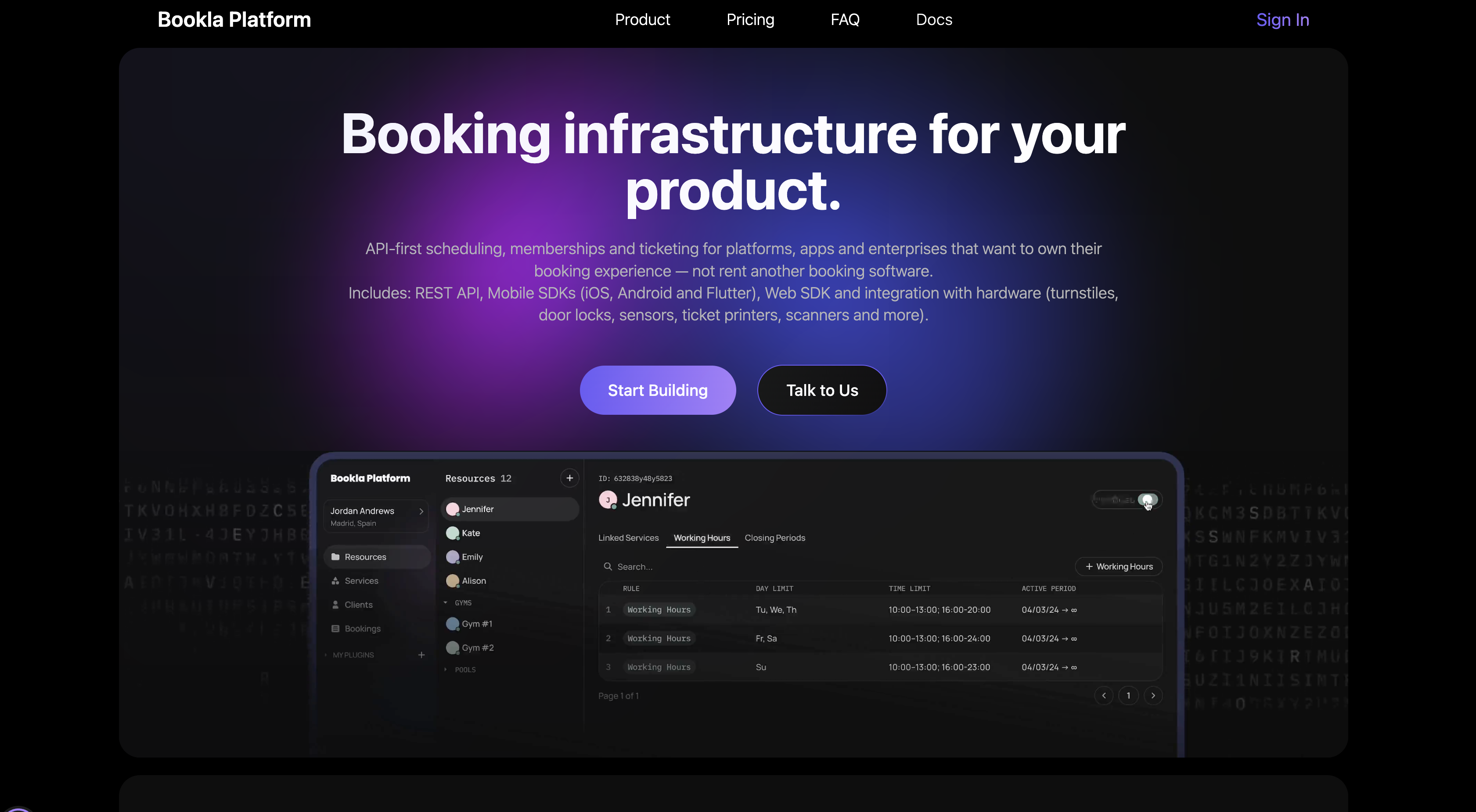
What is Bookla? Bookla is an API-first booking and scheduling platform run out of Riga, Latvia. Its API documents six service types, with booking policies for confirmation, instant, prepayment, and deposit. Payments run through Stripe, Mercado Pago, Klix, Montonio, or Decta, and the platform exposes a REST API, webhooks, and SDKs for iOS, Android, Flutter, and TypeScript.
Teams pair the two when a Webflow site already carries the marketing pages and needs booking without a second front end. Bookla's case studies for Sigulda Sports Centre and RSU Anatomy Museum both report staff spending less time on phone calls after moving to predefined time slots and visitor-count limits. Those case studies show comparable Bookla booking patterns, though they aren't confirmed as Webflow implementations. The Bookla widget drops into a Webflow page, so the booking step happens on the page a visitor has already reached.
The Bookla-Webflow integration supports 3 approaches:
- The Bookla app handles widget placement and styling on the canvas without writing code.
- The Code Embed element lets you paste Bookla's standalone JS widget and set its options in code.
- The Webflow and Bookla APIs give you full control over booking creation, CMS sync, and payment verification, but require server-side development.
Most implementations combine two or more of these methods depending on the complexity of the setup.
Install the Bookla app
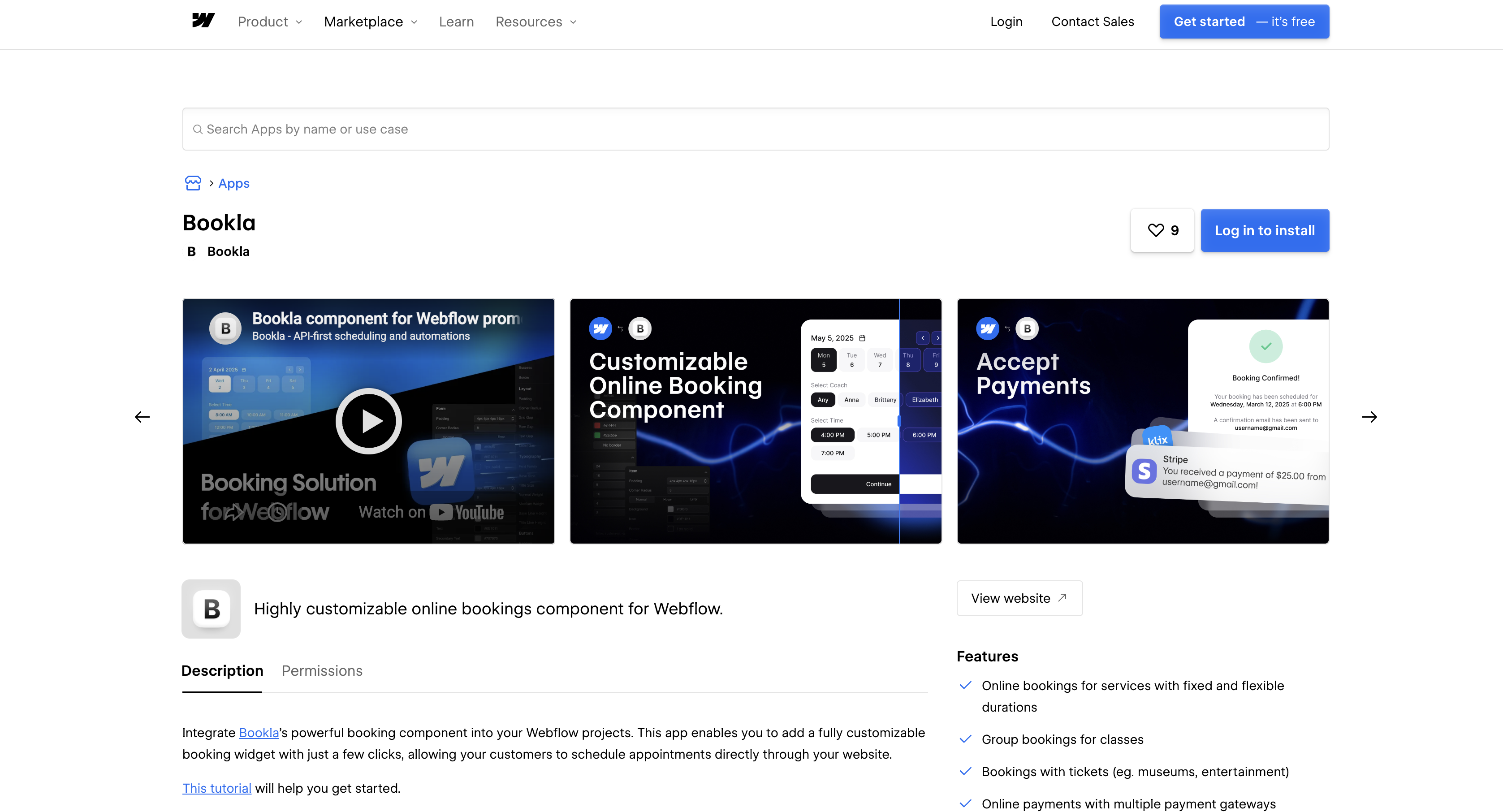
Four values are required before the Bookla app in the App Marketplace can place a configured booking widget on the canvas: the API Region, Company ID, Service ID, and an API Key. It suits designers and site owners who already have a Bookla account with at least one bookable service. Bookla's Webflow guide tells you to create at least one Fixed, Flexible, Group, or Ticket service, and says the connected widget shows live data for every service type except Days. Days is Bookla's long-term type for guest houses and hotel stays, so a booking flow built on it cannot use the widget at all.
To set up the integration:
- In Bookla, create a Company, add Resources with working hours, and create a Service. Link them under Services > Links > Link with Resource.
- Generate a key at Developers > API Keys > Create API Key. Bookla shows the full key only once, so copy it immediately.
- Copy the Company ID from your company card in the top-left menu, and the Service ID from the service's detail view.
- Open the Bookla listing in the App Marketplace, click Install App, choose your site, and click Authorize App. You can also open Apps on the canvas and search for Bookla.
- In Webflow, open the page where the widget belongs and launch the Bookla app.
- In the Bookla API panel, choose the API Region, then paste the Company ID, Service ID, and API Key.
- Click Add to Canvas and publish the site.
The app's controls cover:
- Service formats: One widget renders Bookla's Fixed, Flexible, Group, and Ticket services, so appointments, open-duration rentals, capped classes, and ticketed entry all run from the same embed.
- Payments: Bookings can take payment through whichever provider you have enabled in Bookla, which supports Stripe, Mercado Pago, Klix, Montonio, and Decta.
- Guest mode: Visitors can book without signing in, and you can rewrite the labels and error messages on the required name and email fields.
- Theme controls: Style, Layout, and Typography panels set theme colors, spacing, font family, sizes, and line heights, with padding and corner radius editable per element state.
- Text and locale: The Config section sets the locale, which drives the widget's date format and language, and it exposes every visible label for editing.
With empty API fields the widget runs in Test Mode, previews a fixed-type service, and shows the message "Connect the Bookla API to add live data." The install asks for four Webflow scopes: sites:read, authorized_user:read, custom_code:read, and custom_code:write. It requests nothing on CMS data, so two-way sync between bookings and Webflow CMS sits outside what the app can do and belongs on the API path below.
Add the Bookla widget with Code Embed elements
A <div> container and a <script> tag make up Bookla's standalone JS component, the same widget the app installs. Use it when you want the initialization options in code, need the widget on many pages, or want the loader script in one place. The Code Embed element accepts HTML, CSS in <style> tags, and JavaScript in <script> tags, up to 50,000 characters. You need a Core, Growth, Agency, or Freelancer Workspace, or an active Site plan, to use it. Bookla describes the widget as fully customizable, covering colors, spacing, typography, localization, behavior, and form fields without writing CSS by hand.
Paste the widget into a Code Embed element
The single-embed path keeps the container, loader, and initialization together on one page. It is the quickest way to place the widget where the app's layout controls don't match your design.
To add the widget:
- Open the Add panel and drop a Code Embed element where the widget should render.
- Paste the container and loader script:
<div id="bookla-booking-widget" class="bookla-widget"></div>
<script src="https://bookla.pages.dev/booking-widget-standalone-v1.6.2.global.js"></script>
- Below it, add the initialization call inside a
<script>tag:
const container = document.getElementById('bookla-booking-widget');
BookingWidgetStandalone.initBookingWidget(container, {
  apiKey: 'your-api-key',        // Required
  region: 'US',                  // Required: "US" or "EU"
  companyId: 'your-company-id',  // Required
  serviceId: 'your-service-id',  // Optional: pre-select a service
});
- Click Save and close, then publish.
Code Embed accepts only the fragments above; omit <html>, <head>, and <body> tags.
Load the loader script site-wide with custom code
When several pages carry a widget, add the loader <script> once in Site settings and keep only the container and init call on each page. Webflow documents that under custom code in head and body tags, with the same plan requirement and a 50,000 character limit per section.
To load the script once:
- Go to Site settings > Custom code > Footer code, paste
<script src="https://bookla.pages.dev/booking-widget-standalone-v1.6.2.global.js"></script>, and click Save changes. - On each booking page, add a Code Embed with the
<div id="bookla-booking-widget" class="bookla-widget"></div>container and the initialization script. ChangeserviceIdper page to pre-select that page's service. - Or move the init script to Page settings > Before
</body>tag under Custom code, so the page's Code Embed holds only the container. - Publish the site.
Custom code shows in preview but goes live only after publishing. The widget loads the bookla.pages.dev script directly and avoids iframe restrictions. The native consent management APIs cover only Analyze and Optimize, so your own cookie banner or CMP has to govern the Bookla script.
Build with the Webflow and Bookla APIs
Keep Bookla keys, custom booking creation, CMS sync, and payment verification on a server. Webflow Cloud, Vercel, Cloudflare Workers, or your own backend can host that server. Webflow Cloud runs Next.js 15+, Astro 6/7, or Vite 6.1+ apps on Cloudflare Workers, mounted at a path such as /app on your domain.
The APIs involved:
- Bookla Platform API handles services, resources, availability, bookings, clients, and payments at
https://{region}.bookla.com/api/v1, with anx-api-keyheader for merchant operations - Webflow Data API handles CMS collections and form submissions with a Bearer token
- Webflow webhooks fire on
form_submissionand CMS item events such ascollection_item_createdandcollection_item_published - Bookla webhooks POST JSON to your HTTPS endpoint for Booking created, Booking updated, Service created, and Resource updated
Our walkthrough of creating API wrappers on Webflow Cloud shows the proxy pattern that keeps a third-party key server-side.
Create a booking from a Webflow form submission
A native Webflow form can feed Bookla when you want a booking request UI that matches the site exactly. The form needs fields for the service, the resource, and the requested start time.
To implement this:
- Register the webhook with
POST https://api.webflow.com/v2/sites/{site_id}/webhooks. IncludetriggerType: "form_submission"and your server URL in the request. - On submission, your endpoint receives
name,siteId,formId,data, andsubmittedAt. Return a 2xx right away and process thedatafields asynchronously. - Check the slot with
POST /api/v1/companies/{company_id}/services/{service_id}/times, sendingfromandtoas RFC3339 timestamps under thex-api-keyheader. - Create the booking with
POST /api/v1/companies/{company_id}/bookings. The body requiresresourceID,serviceID, andstartTime. - Store the returned booking ID for your confirmation email or status page.
The service's booking policy (confirmation, instant, prepayment, or deposit) decides what state the new booking enters.
Sync Bookla services into the Webflow CMS
Service pages, filters, and a Collection List of bookable items can all draw from a CMS Collection populated with Bookla services and resources. The CMS's own design tools control their presentation.
To sync services:
- Fetch
GET /api/v1/companies/{company_id}/serviceswithx-api-key. - Read the target collection's schema with
GET https://api.webflow.com/v2/collections/{collection_id}(scopecms:read) and map Bookla fields tofieldDatakeys. - Create items with
POST /v2/collections/{collection_id}/itemsand anitemsarray. Sending bothfieldDataanditemsin one request returns a400. The separate/items/bulkendpoint takes up to 100 items per request. - Publish with
POST /v2/collections/{collection_id}/items/publishand theitemIds, or write to/v2/collections/{collection_id}/items/liveto publish immediately. - For ongoing updates, add your endpoint in Bookla under Developers > Webhooks > Add New Endpoint, then Add Subscription for Service created and Resource updated. On receipt, call
PATCH /v2/collections/{collection_id}/items/{item_id}.
Bookla's webhook docs publish only one machine-readable type, event.gateway.resource.created, with a data object of id, name, color, companyID, createdAt, and updatedAt. Authenticate deliveries by allowlisting the documented source IP, 139.59.139.87, because the webhook docs provide no signature. Deliveries may be retried, so dedupe on the envelope id.
Verify Stripe prepayment redirects on a Webflow page
When a service uses Bookla's Prepayment policy with Stripe, Bookla redirects the visitor back to URLs you set. Point those at Webflow pages and confirm each redirect server-side before showing a receipt. This is the one API flow Bookla documents end to end.
To implement this:
- Enable the Stripe Payments plugin in Bookla and set the service's Booking Policy to Prepayment.
- Enter your Webflow success, cancel, and failure page URLs as the redirect URLs.
- Turn on URL templating for that provider and set a signing secret. Both default to off, and until they are set Bookla passes your redirect URLs through unsigned.
- Bookla then appends
tsandsig, a hex-encoded HMAC-SHA256 of the templated parameters and the timestamp. A signature stays valid for 5 minutes from itsts. - Forward every query parameter you received to
GET /api/v1/companies/{company_id}/payments/verify-signature. A{ "valid": true }response confirms the redirect, and a failure returns a reason code such assignature_expired.
Stripe webhooks deliver payment status events. Subscribe to Stripe for charge confirmation and read Bookla's redirect URL templating page for the parameter details.
What you can build with the Bookla Webflow integration
The booking flow stays on your Webflow pages while Bookla applies payment and capacity rules without a separate booking site or a hand-built scheduler.
- Appointment booking with deposits: A dental clinic site lists treatments as CMS Collection pages and carries a Bookla widget on each. The service uses the deposit booking policy, so patients pay part of the fee up front, and Bookla's email notifications send the confirmation.
- Recurring classes with capacity caps: A yoga studio site uses Bookla's Group service type with RRULE recurring schedules. Students register into a weekly slot until it fills, the same predefined-slot model Bookla's Sigulda Sports Centre case study credits for cutting phone bookings.
- Timed-entry ticketing: A museum site sells timed tickets through the Ticket service type with visitor-count limits. Bookla's RSU Anatomy Museum case study credits that setup with organizing visitor flow and avoiding queues, and tickets are validated with a QR scanner or against the slot's client list.
- Memberships sold alongside bookings: A fitness studio site embeds the widget for classes and uses Bookla's Subscriptions plugin with Stripe Product and Price IDs for memberships. Renewals run daily, weekly, monthly, or yearly, and each subscription sets its own visits limit.
If you need more control over multi-location availability or booking records inside the CMS, the API integration path covers those cases with full flexibility. For a capacity-limited event flow that runs on Webflow forms and the CMS instead of a booking platform, follow our guide to building an event registration system.
Frequently asked questions
Only where the Workspace or the site is on a paid plan. Webflow gates the Code Embed element and site-wide custom code behind a Core, Growth, Agency, or Freelancer Workspace, or an active Site plan, so a free Starter site in a free Starter Workspace cannot run the embed. The App Marketplace install is a separate route, and neither Bookla's Webflow guide nor Webflow's Help Center says whether it carries the same requirement, so budget for a paid plan either way.
Yes, for read-and-sync flows. Bookla documents an n8n community node with Service, Resource, Booking, and Client operations, all of them reads and updates. Pairing it with n8n's Webflow node, whose Item operations are Create, Delete, Get, Get All, and Update, covers those flows. Creating a Bookla booking is not one of the community node's operations, so call the Bookla API from n8n's HTTP Request node for that.
Yes. Use the server-side webhook setup in the API section to write bookings through the Data API collection items. Log a few live deliveries to establish the booking event payload schemas before mapping fields.
Bookla's Webflow guide tells you to create at least one Fixed, Flexible, Group, or Ticket service, and says that once the API fields are filled in the widget shows live data for every service type except Days. Bookla's API documents six service types in total, so Days, the long-term type for guest houses and hotel stays, needs a custom build on the API rather than the app or the standalone widget.
Use a read-only key for anything that runs in the browser and keep write keys on a server. Store keys in a secrets manager. Create keys at Developers > API Keys > Create API Key, following Bookla's API key guide. For server-side calls, deploy a Webflow Cloud app and store the key as an encrypted secret, never prefixed with
NEXT_PUBLIC_orPUBLIC_; start from the bring your own app guide.
Description
Adds Bookla's booking widget to a Webflow site through the Bookla app in the App Marketplace or a Code Embed element, with REST API and webhook options for custom booking flows and CMS sync.
This integration page is provided for informational and convenience purposes only.

Flowstar Open Hours Widget
Connect the Flowstar Open Hours Widget with Webflow to show accurate, timezone-aware business hours on any page without code.

SimplyBook
Connect SimplyBook widgets directly into Webflow pages using custom code embed elements for immediate booking functionality.

Microsoft Outlook
Send Webflow form submissions and orders to Outlook mail, contacts, and calendars with Zapier, Make, or Microsoft Graph, and embed Microsoft Bookings pages.

Hostaway
Connect Hostaway with Webflow to add live rental search, availability calendars, and reservation data to a Webflow site.

Cal.com
Connect Cal.com with Webflow to let visitors book meetings from live availability on any page.

Google Meet
Connect Google Meet, Google's video conferencing platform, with Webflow to embed scheduling widgets, generate Meet links from form submissions, and store meeting data in CMS collections.

Acuity Scheduling
Connect Acuity Scheduling with Webflow to add client booking, scheduling, and appointment management to your site.

FlowBookings
Connect FlowBookings, a booking management platform built for Webflow, to accept appointments and reservations using native Webflow form elements with Stripe payments and no iframes.

ZealSchedule
Embed ZealSchedule in Webflow to let visitors book and pay for appointments without leaving your site.
Related integrations
Get started for free
Try Webflow for as long as you like with our free Starter plan. Purchase a paid Site plan to publish, host, and unlock additional features.
