






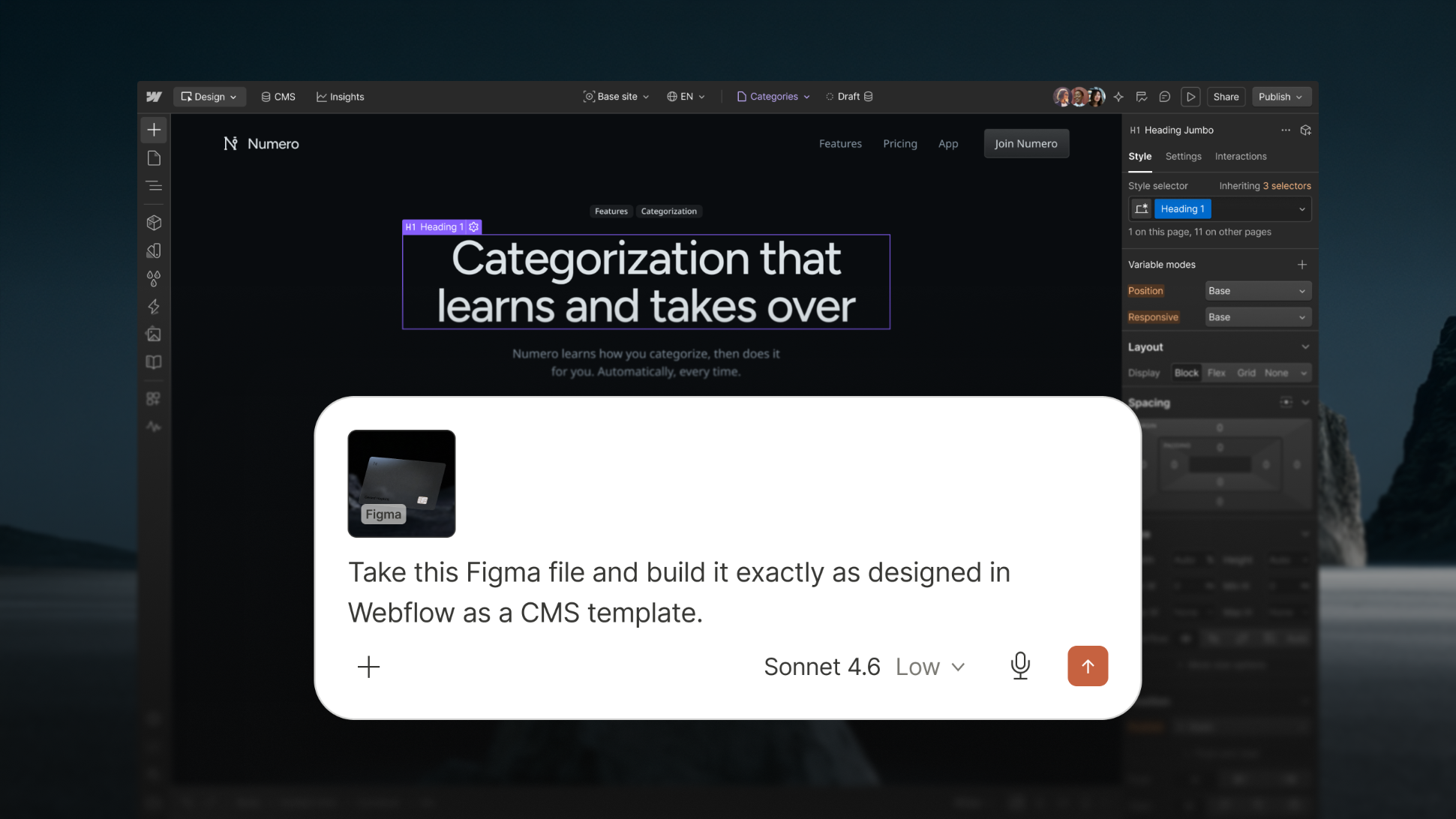




The way we work is changing. Our design tools, CMS, and analytics platforms haven't gone anywhere — but more and more of our work is happening inside a chat window.
Agentic workflows have made it faster than ever to go from idea to production. But the stakes on the web are high. When an agent makes a change to your website, it's immediately visible to every customer, prospect, and AI search engine that discovers you.
Unfortunately, most tools make you pick between speed, control, and governance. Over time, this results in a build up of design drift, unmaintainable code, security vulnerabilities, and tool sprawl. According to IBM’s Institute for Business Value “86% of executives say technical debt is already constraining AI success”.
The teams that win in the agentic era will be the ones on a platform that balances AI speed with the control, governance, and analytics required to trust agents with high impact work at scale. At Webflow, that’s what we’re committed to building.
Introducing Webflow MCP 2.0
Webflow’s MCP makes it easy to connect Webflow to tools like Claude, ChatGPT, and Cursor so you can design, build, and manage your sites inside your existing AI workflows.
We launched the first version of our MCP server last year, with strong support for managing site metadata and CMS content. Today, we’re dramatically expanding what’s possible for agents on Webflow with deeper support for design and build workflows, analytics, and governance.
"Our workflows with Figma, Claude Code, and Webflow's MCP have been an absolute game changer. I really see this as our future workflow."
— Alex Mejias, Head of Global Design Technology and Interactive Experience, Amazon Brand Innovation Lab
Your design system is now agent-ready
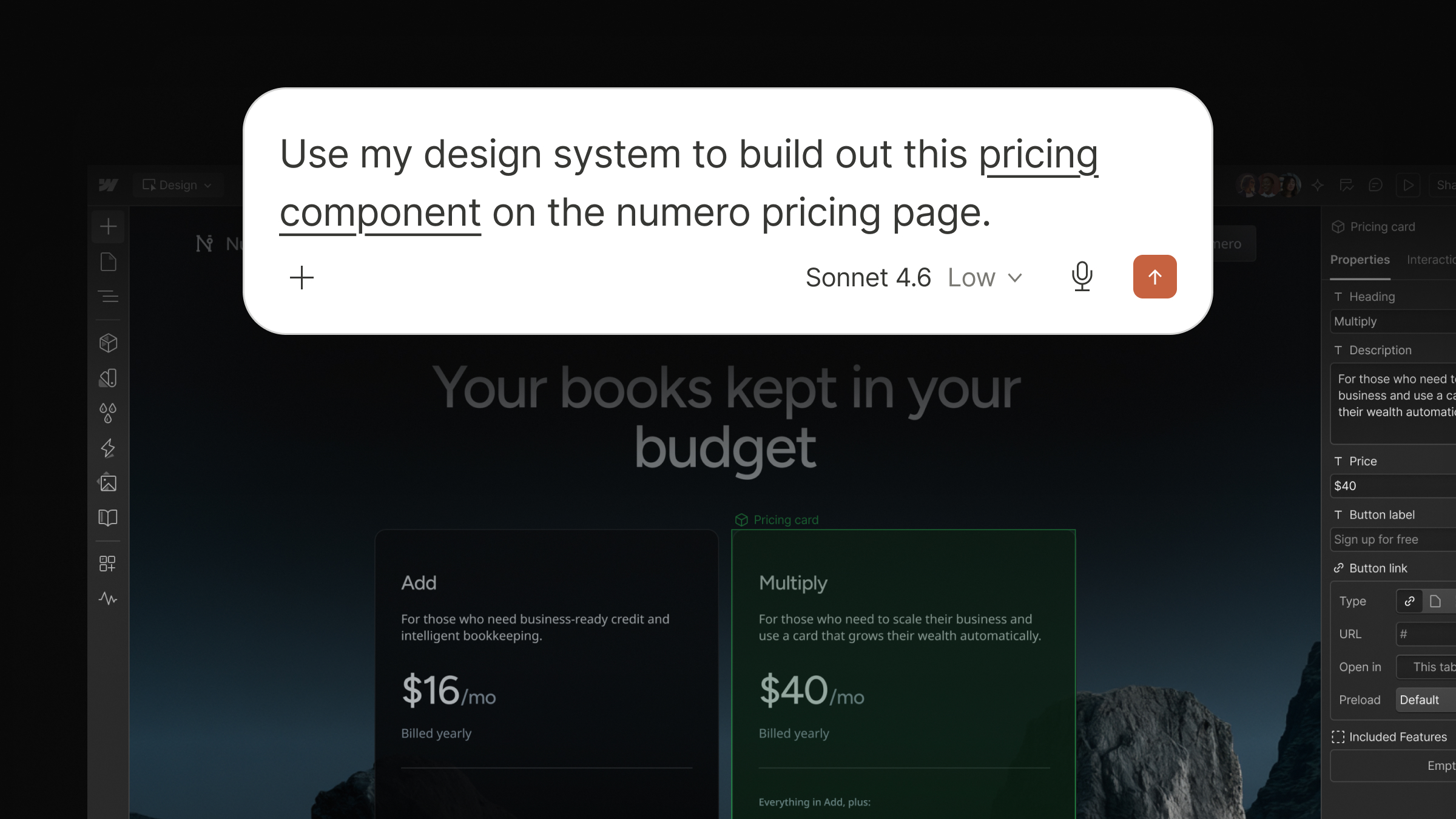
With MCP 2.0, you and your agents can build with the full context of your design system and CMS data – ensuring AI speed doesn’t come at the cost of control, brand consistency, or long term maintainability.
It’s now possible to:
- Build with your existing design system: Leverage the full power of Webflow styles, elements, and components – including props, slots, and variants – so you can create on-brand content that’s structured for efficient long-term maintenance.
- Create and manage dynamic content: Connect elements and components to CMS data so every update made in the CMS is instantly reflected everywhere your content appears.
- Work in parallel with agents: Build across multiple pages or sites simultaneously so you and your agents can move faster. For those of you who’ve been with Webflow a while, this also means the bridge app is no longer required for most use cases.
Put it all together, and the workflows start to compound. If you give Claude a folder of customer case studies, it can build a CMS Collection page using your existing design system, then generate and publish each page for you. Hours of work, done in minutes.
A single source of context for your agents

Getting output that's fast, on-brand, and production ready requires lots of context, like how to apply your design system, what your brand sounds like, and what legal policies must be followed. For most teams, this context exists, but it’s fragmented across multiple tools and resources.
That's why we introduced Agent Instructions, giving agents a unified source of context that helps them produce work that more consistently feels like yours.
Agent Instructions make it easy to:
- Centralize important context: Point agents at Webflow resources like your design system or CMS content, or add resources like legal docs and voice and tone guidelines so agents have all the context they need.
- Define how your agents should work: Create skills and rules that instruct agents on how to complete tasks and leverage provided resources to get production-ready outputs faster.
- Use instructions wherever you need them: Agent instructions can be used both by Webflow AI, and third-party agents via the MCP.
When your agents have the full picture, you can confidently hand off bigger tasks, like building hundreds of customized ABM landing pages without risking your design or message.
“Agent instructions turn my build-time rules into the site's own operating system — the same voice, brand, and compliance guardrails I use through the MCP ship with the site. Not only can I manage the site more easily — my client can too.”
- Michael Wells, Managing Director, Sygnal
Site performance insights, inside your AI workflows
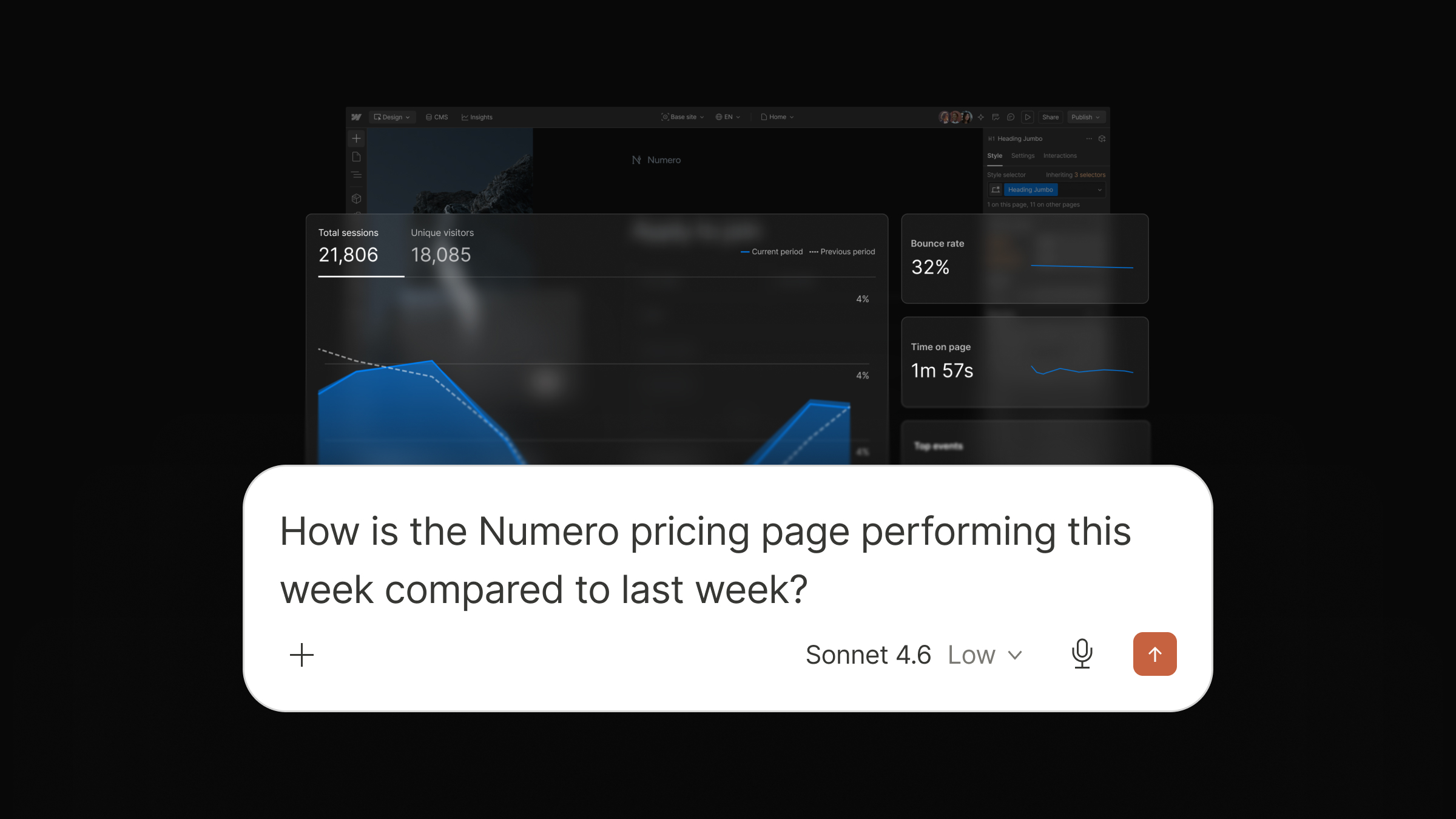
Building fast and staying on-brand matters. But knowing which parts of your site are actually moving the needle is what helps your business grow. This release makes your Webflow Analyze site data accessible via the MCP, so you can:
- Analyze site data conversationally: Ask AI agents about traffic trends, top performing pages, engagement events, time on page, and traffic sources to get real-time insights without ever leaving your chat.
- Share analyze data with other tools: Share site performance data with other MCP connectors in an agentic workflow, like Amplitude, Slack, Asana, and more.
For example, you could ask ChatGPT how your site performed this week, flag pages with dropping traffic, post a summary to your team's Slack channel, and create tasks in Asana for your team to investigate — all in one conversation.
Collaborate safely at scale
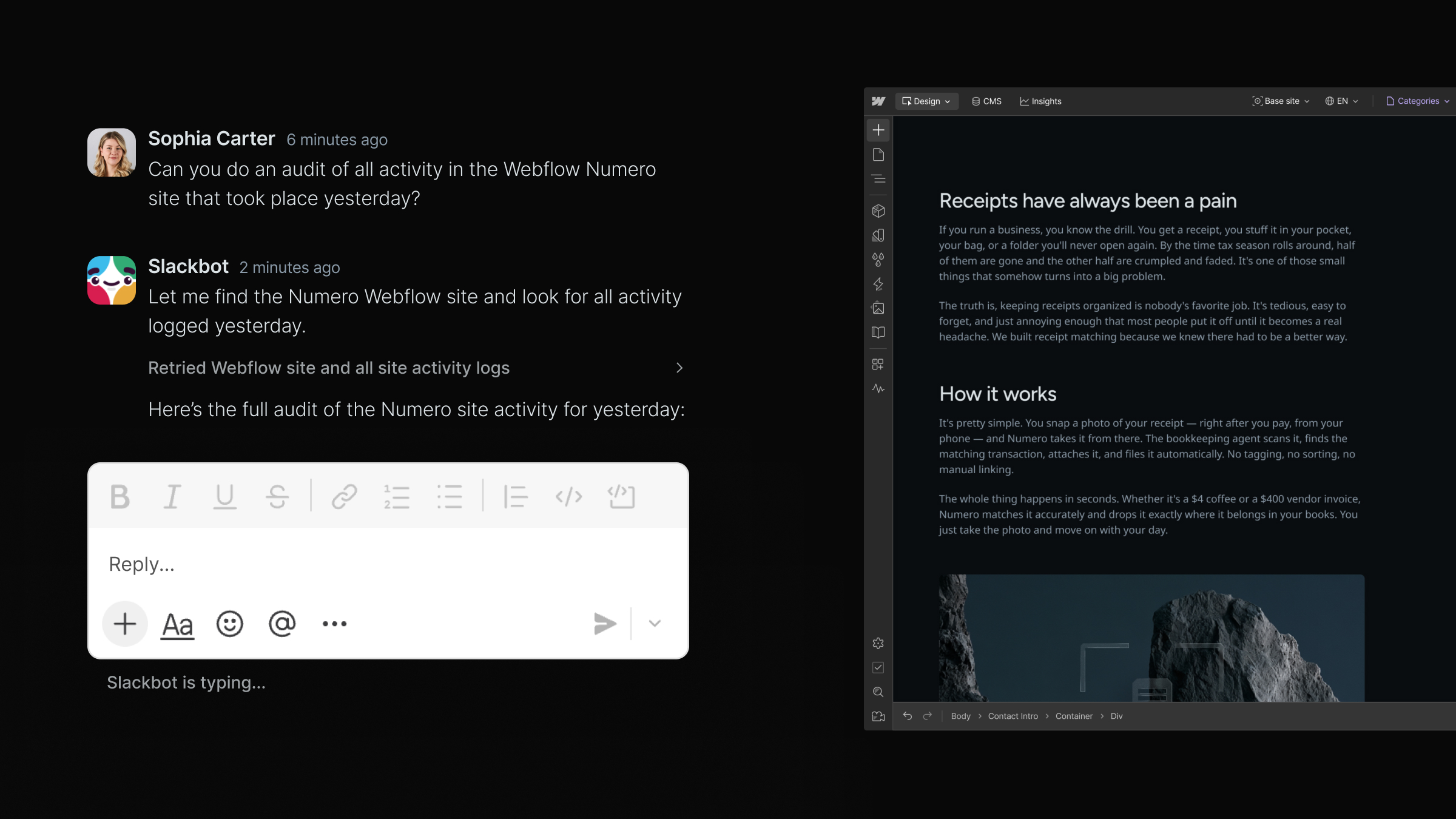
Now as more and more of your team adopts agentic development, it’s important to have guardrails to protect your live site. MCP 2.0 gives your team the control and governance required to move fast without breaking things:
- Build on branches: Agents can now iterate on changes in a secure, isolated environment before pushing updates to your live site.
- Enforce strict access control: Webflow’s MCP fully enforces your account roles and permissions, including custom roles, and granular access per site, CMS collection, page, and locale.
- Track MCP actions in site activity logs: Know exactly when a change was made via MCP, who triggered it, and what was affected. You can also query the activity log directly via MCP for faster, more scalable site auditing.
MCP 2.0 is available today on all Webflow site plans at no additional cost. Feature access follows your existing plan allowances, roles, and permissions, so your whole team can start building agentically right away.
Already using the Webflow MCP? Check out the full changelog for a detailed breakdown of what's new. New to Webflow MCP? Start here.
The platform for what comes next
Over time, AI clients will become the primary interface for more and more of your team. And agents will take on more of the work of building and growing your web presence. The teams that win will be the ones whose web platform was built for it.
Webflow is no longer a place to build websites that agents can sometimes touch. It's a platform where you and your agents can work together with your brand, your guardrails, and your goals driving every output. And we're not stopping here. Our roadmap is pointed at full parity: everything you can do in Webflow, your agents will be able to do too.
That's the platform we're building. If you're ready to start building on it, get started with MCP 2.0 today.

If you want to see where we're taking it next, join us at Webflow Conf.


















