



The best design feedback tools reduce how many passes it takes to build something great.
Website design requires extensive iteration, collaboration, and rounds of review. Whether a client has a lot of ideas about their site design or is leaving direction up to the designer, the website won’t be perfect in the first draft — that’s just part of the process. The best website design review tools simplify the process, using real-time collaboration and versatile feedback features to reduce miscommunications and wasted effort.
Here, you’ll find seven of the best UI/UX design feedback tools, each fitting a unique use case. You’ll also learn a few tips for using these tools to gather relevant, actionable feedback that keeps your design process moving.
7 best design feedback tools for clients and freelancers
The best design feedback tools make it possible for you and your clients to pick it up and use it right away. Their features mean non-designer clients don’t have to face a steep learning curve, while you share designs with people who need to see it (and restrict access to those who don’t).
Here are seven feedback tools that help you spend less time working out how to collect comments and more time acting on them.
1. Webflow
2. FigJam
3. Miro
4. Frame.io
5. Mural
6. Marker.io
7. Usersnap
1. Webflow
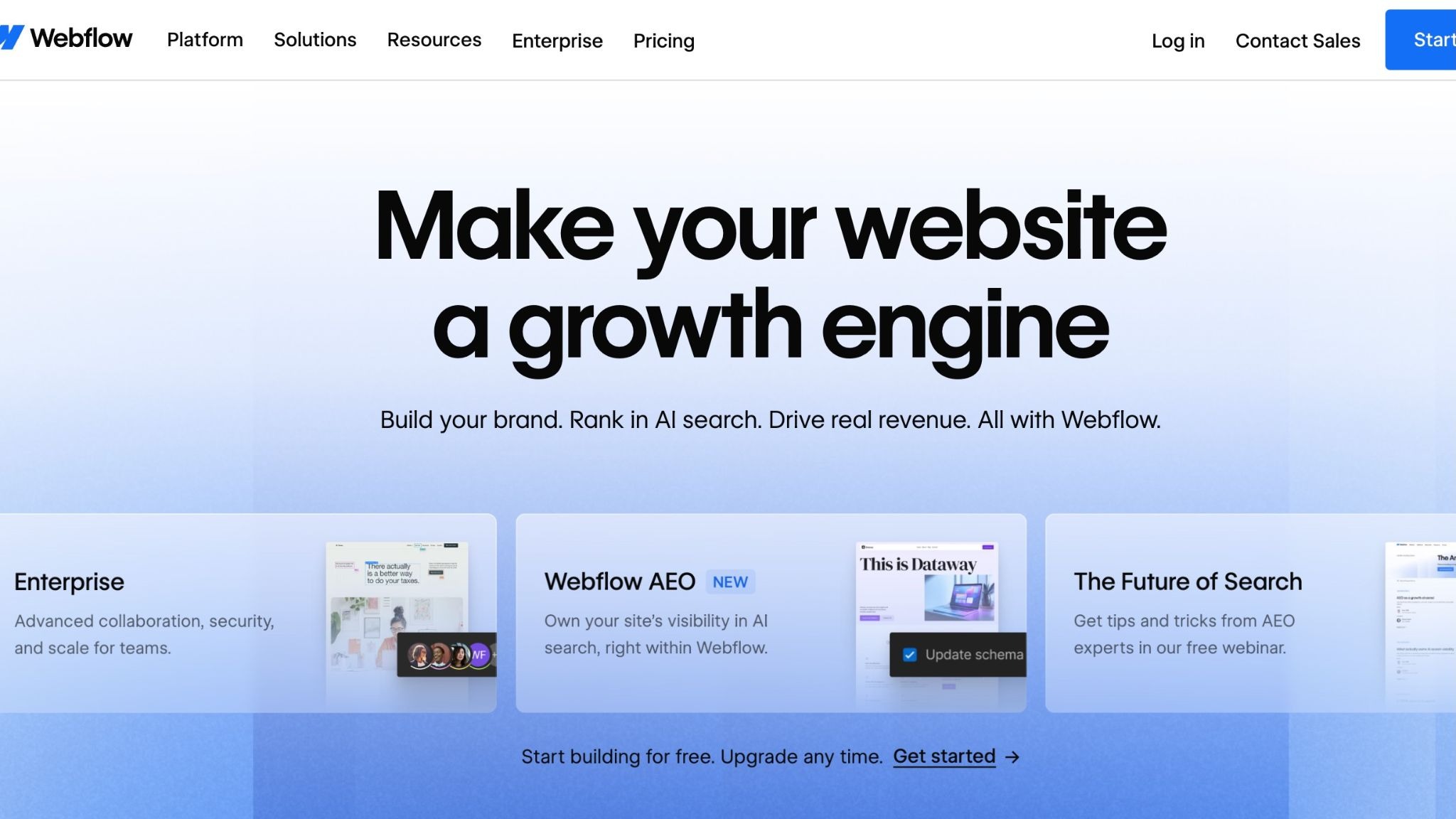
Webflow is a digital experience platform that gets designers out of the back end and onto a visual canvas where they can focus on the design itself. It natively includes a wide range of collaboration and feedback tools that let clients and teammates offer pointed, specific suggestions.
Pros:
- Shareable review links. You can send clients a dedicated review link that points them to the exact section you need reviewed.
- Branching version control. Isolated branches let you test out new ideas and submit them for approval, then revert them to older versions if they don’t work out.
- In-context commenting. Collaborators can leave comments on specific design elements, so you know exactly what their feedback is addressing.
- Real-time collaboration. Changes appear instantly, so you and your teammates can experiment with ideas in real time or work on multiple parts of the site in parallel.
- Visual canvas. The visual canvas gets designers away from writing HTML/CSS and JavaScript, which is trickier for non-technical collaborators to comment on. Instead, all Webflow work happens in a visual canvas that matches what the client sees.
Cons:
- There’s a learning curve. Webflow has many moving parts, and it can take some time for clients to learn where and how to interact with the page and provide feedback.
2. FigJam
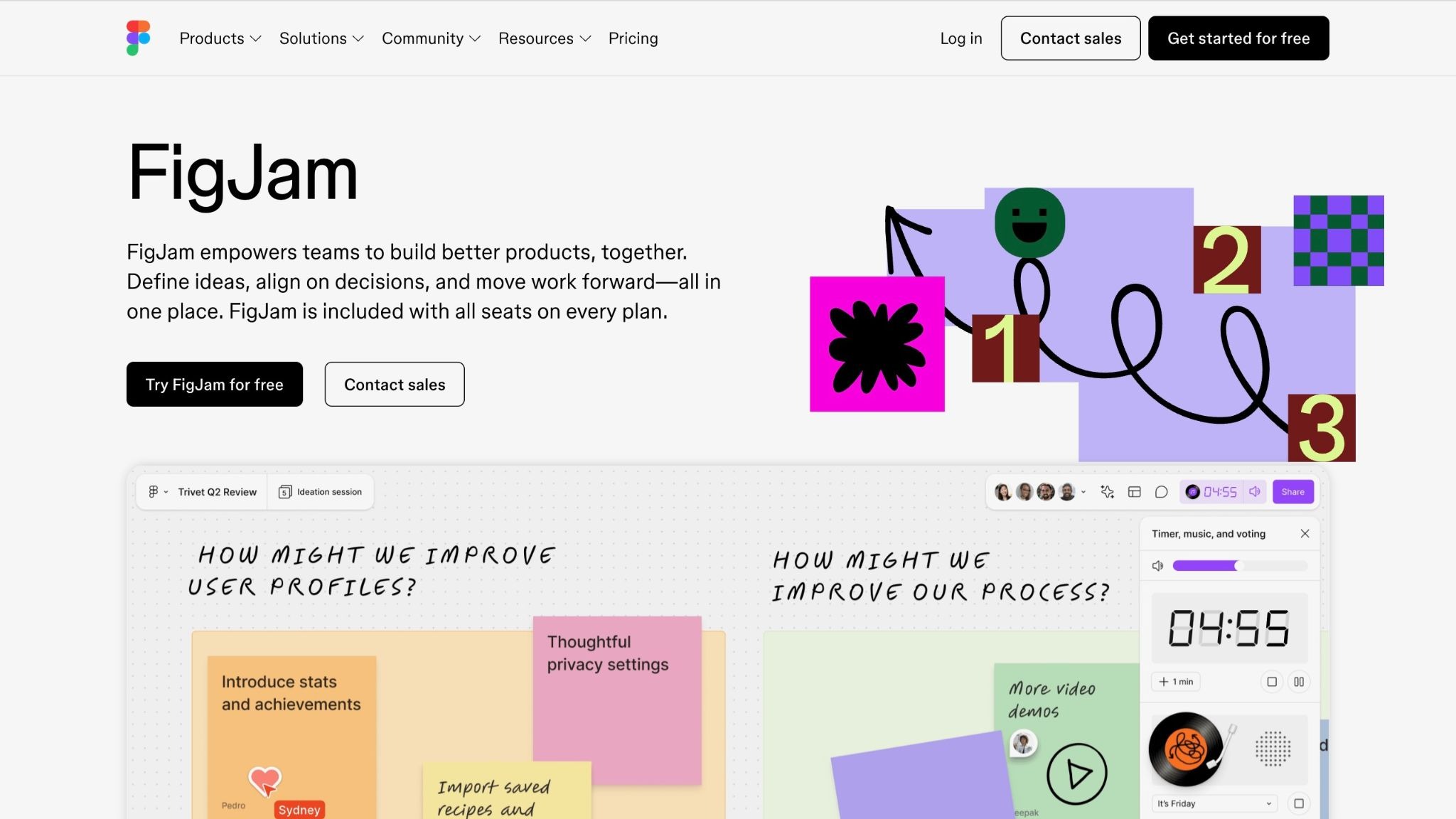
FigJam is a digital whiteboard tool for brainstorming and organizing data, such as UX personas and sitemaps. You can collect sticky notes, audio clips, and emoji reactions, which makes FigJam stand out for interactive whiteboard-style feedback.
This tool was also created by the same company as Figma, so the two programs integrate naturally: Gather feedback on FigJam, then use it to iterate your designs and return to the board for more.
Pros:
- Native Figma support. No need for integrations or plugins. FigJam fits naturally with workflows that already use Figma.
- No learning curve. FigJam is among the most straightforward design feedback tools. Clients will find it easy to add, approve, or reject suggestions on the fly.
- Browser-based simplicity. Anyone with an internet connection can check out your FigJam files in a browser window with no downloads necessary.
Cons:
- Limited design tools. FigJam offers a space for high-level ideas and basic sketches, but you can’t prepare an entire site in FigJam alone. You’ll need to use Figma (or another site design tool) for actually implementing feedback.
- Costly. You’ll need at least the Professional plan to access basic prototyping tools and libraries, and guest seats are only active for 24 hours.
3. Miro

Miro is a diagramming tool that also works as a digital whiteboard. It features AI enhancements that use text prompts as a starting point for streamlined development, and works best for early-stage brainstorming and wireframe design. This platform’s diagram tools, such as its visual processing maps and infinite canvas, work well for mapping workflows for later use in documentation and automation scripts.
Pros:
- Real-time collaboration. Miro lets multiple users navigate the same files and collaborate in real time.
- Built-in AI workflows. Generative AI models like Claude and Codex can create a serviceable starting point for new flowcharts and diagrams, so you can offload busy work and focus on getting new ideas to clients faster.
Cons:
- Niche use case. Miro focuses on a narrow range of tasks (e.g., AI-forward diagram generation and product acceleration) that several other programs include alongside other design feedback tools.
- Steep learning curve. Despite the relatively narrow use case, Miro is packed with features and integrations that can take some getting used to.
4. Frame.io

Frame.io is a video review tool mainly used by content creators, but it’s useful for professional web designers, too. Clients can annotate images (and other files) in the program, so you can send everything you create through a single centralized channel with clear navigation and organizational structures. Version history and complex metadata tags mean you can review differences between iterations and pages for more precise edits.
Pros:
- Frame-by-frame feedback. Clients can leave feedback on specific frames in a video or areas of an image, leaving no room for confusion.
- Large storage capacity. The Pro subscription gets you 2 TB of storage, space for five team members, and unlimited projects, making it one of the more affordable ways to gather feedback.
Cons:
- Complicated version control system. Frame.io uses a system called Version Stacking to group iterations of the same file, which is very different from branching version control systems designers are used to.

The modern web design process
Discover the processes and tools behind high-performing websites in this free ebook.
5. Mural

Mural is a communal workspace where teams can collaborate and share ideas on an infinite whiteboard. Its AI tools generate templates and outlines to automate setup so projects don’t get bogged down in minutiae and edits move quickly.
Pros:
- Workflow acceleration. Mural’s tools generate a serviceable outline right away, so you can skip some of the busy work of setting up a formal feedback process and start collecting feedback on client sites faster.
- Centralize with integrations. This tool integrates with everything from Microsoft Teams to Confluence, so you can share data and visualize workflows across multiple tools, for collaboration on whichever tools your clients already use.
Cons:
- Performance lags. Despite the fact that Mural’s whiteboards are infinite, including more than a few comments and interactive elements in one workspace can hinder page performance and lead to frequent crashes. That means you’ll likely need a separate board for every revision, which makes it more likely information will fall through the cracks.
6. Marker.io
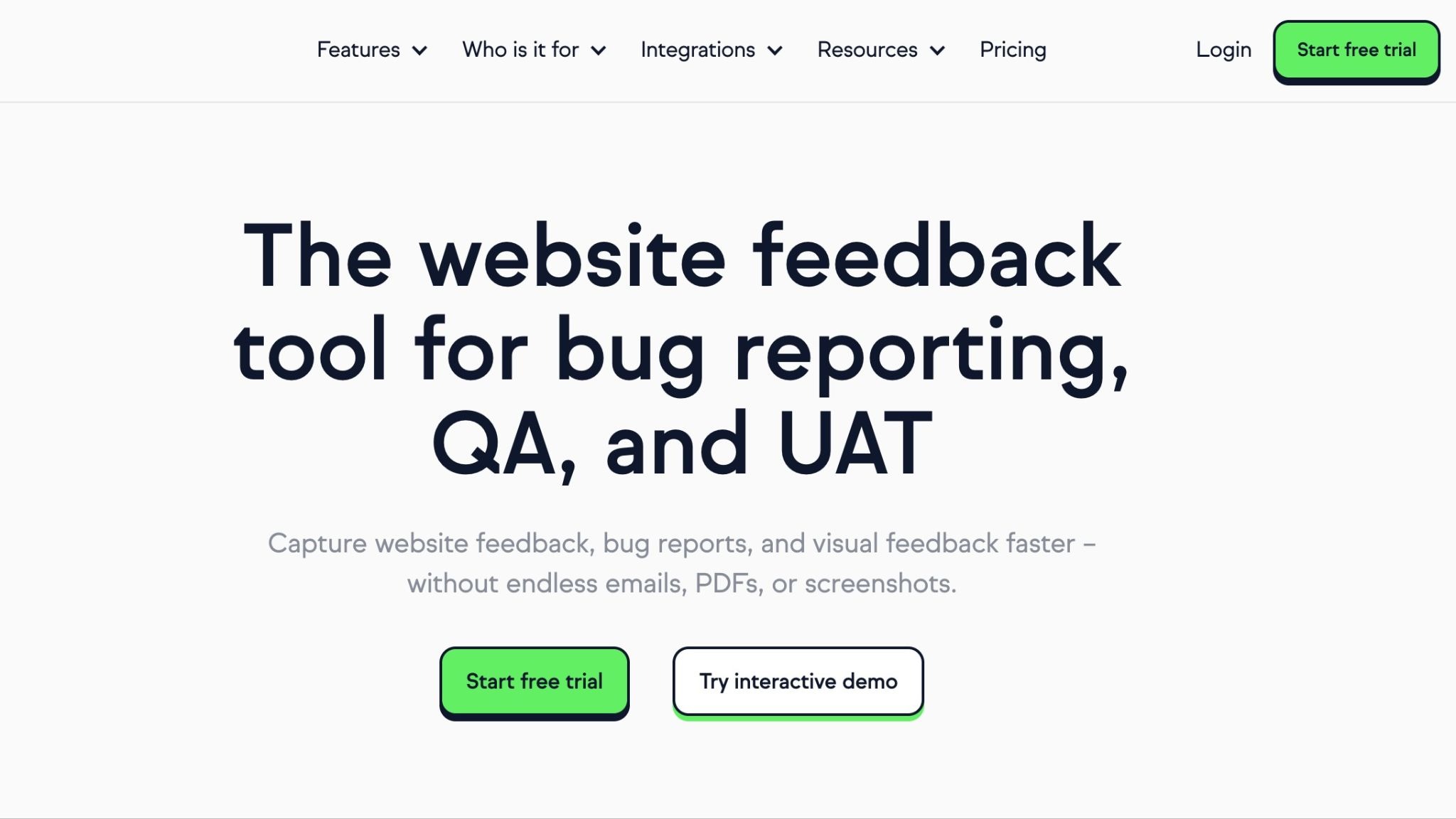
Marker.io bridges the gap between software and website design feedback, which is surprisingly uncommon for a design tool. Reviewers can leave feedback in web app prototypes or website designs with simple, in-context comments and annotations.
Pros:
- Versatility. The ability to cover both apps and websites means that you only need one tool to help you with both common use cases, so it’s easier to navigate comments on mobile-first design projects.
- QA features. Marker.io is first and foremost a QA tool. That means its intuitive, straightforward UI streamlines QA workflows, so you can get direct feedback with the integrations and tools necessary to iterate new ideas faster.
Cons:
- Enterprise solution. Marker.io is tailored to large-scale businesses that need multiple seats for their entire QA team, not freelance designers. That means it’s also more expensive than other tools on our list.
7. Usersnap

Usersnap takes client feedback a step further by bringing real visitors into the mix. Similar to user centered design practices, you can run in-app surveys that surface actionable data from people who view your client’s site (either an existing live site or a staged prototype that exists in a ‘live’ workshop).
Pros:
- Learn from real users. Surveys give you a direct line of communication with site visitors, providing more practical insights into the practical user experience.
- Impact scoring. Usersnap automatically organizes user feedback by priority, so you spend less time triaging personal complaints and more time making impactful edits.
Cons:
- Testing happens live. Usersnap only works for live sites, even when they’re technically staged. Clients may not want visitors to see their prototypes while they’re still collecting data. And if there’s a glaring issue, users may bounce before completing a survey.
- No direct comments. Clients can’t point to specific parts of the site they’d like updated; general form surveys are the primary way you’ll receive feedback.
- Limited number of comments. A free trial includes 20 pieces of feedback, but you’ll need to pay for a plan to get more insights. This means it can be inefficient for working on multiple versions of the same design, or multiple designs for one client.
Getting better design feedback: Best practices
Here are a few ways to make the most of your design feedback tool:
- Choose the right feedback method. Decide on a method for providing, accepting, and rejecting feedback so everyone knows what to look for and where they should be looking.
- Seek feedback early and often. The earlier in the design process you receive feedback, the sooner everyone can catch miscommunications and unclear expectations.
- Establish regular rhythms. Keep everyone on the same review cycle cadence so they know when to make time for each new round of feedback.
- Match your method to your audience. Don’t force clients to learn a complicated, unfamiliar tool. Give them something they can pick up and use right away, so you both spend less time troubleshooting.
- Provide examples. Give your clients examples of the website design feedback you’re looking for, so they know what kinds of comments can lead to their ideal results.
Improve your design workflow with better feedback systems
Integrating a strong feedback system into your workflow means more efficient communication and less friction while creating sites that wow clients. The right design feedback tool can smooth out frustrating parts of gathering and acting on others’ opinions.
Most feedback tools are more like whiteboards than web designers, but Webflow includes both in one place. With Webflow, you can collaborate with clients and teammates on the same project, at the same time. Isolated update branches, specific sharing access via guest roles, and change tracking are built into the comprehensive Webflow platform. Our collaboration and feedback tools make it easy for clients and designers to provide clear, actionable feedback where it counts.
Create your site and hone it into something great with Webflow.

Evolving design systems
In our ebook, learn why experts are investing in scalable design systems and how they are thinking about the future of design systems.