











Webflow Cloud apps no longer need a site. Deploy your Next.js or Astro app on its own domain, or mount it alongside your marketing site. Same workspace either way.
We shipped some new stuff here at Webflow. Your Next.js apps, your Astro projects, and the full-stack thing you'd normally ship elsewhere can now be hosted on its own domain on Webflow Cloud.
And I don't mean contact forms or embeds. Webflow handles the entire story: deployments, API routes, storage, all the good stuff.
Until now, Cloud apps were bound to a Webflow site living at a URL sub-path. This changes today, because with our new app project types, your Cloud apps can now also be deployed to their own domains.
Check this video or read more below.
What is a Webflow Cloud app?
A Webflow Cloud app isn't some special Webflow-flavored format. When JavaScript frameworks took over (yes, I've been doing web dev for a while now), every web project became an app. The same principle carries over to Webflow Cloud apps. Every Next.js or Astro project is, by definition, a Cloud app when you deploy it to Webflow. That's it!
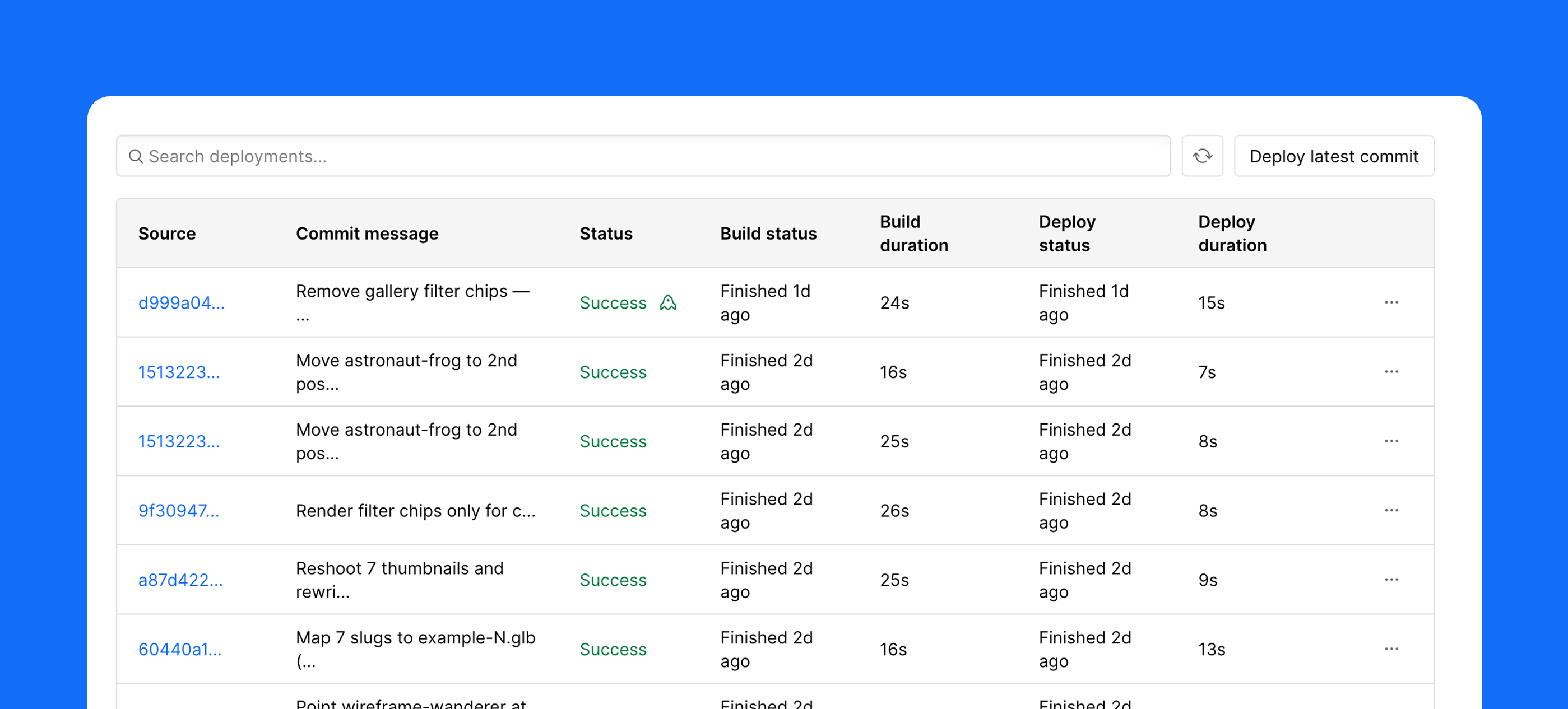
If you're already building on Webflow, Cloud is the natural home for your full-stack app, because there's no separate host to wire up. The developer experience feels familiar. Deployments are automated and triggered via git push, and if your project needs multiple environments, you can use Git branches.
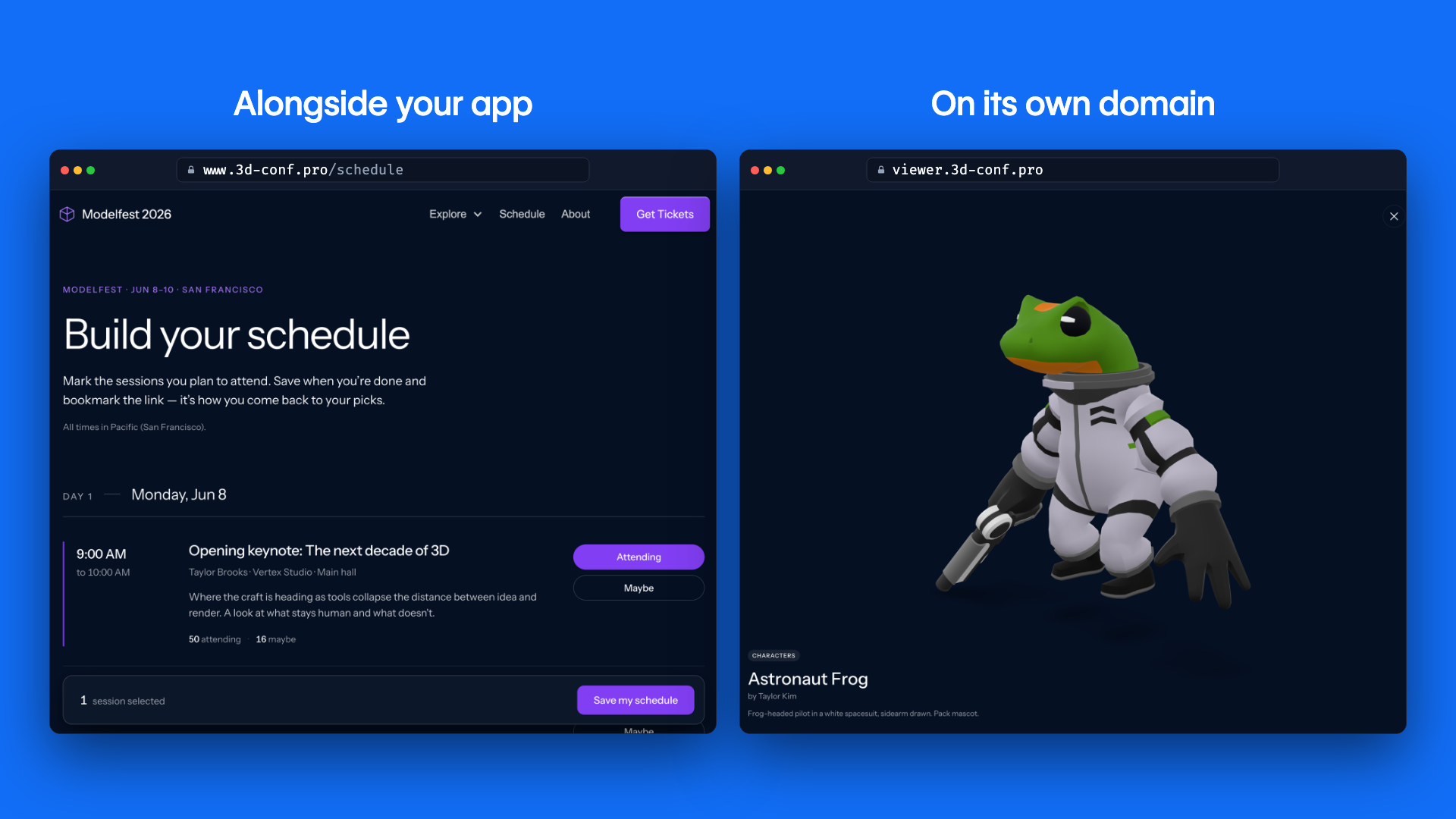
What's new: with app project types, Webflow Cloud apps can now live on their own domain as standalone projects, or they can live alongside your existing Webflow sites.
Regardless of what you choose, your Cloud app is built and deployed in plain old code.
How to get started with Webflow Cloud apps
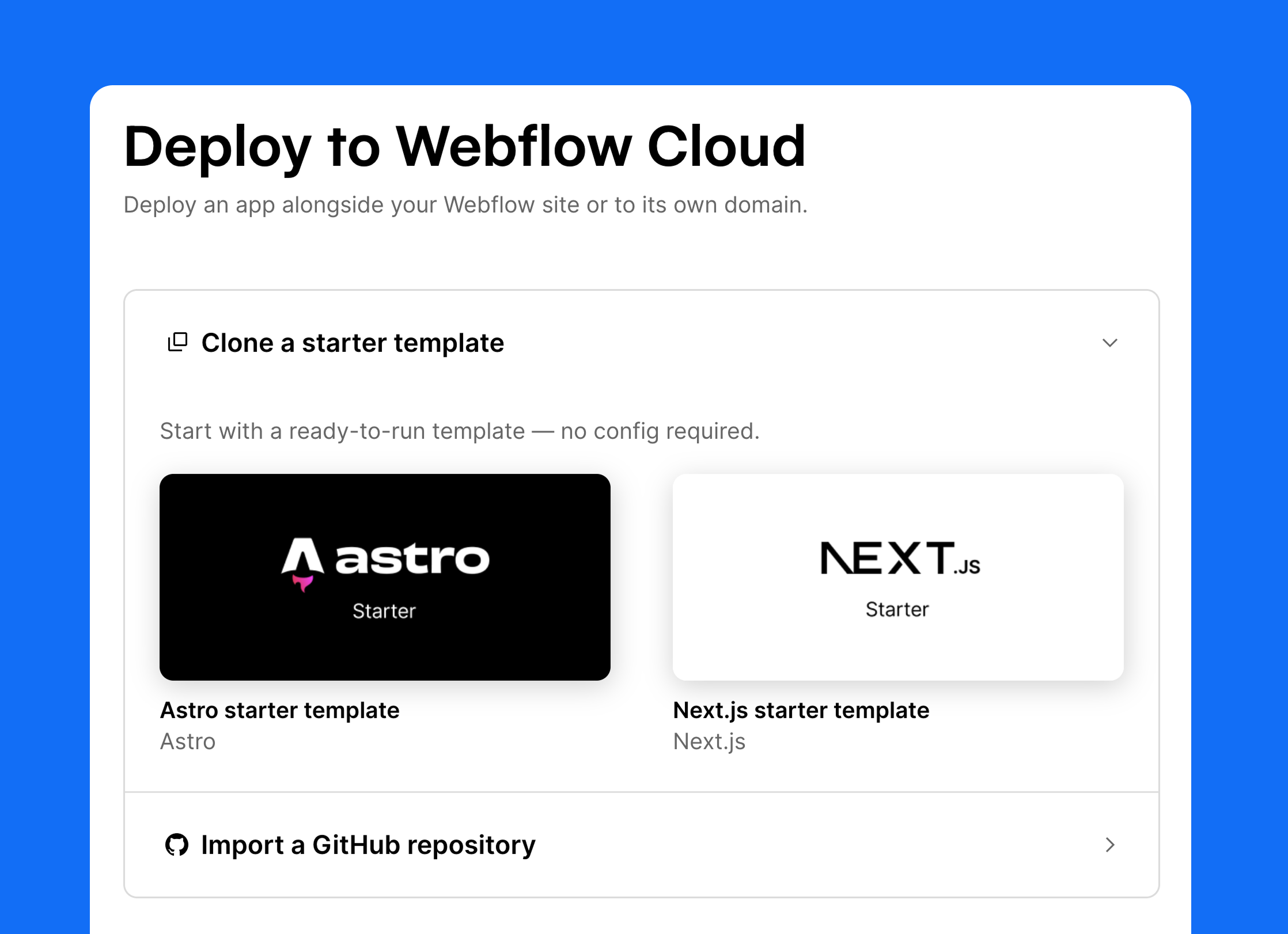
Open your project dashboard, create a new app, and connect your GitHub account. From here you can either bring an app you already built or start fresh from a template.
Import an existing repo
This is the path most developers will want. Point Webflow at a repository that holds your Next.js or Astro app, ...
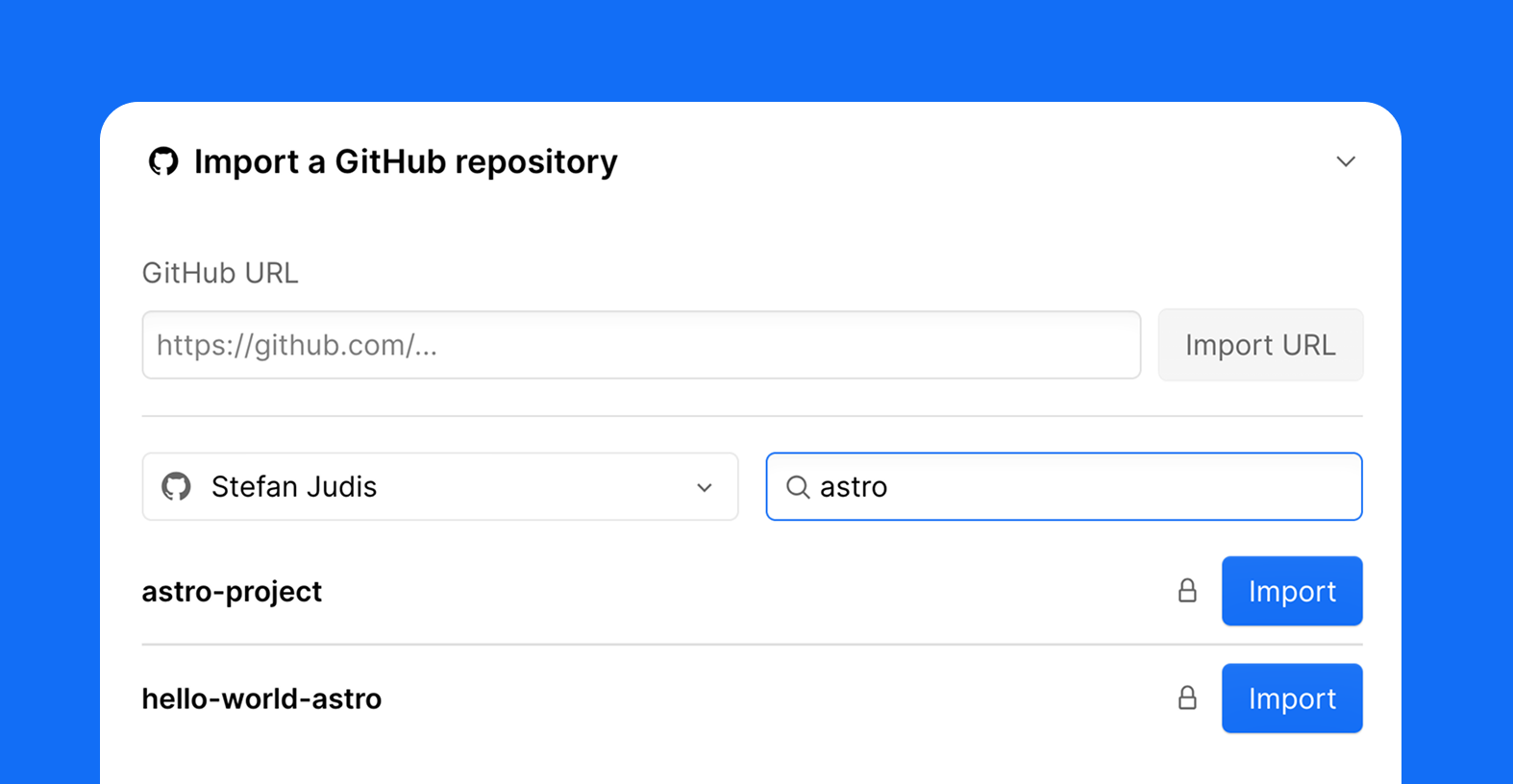
... give the project a name, and choose whether it lives on its own domain or alongside an existing Webflow site.
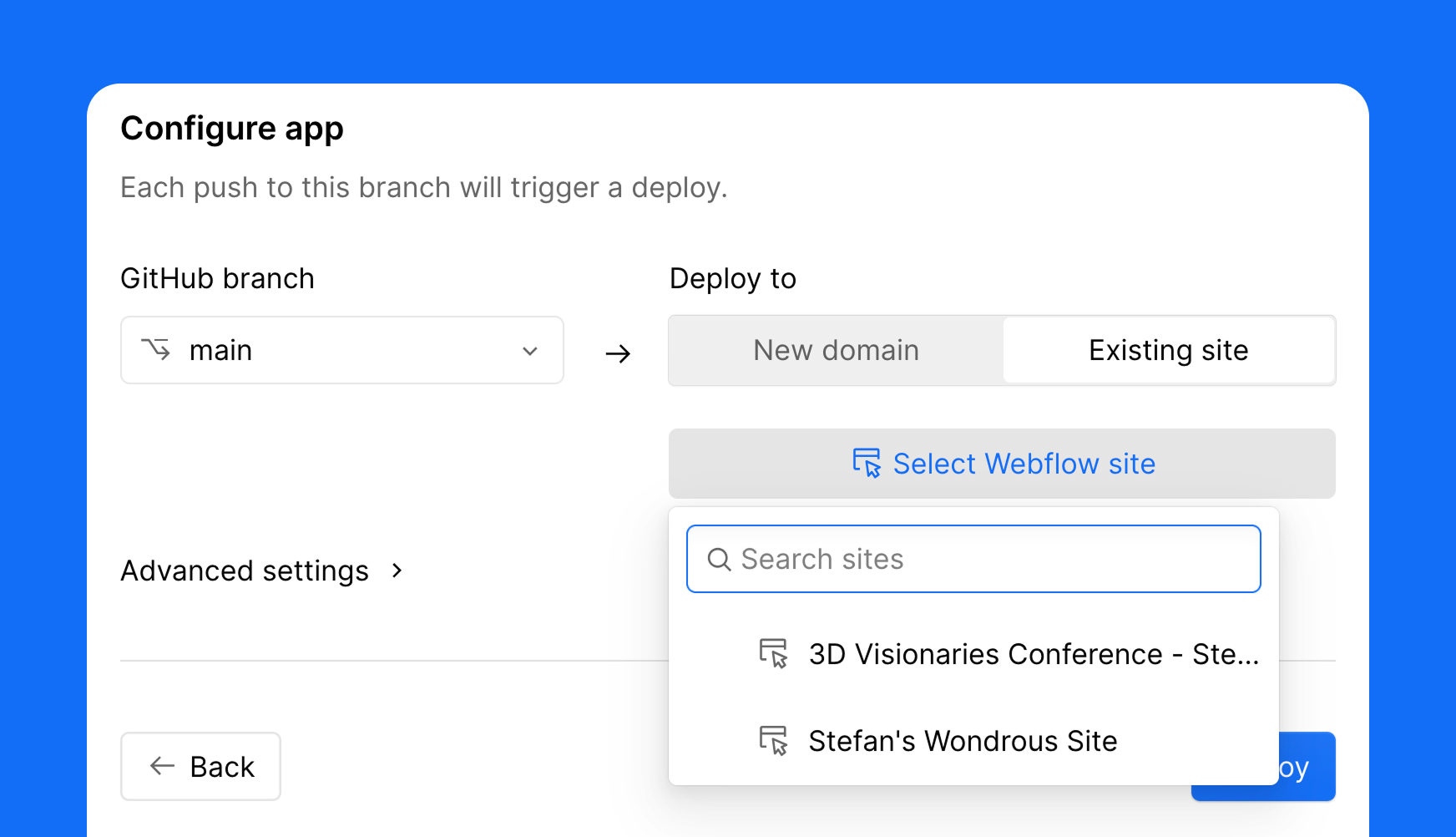
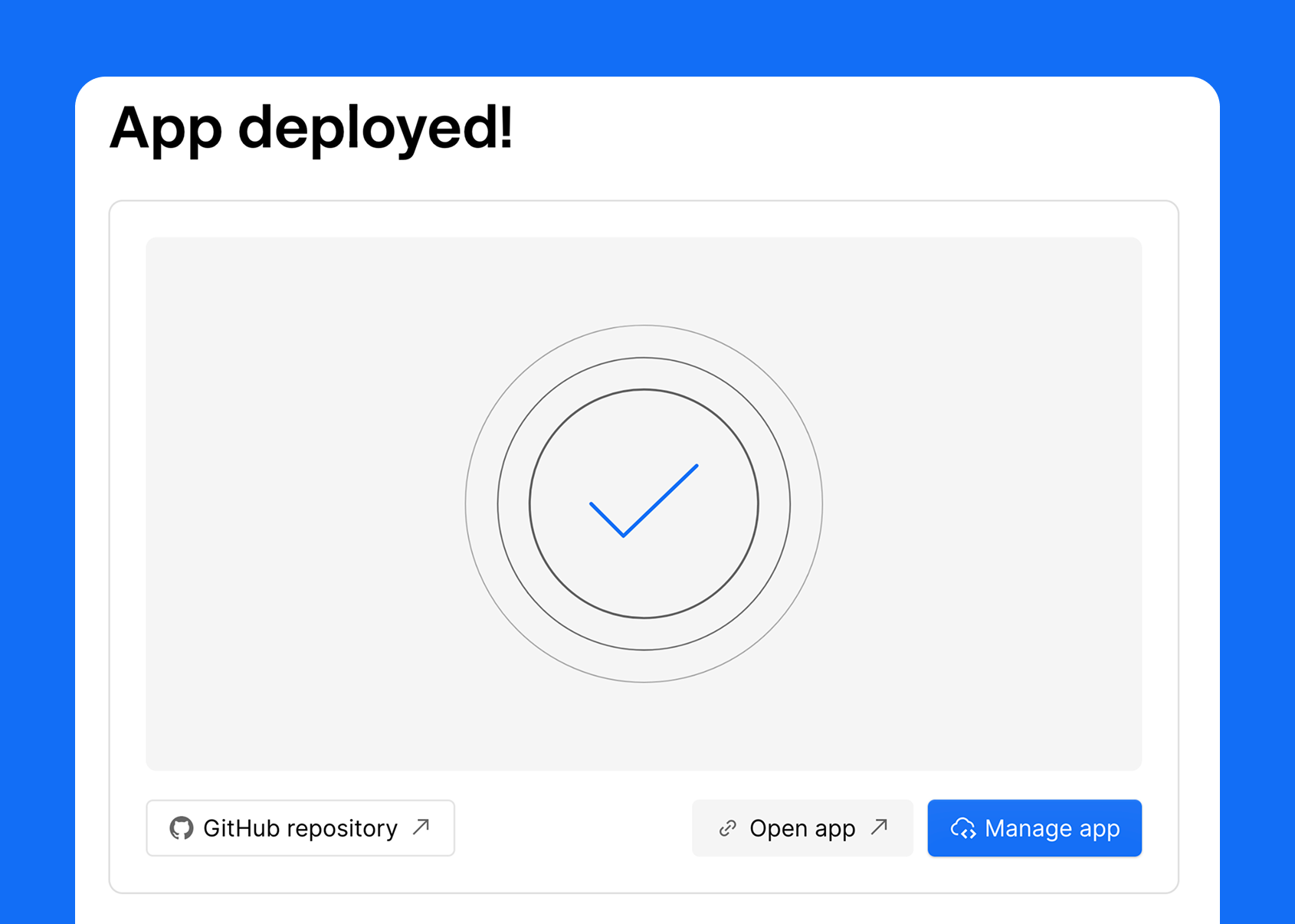
Hit deploy. Webflow will build your app and hand you back a live URL. Welcome to Webflow Cloud!
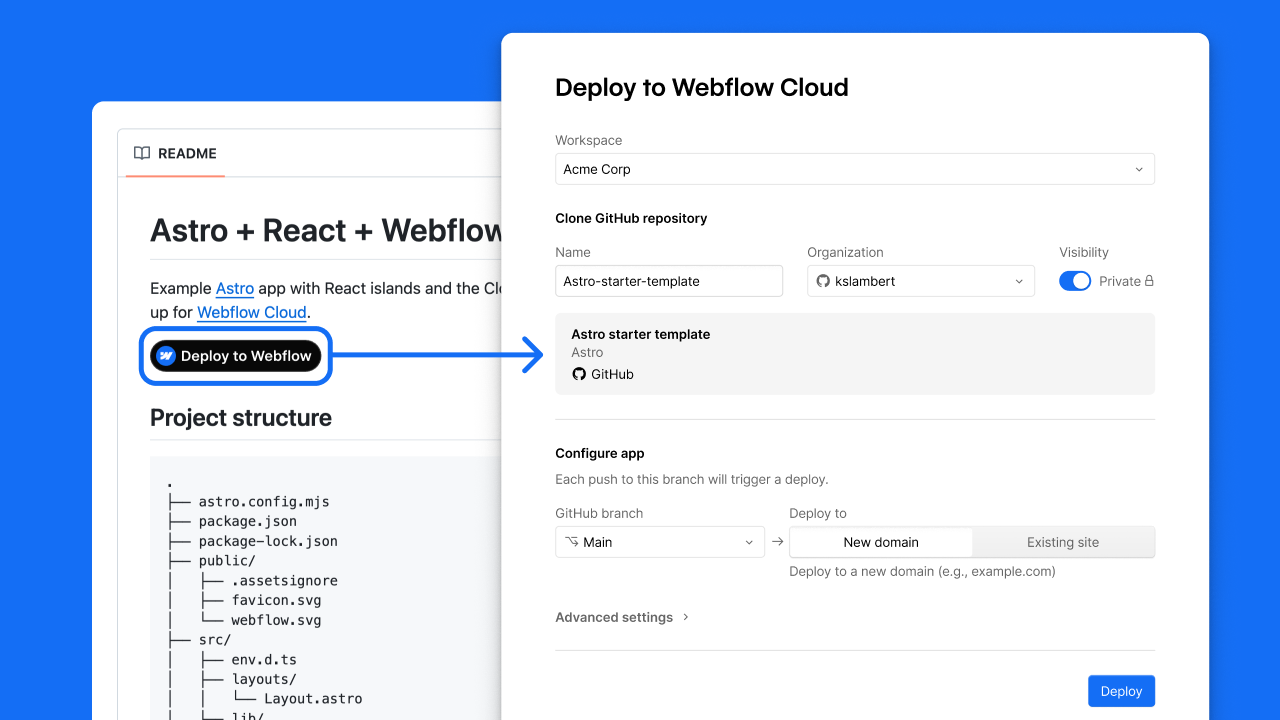
Or one-click-deploy a starter
No repo yet? Pick a Webflow starter, choose Astro or Next.js, name it, and deploy. You get a working app running on Webflow that you can clone and build on from there.
Or use the One Click Deploy Button!
How to get started from the terminal
If you'd rather start from the terminal, of course, the Webflow CLI can do the same thing.
webflow cloud init    # start a new app from a template
webflow cloud deploy  # ship a project you've already built
init scaffolds a starter (Next.js or Astro) similar to how the UI does it and wires it up to a new Cloud project. deploy takes a repo you already built and pushes it onto Cloud. Either way the result is the same. Your app builds on Webflow's infrastructure and you get back a live URL.
What apps get on Webflow Cloud
Once your app is deployed, Cloud provides the runtime you'd expect but also gives you some genuinely useful goodies.
Webflow Cloud Storage
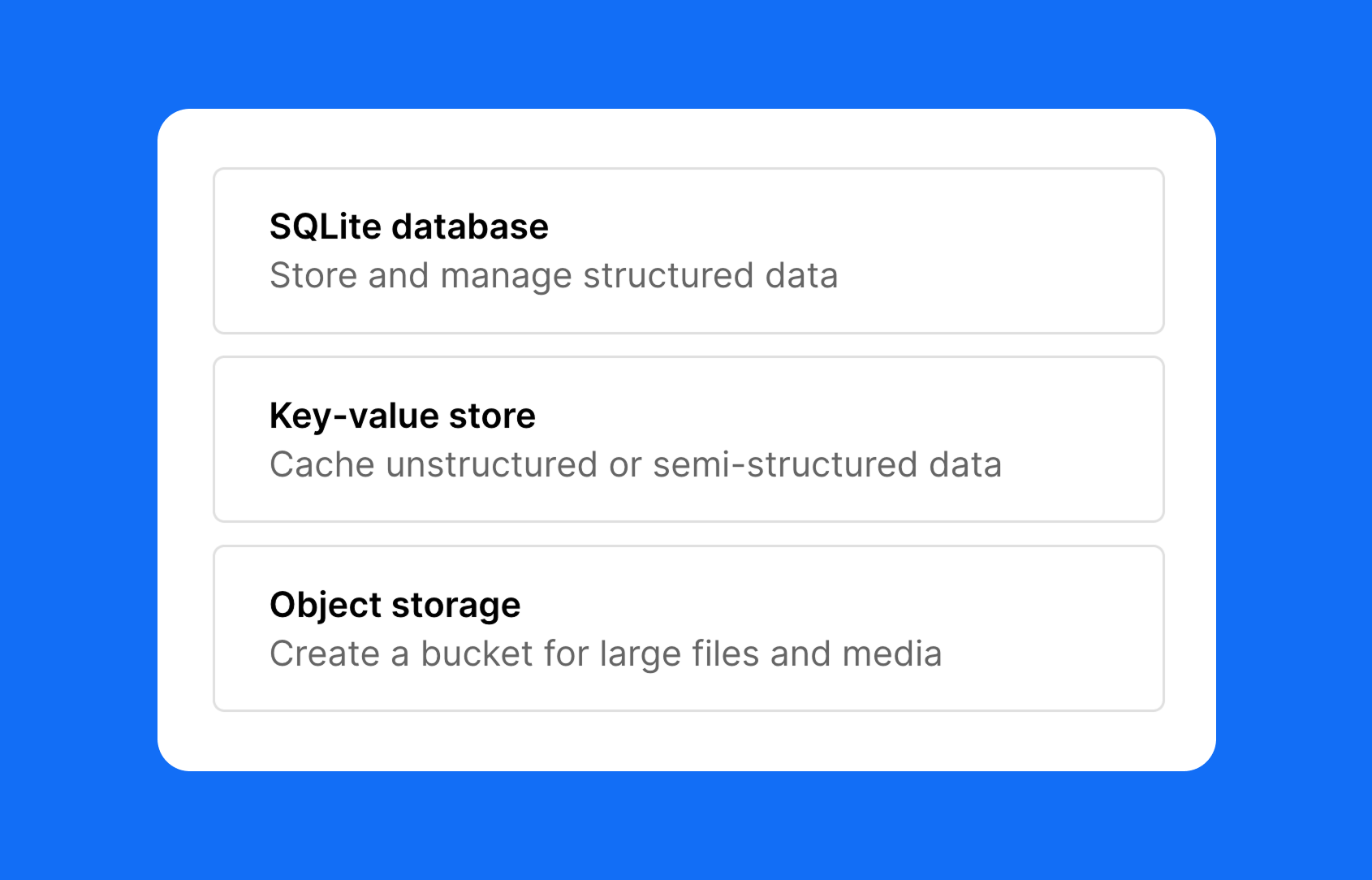
Storage comes in three flavors. There's a key-value store for sessions, feature flags, and small configs. Then there's object storage for images, PDFs, large files, and anything you'd upload. And there's an SQLite database for relational data. All are based on Cloudflare's infrastructure but baked into Webflow Cloud.
Connect components with DevLink
When you decide to deploy your Cloud app alongside your Webflow site, you don't want your visitors to notice when they cross from the Webflow site into the Cloud app. For everyone using your site it should feel like a single experience. How do you do that?
The answer is DevLink export. You design a component in your Webflow site (header, hero, footer, whatever), and DevLink exports it as a React component. Your Next.js or Astro app then imports it like any other component.
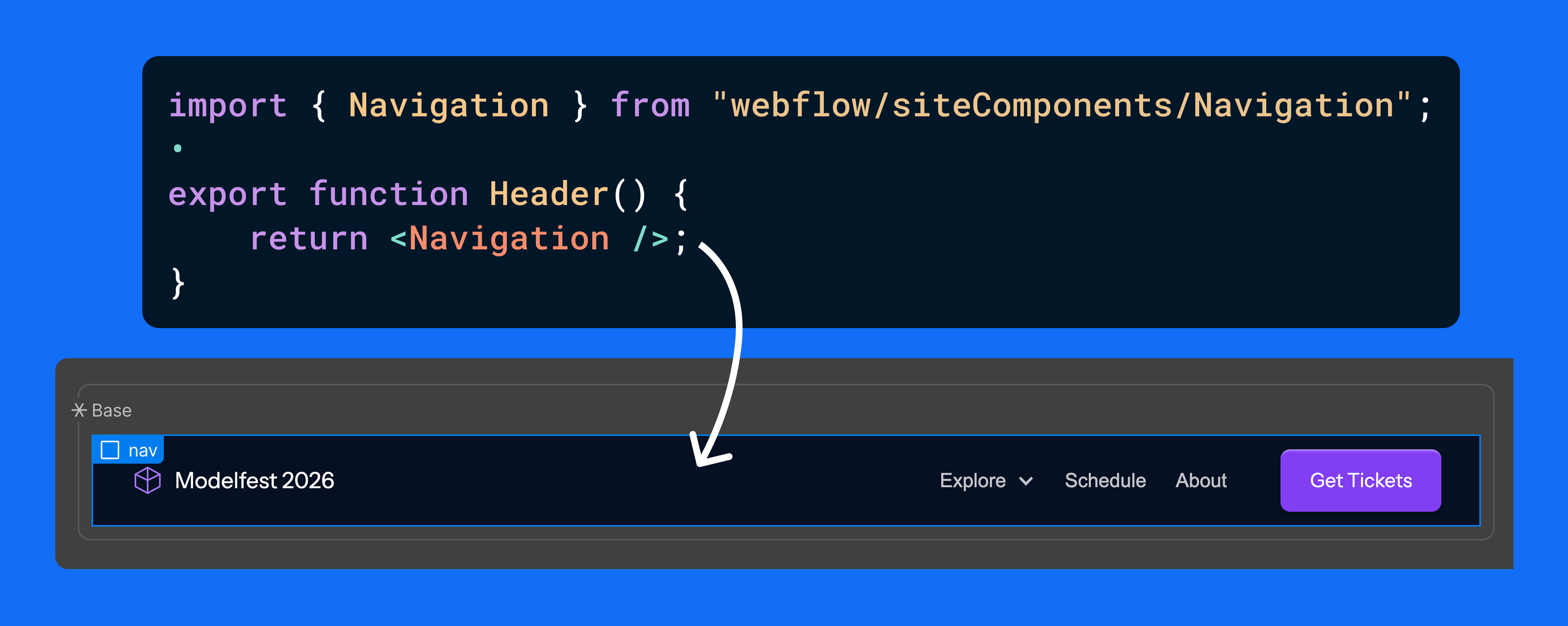
This way your Cloud apps can reuse the exact same components your marketing site uses because they're literally Webflow components.
With the Webflow canvas and Webflow Cloud there really is only one design source powering multiple surfaces. The marketing site and all your supporting apps stay visually identical, and you only maintain it in one place. And it's not just for apps that live under your site. A standalone app on its own domain can pull those very same components, too. Very cool!
Beyond DevLink, the rest is table stakes, and it's all there: plaintext env vars and encrypted secrets, plus live runtime logs streaming from production. There are still no extra services to wire up.
One workspace, one platform
That's Webflow Cloud. Webflow cloud means fewer tools to keep track of. It's custom apps living alongside Webflow sites and apps living on their own domain. It's storage, env vars, logs, deploys. That all is Webflow Cloud living in your workspace today.
If you've got a Next.js or Astro app that needs a home, give Cloud a look. We are actively adding more framework support. In the meantime, push to main and watch it go live. I think it's pretty hard to argue with that loop.


















