






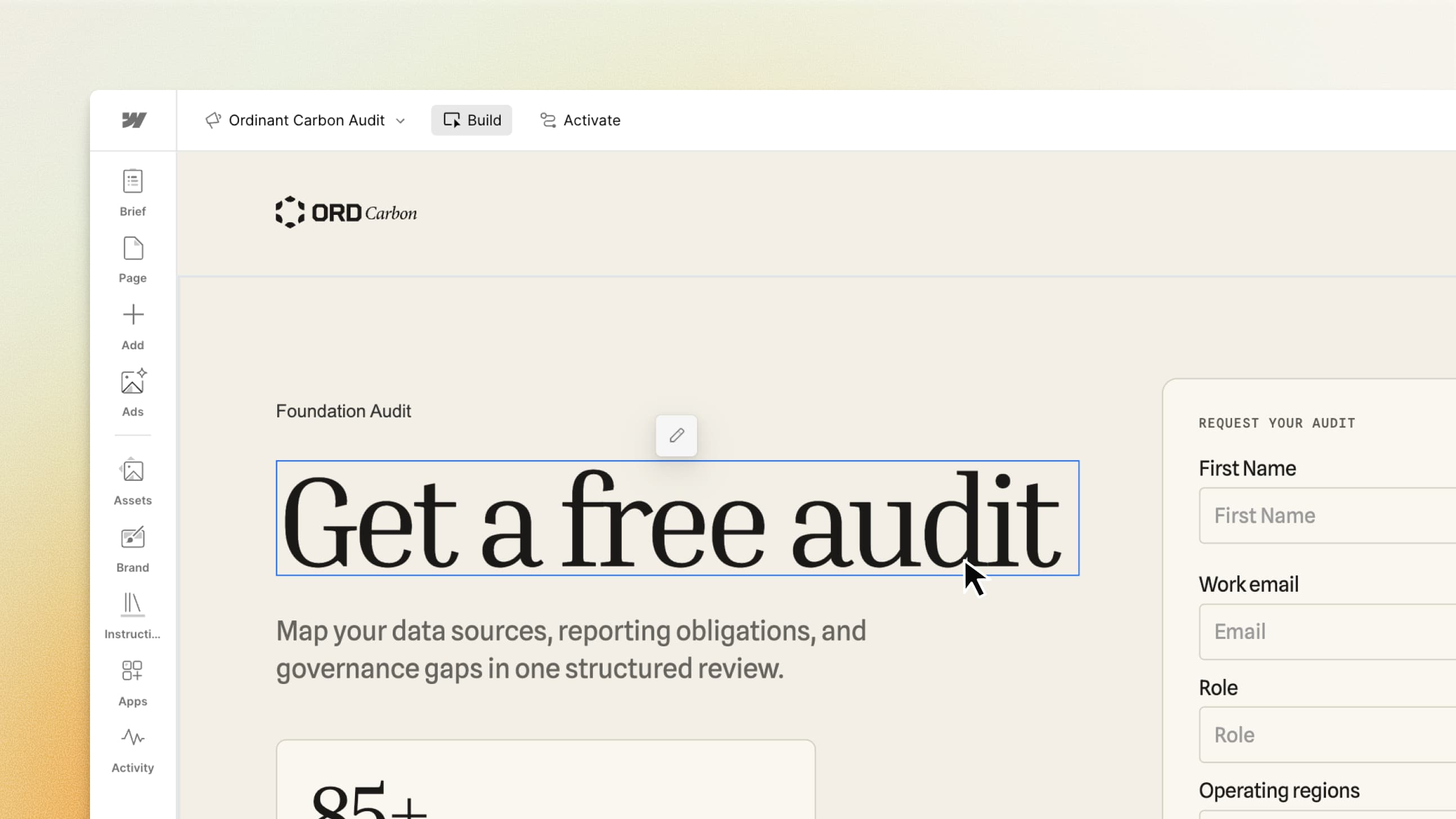




Your pipeline targets won’t wait. Neither should your campaigns.
Here’s how a marketing campaign typically gets built: A demand gen marketer sees an opportunity to reach new buyers. They jot down some notes for a campaign brief: the audience, the message, and the plan to get it out there. They’ll need a landing page, but building it themselves isn’t an option. So the brief goes to the web team, where it waits for room in the next sprint.
Ad creative is a separate process. Brand already has a full queue, so the work might go to an agency instead. The marketer checks in, sends drafts back and forth for review, and finally pulls the pieces together to publish. By then, weeks have passed. Sales is flagging a pipeline gap, and the campaign meant to help close it still hasn’t launched.
If this sounds familiar, you’ve probably tried putting your brief into an AI tool and asking it to build a page or write an ad. You get something back in minutes. Getting something you can actually feel good about launching takes longer. The design doesn’t quite look like your brand. The ad and landing page tell different stories. You still need to sort out hosting, forms, tracking, and publishing. Until those pieces are connected, you’ve got a draft, not a campaign that can capture leads and show results.
What you wanted from AI was a faster way to get a complete, on-brand campaign into market. A way to launch while it still matters.
That’s why we built Webflow Campaigns.
Introducing Webflow Campaigns
Available today, Campaigns is a standalone tool for marketing teams to create and launch on-brand landing pages and ads. It works alongside your core website, whether it runs on Webflow or another CMS.
Built on more than a decade of Webflow’s web infrastructure and design expertise, Campaigns uses specialized AI agents to generate your brand’s design system and a shared campaign brief to work from, with publishing, integrations, and reporting connected in the same workflow.
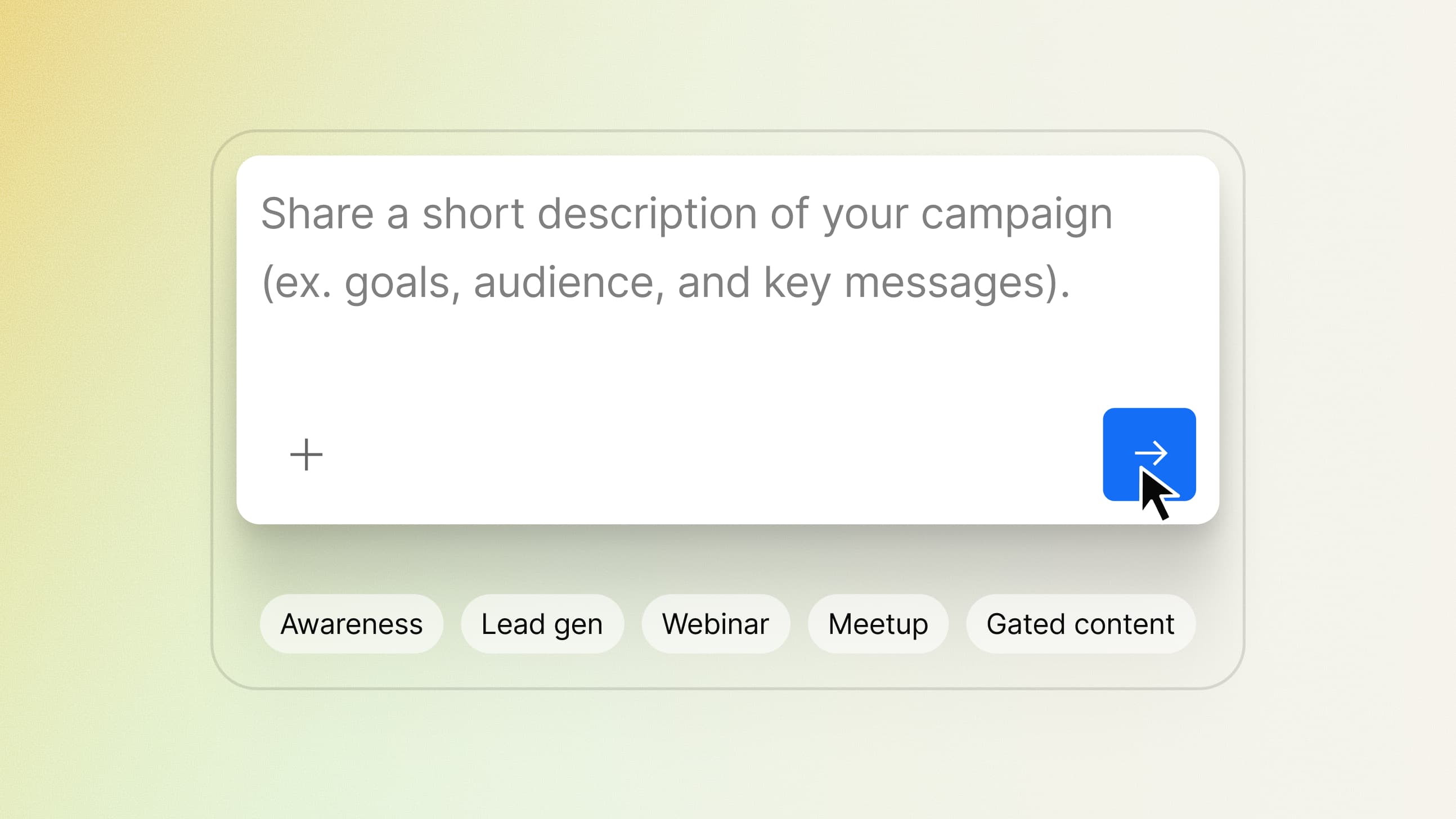
Built for the people who own the outcome
As a marketer who wears all the hats, you work across channels, audiences, and priorities. In the same week, you might promote a webinar, launch a paid search campaign, and build an ABM initiative to break into a new vertical. Each campaign needs its own assets, and each comes with its own deadline.
Campaigns gives you and your team more capacity to act on your ideas. It works alongside your core website, giving you a dedicated place to build campaign pages without adding every request to the web team’s queue.
That independence matters after launch, too. When you want to change an offer, adjust a headline, or add a new page variation for another audience, you have the flexibility to make those updates autonomously.

How it works
Campaigns brings the end-to-end campaign process into one workflow, powered by AI agents. Here’s how you can take an idea through to a live campaign with Webflow.
Plan: Start with your brand and brief
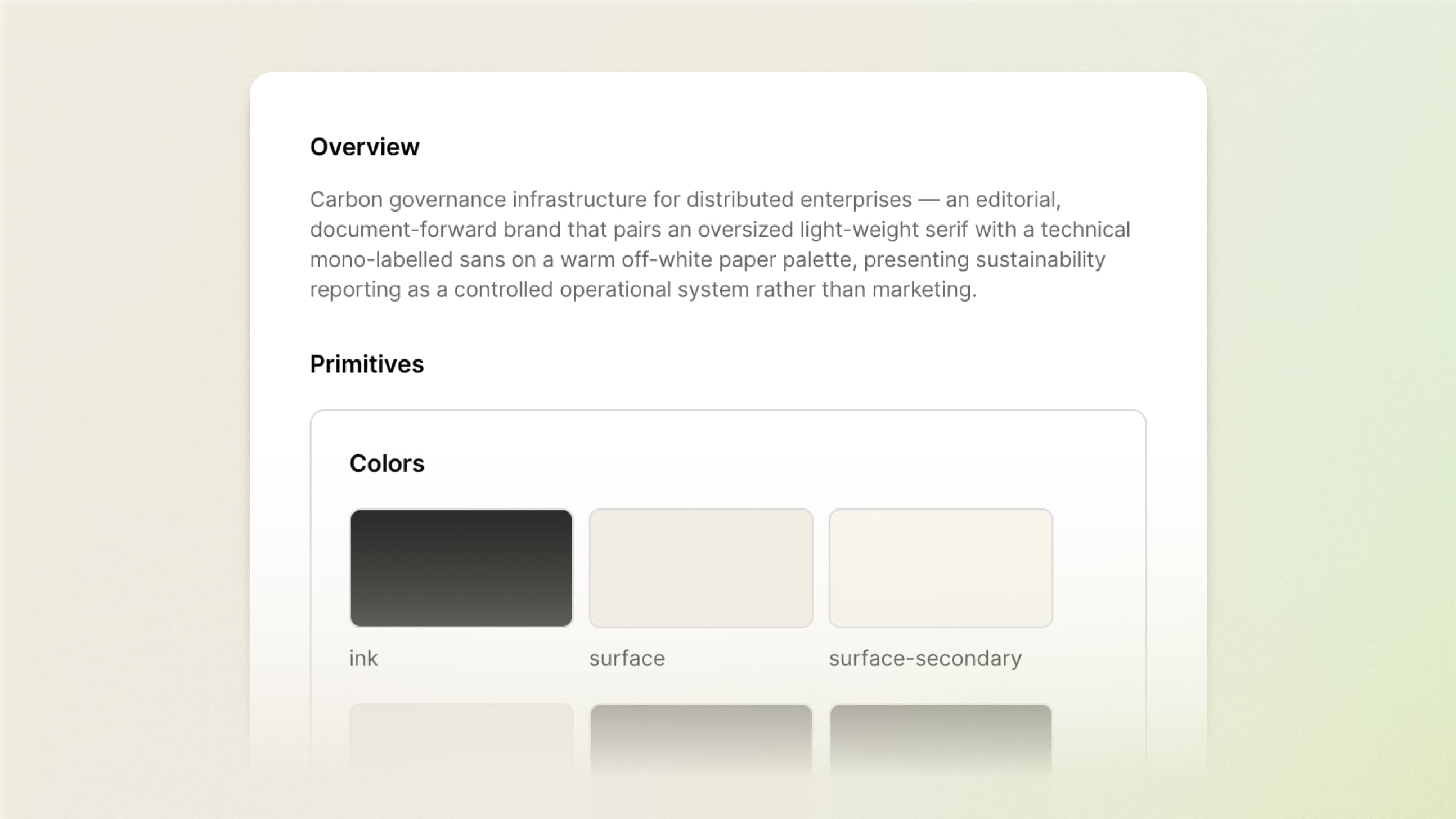
Campaigns starts by extracting your brand context and turning it into a design system. Your website’s visual identity and components guide what gets created, giving your team a consistent foundation across landing pages and ads.
That foundation uses DESIGN.md, an open-source, plain-text format that gives AI agents a structured reference for your design system. It helps agents carry your brand’s design rules into the pages and creative they generate.
Then, you can work with an agent to develop your brief around your goals, audiences, and messaging. Together, your brand and brief guide what Campaigns builds.
Build: Create landing pages and ads
Turn your brief into landing pages designed for conversion and message-matched ads. Customize copy, layouts, and creative in a visual canvas built for marketers. Create personalized page variations for personas, industries, or individual accounts, each with its own URL and ads that carry the same message.
You can also build and refine campaign assets through the AI tools you already work in, like Claude, using Webflow’s MCP.
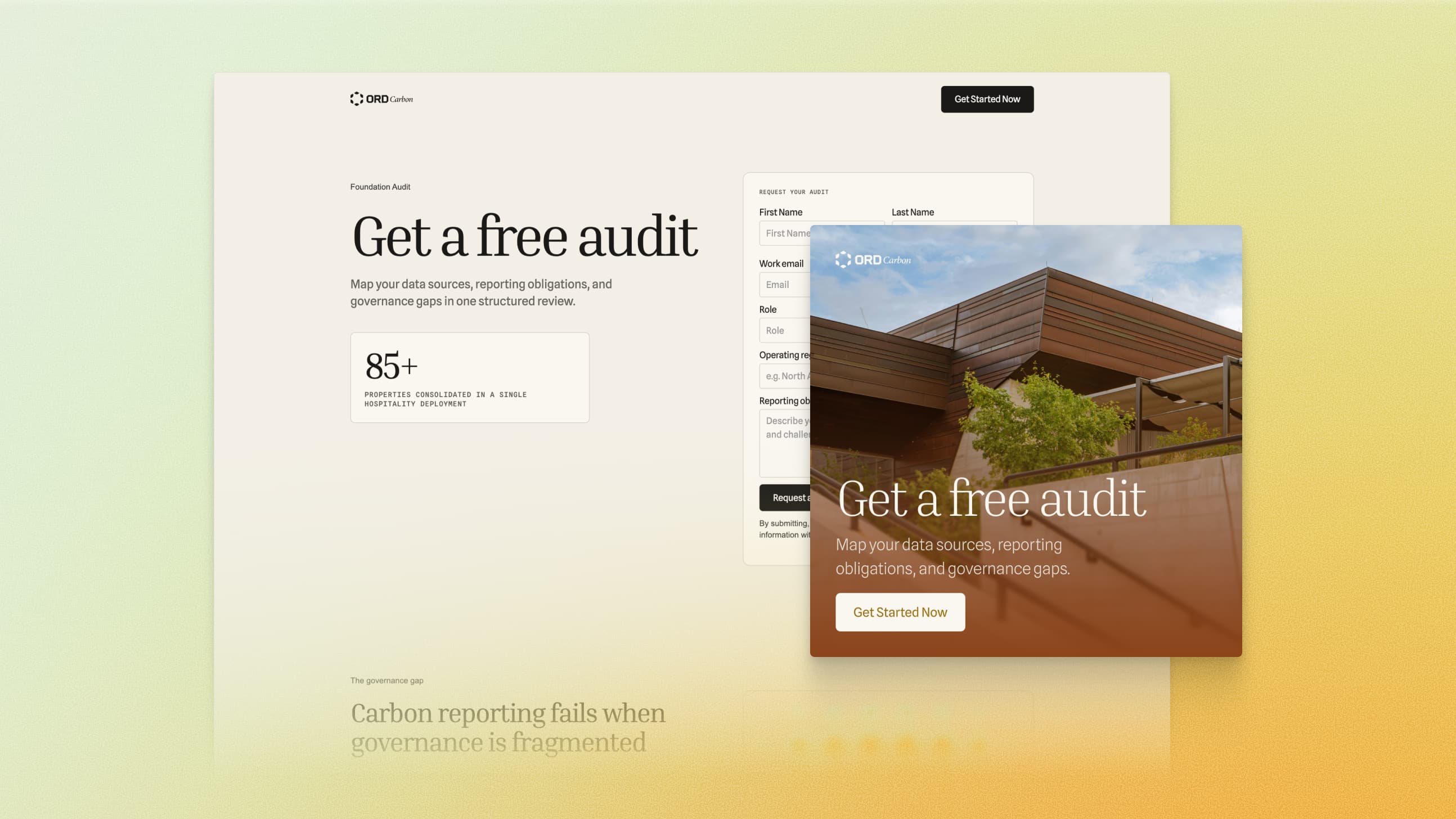
Launch: Connect your forms and push to your channels
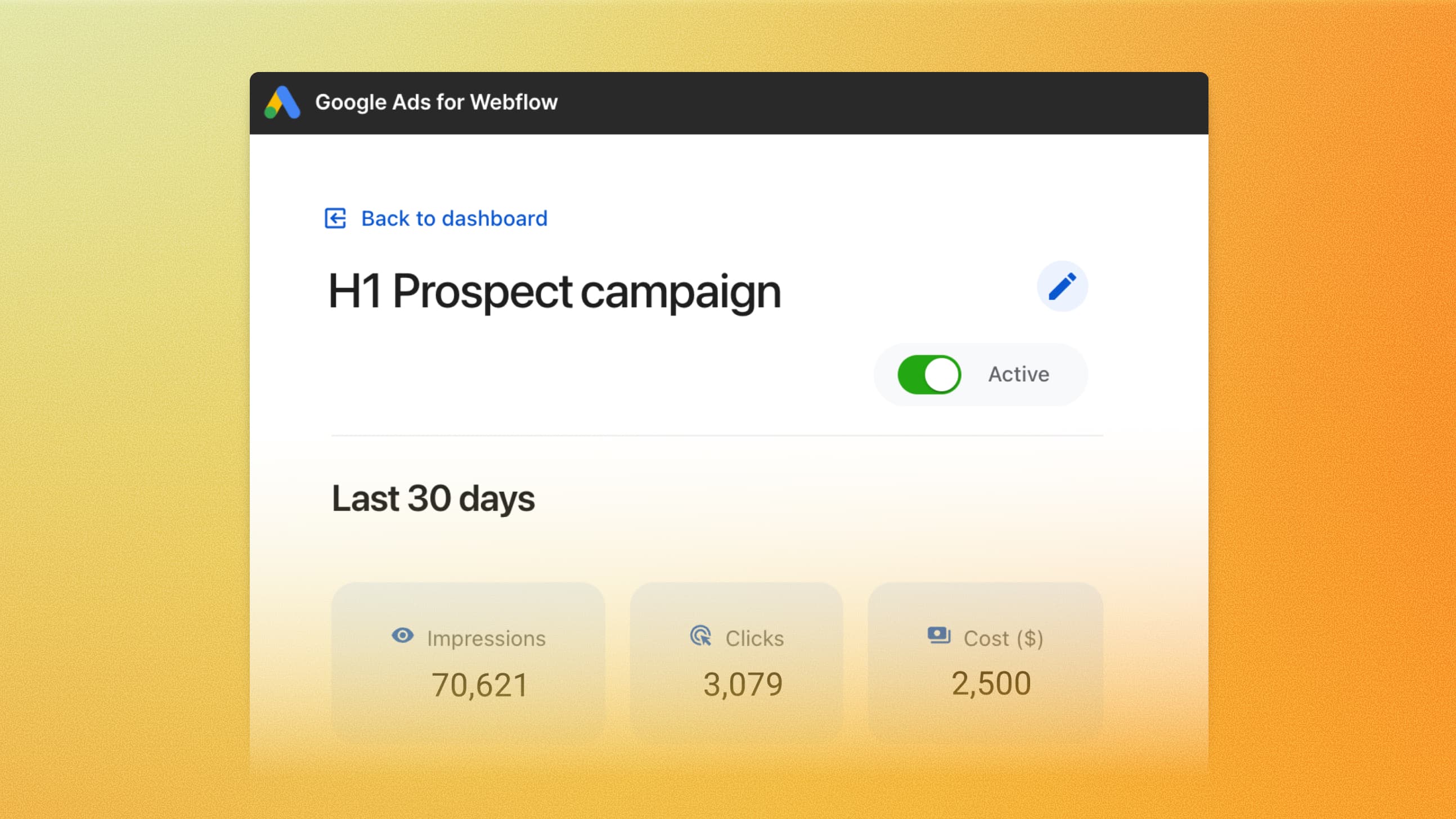
Connect Marketo or HubSpot forms so leads enter your existing marketing workflows. With our Google Ads integration, you can set up Performance Max campaigns directly Webflow and send them to Google Ads for launch, with fewer handoffs.
Measure: Reporting and impact in one place
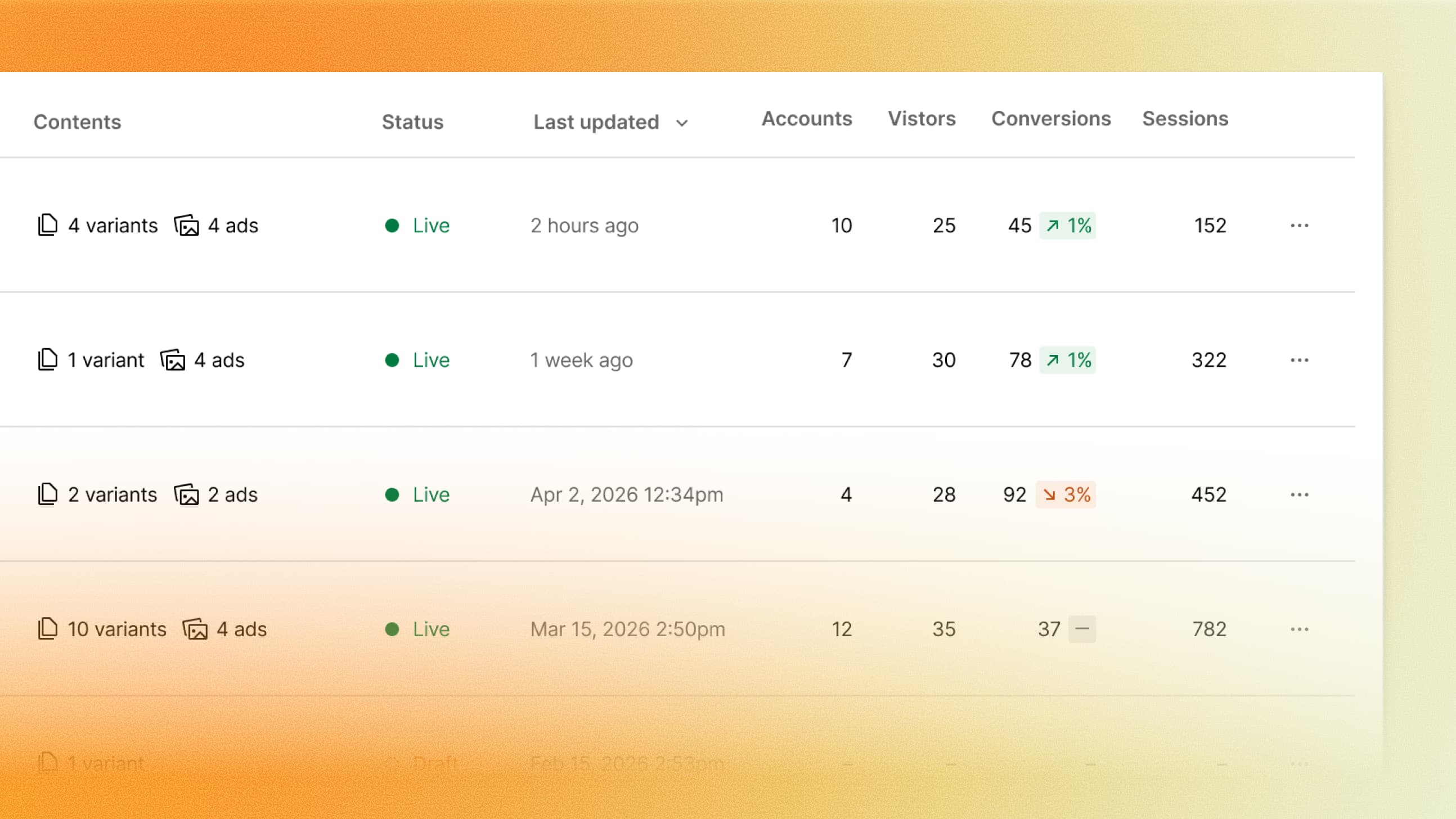
Track sessions and conversions and leverage HubSpot and Salesforce CRM integrations to understand how your campaigns contribute to the bottom line. AI insights surface recommendations to help you decide what to improve next.
Spend more time driving pipeline
You’re accountable for what your campaigns deliver. You should be able to decide when they launch, too. Campaigns gives your team the capacity to act on new opportunities, learn from performance, and keep improving without every update becoming another ticket.
Webflow Campaigns is now available for purchase. Book a demo to see Campaigns in action.


















