









Find a CMS that can do everything you need and makes client handoffs effortless.
Your content management system (CMS) influences every aspect of your web design project, from what you can accomplish to how well your client can manage the site later. The best content management systems give you the freedom to craft highly functional and aesthetically engaging websites, and they make that process as straightforward as possible.
A CMS lets you (and your client) build, organize, and update digital content, without needing extensive development experience. For years, giants like WordPress and Drupal dominated the CMS landscape. But today there are hundreds of platforms to choose from, each suited to a particular set of users and applications.
In this article, we'll explore seven popular CMS options. We'll compare them on aspects like ease of use, scalability, design flexibility, and maintenance needs, so you can find the perfect fit for your freelance business.
- Webflow
- Wix
- Squarespace
- WordPress
- Drupal
- Joomla
- Ghost
1. Webflow
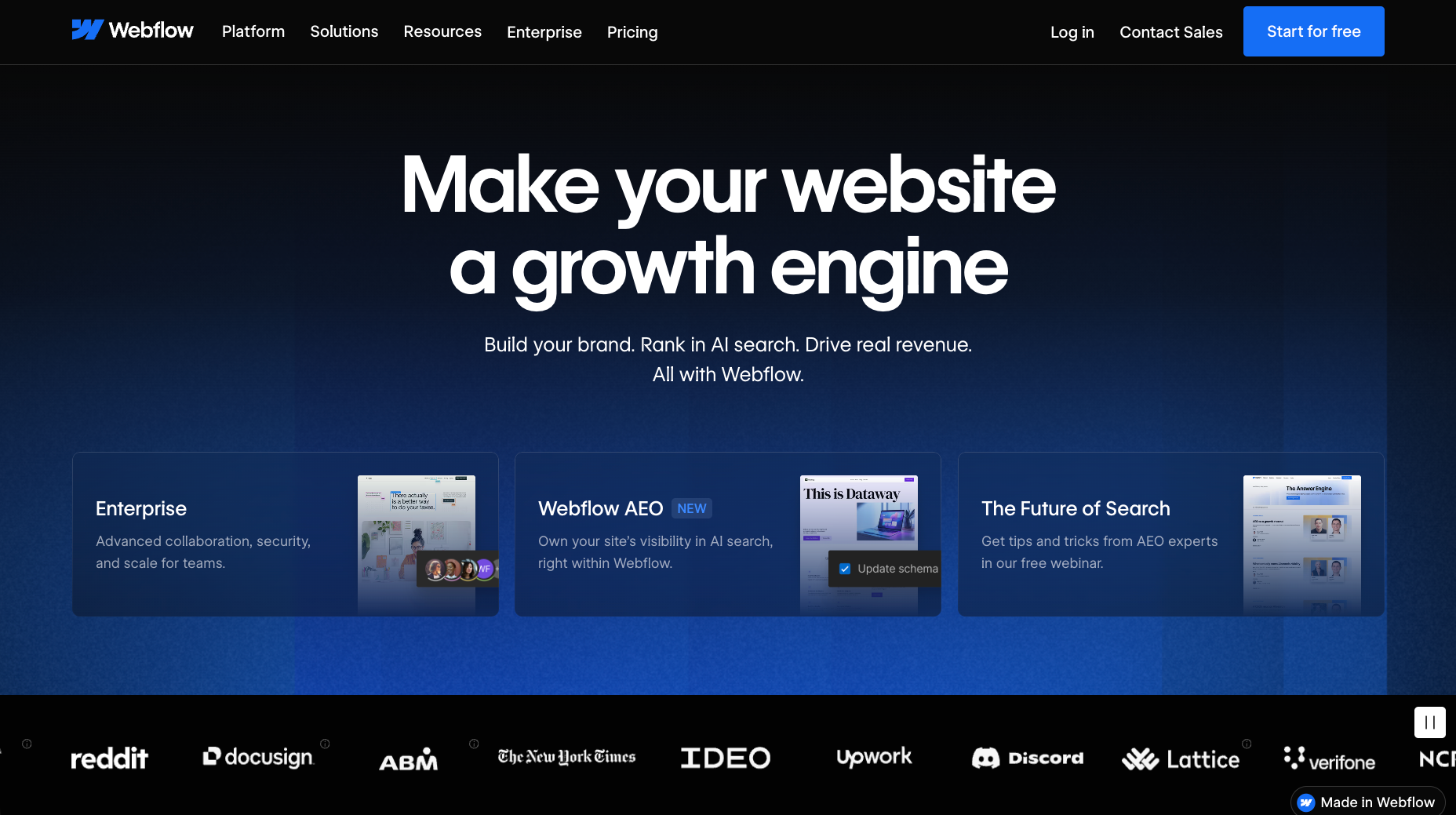
Webflow is an agentic web marketing platform that functions like a professional design studio and hosting engine rolled into one. This CMS offers fully customizable page structures, advanced styling capabilities, and complex interactions such as multi-step animations.
That makes this platform a strong fit for freelance designers who want full creative control without handing off development work. The Webflow Certified Partner Program even connects freelancers with new customers via Upwork.
Ease of use: This CMS lets designers of all experience levels create and edit content visually, making it an approachable option for newer freelancers. The interface is user-friendly, and thorough documentation helps you learn the ropes fast.
Flexibility: Webflow offers detailed styling control that supports highly tailored client experiences. In addition, customizable roles and permissions let designers and clients work in the same environment without disrupting each others' contributions.
Scalability: More experienced freelancers can leverage Webflow's API to extend their designs. Plus, the app marketplace lets you add functionality, such as forms, analytics, and scheduling tools, via third-party apps.
Maintenance: Webflow provides managed hosting, so you can focus on functionality and rest assured that in the final product, performance and security will be top-notch.
Best for: Webflow works well for all kinds of projects, especially complex builds where design flexibility and collaboration matter as much as content structure.
2. Wix
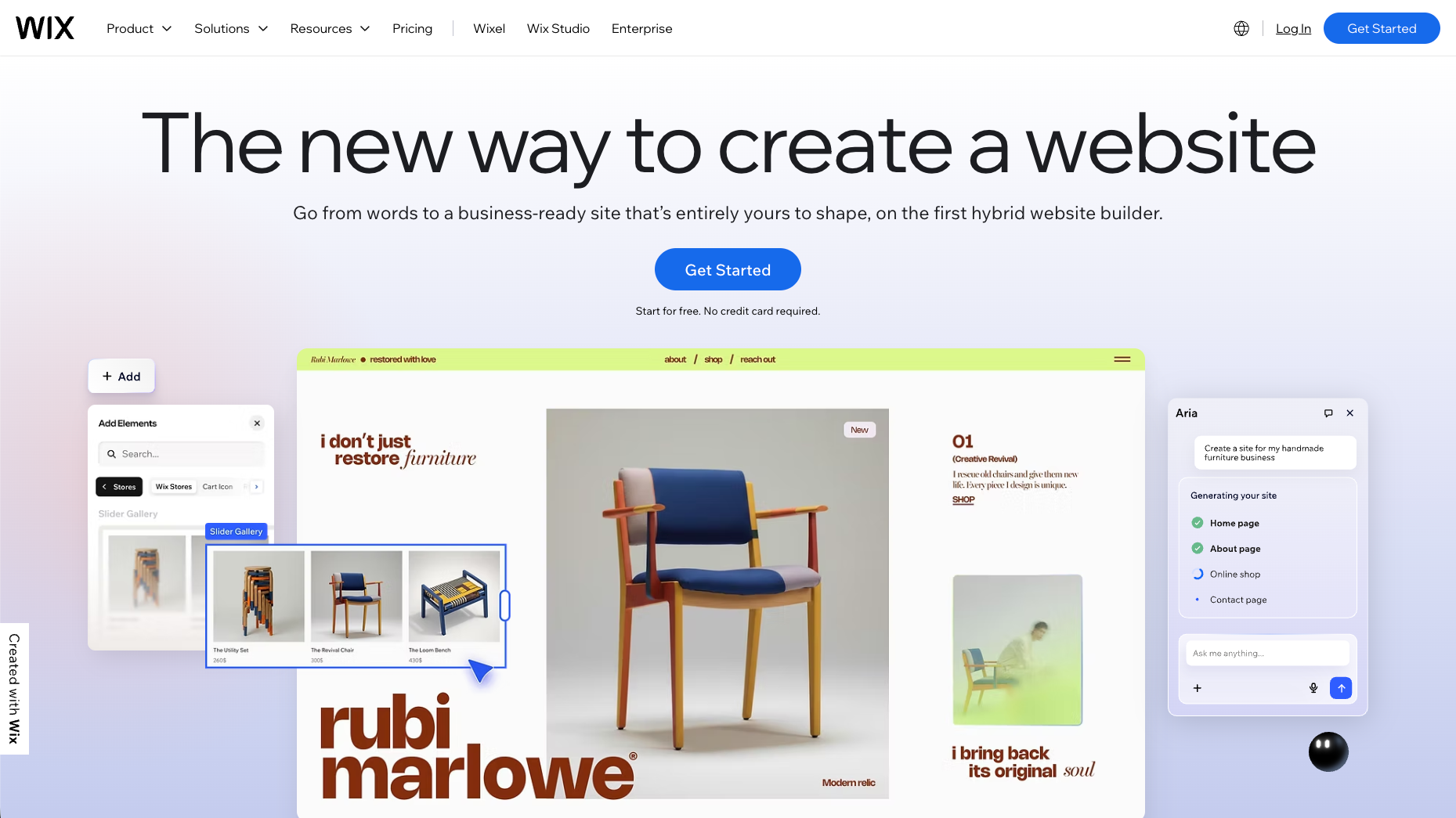
Wix offers website building and hosting in a CMS that's beginner-friendly for both freelance designers and their clients. This platform is a common choice for those who need to launch straightforward sites quickly, and who don't need a lot of special customization or technical configuration.
Ease of use: Integrated AI tools help you generate custom sitemaps, wireframes, and even section layouts, lowering production time.
Flexibility: You can choose from a range of templates and styling options to jump-start projects, although Wix's customization is more limited than other advanced CMS platforms.
Scalability: Wix offers a range of low-end plans that let new freelancers start small. Enterprise pricing is available for high-end users, but there's less support for those with mid-tier needs.
Maintenance: Security and updates are fully managed by Wix, so ongoing maintenance is minimal.
Best for: Wix is a good choice for those first starting out or creating small-scale websites with traditional structures.
3. Squarespace
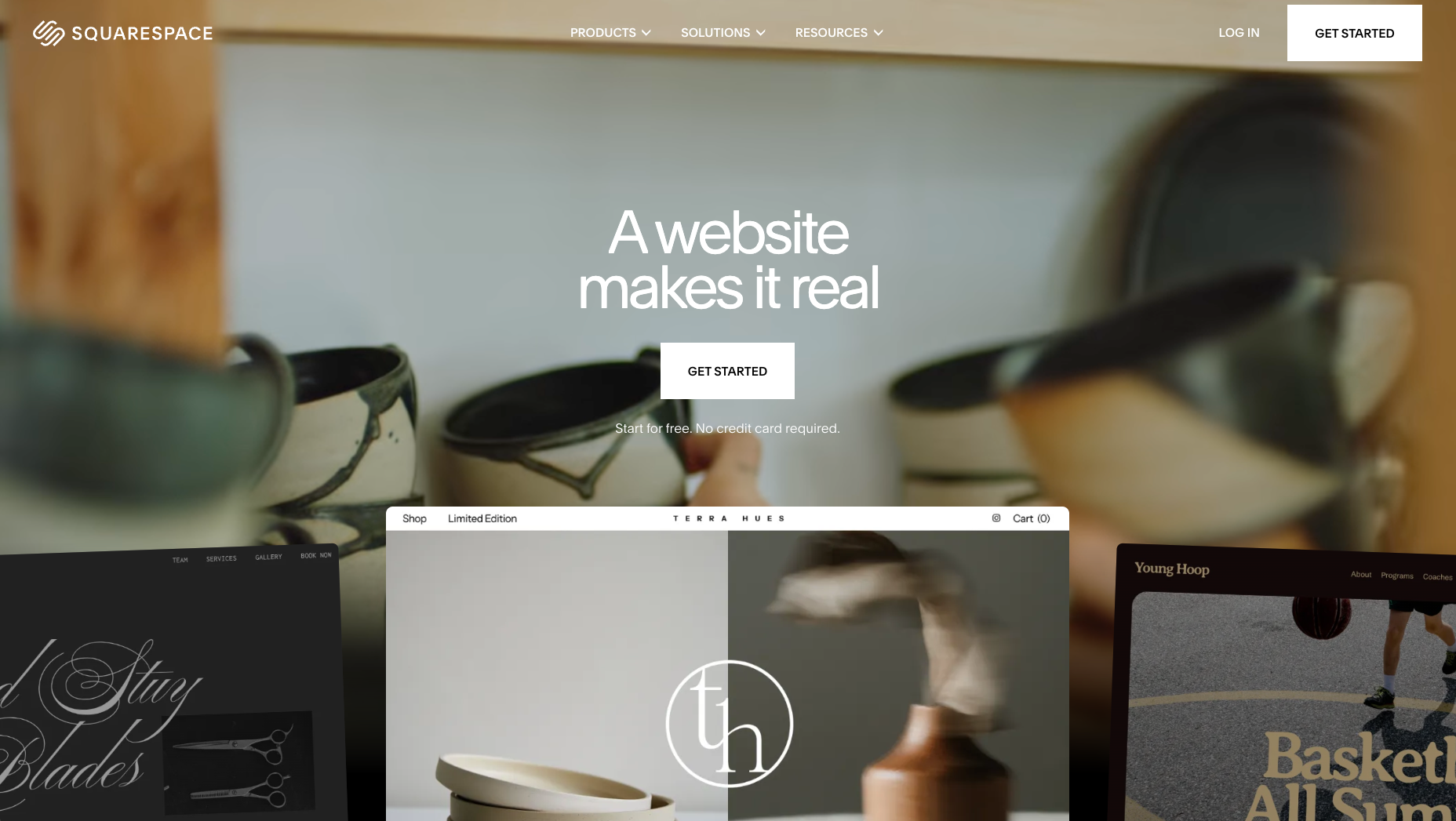
Squarespace is a design-forward CMS that bundles website building, hosting, and analytics into an approachable system. While it's not meant for large-scale or enterprise projects, and its advanced design capabilities are limited, this platform features strong visual templates and out-of-the-box styling options.
Ease of use: Squarespace's interface is user-friendly and streamlined, helping freelancers adapt fast and supporting clients with limited technical skills who regularly manage content.
Flexibility.:The visual builder gives you a good amount of control over layouts and design. You can also use plugins and custom code injections to extend a website's functionality.
Scalability: Squarespace scales smoothly on the low-to-mid ends, but struggles when it comes to larger projects and enterprise-level support.
Maintenance: Managed hosting is bundled in with Squarespace plans, so maintenance requirements are limited.
Best for: Squarespace is useful when your clients need visually striking websites, and they're less concerned with deep customization and functional complexity.
4. WordPress
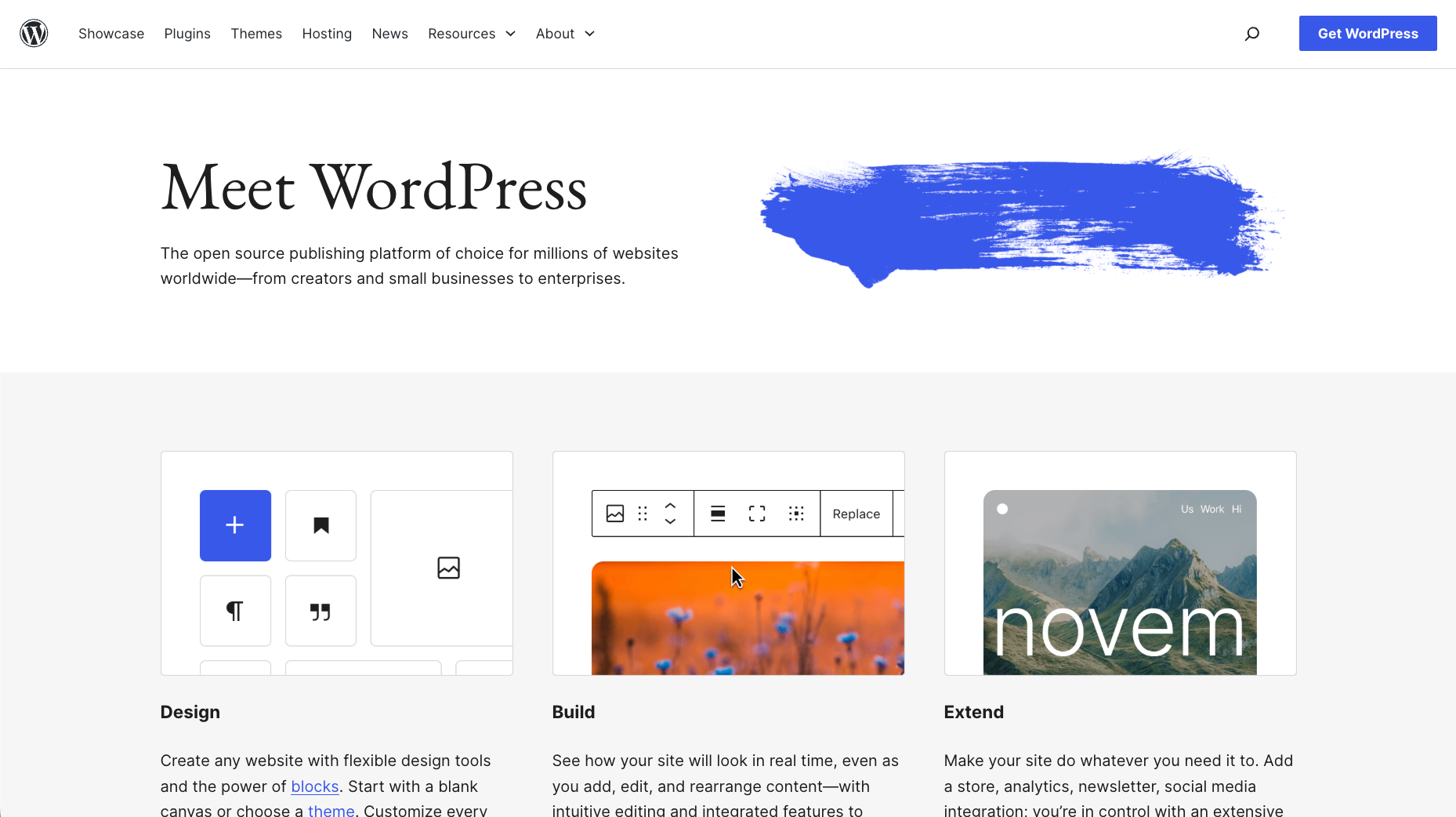
WordPress started out as a blogging platform, but it evolved into a full-scale CMS capable of powering simple sites and complex, content-heavy builds. Many freelancers find it a reliable foundation, especially when clients need familiarity and access to a deep library of tools.
Ease of use: By design, WordPress requires no prior knowledge of web design or development, only a willingness to experiment. At the same time, it takes a lot of investment to learn how to create unique websites with this content management system. You can ease that process by investing in a page builder tool like Elementor or Divi.
Flexibility: Since WordPress is open source, you have full access to its underlying code. That means you can modify core functionality to suit each project's requirements. You can also use third-party plugins and themes to add new layouts and features quickly.
Scalability: WordPress is very scalable, supporting everything from small personal blogs to some of the highest-traffic enterprise sites. There's little built-in support, however, so your ability to scale depends on the time and resources you invest into the process.
Maintenance: The open-source version, WordPress.og, is self-hosted, so you're responsible for hosting, security, performance, and optimization. You can use the hosted WordPress.com version instead, but that functions more like a site builder and offers far less flexibility.
Best for: WordPress is a strong fit for content-heavy sites and businesses that need extensive plugins and integrations.
5. Drupal
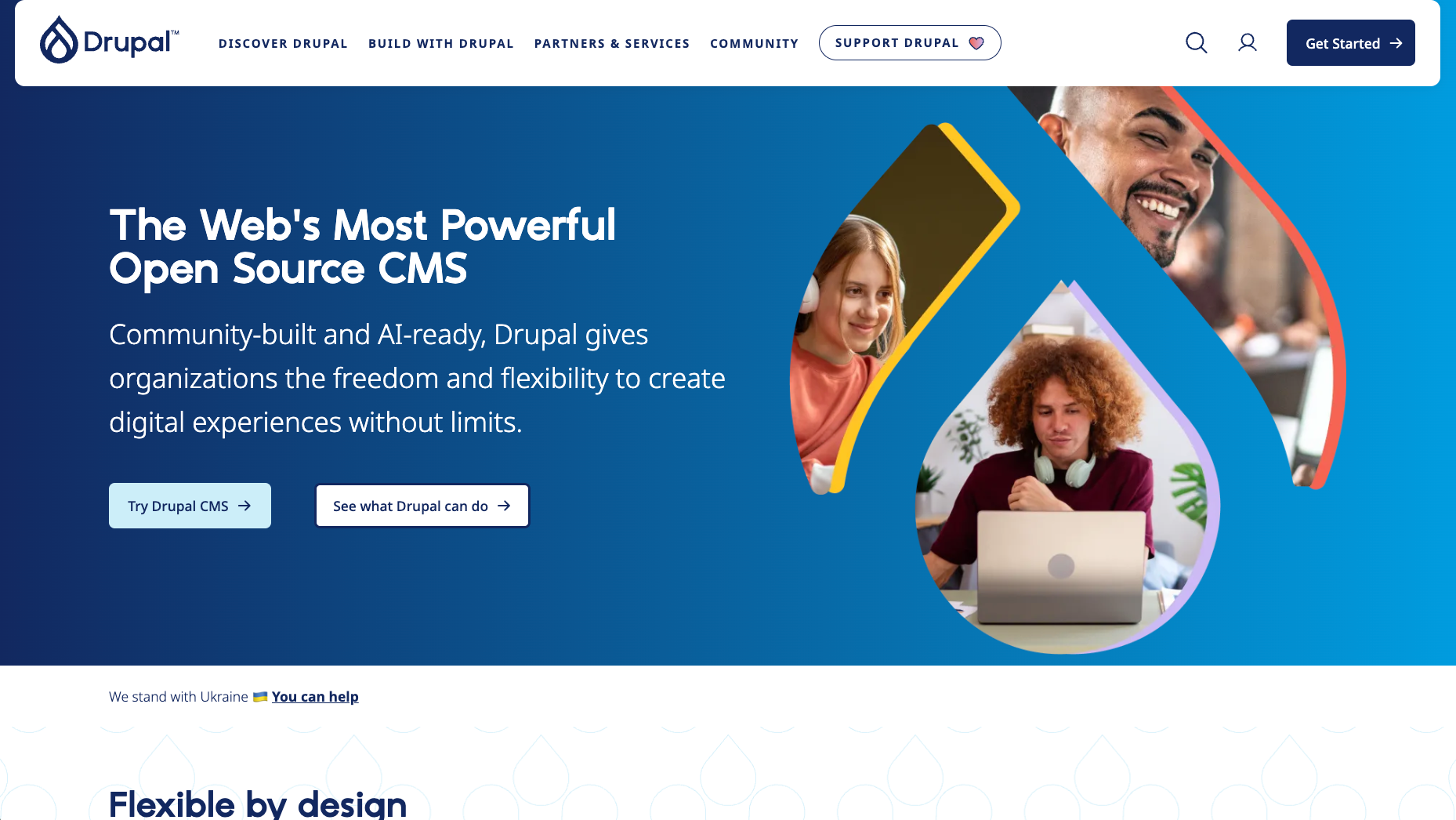
Drupal is another open-source option for content management, one built for complex, large-scale websites that demand deep structure and control. For freelancers, Drupal supports projects with strict requirements around security and scalability, or that need structured content delivery across multiple teams and systems.
Ease of use: Drupal has a steep learning curve compared to most other CMSs, and it can be intimidating for those without deep technical knowledge.
Flexibility: This is where Drupal stands out, letting you define custom content types, taxonomies, and field relationships from the ground up.
Scalability: Drupal's learning curve and hefty initial investment time make it a poor fit for most small-scale projects. But it scales well for high-traffic, content-heavy sites, and it handles complex architecture at scale.
Maintenance: As an open-source CMS, users are responsible for hosting and all maintenance tasks.
Best for: Drupal is best suited to large enterprise websites, particularly when clients need layered permissions and workflows.

Migrate your site to Webflow
Unlock your site's potential with Webflow. Migrate to a visual web platform, powerful hosting, and unmatched performance.
6. Joomla
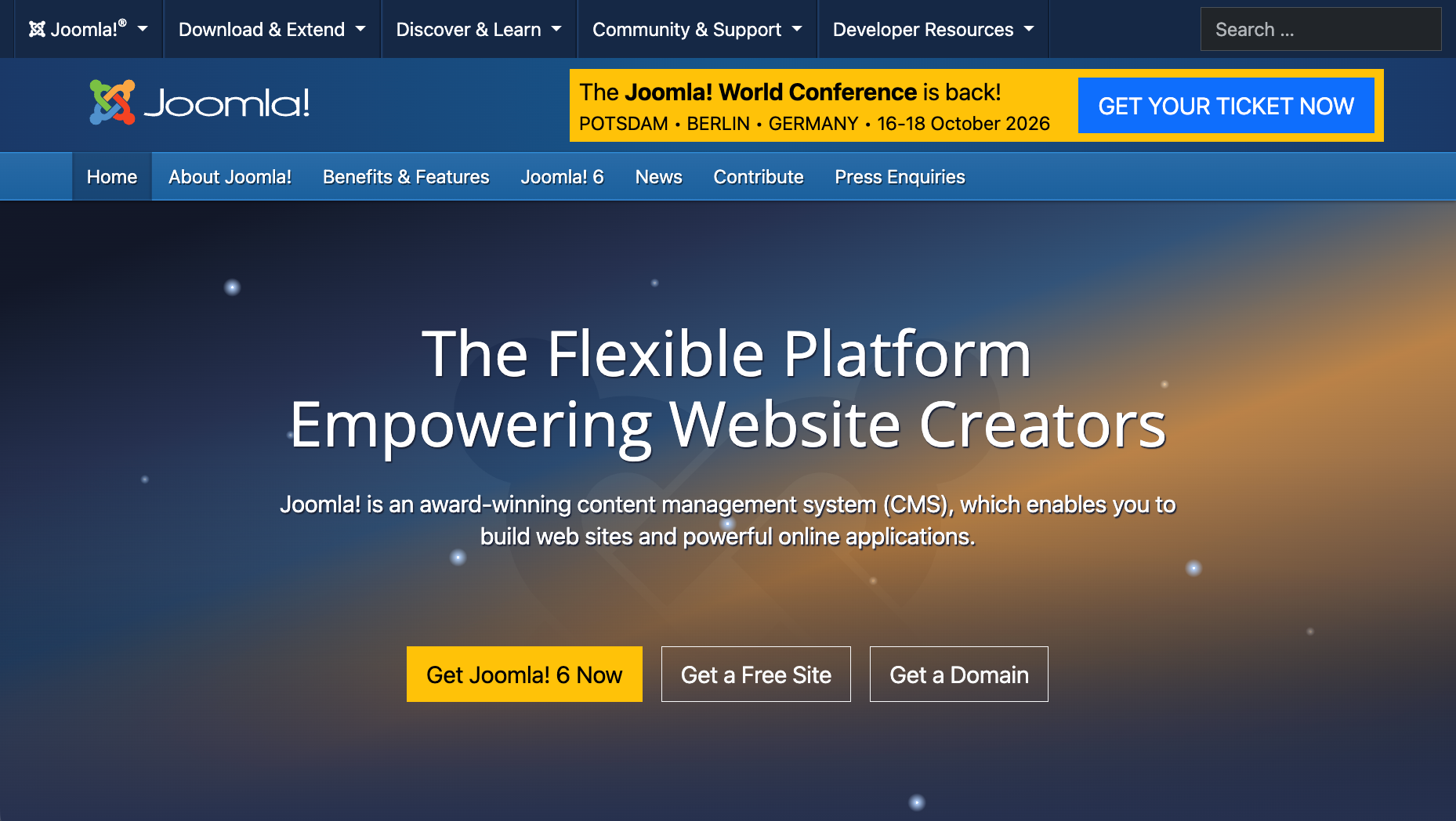
Joomla is an open-source platform that sits between WordPress and Drupal in terms of complexity and flexibility. This CMS offers a decent amount of built-in functionality, along with a shallower learning curve than other self-hosted options.
Ease of use: Joomla occupies a middle ground — it requires more knowledge and time investment than a website builder like Wix or Squarespace, but has a smoother onboarding experience than a full CMS like WordPress or Drupal.
Flexibility: Joomla offers a template-based system with solid design flexibility, and its extensions provide streamlined customization options.
Scalability: While relatively scalable, Joomla functions best for moderately-sized projects. It can be overly complex for small sites and struggle to keep up with large enterprise experiences.
Maintenance: Joomla is a self-hosted, open-source CMS, so you're responsible for security and performance optimization.
Best for: Joomla is a good choice for freelancers who work with small- to mid-sized businesses that need modestly complex functionality, like multiple content types or membership features.
7. Ghost
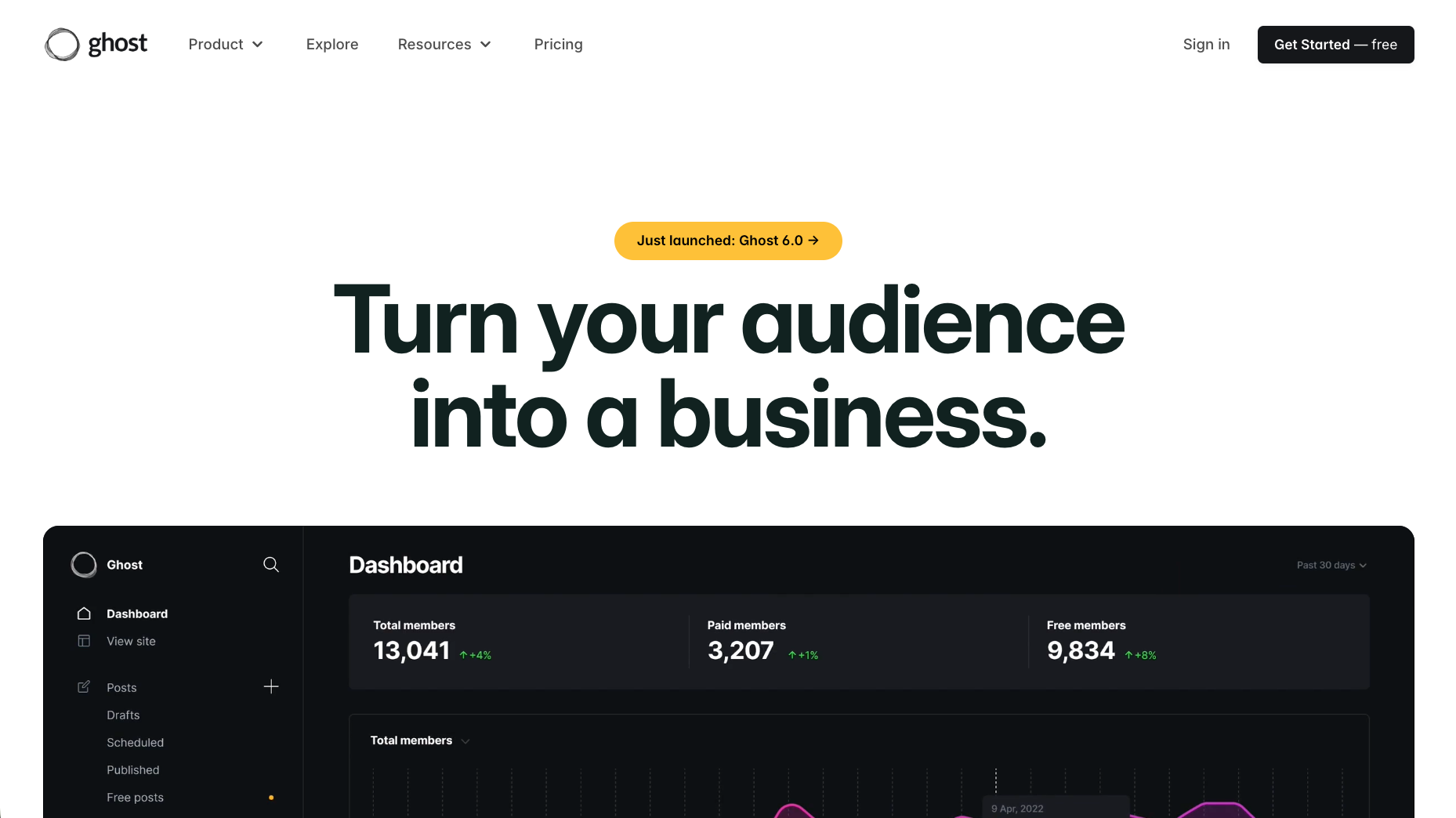
Ghost is designed for publishing, so it focuses on speed and clean writing workflows. This platform's tight list of features includes tools for publishing, memberships, and email distribution, making it a solid option for freelancers who build blogs or media hubs.
Ease of use: Ghost's editor is minimal and distraction-free, which allows clients to create and publish content without navigating complex settings. The design experience is similarly streamlined.
Flexibility: Within its publishing niche, Ghost lets you build highly tailored websites with complex functionality. Outside of that niche, this CMS is less flexible than alternatives.
Scalability: As a headless CMS, Ghost offers a lot of scalability for developers and designers who want to build full tech stacks around it. You can even integrate it with Webflow.
Maintenance: By default, Ghost leaves all hosting and maintenance responsibilities up to you or your client. Alternatively, the developers offer a separate managed hosting service.
Best for: Ghost is meant for freelancers building high-traffic blogs and media hubs, where speed and a seamless reading experience are paramount.
Build your next site with Webflow
The best CMS will provide all the tools you need to design a unique, branded website and make upkeep easy for the client. It's also important to think long term — every CMS takes time to learn, and you don't want to start from scratch for each new project. Instead, you need a platform that can support many types of sites and works well at every scale.
Webflow's visual design canvas is broad enough to adapt to any website or digital experience your clients need. You can create unique page structures, then add styling and functionality through pre-built templates, a visual editor, custom coding, and third-party apps. Plus, you get managed hosting and many key maintenance tasks bundled in.
Get started with Webflow to design without compromise.
Build with Webflow
Break free from the constraints of traditional platforms. Migrate your site to visual-first platform that combines design flexibility with powerful CMS capabilities.


















