










AI-powered web design tools, when paired with human instinct and review, help you create engaging digital experiences fast.
An AI-powered website builder is a platform that can turn a plain-language prompt into a working website. You tell the AI what you want, and it creates an entire layout with pages and content you can review.
In the recent past, many of these tools worked more like simple website generators. They could produce basic homepages or suggest a few sections, but you still had to do most of the design work. Now, creating a website with AI can mean generating complete multi-page experiences that store data and support user accounts.
In this guide, we’ll look at seven of the best AI website builders for 2026 to see how each helps you design a functional, engaging site.
How to choose the right AI website builder
Pay attention to these key factors as you explore AI website builders.
Speed to launch
Speed to launch is the time and effort required to turn your ideas into a usable website. AI can shorten this process by generating layouts and initial content for you. However, a quick first draft only saves time if it’s close enough to your vision, or you’ll have to rework too much manually. So look for tools that allow highly customized prompts, and find out how much time you’ll need to set up and troubleshoot the generated site before it’s ready to publish.
AI capabilities
Think about which parts of the site-design process you want AI to handle. Some website builders use AI mainly to generate copy or suggest styles, but other platforms add interactive features and help with ongoing tasks after the site goes live. Consider where you’re willing to trust AI to offer ideas and reduce repetitive tasks, but make sure you retain control over important decisions.
Design quality
An AI-designed website can look impressive, but still feel generic because it relies on design patterns and templates used across many sites. Look at how much freedom you’ll have to change layouts, interactions, responsive behavior, and styling. And check for tools that let you match the website to your branding.
Scalability
As your website grows, you may need new content types and integrations to improve the user experience. Moving an established site can be time-consuming, though, so choose an AI-powered tool that’s flexible. Review each platform’s content management system (CMS) features and hosting options, then check out its app store or marketplace.
7 best AI website builders for creators and businesses in 2026
Some AI website builders guide beginners through a quick business-suite setup, while others give you more control and generate working web applications. Let’s take a quick look at seven popular options, then explore each in more detail.
- Webflow
- Wix Harmony
- Lovable
- Hostinger
- 10Web
- Squarespace
- Framer AI
1. Webflow
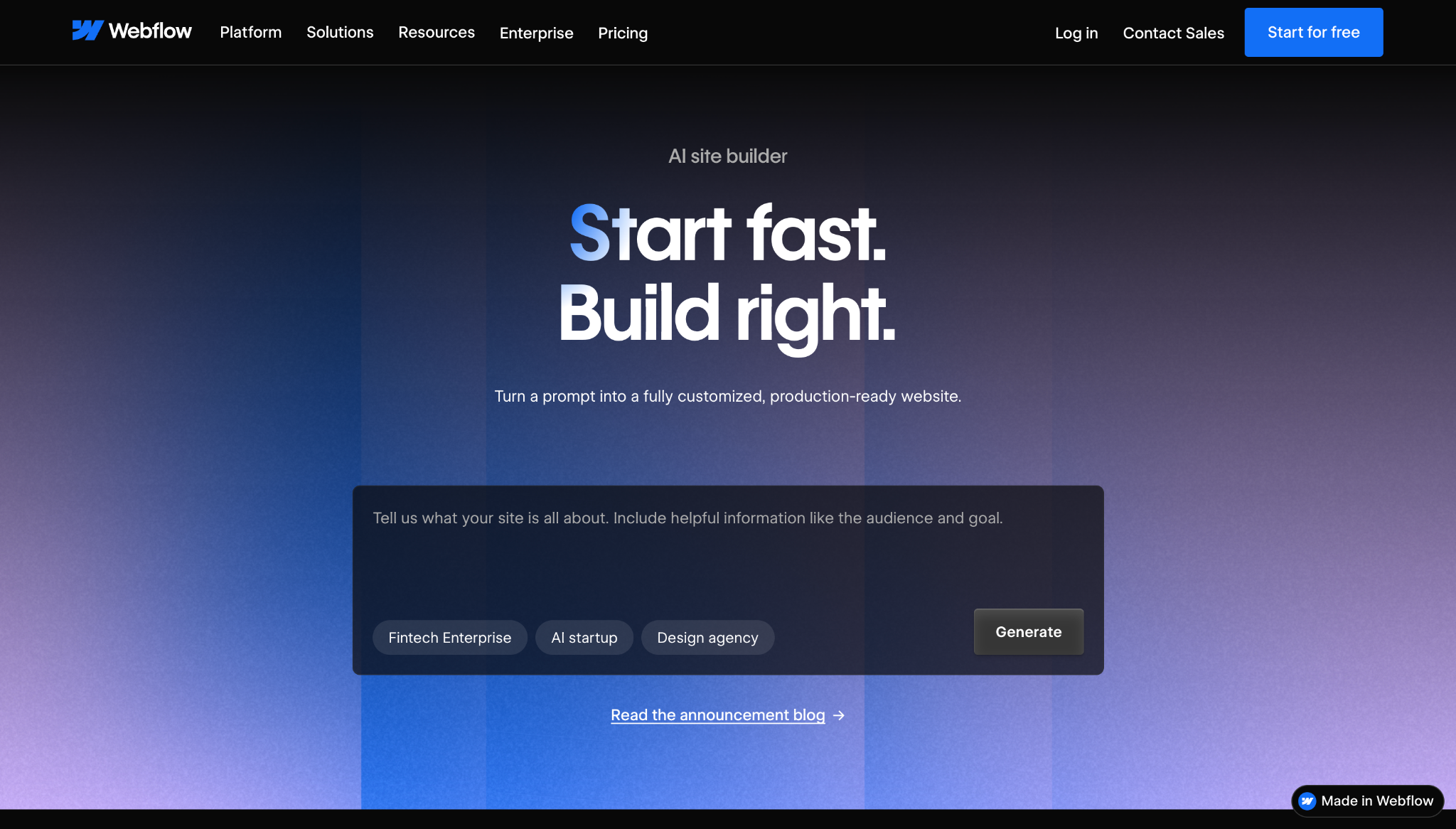
Webflow’s reusable design system helps you quickly expand AI-generated sites. In addition to five initial pages, our AI builder creates a site-wide theme and a style guide, which controls shared elements like typography, spacing, buttons, and animations. For example, if you change a theme color setting, the entire website will update accordingly.
AI-generated Webflow sites also use the Flowkit CSS framework, which provides reusable classes and design tokens within a visual interface. That means you can interact on the initial site with Webflow’s full suite of design tools, and add structured content through its CMS.
2. Wix Harmony
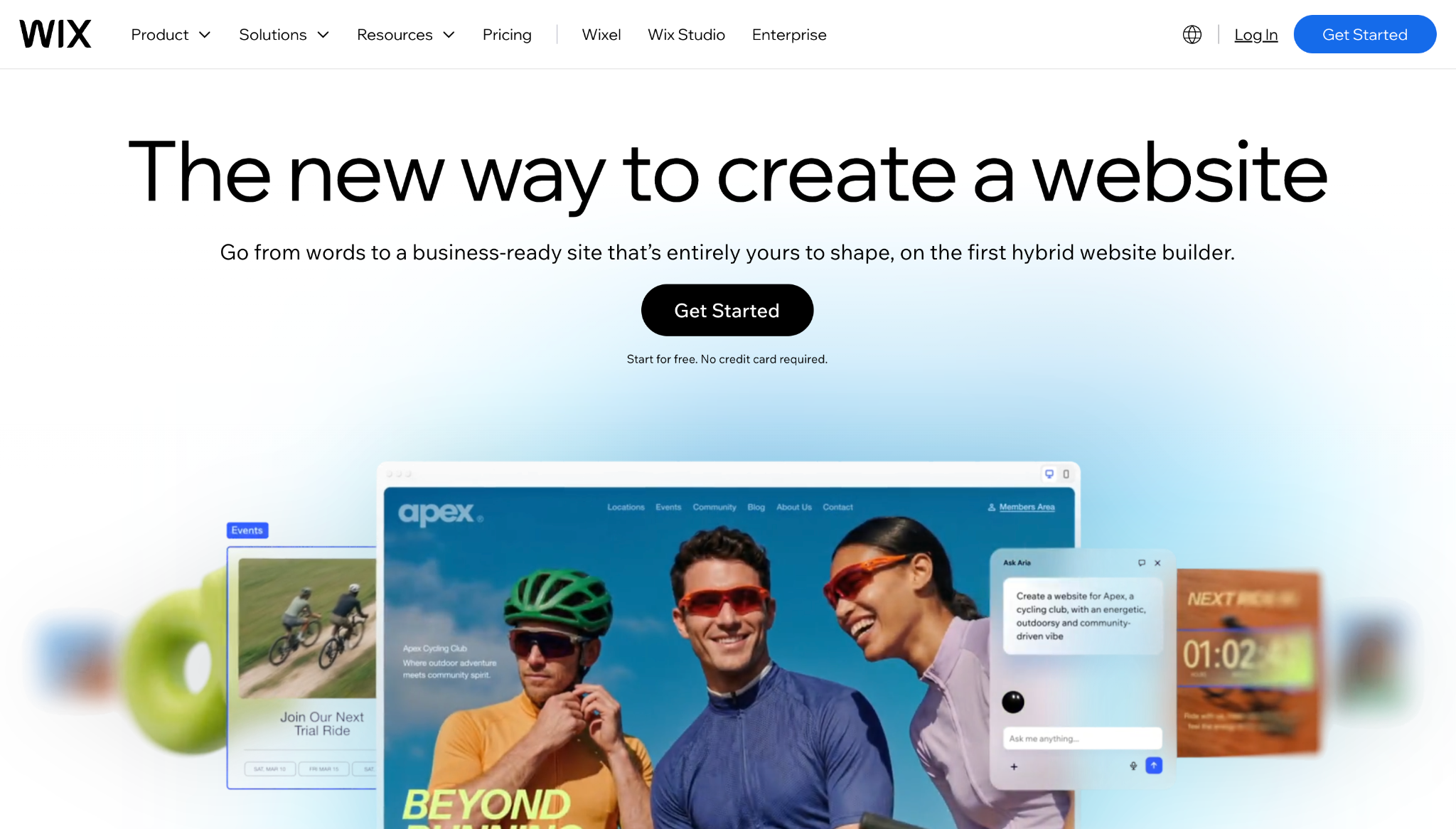
Aria, Wix Harmony’s built-in AI agent, is available throughout the website design process. You can ask it to generate a page, section, or image, then take over to edit with Wix’s drag-and-drop controls. This tool requires more time than a standard generator that delivers a complete draft, but it’s also highly flexible.
Keep in mind that Harmony is still a developing technology, separate from the main Wix website builder. That means it doesn’t yet support every Wix app or element.
3. Lovable
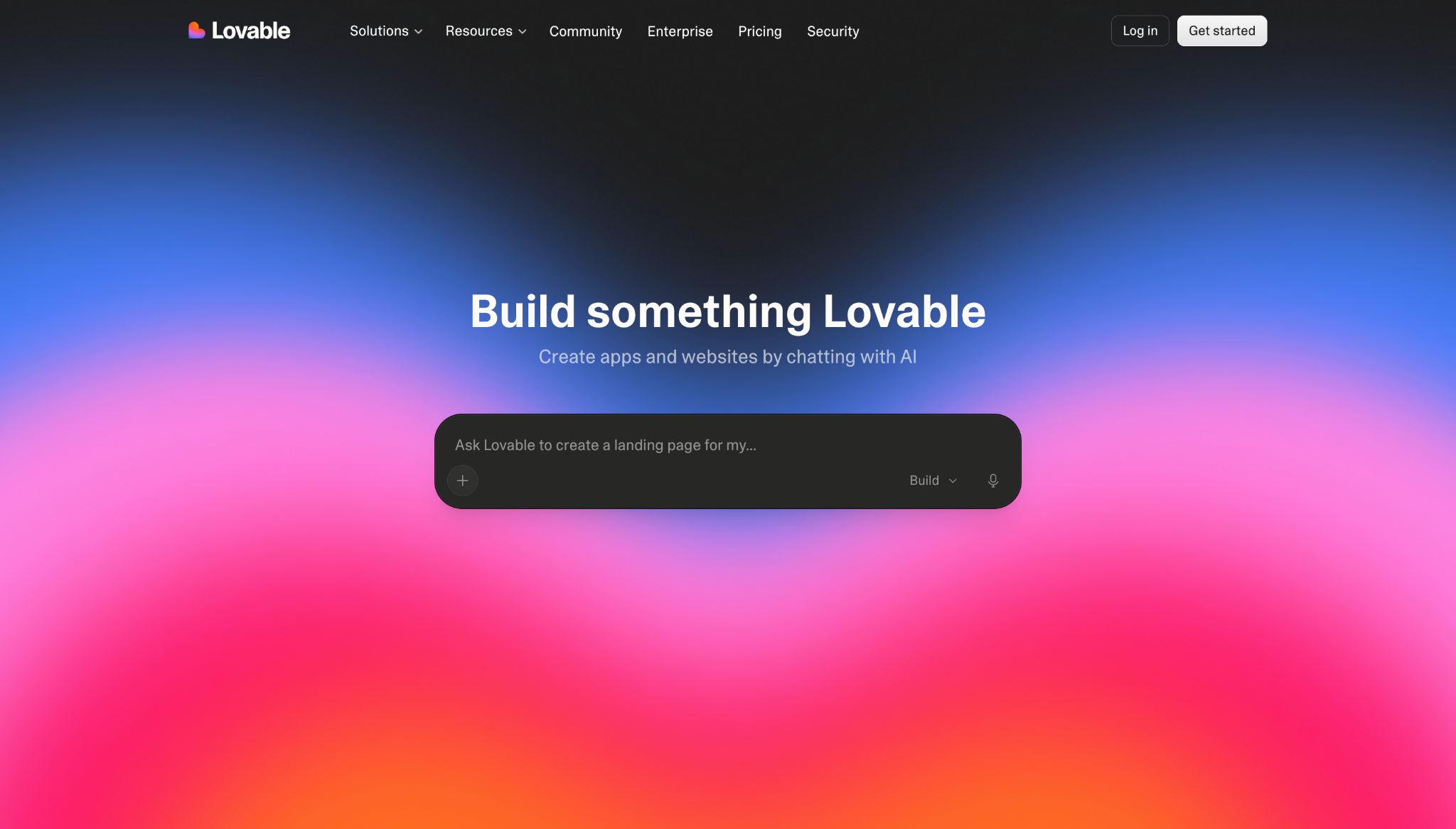
Lovable generates the infrastructure behind a web application, in addition to its visible pages. Enter a natural-language description, and the AI will create the front end of a site along with a database, integrations, and editable code. Lovable Cloud can also supply storage and server-side functions.
This website builder is useful for internal tools, and for digital products that need to remember or personalize information for each user. The tradeoff is that app functionality introduces more responsibility than a standard website demands.

Business website
Learn how to design, build, and publish a unique and professional website for your business in no time.
4. Hostinger
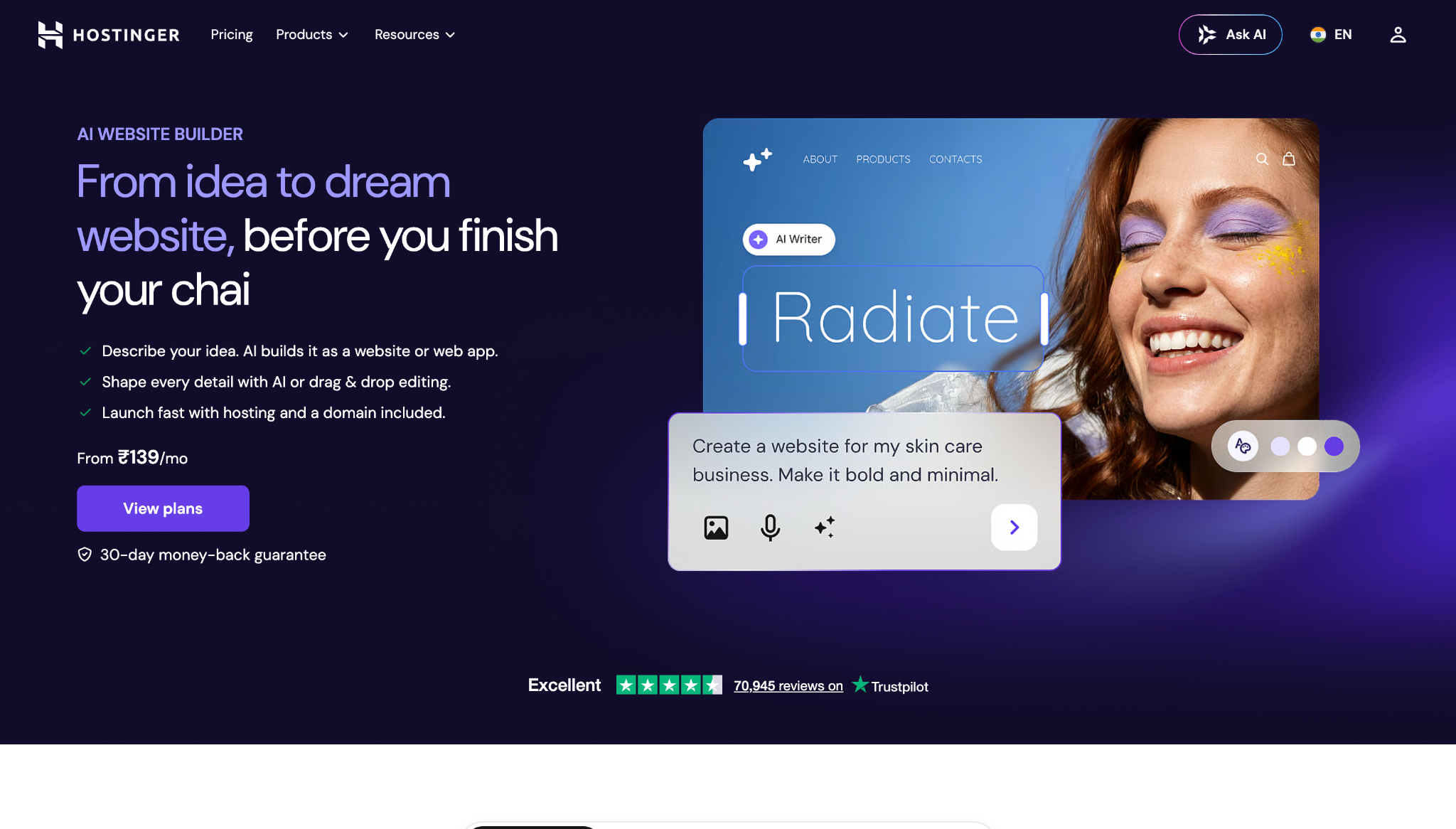
Hostinger includes two AI website-building experiences, starting with a standard tool that generates a site from a description. Then you can customize that draft using visual, drag-and-drop controls.
For more complex projects, you can use Hostinger Horizons — a separate, vibe-coding environment that lets you build and revise websites and applications through conversation with an AI agent. Note that conversational requests consume prompting credits, so frequent AI-led revisions will increase the cost of developing your website.
5. 10Web
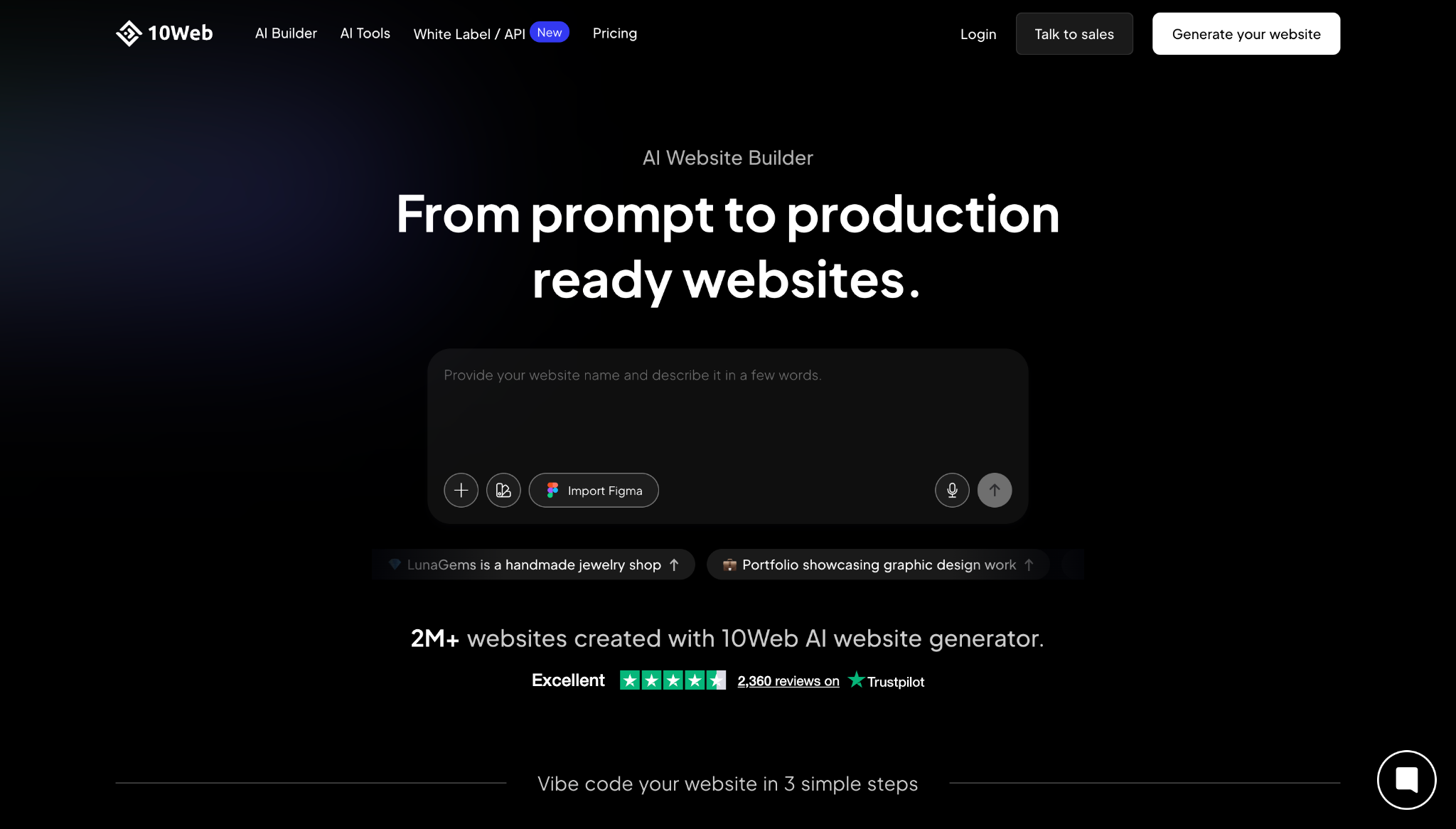
10Web can turn an existing web page into an editable WordPress template. This platform’s AI analyzes your page’s visual styles and recreates its layout using WordPress elements. New pages inherit the resulting global style, so you can move an existing design into WordPress without rebuilding every element manually or contracting a developer.
You can also generate a new WordPress or WooCommerce site and edit it through 10Web’s Elementor-based builder and AI copilot. However, AI-generated pages rely on widgets made specifically for 10Web Builder, so they may not function properly if you try to edit directly with Elementor.
6. Squarespace
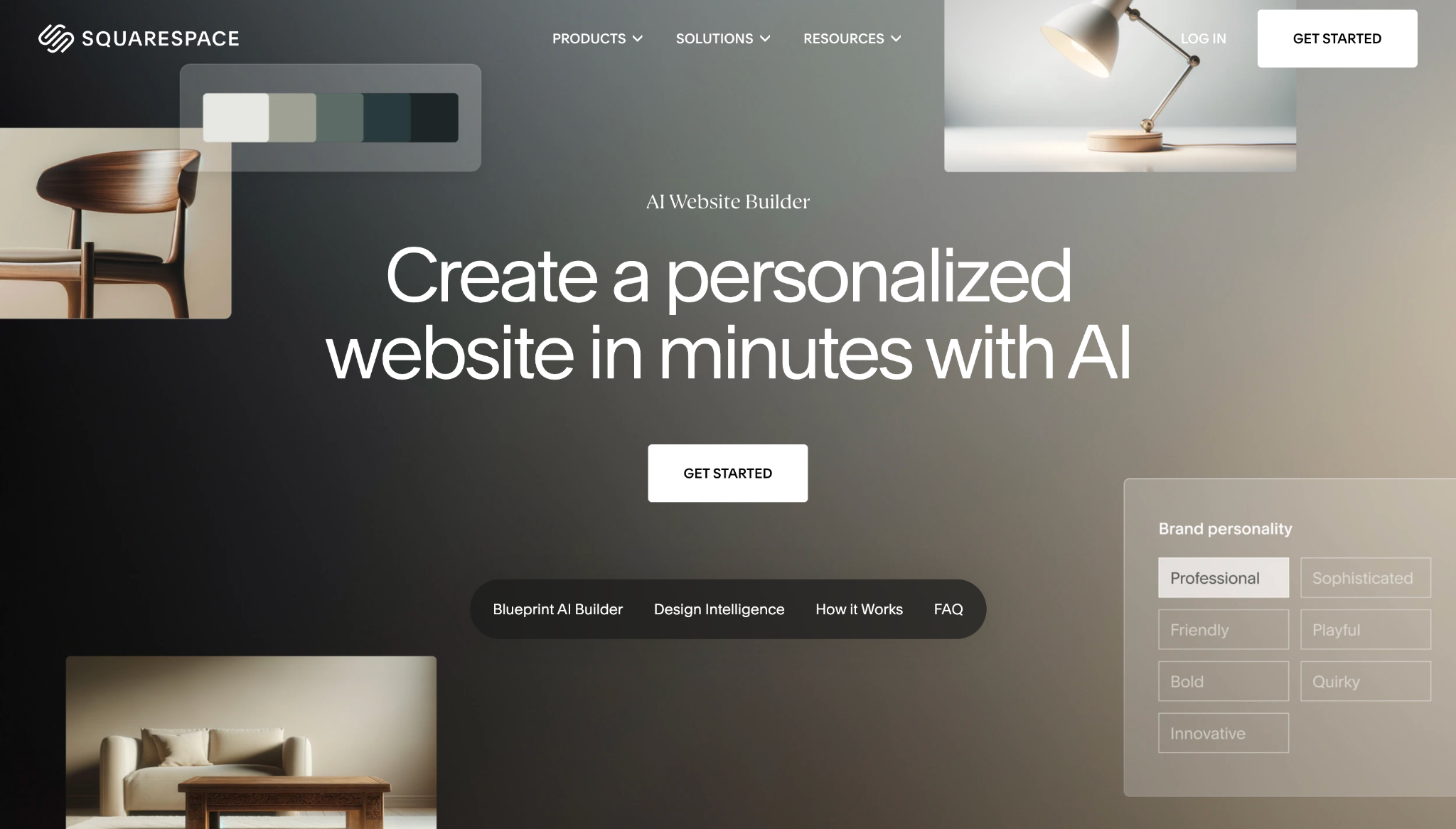
Instead of relying on an open-ended prompt, Squarespace’s Blueprint AI asks about your business goals and brand personality. After analyzing your answers, this tool recommends multiple on-page elements that work together, including:
- Site structure
- Color palette
- Font pairings
- Copy and messaging
- Imagery
A live preview shows you how the AI’s choices and generated content will affect the website before it finalizes the design. This approach can be helpful when you haven’t yet developed your company’s visual identity.
7. Framer AI
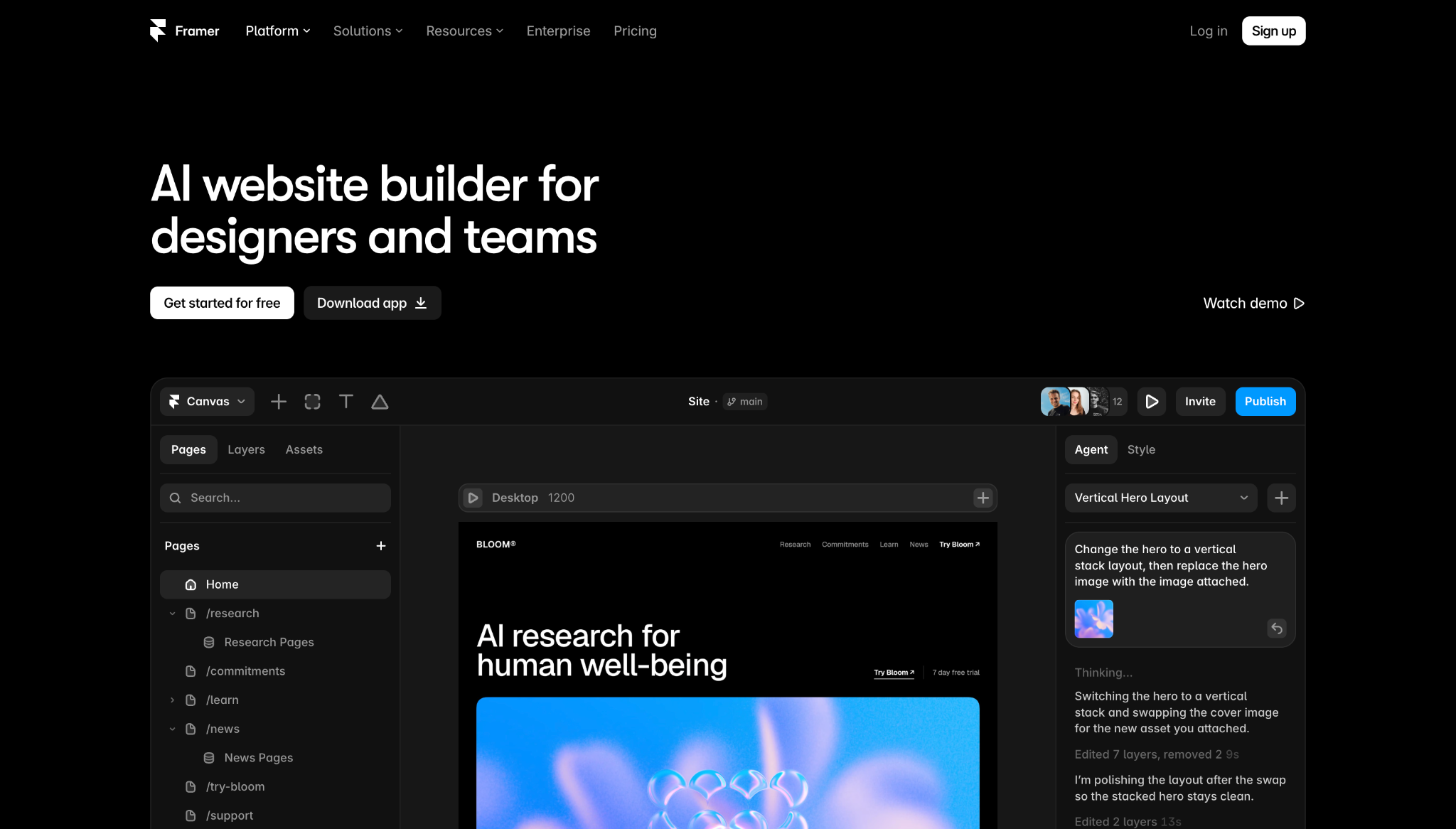
Framer AI’s agents work directly with editable layers inside the platform’s visual canvas. They can generate or revise pages, sections, and AI copy within an existing project. Then you can continue the conversation or take over manually, without having to convert the output into another format.
Every AI-generated element remains available for detailed changes to its layout, which means you can alter its breakpoints and responsive behaviors. The short loop between prompting and visual edits makes Framer a solid option for landing pages and marketing sites.
Build, manage, and scale your AI-powered site in one place with Webflow
To choose the right artificial intelligence tools for website creation, you need to consider how you’ll build the site now and how you’ll operate it post-launch. A fast first draft saves time, but a system that lets you make changes without creating approval bottlenecks delivers more value over the long term.
Webflow brings AI-powered assistance into the same environment where you manage content, review updates, and scale your website. With Webflow’s composable CMS, you can turn recurring content into defined structures, while custom permissions and staging environments keep in-progress changes secure.
Create and manage your website with Webflow’s AI tools.

Rewriting the web
A conversation with leaders from PwC, Vectra, Graphite, and Designit on AI and the future of the web


















